
🧾 POS Frontend System
⚡ Fast • Simple • Scalable Retail POS + Inventory Management
A modern Point of Sale (POS) + Inventory system built for real-world retail operations.
Designed for speed at checkout, accurate stock tracking, and multi-store scalability.
🚀 Live Demo
👉 Try it here: Demo
🔑 Login: admin / admin and user / user
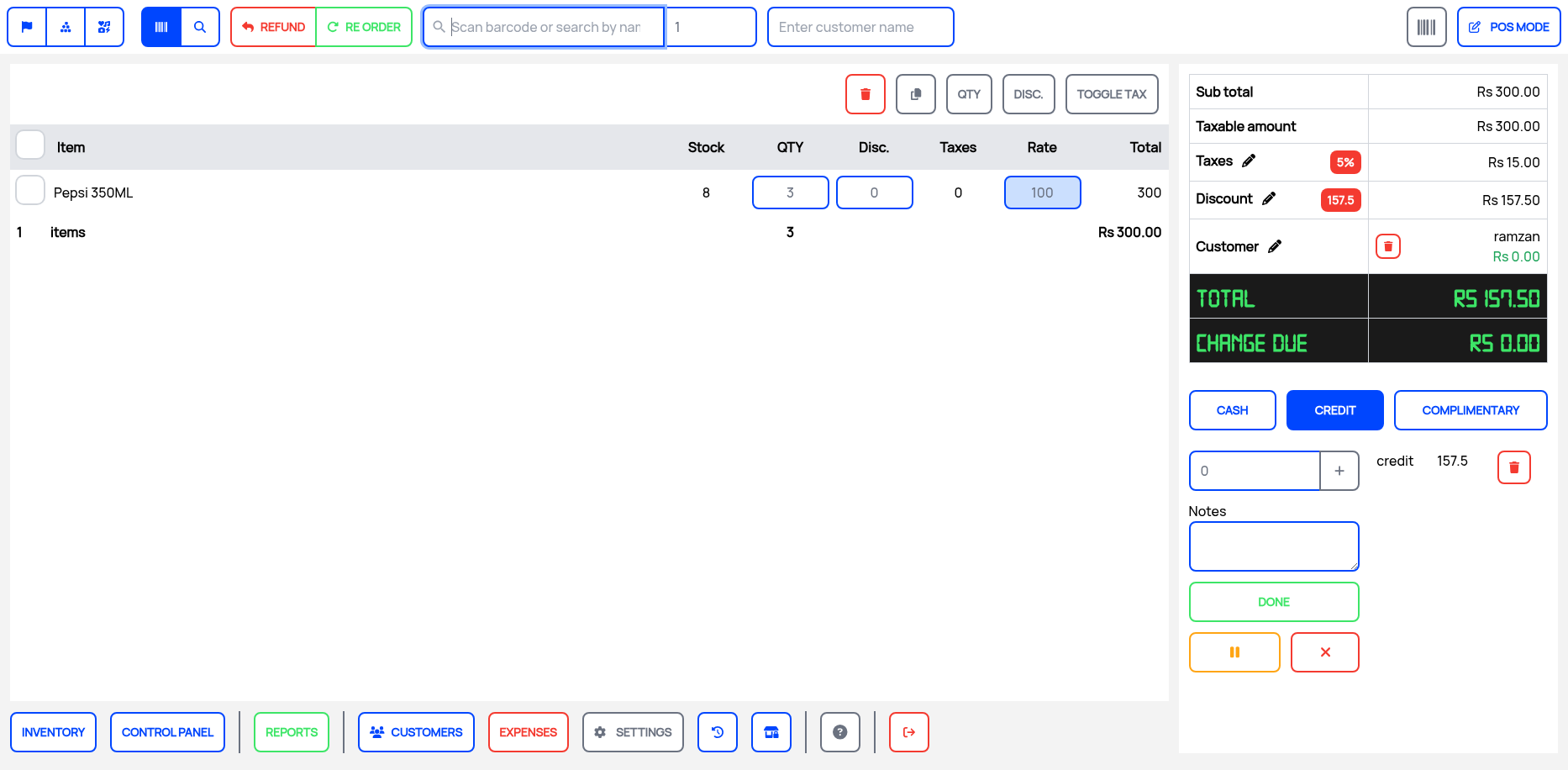
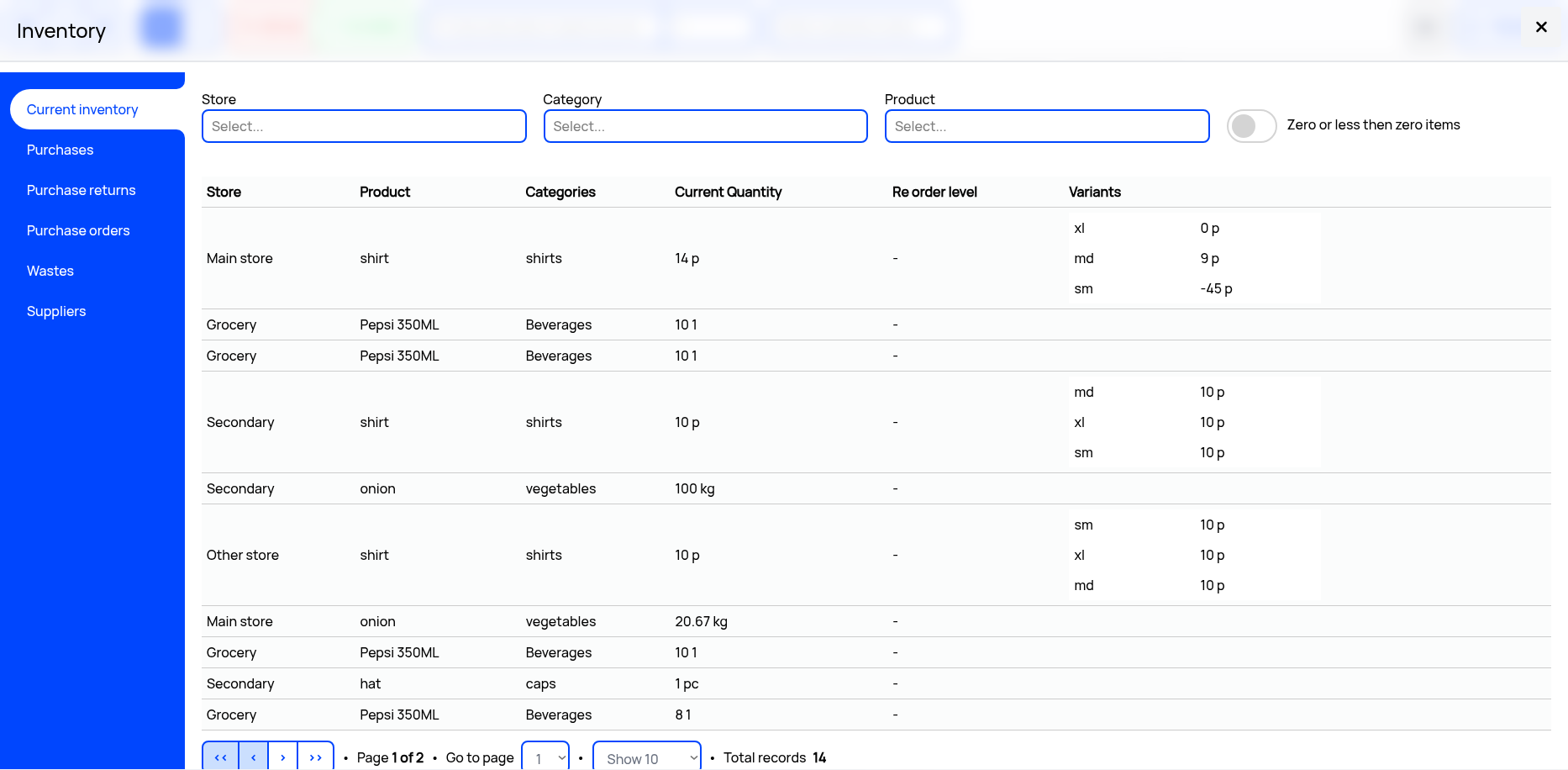
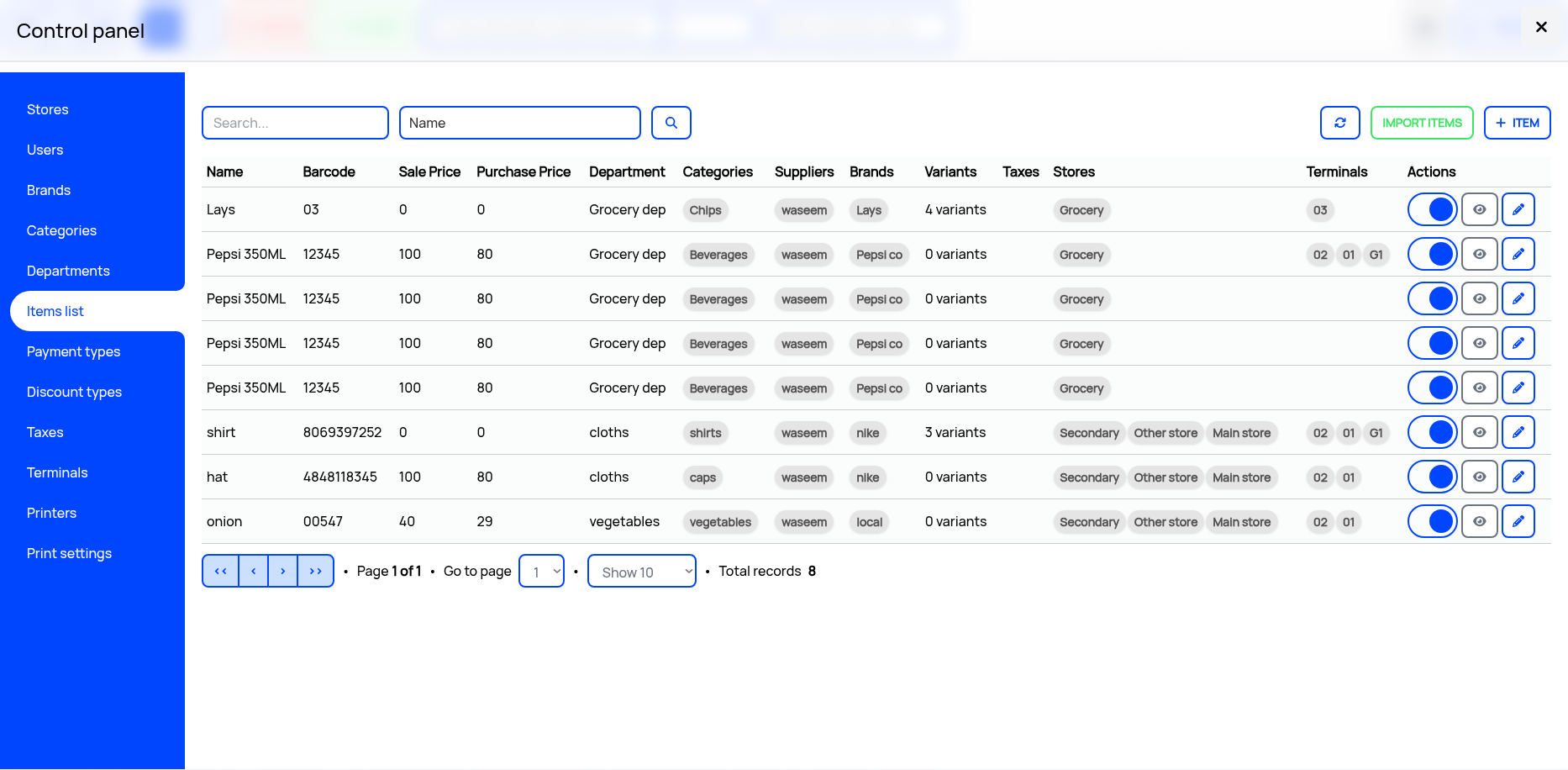
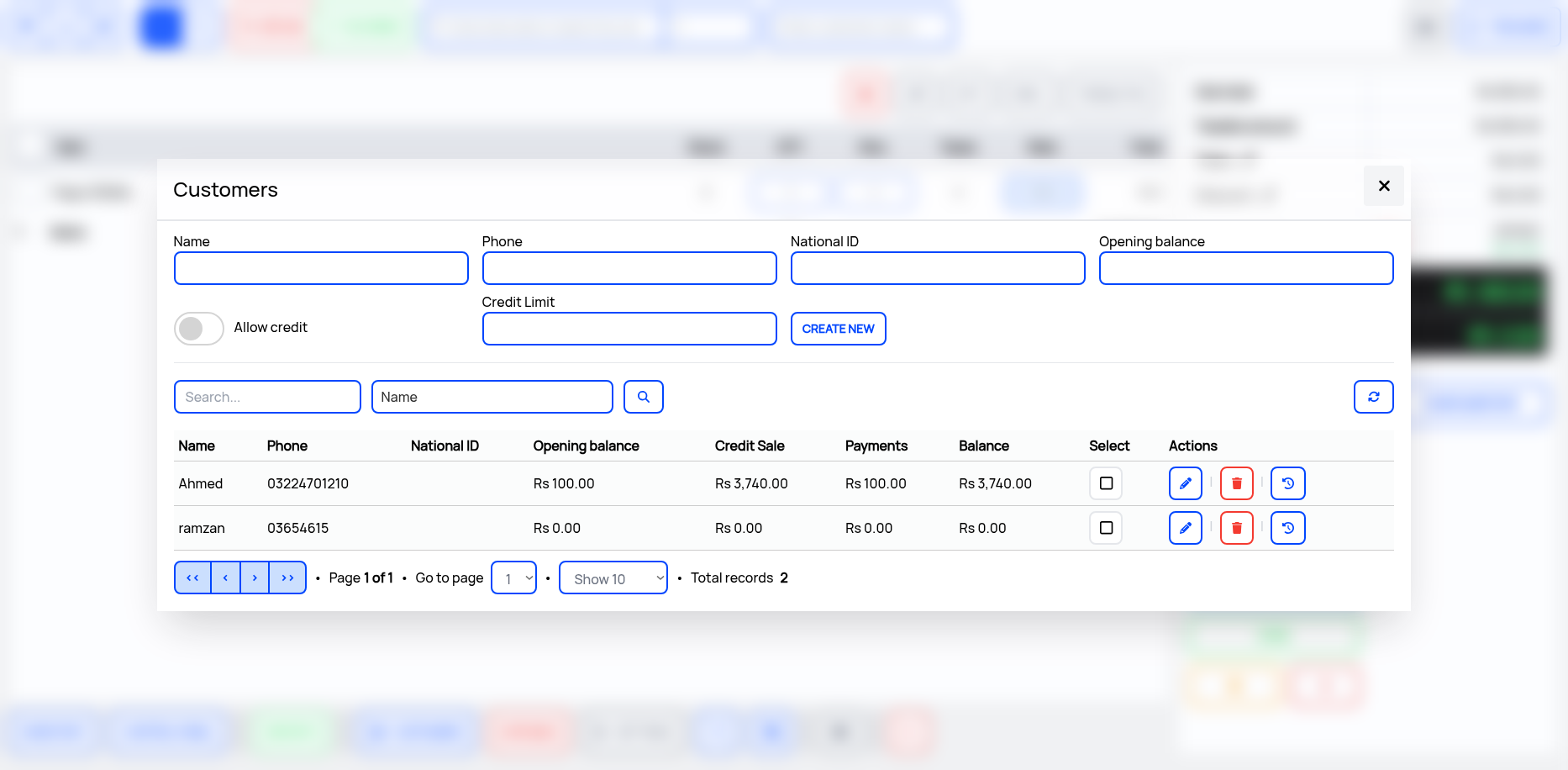
📷 Screenshots
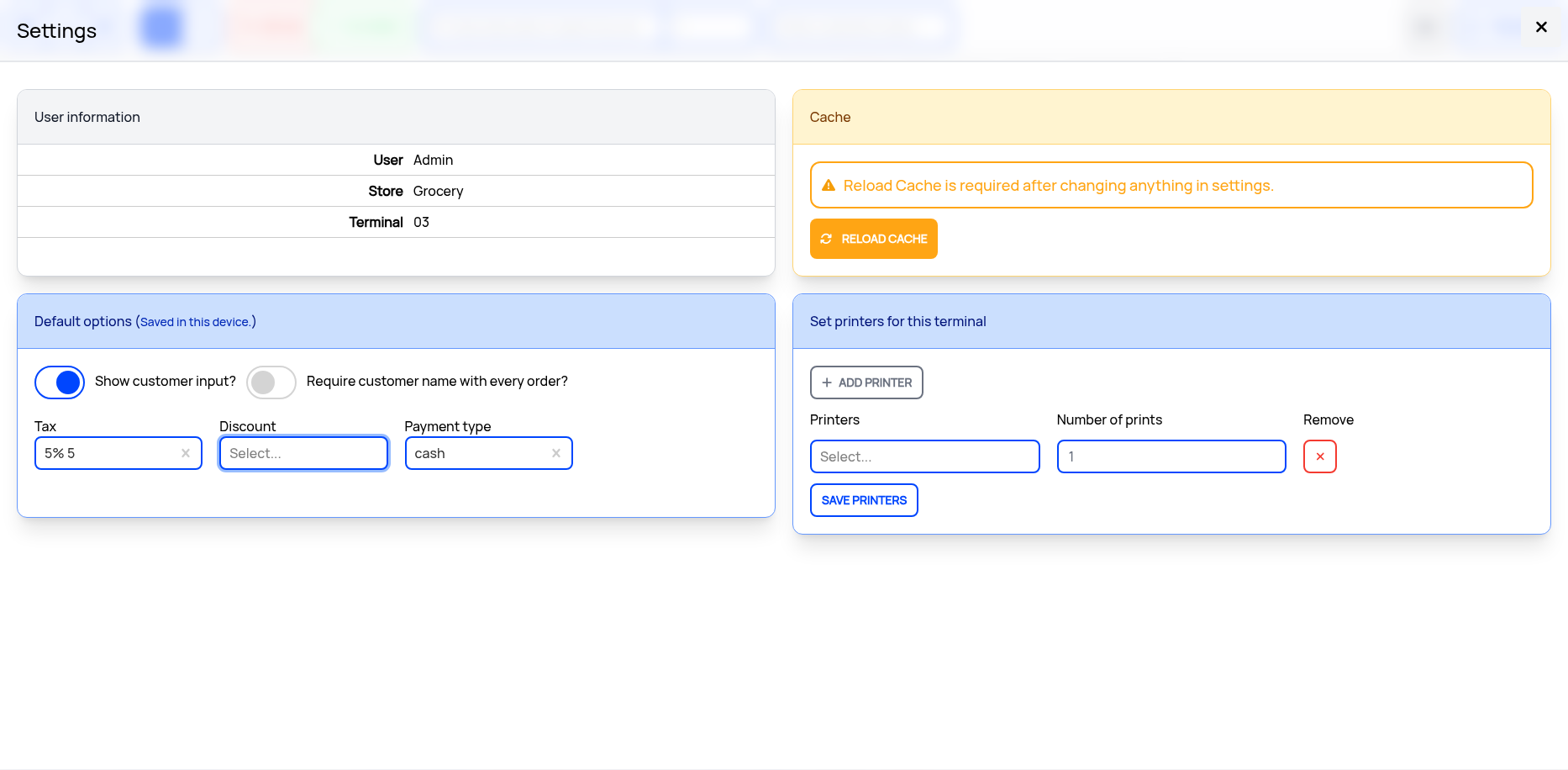
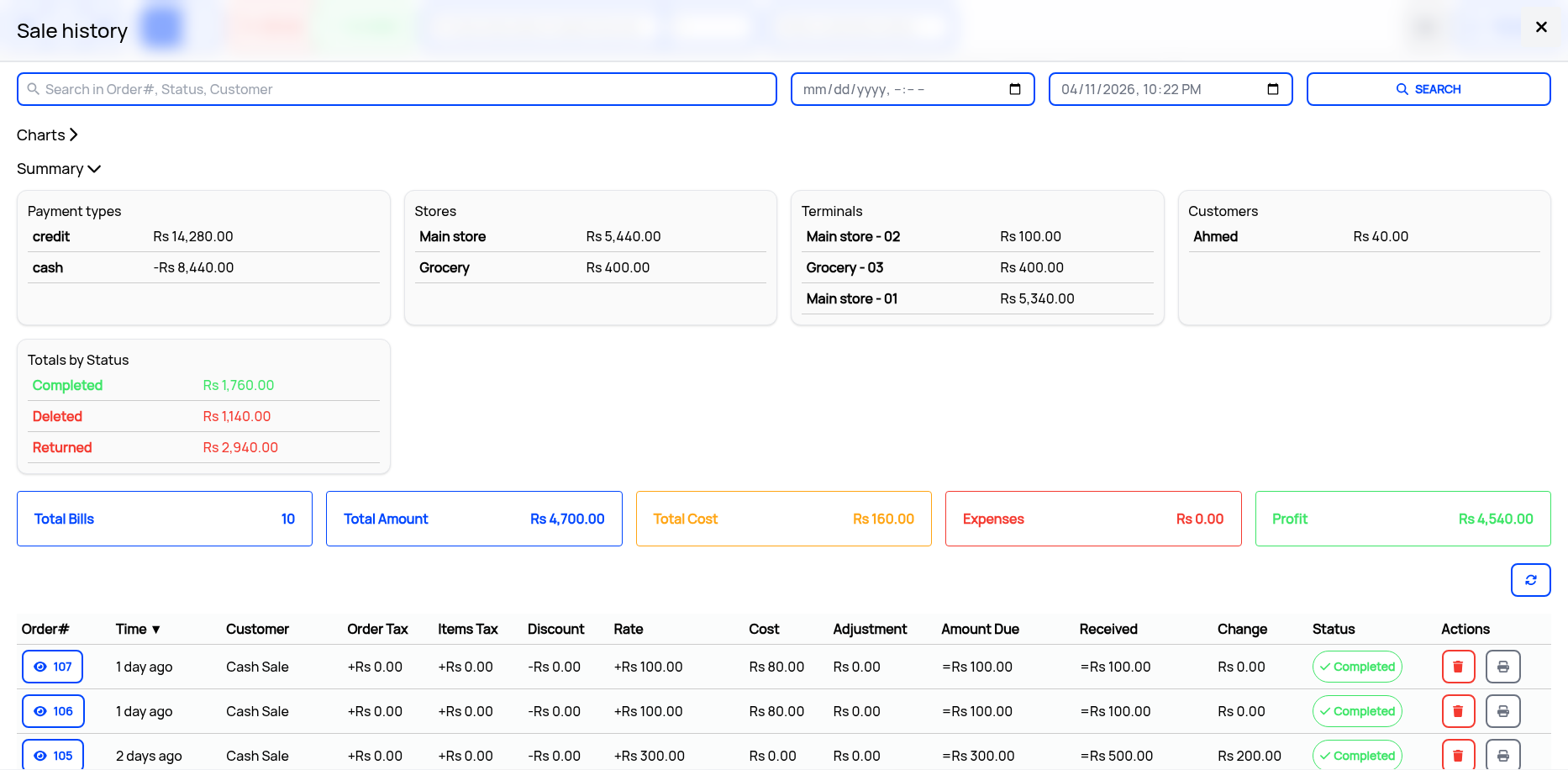
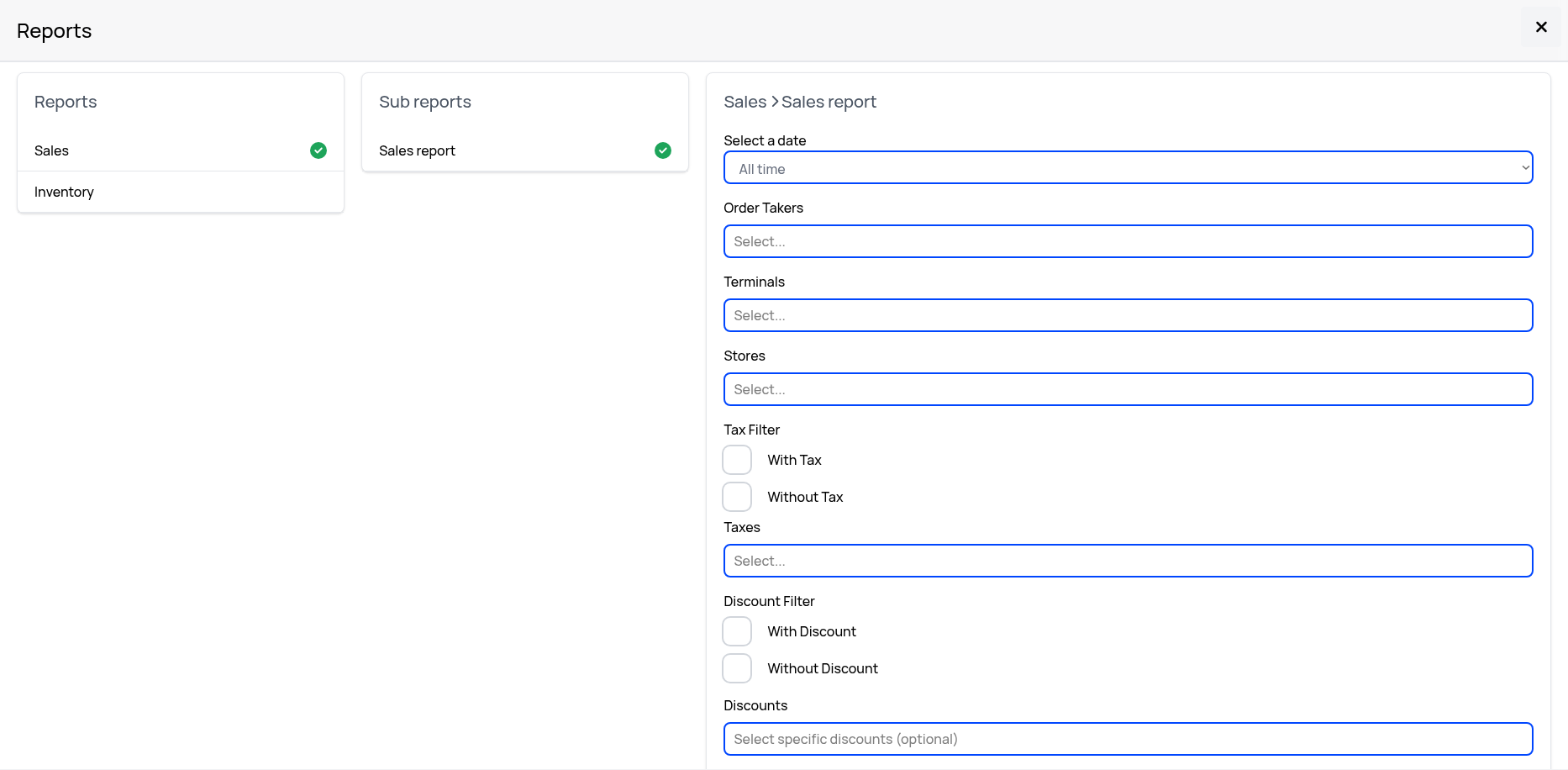
💥 Why This Project?
Most POS systems are either:
- ❌ Too complex for small businesses
- ❌ Too slow for real checkout environments
- ❌ Hard to scale across multiple stores
This system is built to be:
- ⚡ Lightning fast at checkout
- 📦 Easy inventory control
- 🏪 Multi-store ready
- 📱 Mobile scanner friendly
- 🧠 Simple enough for daily retail use
- 𝄃𝄂𝄂𝄀𝄁 EAN 13 support
- ✨ Handles variants and their inventory
✨ Core Features
🛒 Point of Sale (POS)
- Barcode-based product search
- Instant cart updates
- Discounts & tax handling
- Order creation & checkout flow
- Receipt-ready structure
📦 Inventory System
- Product CRUD (create / update / delete)
- Real-time stock tracking
- Stock adjustments (in/out)
- Category-based organization
🏪 Multi-Store Support
- Multiple store locations
- Separate inventory per store
- Centralized control dashboard
⚡ Speed-Focused UI
- Optimized React interface
- Keyboard-friendly workflow
- Minimal clicks checkout flow
⚙️ Modes
| Mode | Description |
|---|---|
| 🛒 POS Mode | Full checkout experience |
| 🔄 Order Mode | Just order punching without payment |
| 🔄 Payment Mode | Only allows payment of orders |
| 📷 Quotation Mode | Give quotation without creating order |
📱 Mobile Scanner App (Standalone Mode)
Turn any phone into a POS terminal or inventory scanner
🔹 What it does
- Scan barcodes instantly including EAN 13
- Lookup product details in real time
- Update stock (add/remove)
- Operate without full dashboard
- Works as lightweight POS terminal
🔥 Use Cases
- Retail counter checkout via phone
- Warehouse inventory audits
- Pop-up stores / temporary counters
- Multi-terminal retail setups
⚙️ Modes
| Mode | Description |
|---|---|
| 📷 Scanner Mode | Inventory lookup + stock updates |
| 🛒 POS Mode | Full checkout experience |
| 🔄 Hybrid Mode | Sync with main system dashboard |
🔗 How it works
Barcode Scan ↓ Product Lookup (API) ↓ Stock Update / Cart Add ↓ Sync with POS Dashboard
🏗️ Tech Stack
- ⚛️ React.js (Frontend)
- 🌐 Websocket Realtime Communication
- 🗄️ SurrealDB (Backend managed)
📈 Key Highlights
- Built for real retail workflows
- Designed for speed + simplicity
- Supports multi-device usage
- Works for small shops → scalable systems
⚡ Quick Start with Bun and Docker
git clone https://github.com/ahmedali5530/pos-frontend
cd pos-frontend
bun install
docker compose up -d
🧭 Roadmap
- More features in mobile app
- Offline mode support
- Advanced analytics dashboard
- Role-based access control
- Multi-currency support
🤝 Contribute
Want to improve it?
Fork it 🍴 Create a branch 🌿 Submit PR 🚀 ⭐ Support
If you like this project, consider giving it a ⭐ on GitHub It really helps visibility and growth.