Home
Softono
Posio

Posio

Open source MIT Python
685
Stars
60
Forks
5
Issues
16
Watchers
1 year
Last Commit

About Posio

# Posio A multiplayer geography game built using: - [Django](https://www.djangoproject.com/) ([GeoDjango](https://docs.djangoproject.com/en/5.0/ref/contrib/gis/)) and the [Django Channels](https://channels.readthedocs.io/en/latest/) library - [HTMX](https://htmx.org/) - [Leaflet](https://leafletjs.com/) Visit [https://posio.abrenaut.com/](https://posio.abrenaut.com/) for a live demo. ![Cities game screenshot](screenshot.png) ## Quick start ### With Docker 1. Initialize the database ```sh docker-compose run web manage.py migrate docker-compose run web manage.py createcitiesgame docker-compose run web manage.py createflagsgame ``` 2. Start the application ``` docker-compose up ``` 3. Open the following URL in your web browser: [http://127.0.0.1:8000](http://127.0.0.1:8000) ### Without Docker 1. Follow the [GeoDjango documentation](https://docs.djangoproject.com/en/5.0/ref/contrib/gis/install/) to install the application dependencies in your environment using Spatialite as the Spatial Database 2. Install [Redis](https://redis.io/docs/latest/operate/oss_and_stack/install/install-redis/) 3. Create a virtual environment and install the Python dependencies (tested with Python 3.12) ```sh python3 -m venv .venv source .venv/bin/activate pip install -r requirements.txt ``` 4. Initialize the database ```sh mkdir -p db ./manage.py migrate ./manage.py createcitiesgame ./manage.py createflagsgame ``` 5. Start the application ```sh ./manage.py runserver ``` 6. Open the following URL in your web browser: [http://127.0.0.1:8000](http://127.0.0.1:8000) ## License This project is under [MIT license](LICENSE). ## More screenshots ![Flags game screenshot](screenshot2.png)

Platforms

Web Self-hosted

Languages

Python

Posio

A multiplayer geography game built using:

Visit https://posio.abrenaut.com/ for a live demo.
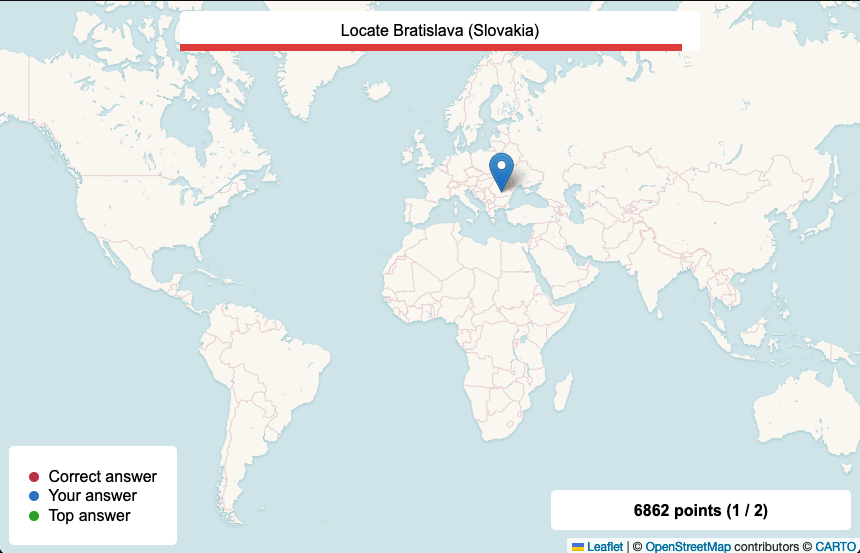
Cities game screenshot

Quick start

With Docker

  1. Initialize the database
docker-compose run web manage.py migrate
docker-compose run web manage.py createcitiesgame
docker-compose run web manage.py createflagsgame
  1. Start the application
docker-compose up
  1. Open the following URL in your web browser: http://127.0.0.1:8000

Without Docker

  1. Follow the GeoDjango documentation to install the application dependencies in your environment using Spatialite as the Spatial Database
  2. Install Redis
  3. Create a virtual environment and install the Python dependencies (tested with Python 3.12)
python3 -m venv .venv
source .venv/bin/activate
pip install -r requirements.txt
  1. Initialize the database
mkdir -p db
./manage.py migrate
./manage.py createcitiesgame
./manage.py createflagsgame
  1. Start the application
./manage.py runserver
  1. Open the following URL in your web browser: http://127.0.0.1:8000

License

This project is under MIT license.

More screenshots
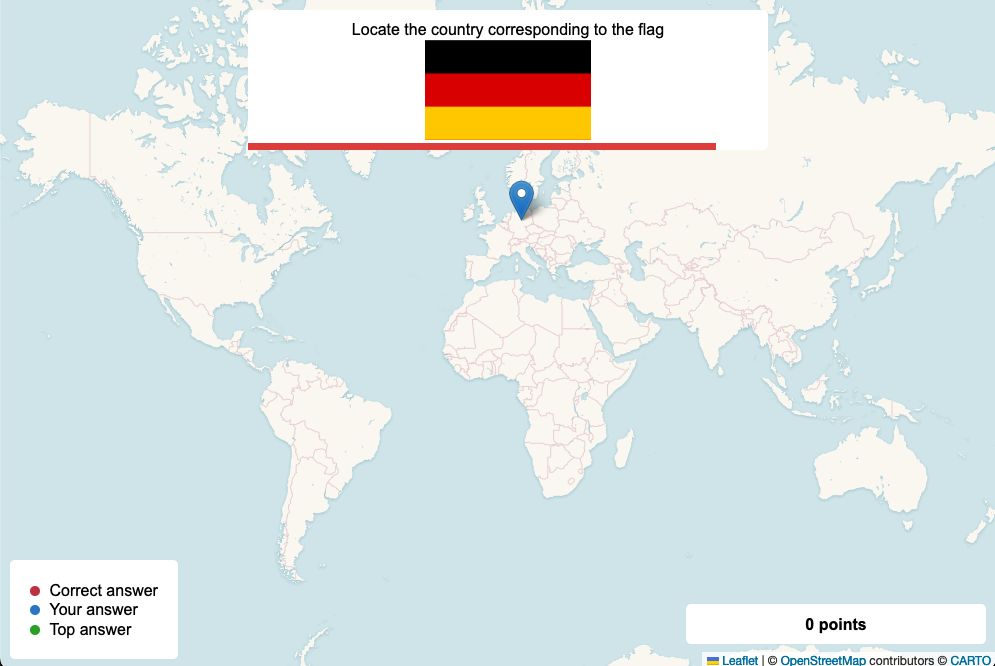
Flags game screenshot