

ProxCenter
www.proxcenter.io · Live Demo · Documentation
Enterprise-grade management platform for Proxmox Virtual Environment




Overview
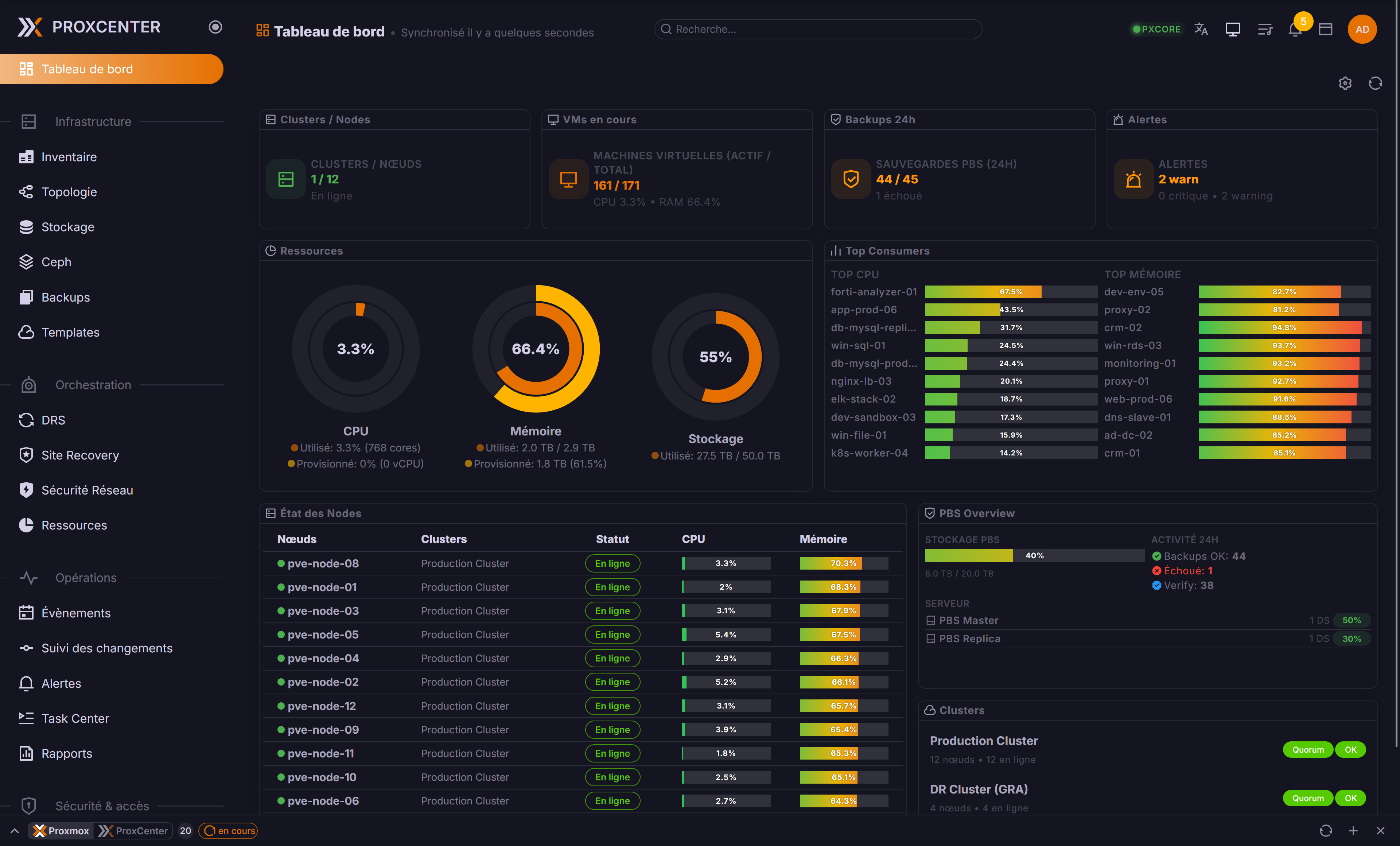
ProxCenter is a modern web interface for monitoring, managing, and optimizing Proxmox VE infrastructure. Multi-cluster management, cross-hypervisor migration, workload balancing, and more — from a single pane of glass.
Quick Start
# Community Edition (Free)
curl -fsSL https://proxcenter.io/install/community | sudo bash

# Enterprise Edition
curl -fsSL https://proxcenter.io/install/enterprise | sudo bash -s -- --token YOUR_TOKEN
Features
See the full feature comparison (Community vs Enterprise)
Architecture

- Single port (3000) — HTTP + WebSocket from one process
- Nginx optional — SSL termination + reverse proxy
- Enterprise adds a Go orchestrator for DRS, alerts, reports, etc.
Configuration
After install, ProxCenter runs at http://your-server:3000.
Files in /opt/proxcenter/:
.env— Environment variablesconfig/orchestrator.yaml— Backend config (Enterprise only)
Reverse proxy: Enable the "Behind reverse proxy" toggle in connection settings to prevent failover from switching to internal node IPs.
cd /opt/proxcenter
docker compose logs -f          # View logs
docker compose pull && docker compose up -d  # Update
docker compose restart          # Restart
Requirements
- Docker & Docker Compose
- Proxmox VE 8.x or 9.x
- Network access to Proxmox API (port 8006)
Security
Automated scanning via CodeQL, Trivy, and Dependabot. Report vulnerabilities to [email protected].
License
- Community: Free for personal and commercial use
- Enterprise: Commercial license
Support
- Community: GitHub Issues
- Enterprise: [email protected]