
PyEditorial
A free, open-source Blog CMS based on the "Django" and "Editorial" HTML5 theme.


Features
- "Blog" section to create and edit a blog + Blog Category
- "Videocast" section to create and edit a videocast + Videocast Category
- "Podcast" section to create and edit a podcast + podcast Category
- "Skill" section to create and edit a skill
- "CONSTANCE" Section to manage dynamic Django settings (Blog title, Social Networks links and ...)
- Displays the list of Blog posts as paged in archive
- Displays the list of Videocast as paged in archive
- Displays the list of podcast as paged in archive
- Used "Django Admin" to manage all models
- Used "Editorial" theme by HTML5 UP
- Used "Sqlite" to create DB
- Used "CKEditor"
- Translation ready
- Auth system (login & logout and forget a password)
- Front-end forms to create new object

- You can buy me a coffee so I can turn it into more open source projects :)
Special Thanks
| Python | Django | Pycharm |
|---|---|---|
 |
 |
 |
Screenshots
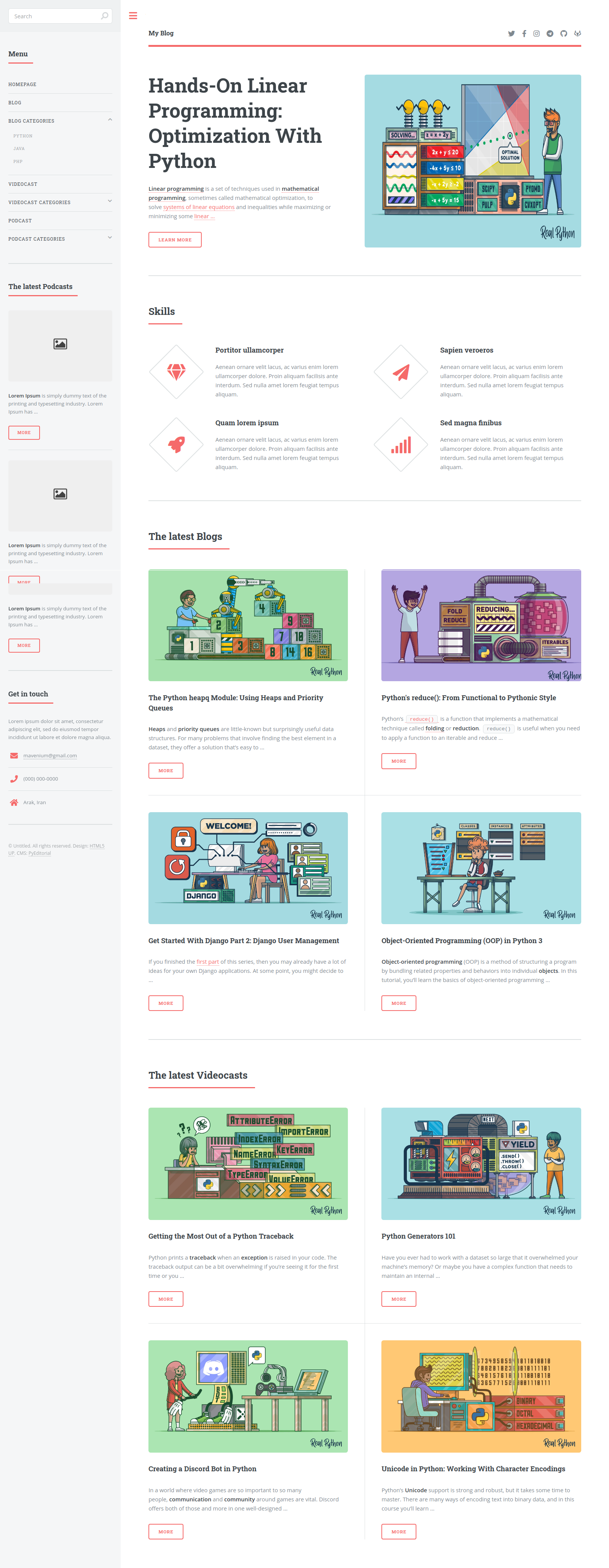
Index Page
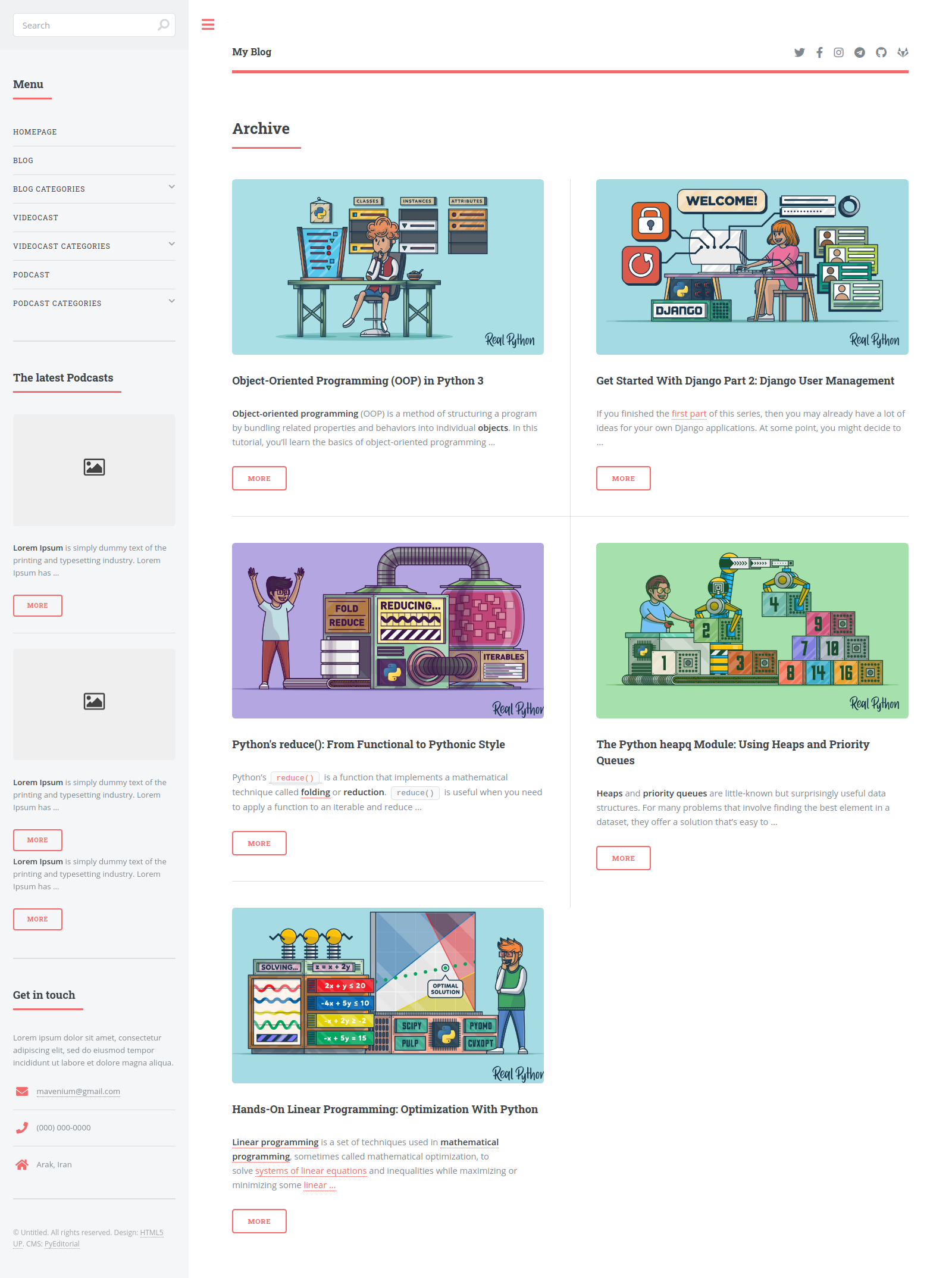
Archive Page
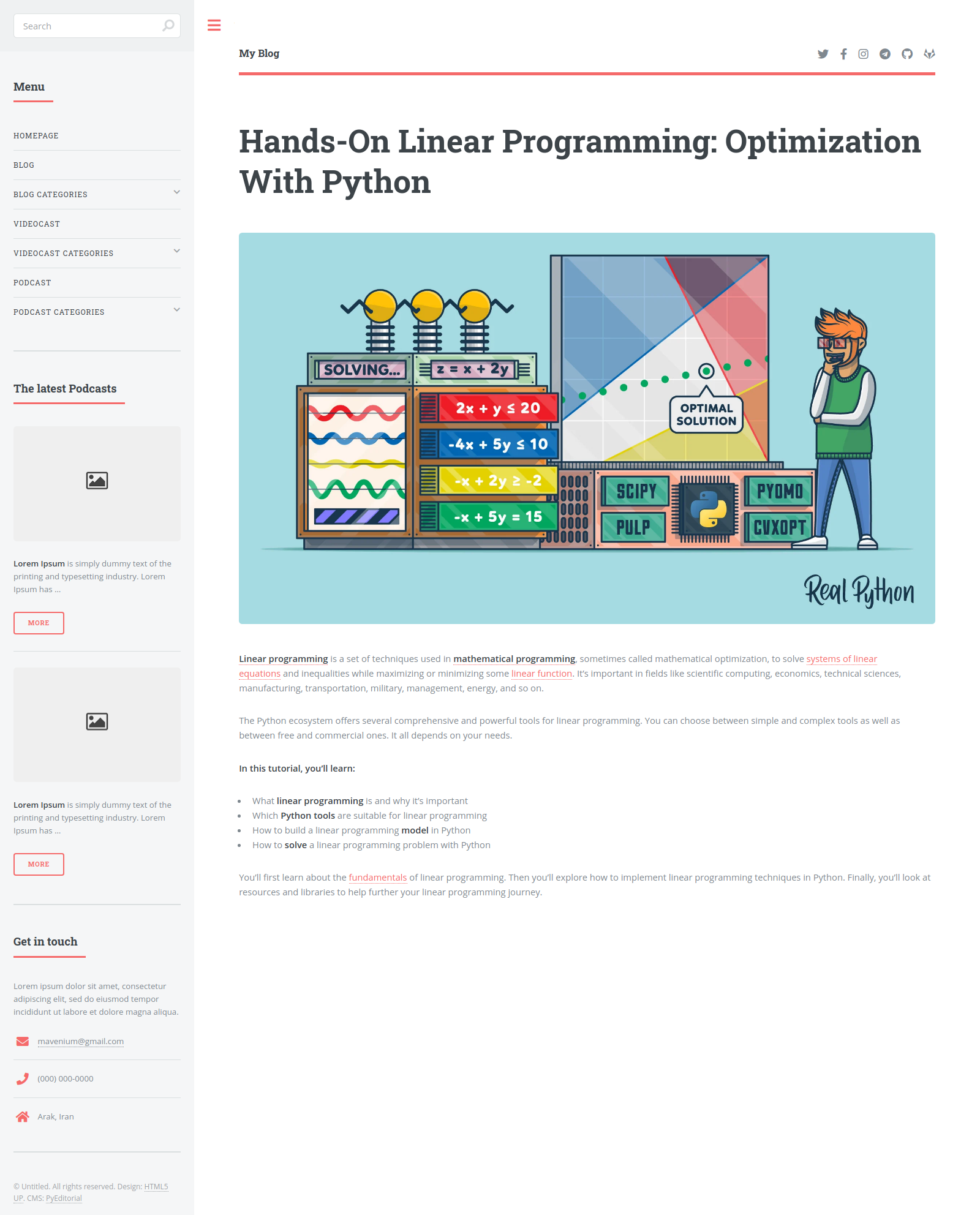
Blog Single Page
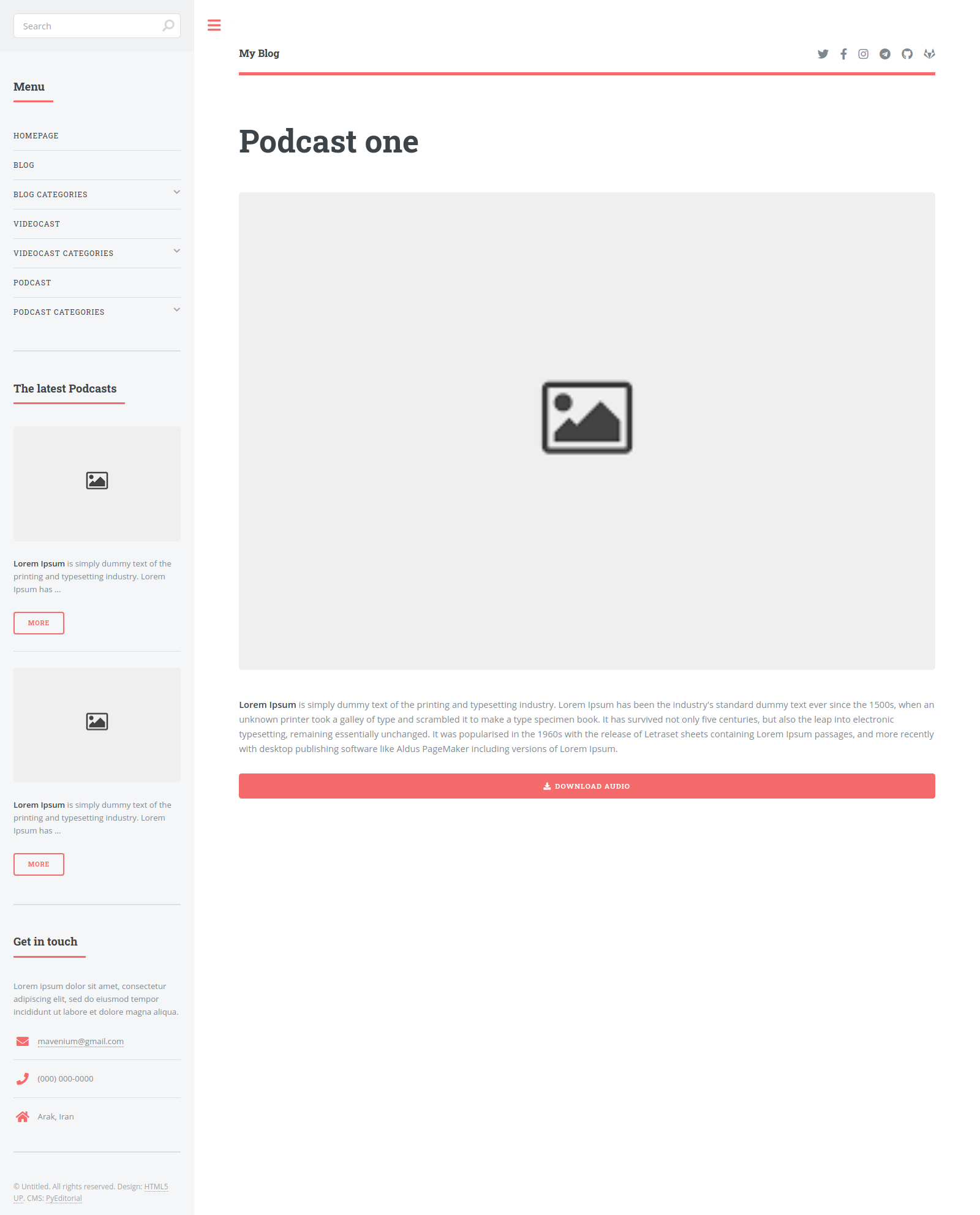
Podcast Single Page
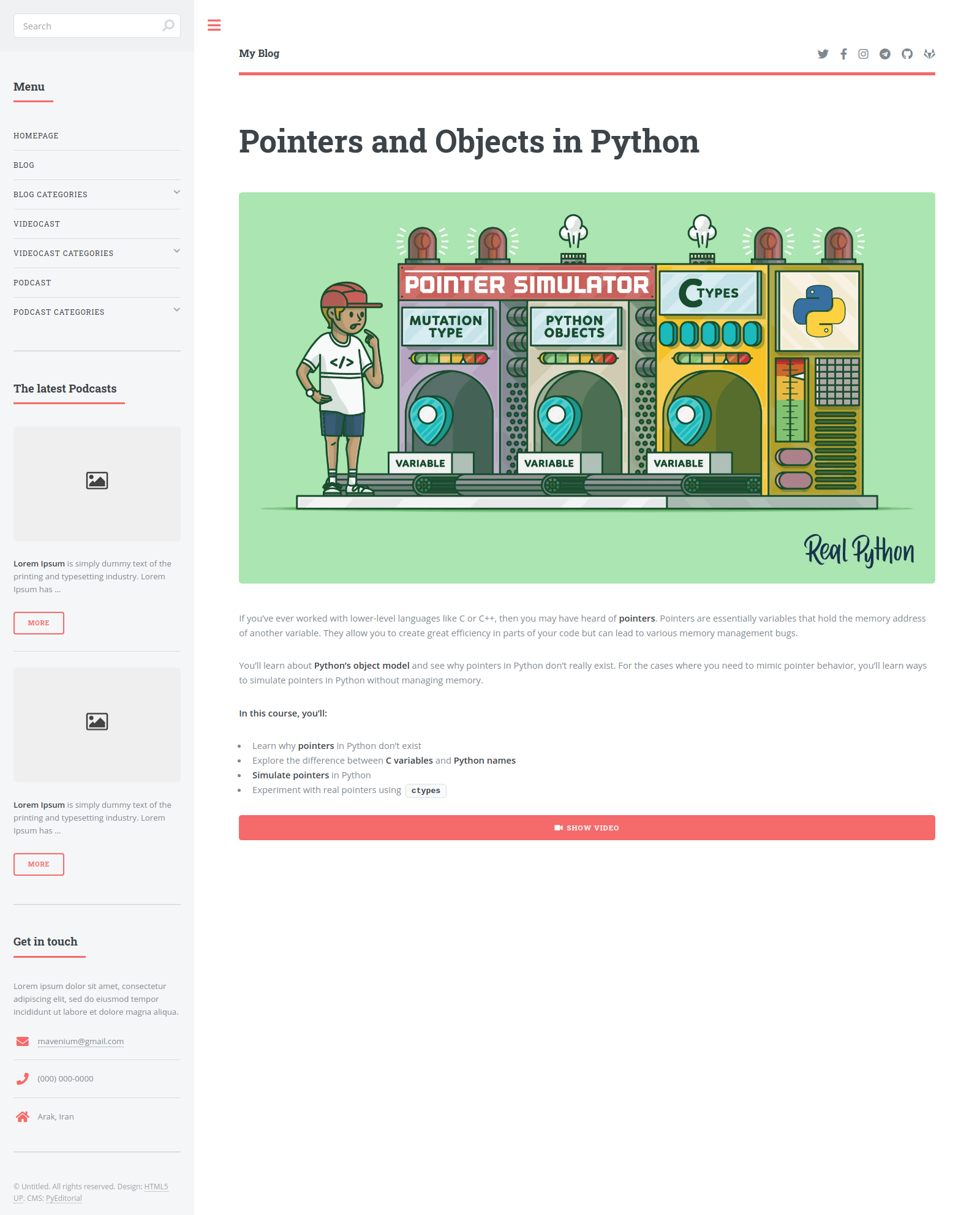
Videocast Single Page
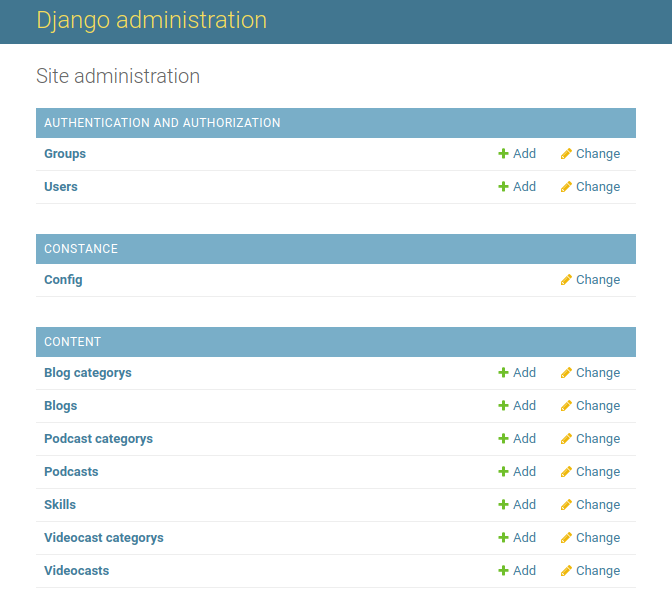
Admin Area
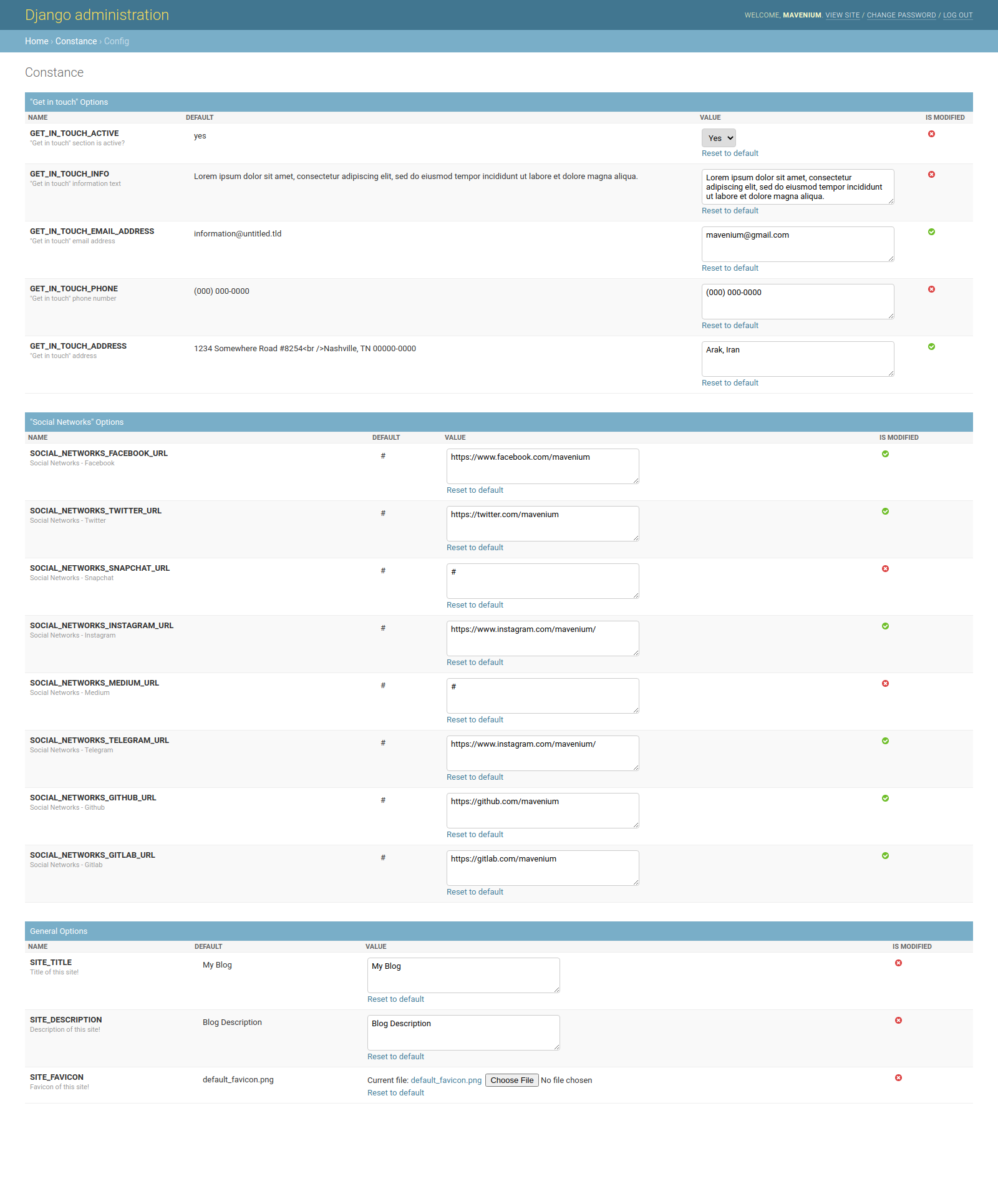
Dynamic Django Settings
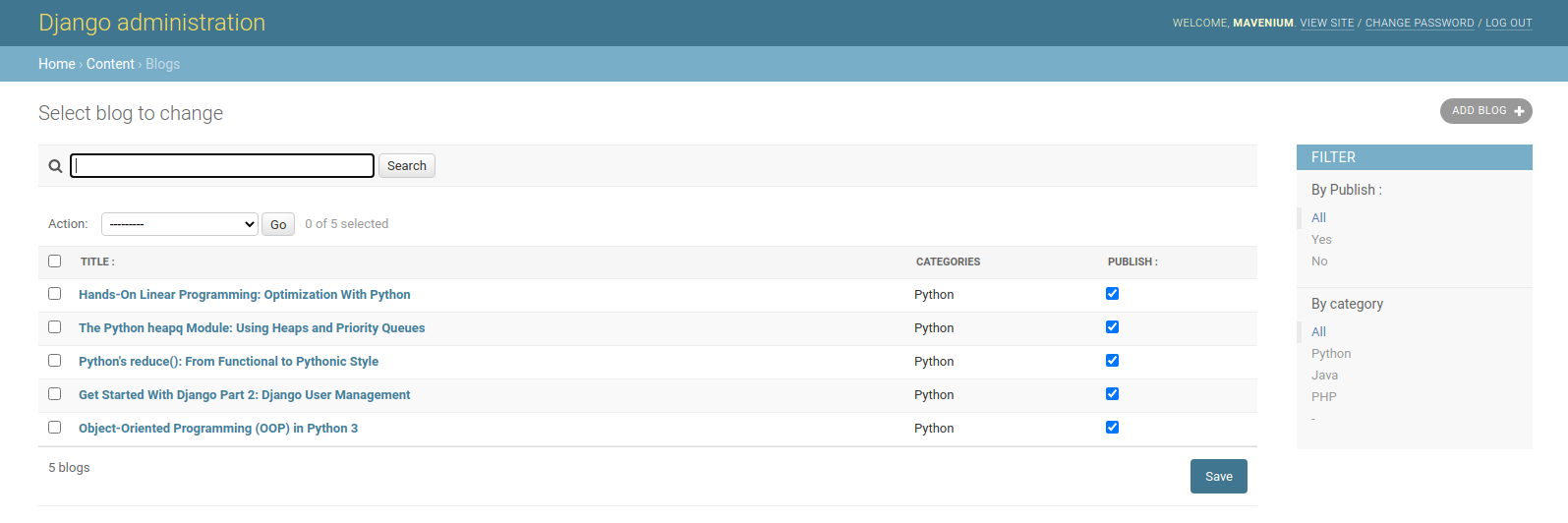
Blog Section
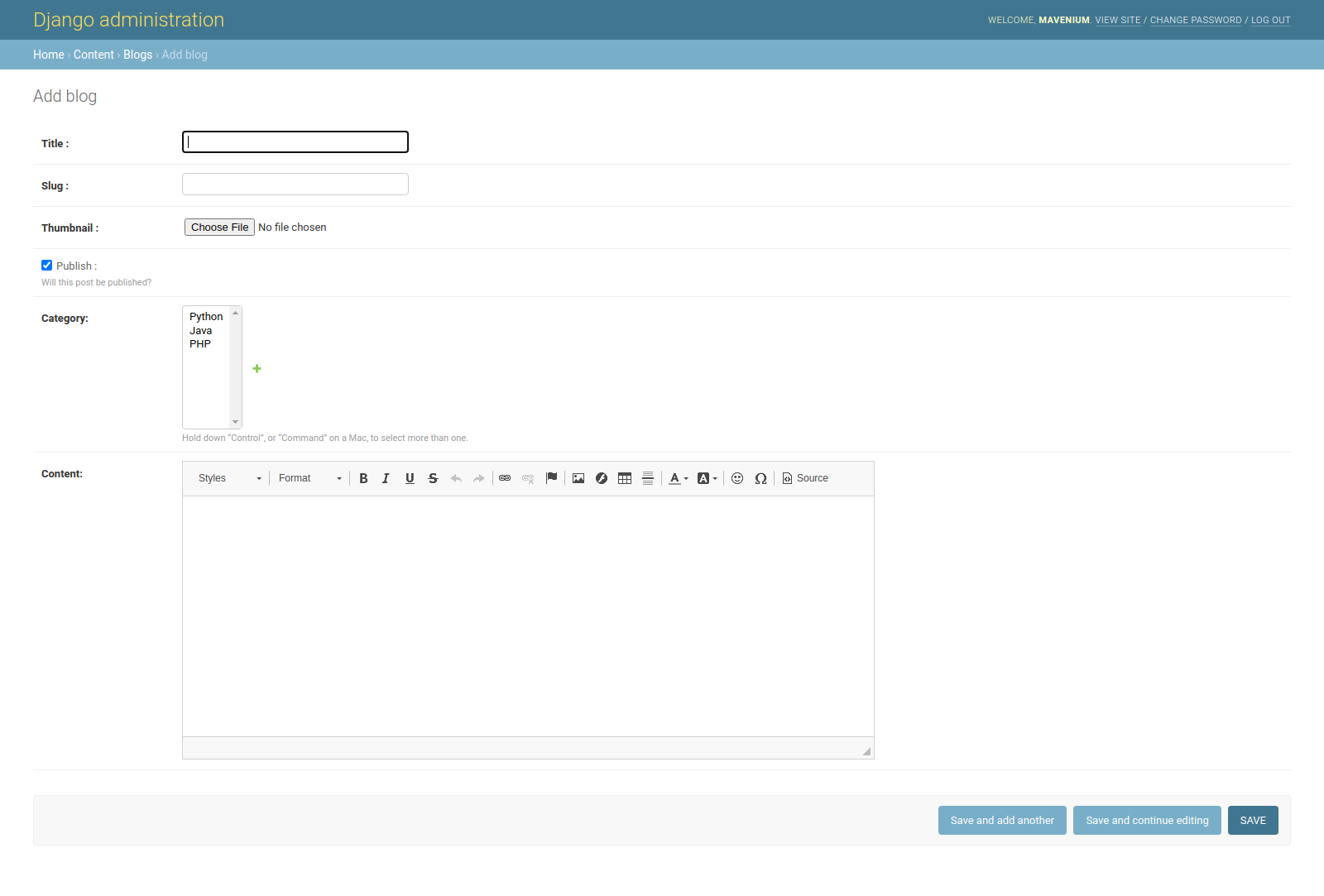
Add Blog
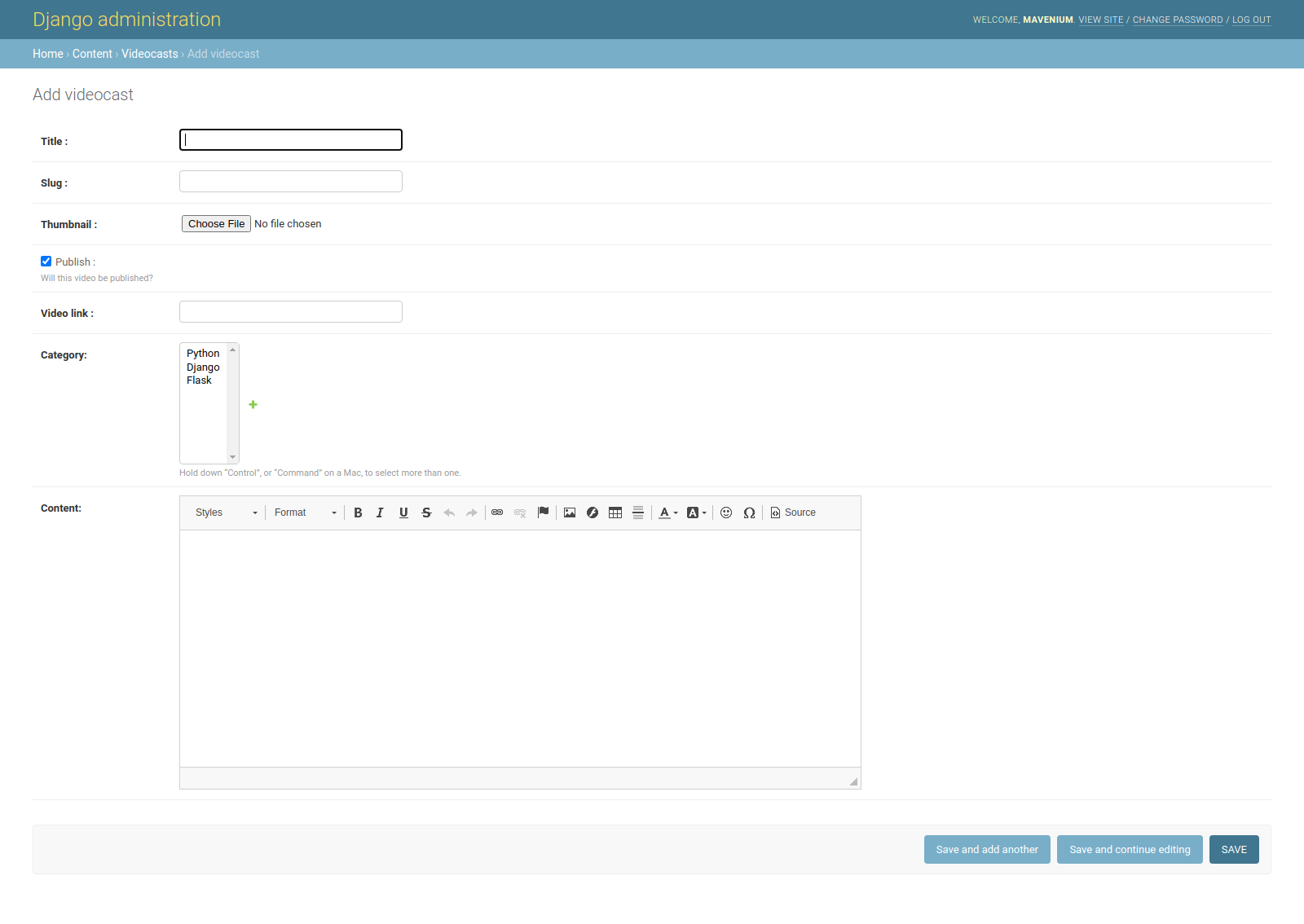
Add Videocast

Add Skill
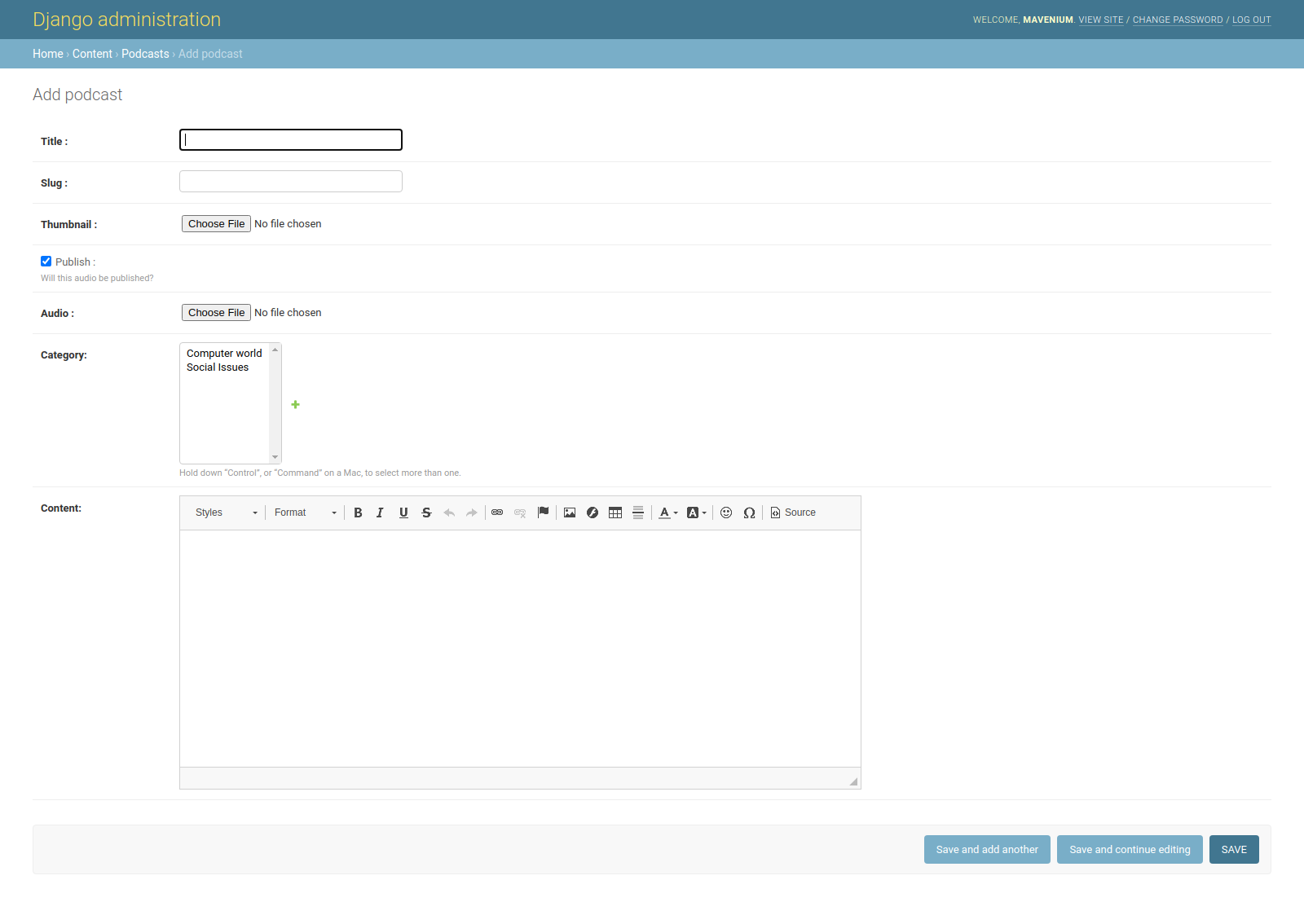
Add Podcast
How to install and run (GNU/Linux and Mac)
- Install git,python3,
pip3, virtualenv in your operating system - Create a development environment ready by using these commands
git clone https://github.com/mavenium/PyEditorial		# clone the project
cd PyEditorial		                                        # go to the project DIR
virtualenv -p python3 .venv		                        # Create virtualenv named .venv
source .venv/bin/activate		                        # Active virtualenv named .venv
pip install -r requirements.txt		                        # Install project requirements in .venv
python manage.py migrate		                        # Create database tables
python manage.py collectstatic		                        # Create statics files
python manage.py runserver		                        # Run the project
- Go to
http://127.0.0.1:8000/to use project
Run with Docker
- Install Docker on your operating system
- Install docker-compose on your operating system
- Run the following command to create and run the project
docker-compose up [-d]
- Go to
http://127.0.0.1:80/or just typelocalhostin your browser to use project
Notes
The Editorial template is released under license "Creative Commons Attribution 3.0 Unported".
TODO list
- Create search section
- Create user Login/Logout forms in front-end
- Create dynamic forms to add contents in front-end