




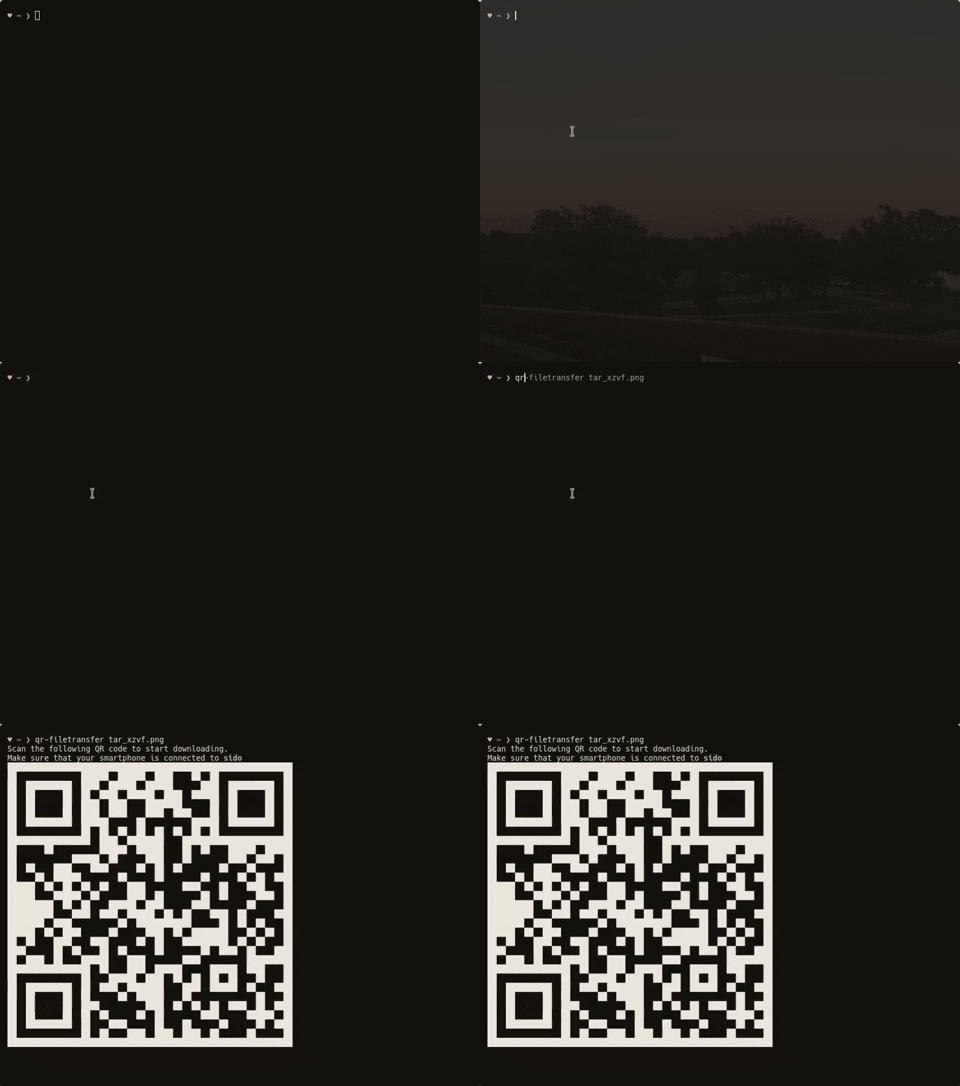
✨Transfer files over WiFi between your computer and your smartphone from the terminal✨
Installation
You will find the most updated version of qr-filetransfer here. But if you want the most stable version, use pip to install it
Pip Install
Global Install
pip3 install qr-filetransfer[extras]
Local Install
pip3 install --user qr-filetransfer[extras]
If you run into problems during the install, try removing the optional [extras] at the end of the command.
Git Install
# clone the repo
$ git clone https://github.com/sdushantha/qr-filetransfer.git

# change the working directory to qr-filetransfer
$ cd qr-filetransfer

# install the requirements
$ pip3 install -r requirements.txt
Usage
usage: qr-filetransfer [-h] [--debug] [--receive] [--port PORT]
                       [--ip_addr {192.168.0.105}] [--auth AUTH]
                       file_path

Transfer files over WiFi between your computer and your smartphone from the
terminal

positional arguments:
  file_path             path that you want to transfer or store the received
                        file.

optional arguments:
  -h, --help            show this help message and exit
  --debug, -d           show the encoded url.
  --receive, -r         enable upload mode, received file will be stored at
                        given path.
  --port PORT, -p PORT  use a custom port
  --ip_addr {192.168.0.105}
                        specify IP address
  --auth AUTH           add authentication, format: username:password
  --no-force-download   Allow browser to handle the file processing instead of
                        forcing it to download.
Note: Both devices needs to be connected to the same network
Exiting
To exit the program, just press CTRL+C.
Transfer a single file
$ qr-filetransfer /path/to/file.txt
Transfer a full directory. Note: the directory gets zipped before being transferred
$ qr-filetransfer /path/to/directory/
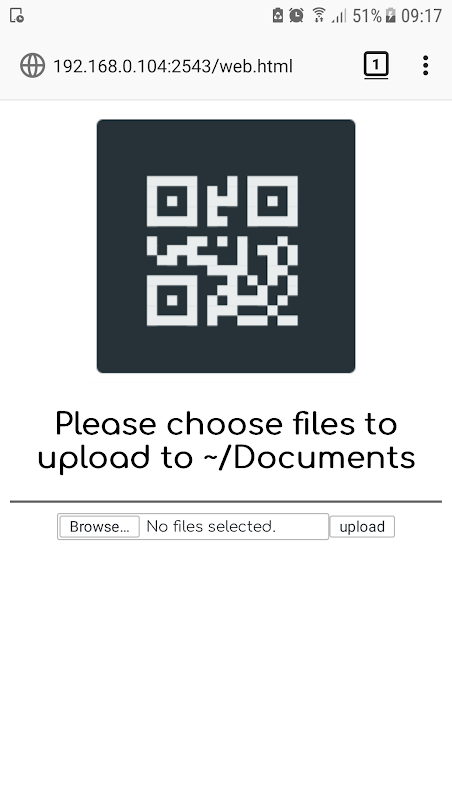
Receive/upload a file from your phone to your computer
$ qr-filetransfer -r /path/to/receive/file/to/
Credits
Inspired by the Go project qr-filetransfer
License
MIT License
Copyright © 2019 Siddharth Dushantha
Active contributer - Yu-Chen Lin