
QuickFeeds 
A simple self-hosted RSS reader with article summarization feature.
This is my first software project, developed for personal use.
The application interface works well as a Safari web app for both macOS and iOS.
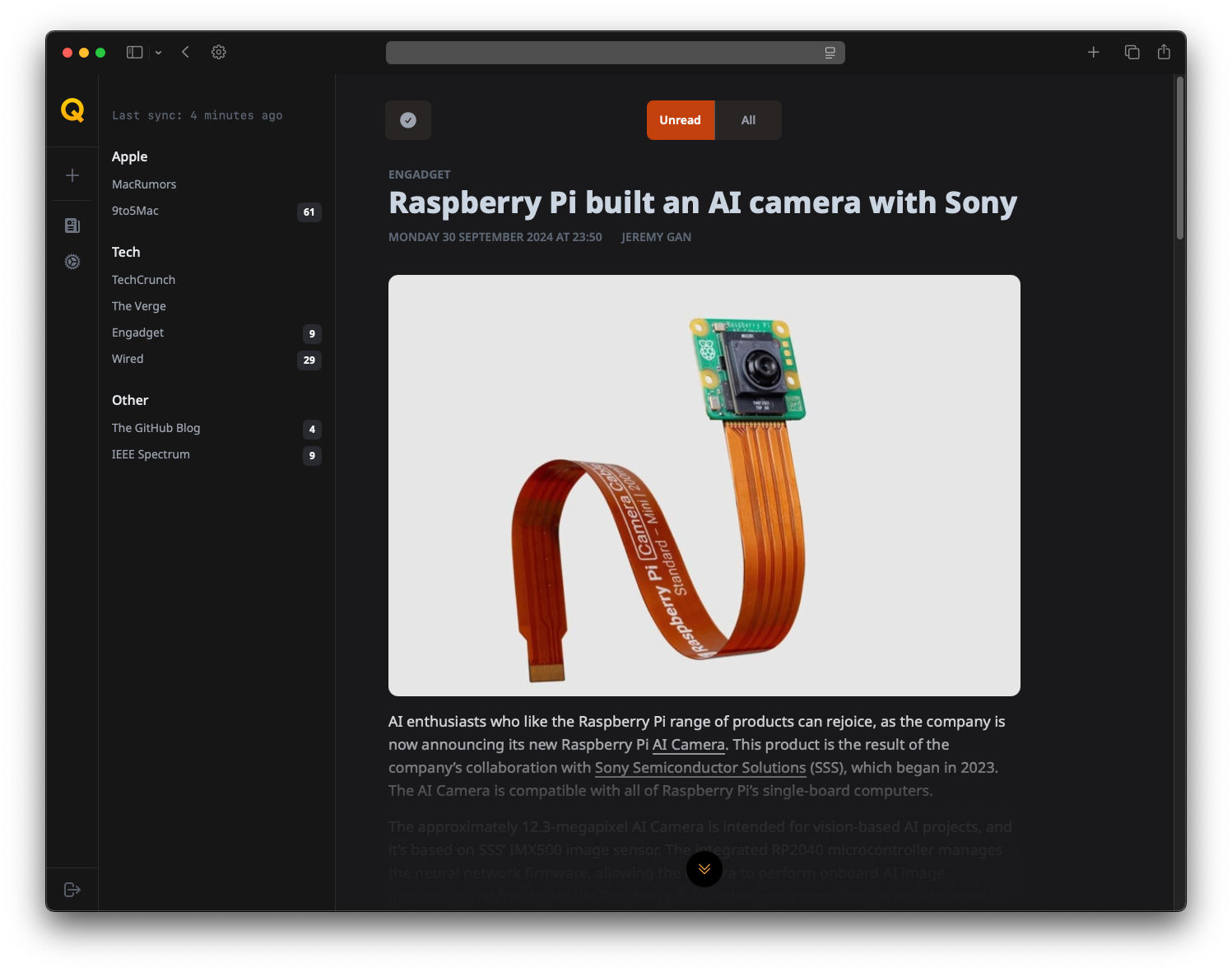
To activate summarization, you need to obtain a Groq API key and add it in the settings.
Any article text is first summarized through Groq using the llama3 model, which is free within the limits for personal use. Currently, the summarization translation supports the following languages through Google Translate:
- Russian: "ru"
- English: "en"
- German: "de"
- French: "fr"
- Spanish: "es"
- Italian: "it"
- Chinese: "zh-CN"
- Japanese: "ja"
- Korean: "ko"
I'm not sure how well this works for most languages.
Getting Started
To get started with QuickFeeds, follow these steps to download the docker-compose.yml file and run the application.
Prerequisites
Ensure you have Docker and Docker Compose installed on your machine. You can download and install them from the official Docker website: Docker
Installation
Option 1: Using Docker Compose
-
Download the
docker-compose.ymlfileOpen your terminal and run the following command to download the
docker-compose.ymlfile from the repository:curl -O https://raw.githubusercontent.com/defnone/quickfeeds/main/docker-compose.yml -
Run the application
Once the
docker-compose.ymlfile is downloaded, you can start the application with the following command:docker-compose up -dThis command will start the application in detached mode, running it in the background.
Option 2: Quick Launch Using Docker Run
If you prefer to quickly launch the application without using docker-compose, you can use the following docker run command:
docker run -d \
  --name quickfeeds \
  -p 8000:8000 \
  -v quickfeeds_data:/data \
  -e FLASK_APP=run.py \
  -e FLASK_RUN_HOST=0.0.0.0 \
  -e FLASK_RUN_PORT=8000 \
  -e LOG_LEVEL=INFO \
  ghcr.io/defnone/quickfeeds:latest
Now you can access the interface at http://your-ip:8000 and create an account. Please ensure that the application is not accessible online for security reasons.
Updating the Application
To update the application to the latest version, follow these steps:
-
Pull the latest version of the Docker images
Update the Docker images by pulling the latest version from the repository:
docker-compose pull -
Recreate the containers
After pulling the latest images, recreate the containers to apply the updates:
docker-compose up -d --force-recreate
Stopping the Application
If you need to stop the application, you can do so with the following command:
docker-compose down
This will stop and remove all the containers defined in the docker-compose.yml file.
Password Change
The password is stored encrypted in the database. To change it, you need to run the following command on the Docker host:
docker exec quickfeeds-flask_app-1 python change_password.py user_name new_password
Here, quickfeeds-flask_app-1 is the name of the container, which can be seen by running the command docker ps.
Runs on
- Flask
- SQLite
- Groq API (for article summarization)
- Google Translate (for translating summarized text)
- feedparser
- feedfinder2
- sumy
Acknowledgments
Special thanks to OpenAI.