
Quizco - Quiz Builder and Assessment Application
Live: https://quizco.vishwajeet.co/
Frontend: https://github.com/vishwajeetraj11/quizco-frontend
Backend: https://github.com/vishwajeetraj11/quizco-backend/
AI Quiz Builder Enabled only for Admin
💻 Screens
| Landing Page | Landing Page (Scrolled Down) |
|---|---|
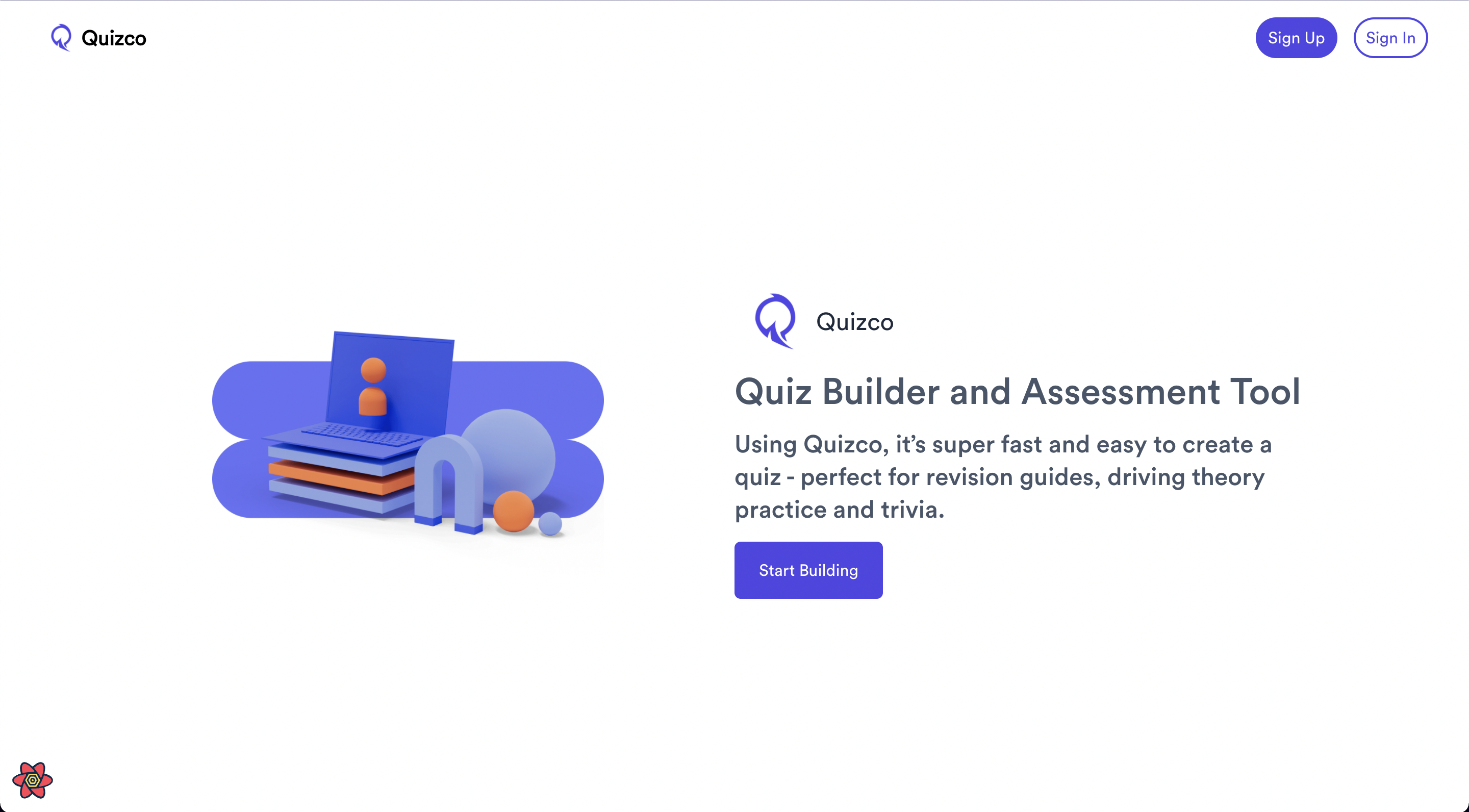 |
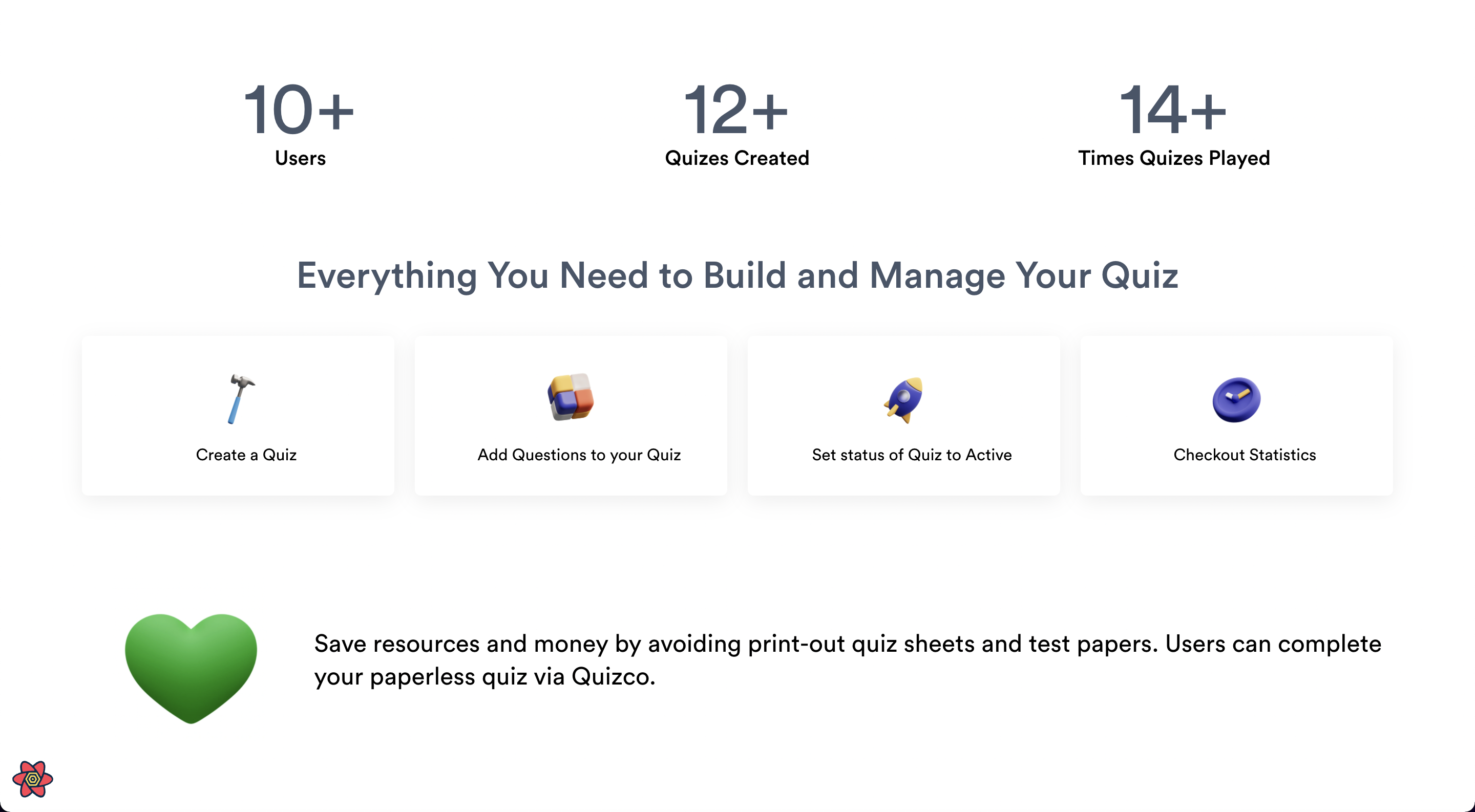 |
| Quizzes Page | Dashboard Page |
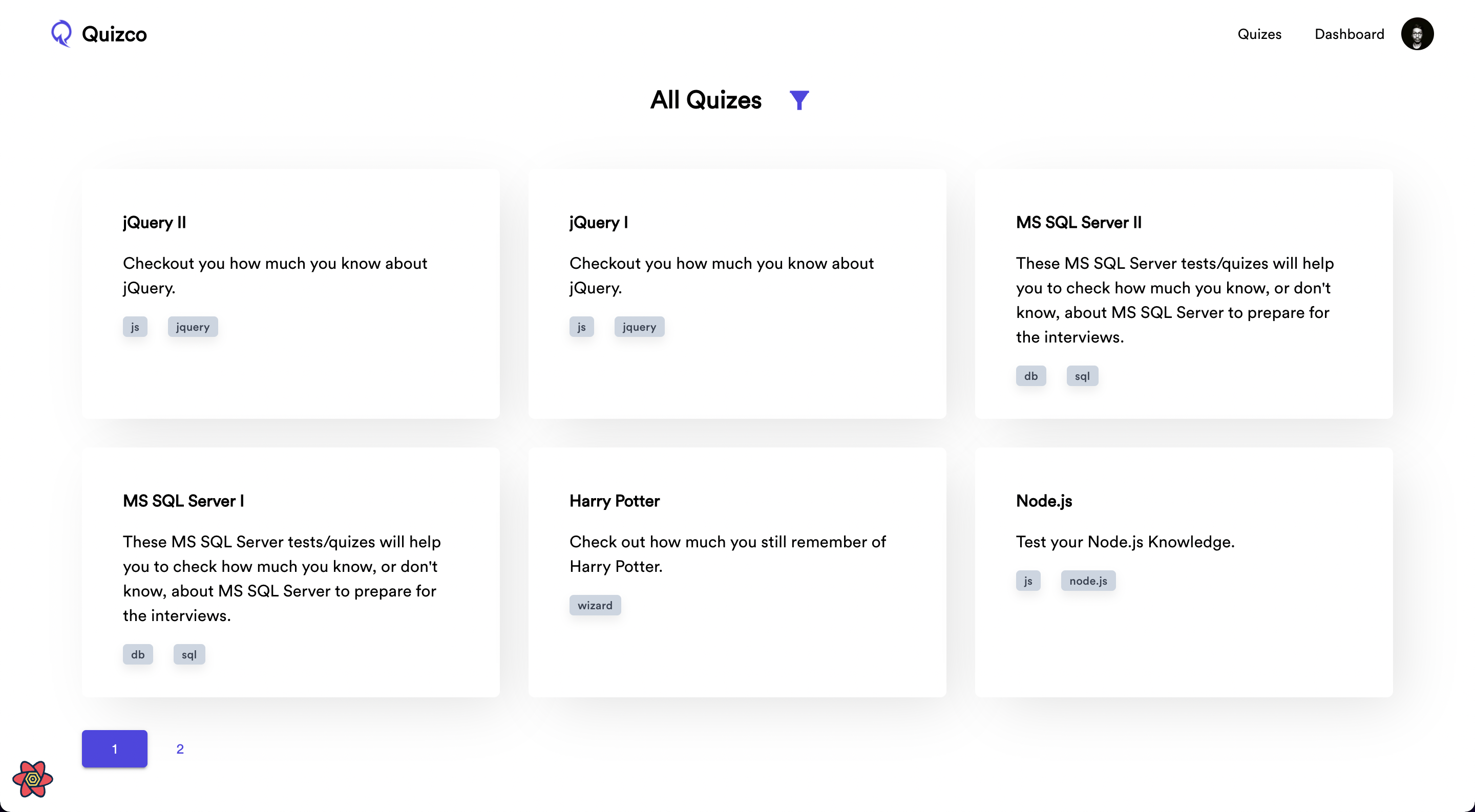 |
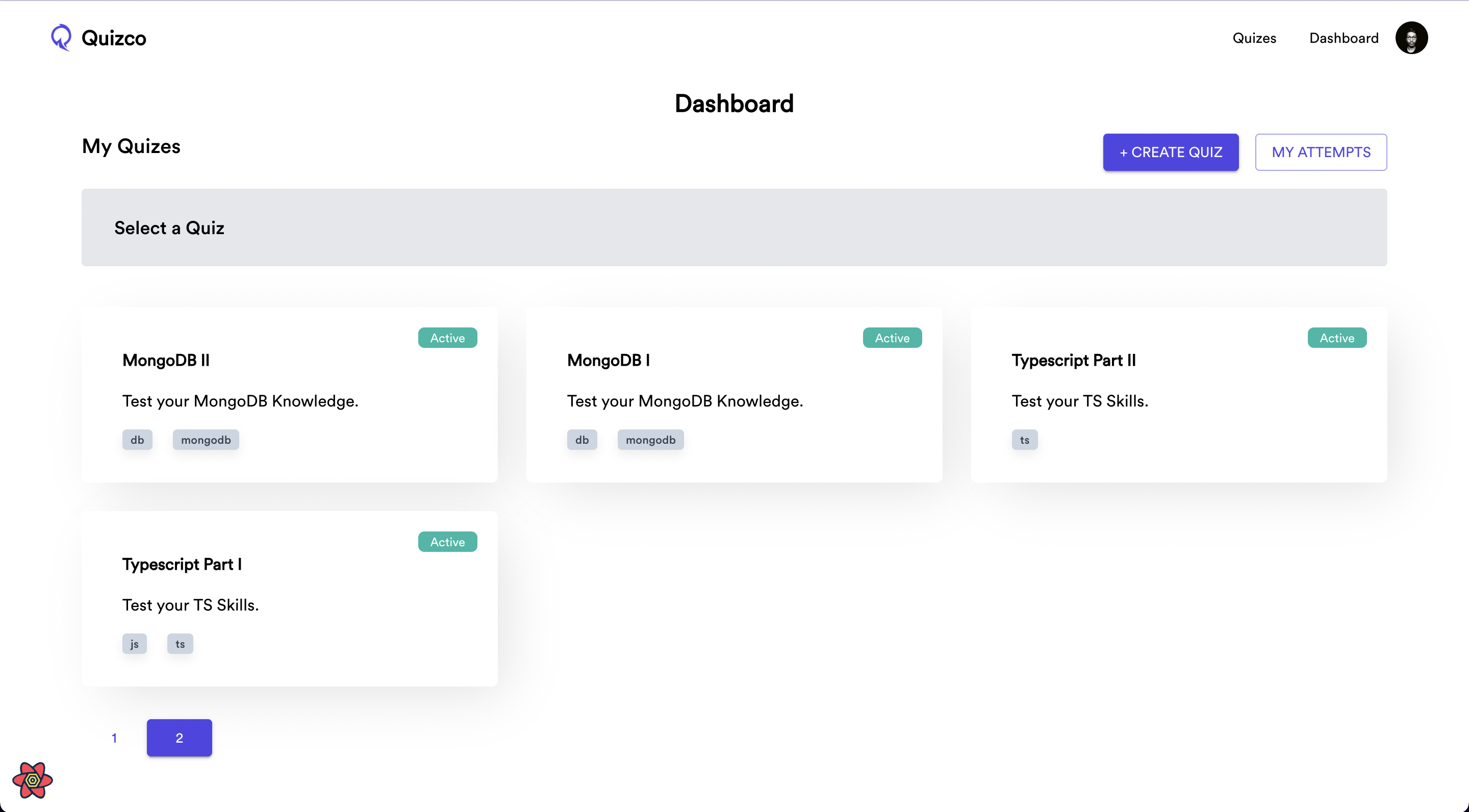 |
| Selected Quiz in Dashboard | Add/Update Questions |
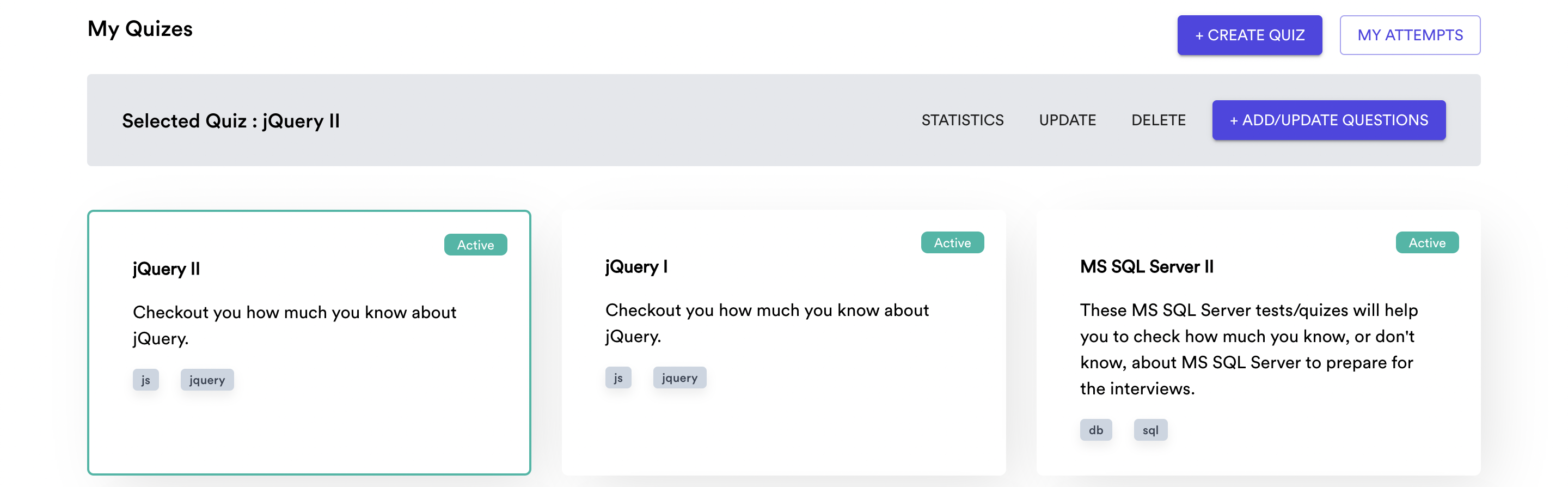 |
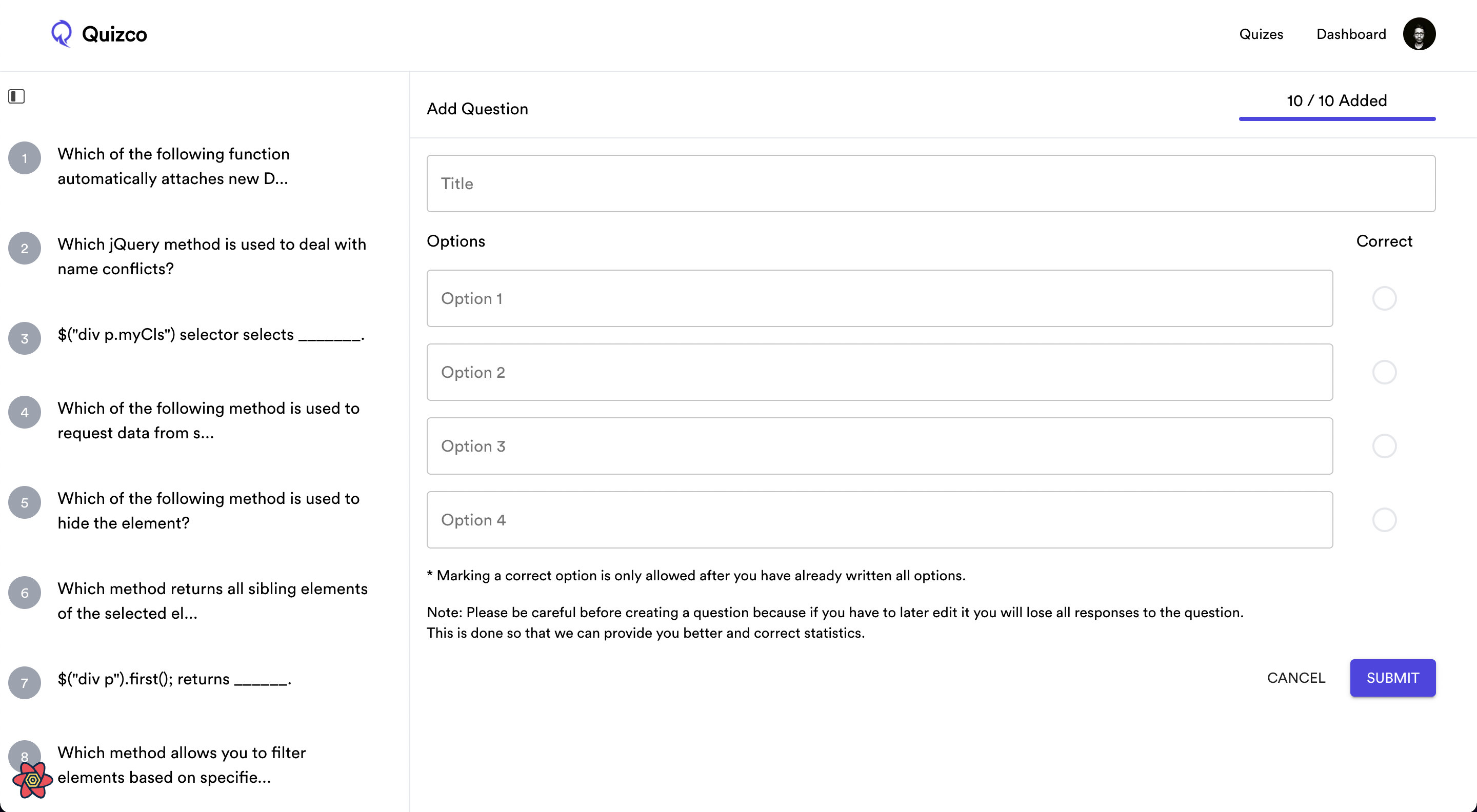 |
| Player Screen | Finish Quiz |
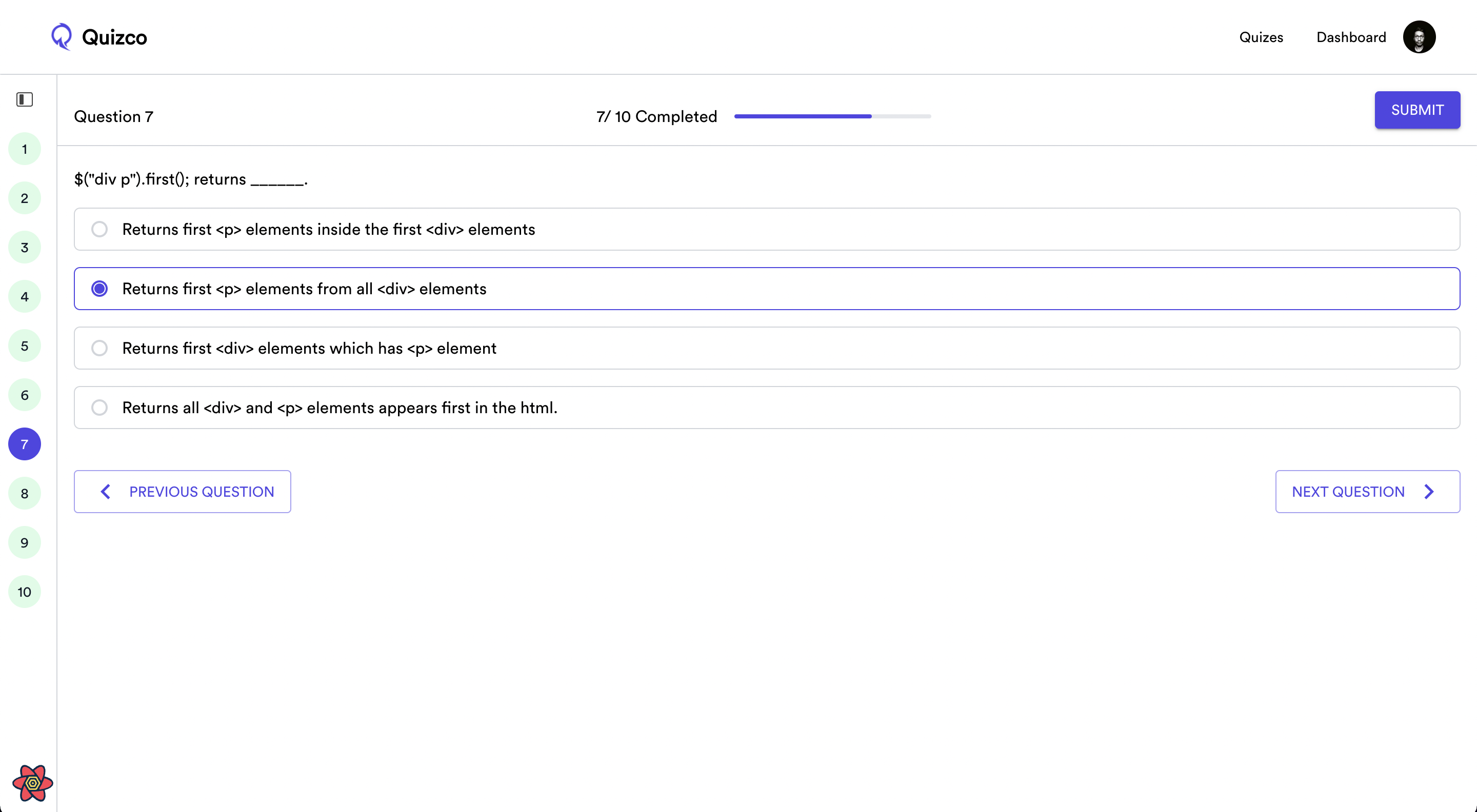 |
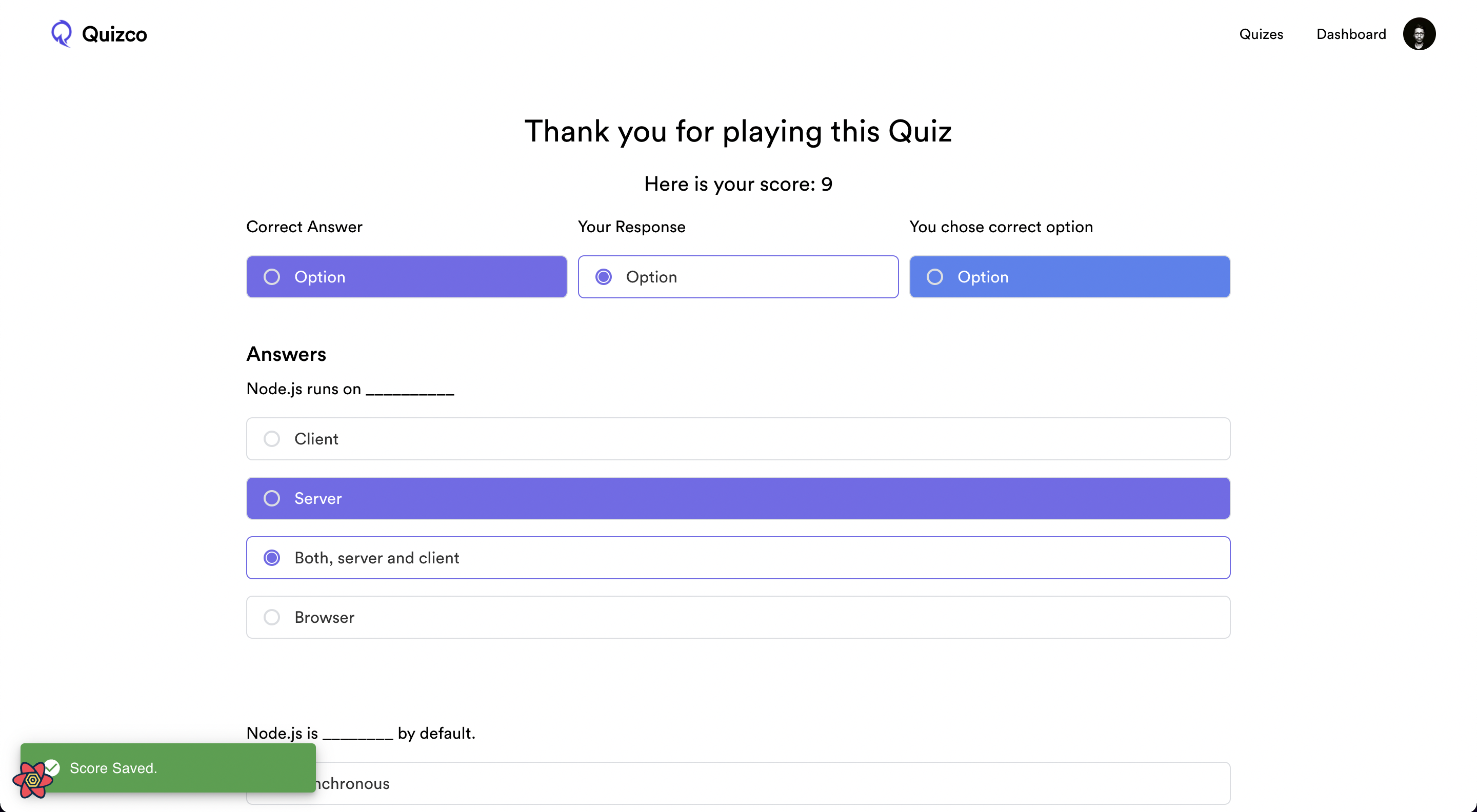 |
| Attempts Screen | Statistics Screen |
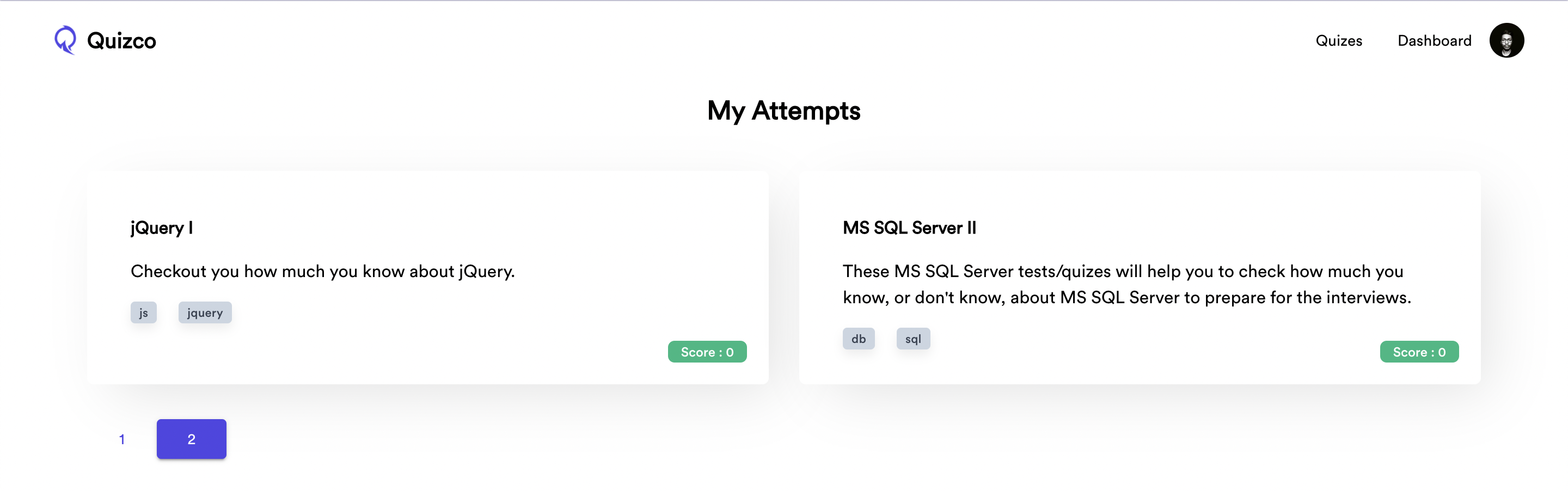 |
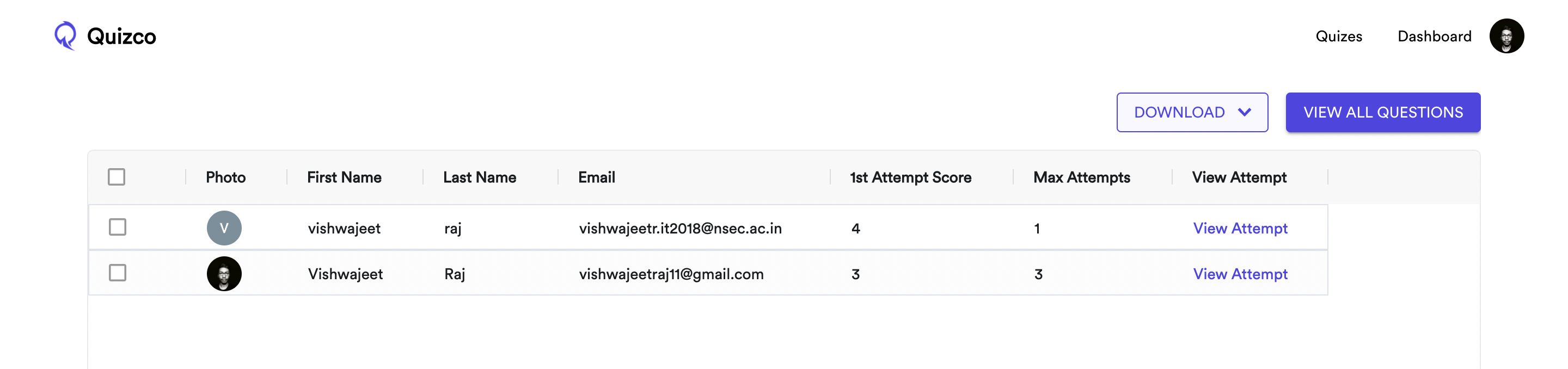 |
| View All Questions Screen | Question Statistics |
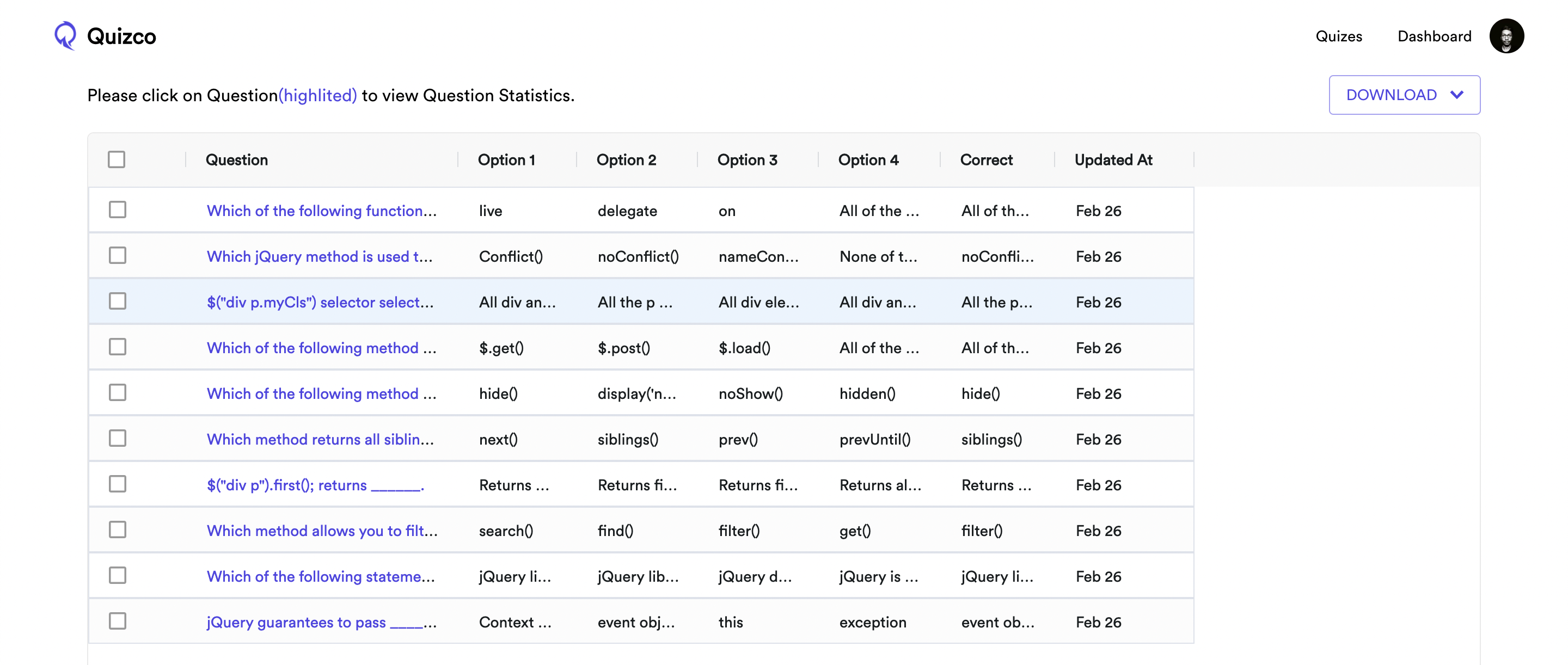 |
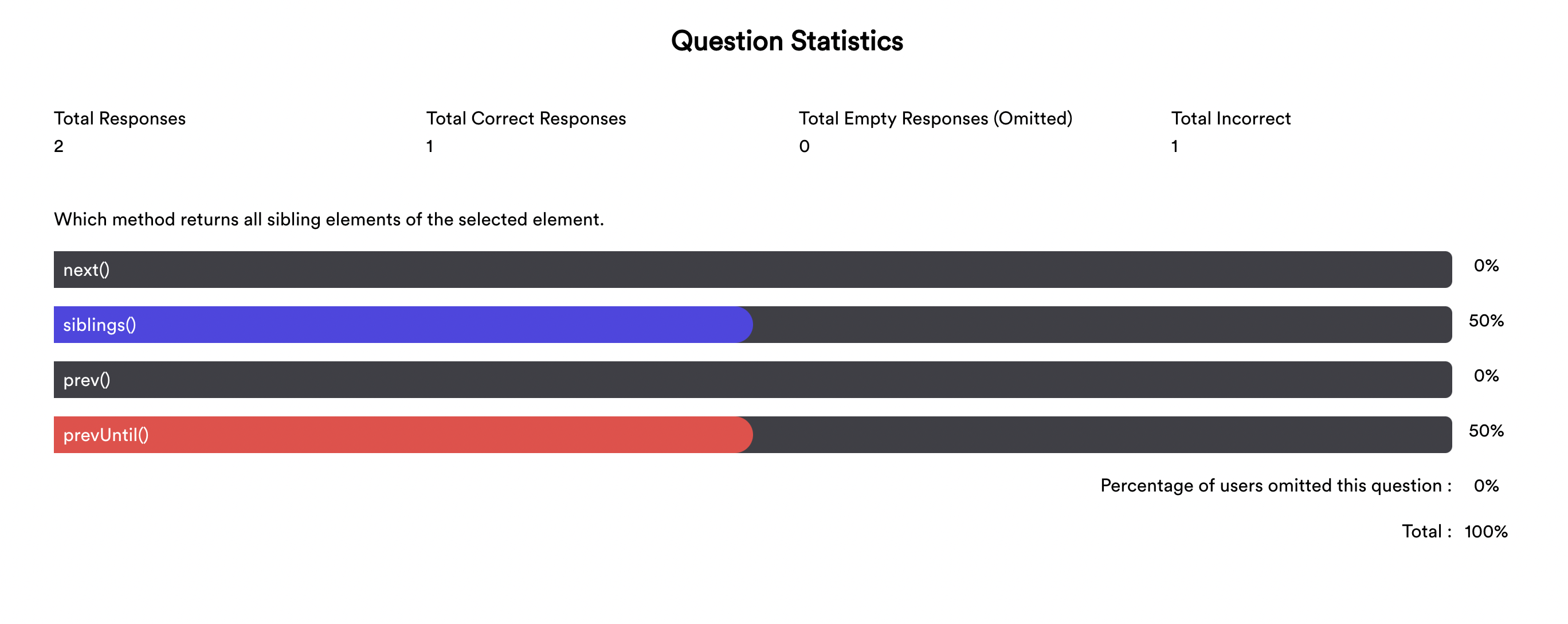 |
Running it Locally:
- Go to Clerk Dashboard and create an application.
- Go to Clerk Dashboard > Your Application > Paths > Change the paths as in this image.

- Make a MongoDB cluster and copy its connection string.
- Copy Frontend API Key and Backend API Key.
- Backend env.
- DB_PASSWORD=<DB_PASSWORD>
- MONGODB_URI=<MONGODB_URI>
- PORT=<PORT>
- CLERK_API_KEY=<CLERK_BACKEND_API_KEY>
- CLERK_API_URL=https://api.clerk.dev - Frontend env. - REACT_APP_CLERK_PUBLISHABLE_KEY=<CLERK_PUBLISHABLE_KEY>
- Install Dependencies.
- Run Backend (
yarn dev), Run Frontend (yarn start)
Node.js:
- Use Node.js 20.19.0 for local development (
.nvmrc), and Node.js 20.19.0 or higher is required. - Netlify is configured to build this site with Node.js 20.19.0 in
netlify.toml.