
Quiznote
The ultimate learner's companior for transforming notes into interactive quizzes to help maximize learning retention
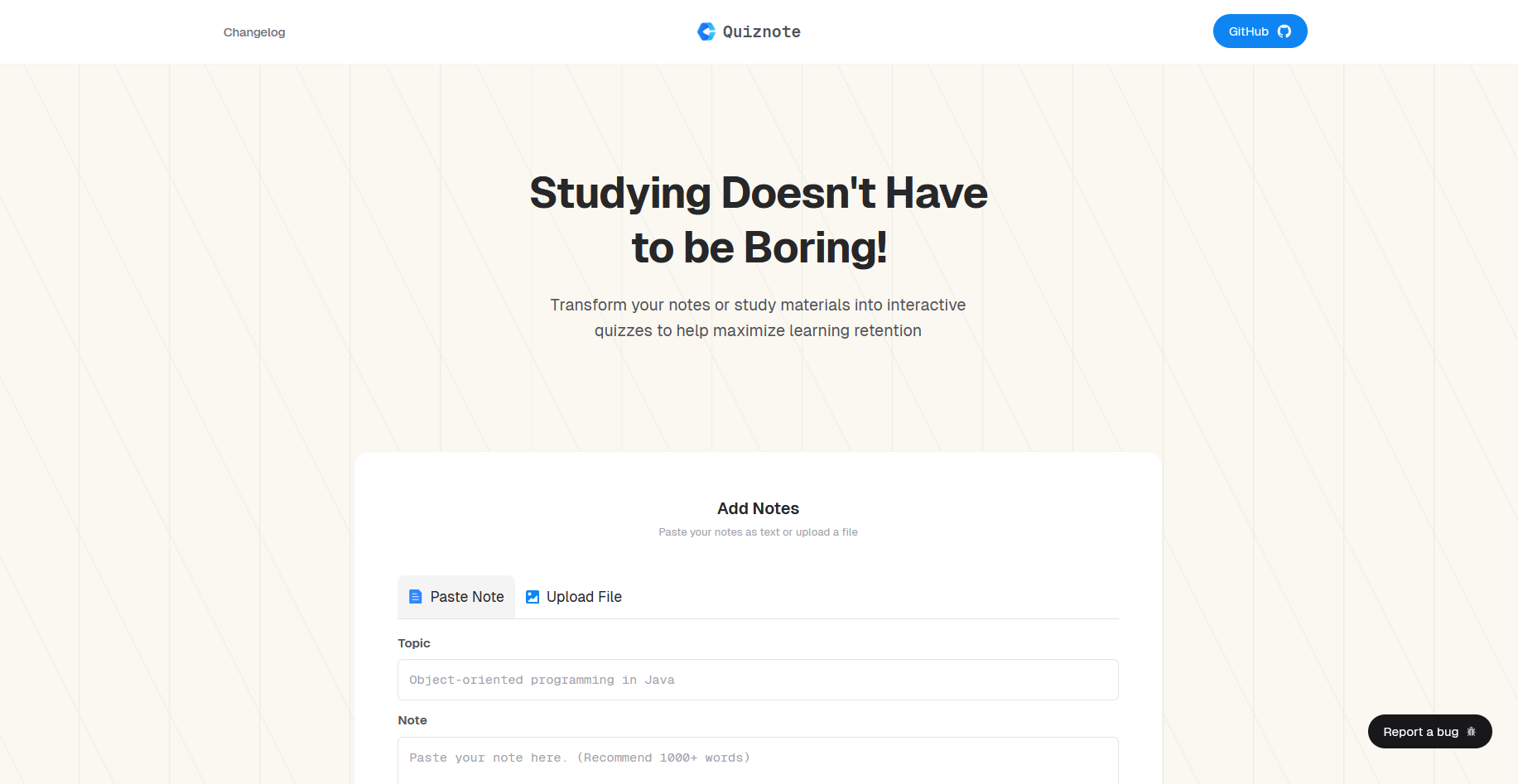
Demo Video
Technologies
- 🎯 NextJS - UI framework
- ☑️ Vercel - Hosting and deployment
- 💅🏽 TailwindCSS /CSS - Styling and UI
- 🤖 Gemini / AI API
Run Project Locally
Follow the steps below to run quiznote locally on your machine
[!note] For the Google AI Hackathon judges, please ignore the steps below and insert the
GOOGLE_SERVICE_KEYsent via the test email into a.env.localfile to start the program.
-
git clone https://github.com/Evavic44/quiznote -
Rename
.env.exampleto.env.local -
Get your private keys from google cloud IAM & Admin
-
Create a project that has access to all Vertext AI resource
-
Export the service account key to
JSON -
convert the
JSONcontent tobase64 -
Set the value of
GOOGLE_SERVICE_KEYto the Base64 JSON
cd quiznote

npm install

npm run dev
Open http://localhost:3000 in your browser to see the result.
Important files and folders
| File(s) | Description |
|---|---|
route.ts |
Integration file for setting up Gemini prompt |
page.tsx |
Homepage route |
components |
Where components are stored |
store |
State management store |