
Raspberry Pi WebRTC
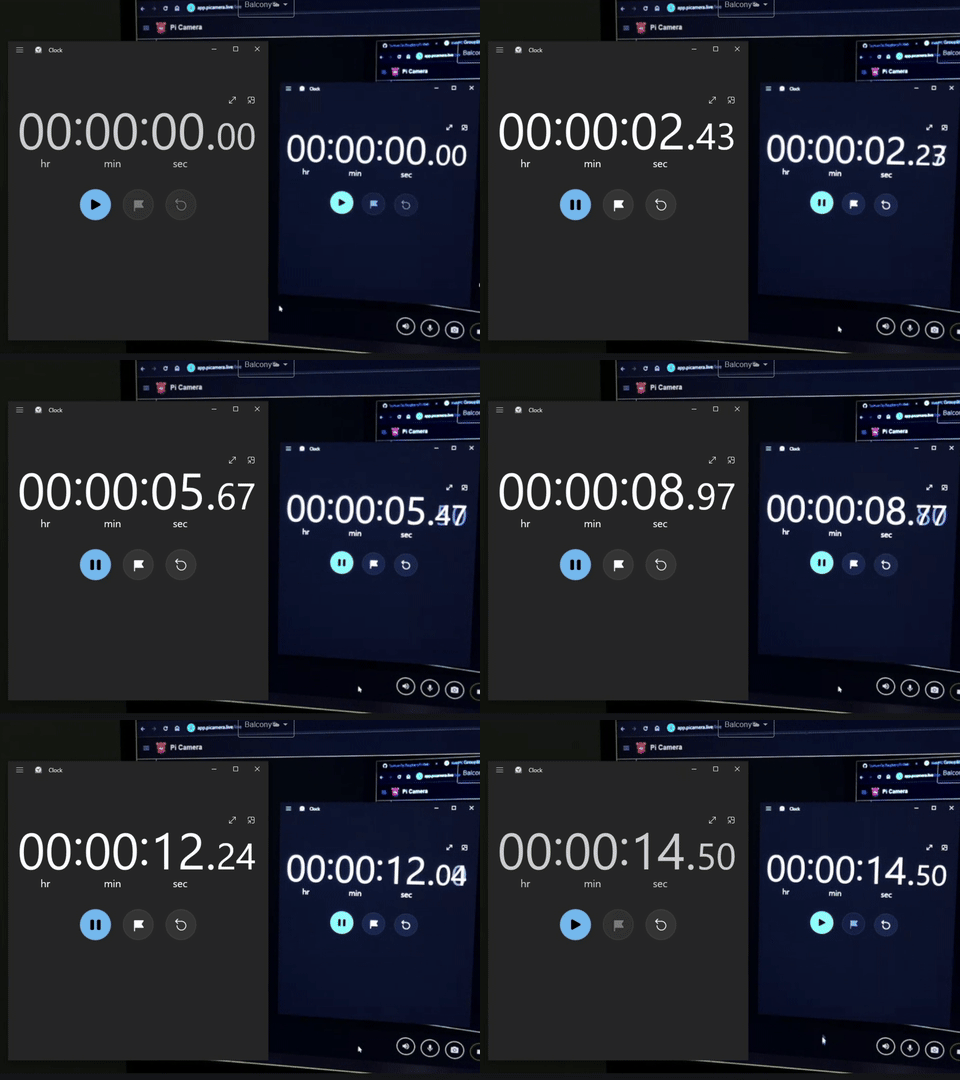
Turn Raspberry Pi or NVIDIA Jetson into a low-latency ~200ms WebRTC streaming platform.




-
Native WebRTC with hardware/software encoding
-
Support snapshot, recording and broadcasting
-
Remote control and IoT messaging via WebRTC DataChannel
-
Signaling options:
MQTT
WebSocket
- picamera.js - SFU signaling & broadcast
Requirements

- Raspberry Pi (Zero/3/4/5) or NVIDIA Jetson (Nano/NX/Orin)
- CSI or USB camera (supports libcamera, libargus or V4L2)
Quick Start for Pi
Check out the tutorial video or follow these steps.
1. Flash Raspberry Pi OS
Use Raspberry Pi Imager to flash Lite OS to SD card.
2. Install Dependencies
sudo apt update
sudo apt install libmosquitto1 pulseaudio libavformat61 libswscale8 libyaml-cpp0.8
3. Download Binary
Get the latest release binary .
wget https://github.com/TzuHuanTai/RaspberryPi-WebRTC/releases/latest/download/pi-webrtc_raspios-trixie-arm64.tar.gz
tar -xzf pi-webrtc_raspios-trixie-arm64.tar.gz
4. MQTT Signaling
Use HiveMQ, EMQX, or a self-hosted broker.
[!TIP] MQTT lets your Pi camera and client exchange WebRTC connection info. WHEP doesn’t need a broker but requires a public hostname.
Run the App
- Open picamera-web, add MQTT settings, and create a
UID. - Run the command on your Pi:
./pi-webrtc \
    --camera=libcamera:0 \
    --fps=30 \
    --width=1280 \
    --height=960 \
    --use-mqtt \
    --mqtt-host=your.mqtt.cloud \
    --mqtt-port=8883 \
    --mqtt-username=hakunamatata \
    --mqtt-password=Wonderful \
    --uid=your-custom-uid \
    --no-audio \
    --hw-accel # Only Pi Zero 2W, 3B, 4B support hw encoding
[!IMPORTANT] Remove
--hw-accelfor Pi 5 or others without hardware encoder.
Advanced Usage
- Broadcasting a Live Stream to 1,000+ Viewers via SFU
- Using the V4L2 Driver (for USB cameras)
- Running as a Linux Service
- Recording
- Two-way Audio Communication
- Two-way DataChannel Messaging
- Stream AI or Any Custom Feed to a Virtual Camera
- WHEP with Nginx proxy
- Using the WebRTC Camera in Home Assistant