
react-native-dropdownalert





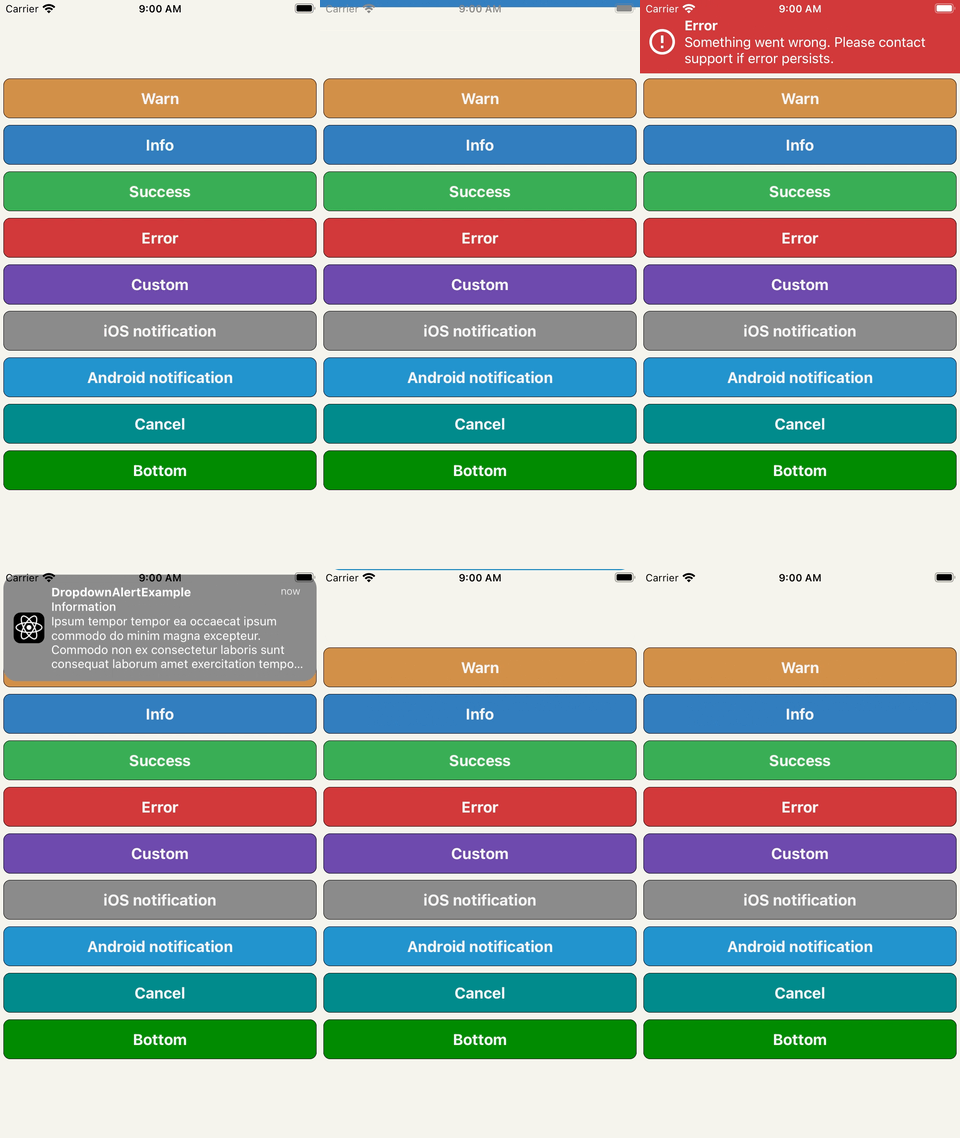
Table of contents
An alert to notify users about an error or something else. It can be dismissed by press, cancel, automatic, pan gesture or programmatic. It can be customized and/or you can build your own alert (BYOA) - see DropdownAlertProps on what's available.
Installation
yarn add react-native-dropdownalertnpm i react-native-dropdownalert --save
Usage
import the library
import DropdownAlert, {
  DropdownAlertData,
  DropdownAlertType,
} from 'react-native-dropdownalert';
create an alert promise function variable
let alert = (_data: DropdownAlertData) => new Promise<DropdownAlertData>(res => res);
add the component as the last component in the document tree so it overlaps other UI components and set alert prop with alert function
<DropdownAlert alert={func => (alert = func)} />
invoke alert
const alertData = await alert({
  type: DropdownAlertType.Error,
  title: 'Error',
  message: 'Something went wrong.',
});
Support
| react minium version | react-native minium version | package version | reason |
|---|---|---|---|
| v16.8.0 | v0.61.0 | v5.0.0 | use react hooks |
| v16.0.0 | v0.50.0 | v3.2.0 | use SafeAreaView |
| v16.0.0-alpha.6 | v0.44.0 | v2.12.0 | use ViewPropTypes |
Using children prop
Option 1 pass child component(s) like so:
<DropdownAlert>{/* insert child component(s) */}</DropdownAlert>
Option 2 pass child component(s) like so:
<DropdownAlert children={/* insert child component(s) */} />
Either way DropdownAlert will render these instead of the pre-defined child components when alert is invoked. Check out the iOS and Android notifications in example project.
Caveats
- Modals can overlap `DropdownAlert`` if it is not inside the modal's document tree.
- It is important you place the
DropdownAlertbelow theStackNavigator.
Inspired by: RKDropdownAlert