
react-native-share 


React Native Share, is a simple tool for sharing messages and files with other apps.
Getting started 🚀
Expo Managed Workflow
For Expo projects, you will need to be on a managed workflow and use the following command:
npx expo install react-native-share
Configure you app.config.ts or app.json to use the permissions needed by the library:
{
  "plugins": [
    [
      "react-native-share",
      {
        "ios": [
          "fb",
          "instagram",
          "twitter",
          "tiktoksharesdk",
        ],
        "android": [
          "com.facebook.katana",
          "com.instagram.android",
          "com.twitter.android",
          "com.zhiliaoapp.musically",
        ],
        "enableBase64ShareAndroid": true
      }
    ]
  ]
}
ios parameter will take care of adding queries (LSApplicationQueriesSchemes) to the Info.plist.
<key>LSApplicationQueriesSchemes</key>
<array>
  <string>fb</string>
  <string>instagram</string>
  <string>twitter</string>
  <string>tiktoksharesdk</string>
</array>
android parameter will take care of adding queries to the AndroidManifest.xml.
<queries>
  <package android:name="com.facebook.katana" />
  <package android:name="com.instagram.android" />
  <package android:name="com.twitter.android" />
  <package android:name="com.zhiliaoapp.musically" />
</queries>
enableBase64ShareAndroid will take care of adding the permission to the AndroidManifest.xml.
<uses-permission android:name="android.permission.WRITE_EXTERNAL_STORAGE" />
And prebuild the project with expo prebuild.
Bare React Native
If you are using react-native >= 0.7X and/or the new arch you just need to do a simple:
yarn add react-native-share
Or if are using npm:
npm i react-native-share --save
After that, we need to install the dependencies to use the project on iOS(you can skip this part if you are using this on Android).
Now run a simple: npx pod-install or cd ios && pod install. After that, you should be able to use the library on both Platforms, iOS and Android.
Usage
Then simply import:
import Share from 'react-native-share';

Share.open(options)
  .then((res) => {
    console.log(res);
  })
  .catch((err) => {
    console.log(err);
  });
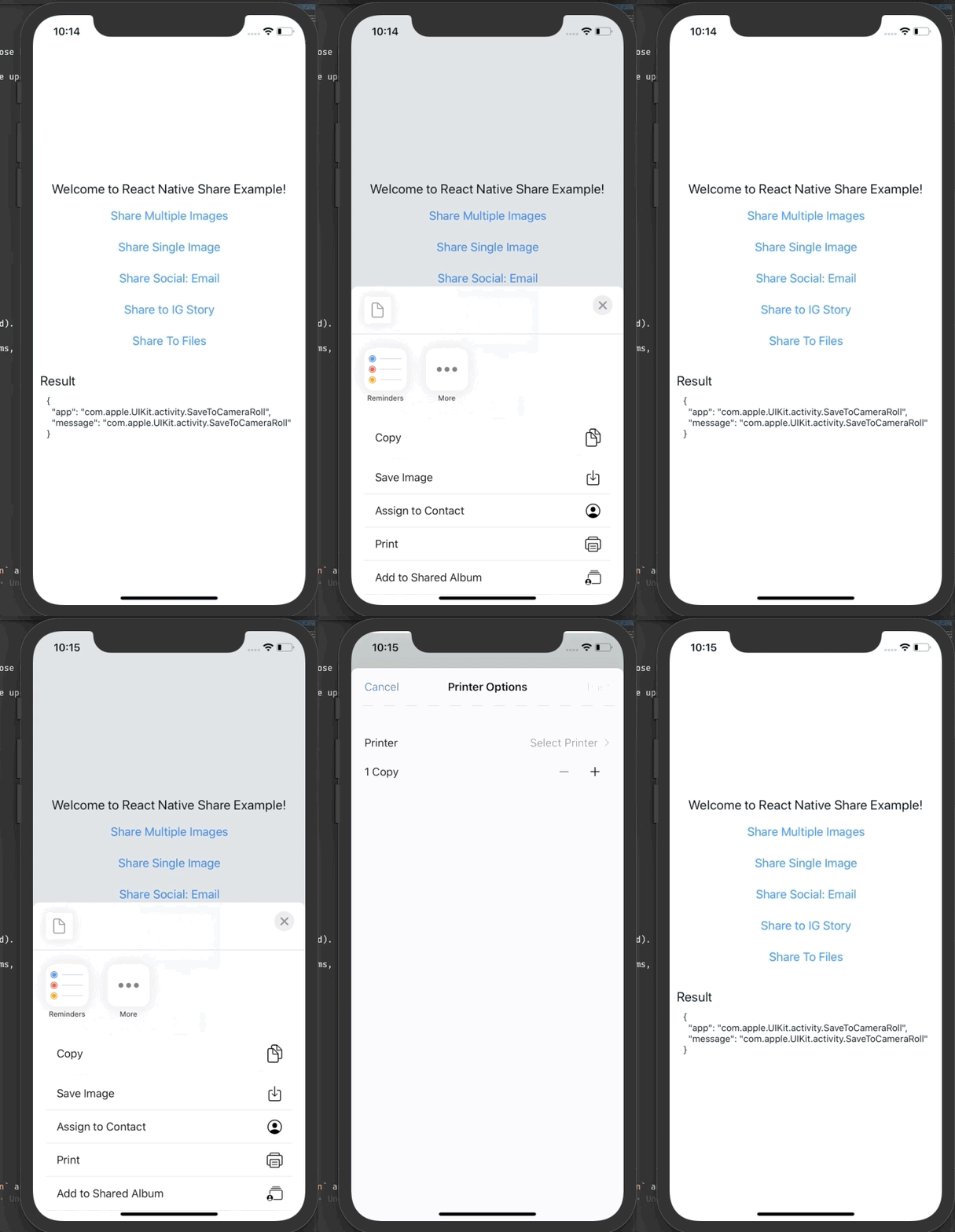
Which you do something similar to this:
Documentation
If you are using a older version of react-native or react-native-share, having any problem or want to know how use Share.open and other functions, please refer to our new docs and help us improve that.🚀