
React Native Simple Biometrics

Overview
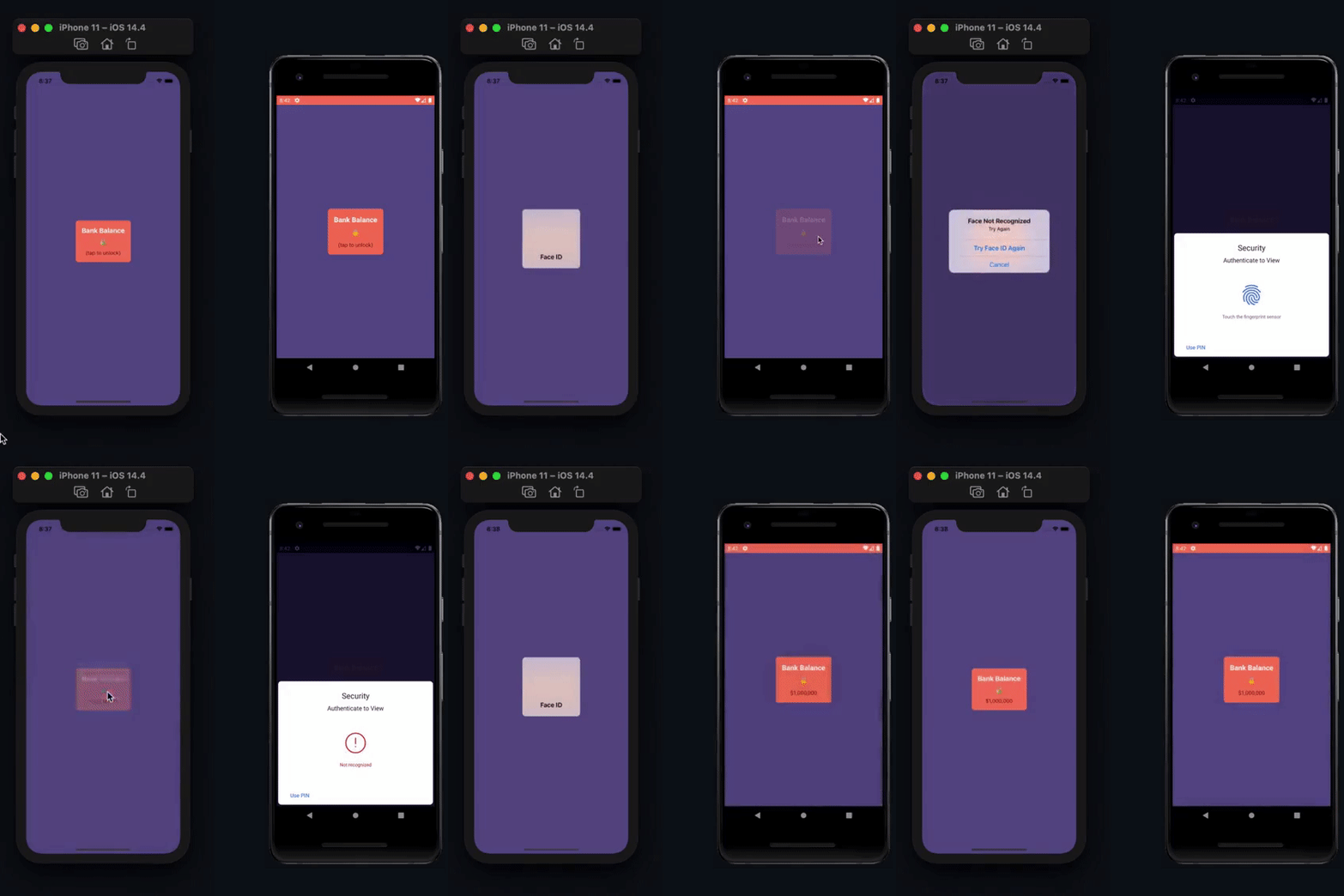
React Native Simple Biometrics is a straightforward and minimalistic React Native package designed to provide developers with an API for implementing user authentication using on-device biometrics. This library facilitates the quick verification of the app's user, ensuring that sensitive information is only accessible to authorized individuals, such as the phone owner or a trustee.
Installation
# Using npm
$ npm install react-native-simple-biometrics

# Using Yarn
$ yarn add react-native-simple-biometrics
Important: Version 3+ of this library requires React Native's New Architecture (Fabric/TurboModules). If you're using React Native's Old Architecture, please use version 2 or below:
# For Old Architecture (React Native < 0.68 or without New Architecture enabled)
$ npm install react-native-simple-biometrics@^2.0.0

# or
$ yarn add react-native-simple-biometrics@^2.0.0
Minimum Requirements
- iOS target:
10.0 - Android minSdkVersion:
21
iOS Permission
To utilize the Face ID system on iOS devices, it is mandatory to include an entry in your iOS app's info.plist, explaining the valid reason for using biometrics:
<key>NSFaceIDUsageDescription</key>
<string>a valid reason to use biometrics</string>
When you call the authenticate function, iOS users will be automatically prompted for permission. For more granular control over when to request permissions, you can utilize the react-native-permissions package.
Usage
React Native Simple Biometrics offers two main methods:
canAuthenticate(options?: Options): Checks whether the device supports biometric authentication. Returnstrueif the hardware is available or if permission for Face ID (iOS) was granted.
Parameters
options(optional): An object containing configuration optionsallowDeviceCredentials(boolean, default: true): Whether to allow device credentials (passcode/password) as a fallback when biometric authentication is not available
Return Value
Returns a Promise
- true if authentication is possible with the specified options
- false if authentication is not possible
requestBioAuth(promptTitle: string, promptMessage: string, options?: Options): Initiates the biometric authentication process, displaying a user-friendly prompt with the specified title and message. This function can be used for user authentication.
Required Parameters
promptTitle(string): The title displayed in the authentication dialog Must be a non-empty string Throws an error if not provided or emptypromptMessage(string): The subtitle/reason for requesting authentication Must be a non-empty string Throws an error if not provided or empty Displays in the authentication dialog to explain why authentication is needed
Optional Parameters
options(object, optional): Configuration optionsallowDeviceCredentials(boolean, default: true): Whether to allow device credentials (passcode/password) as a fallback when biometric authentication is not available
Return Value
Returns a Promise
- Resolves to true when authentication is successful
- Rejects with an error when authentication fails or is cancelled
Here's a code snippet demonstrating how to use these methods:
import RNBiometrics from 'react-native-simple-biometrics';

// Check if biometric authentication is available, will fallback to device passcode by default if not
const can = await RNBiometrics.canAuthenticate();

if (can) {
  try {
    await RNBiometrics.requestBioAuth('prompt-title', 'prompt-message');
    // Code to execute when authenticated
    // ...
  } catch (error) {
    // Code to handle authentication failure
    // ...
  }
}
Contributing
Credits
React Native Simple Biometrics is a simplified version of react-native-biometrics. If you require advanced features such as key generation, signatures, and more, consider using react-native-biometrics.
Made with create-react-native-library