
🌐🔍 Red Network Tool (أداة شبكة ريد) 



What is RedNetwork Tool?
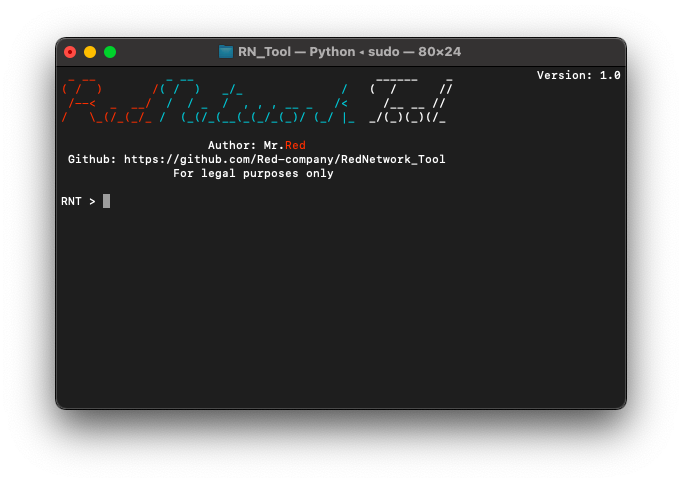
Red Network Tool is a tool for network exploration and info finding over the internet. There is a config feature!
Current tool version consist of:
- Ifconfig.
- Port scan(comprehensive, TCP, SYN, ACK, UDP).
- Host discovery(scan for up devices on a local network).
- DNS checks with geolocation information.
- Banner grabbing.
- Ping(send ICMP packets to a host to check connectivity).
- Traceroute(diagnose route paths and measure transit delays).
- Reverse ip lookup.
- Censys.
- Site technologies detection feature.
- Honeypot probability.
- Mac address lookup.
- Dns mapping.
Supported Devices:
This program is supported in all operating system like Linux, Windows and MacOS. The Code is written in python3, so don't worry it works well without any bugs.
Installing (Windows/Linux/MacOS):
git clone https://github.com/Red-company/RedNetwork_Tool.git
cd RN_Tool
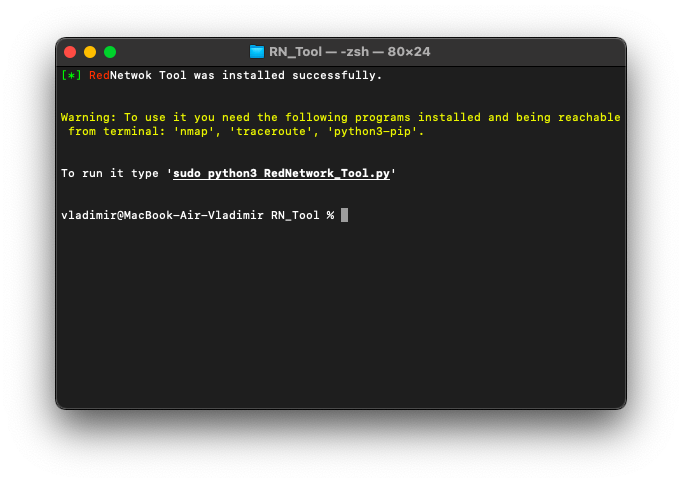
bash setup.sh

! After executing setup.sh, you'll need to edit newly created config.py

sudo python3 RedNetwork_Tool.py
How to use? Let's figure it out:
Ifconfig
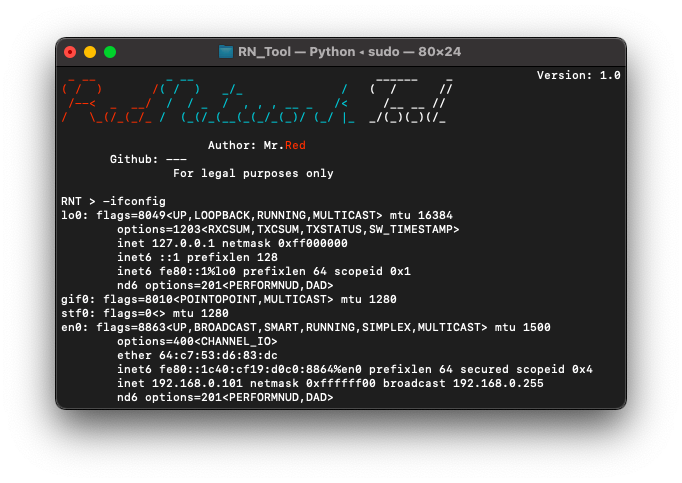
If you want to display your system's current TCP/IP network configuration, type the following command:
-ifconfig
Ports scanning
Supported types:
- SYN (
-scansyn) - TCP (
-scantcp) - UDP (
-scanudp) - ACK (
-scanack) - Comprehensive scan (
-scan).
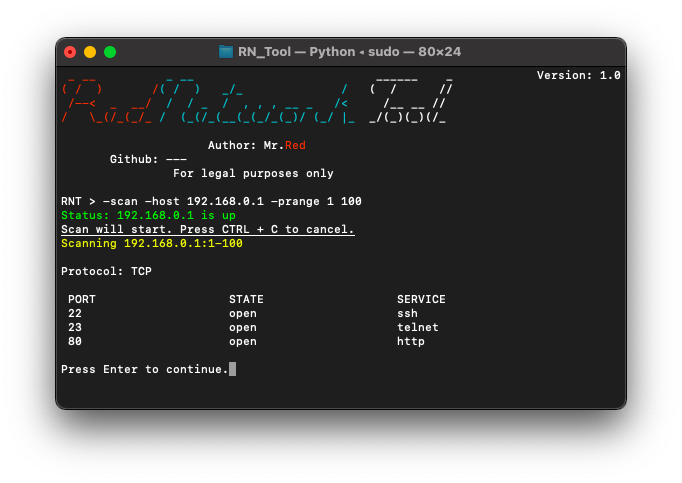
-scan -host [HOST(s)]
-scan -host [HOST(s)] -p [PORT(s)]
-scan -host [HOST(s)] -prange [START PORT] [END PORT]
-scan -iprange [START IP] [END IP] -p [PORT(s)]
-scan -iprange [START IP] [END IP] -prange [START PORT] [END PORT]
Local scan
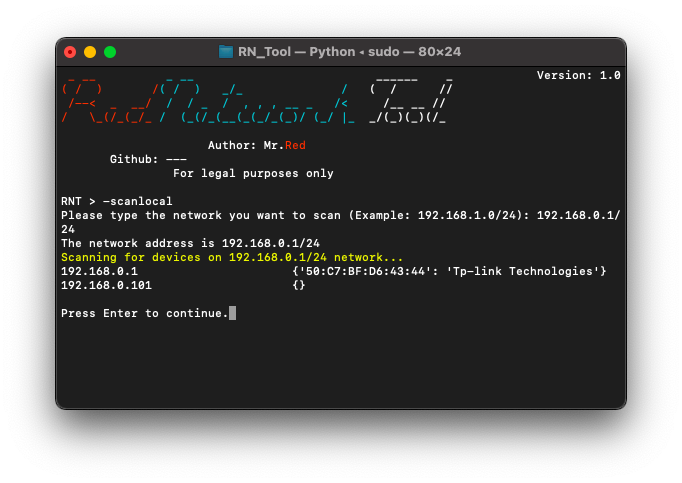
Perform scan to detect local devices.
-scanlocal
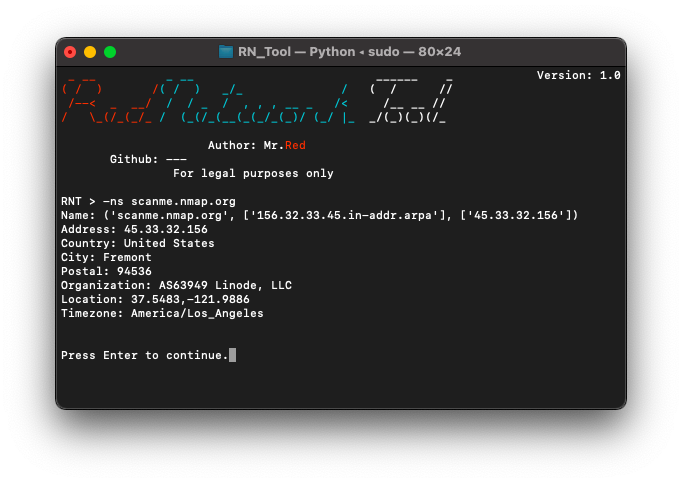
DNS check
Similar to the well known nslookup command used on UNIX systems.
-ns [HOST(s)]
Banner grabbing
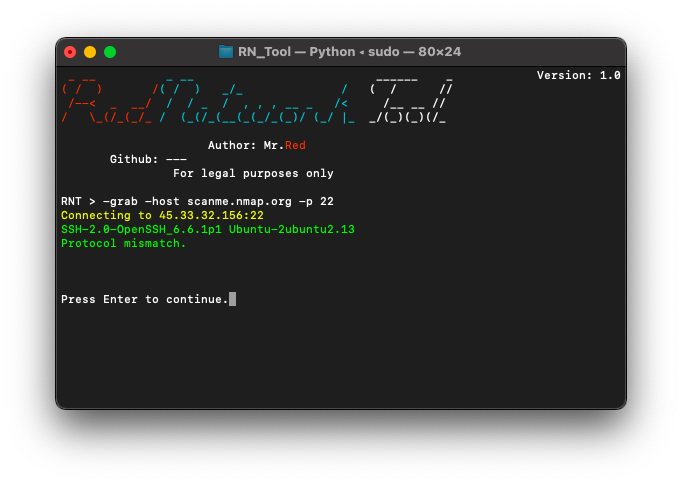
To perform banner grabbing, type one of the following commands:
-grab -host [HOST(s)] -p [PORT(s)]
-grab -iprange [START IP] [END IP] -prange [START PORT] [END PORT]
-grab -host [HOST(s)] -prange [START PORT] [END PORT]
-grab -iprange [START IP] [END IP] -p [PORT(s)]
Ping
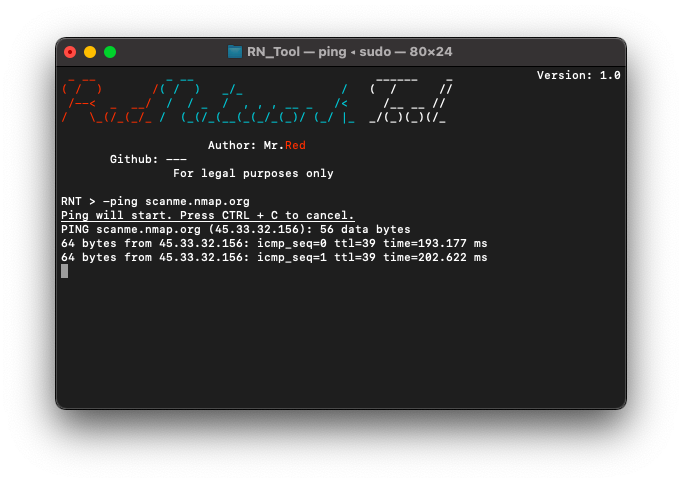
Uses to send ICMP packets to a host to check connectivity, simply type:
-ping [HOST]
Traceroute
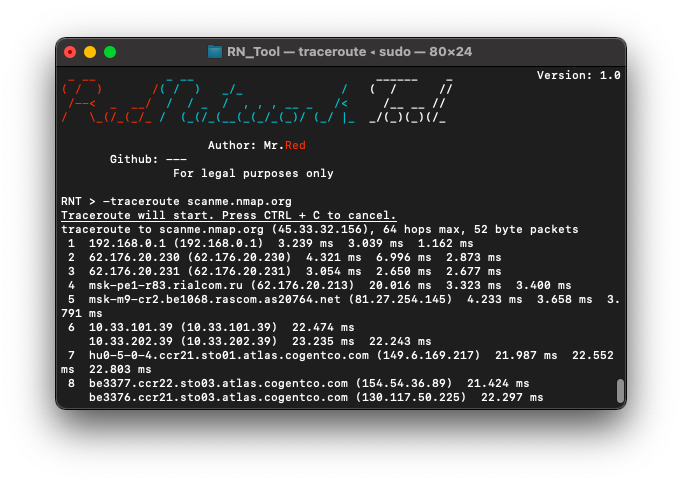
Uses to diagnose route paths and measure transit delays, use the following command:
-traceroute [HOST]
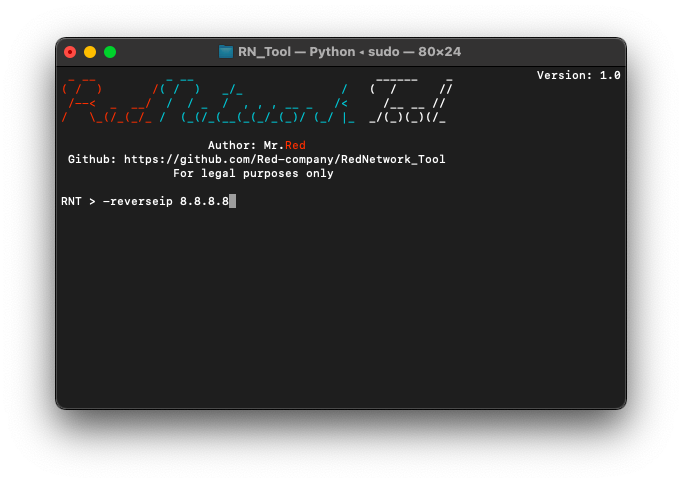
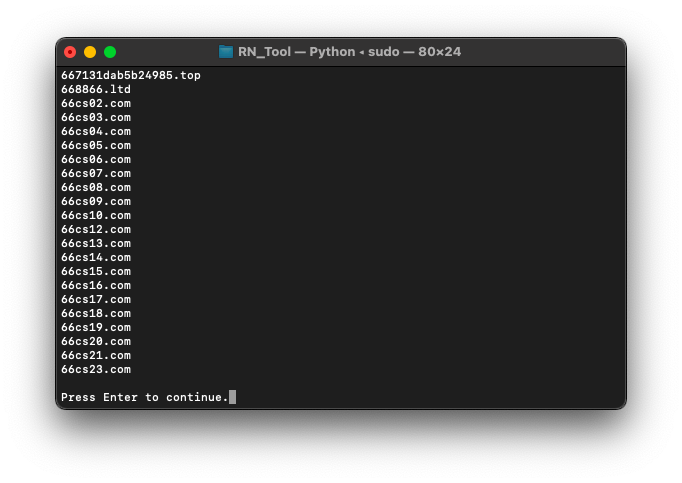
Reverse ip lookup
Uses to perform a reverse ip lookup, to perform write:
-reverseip [HOST]
Censys
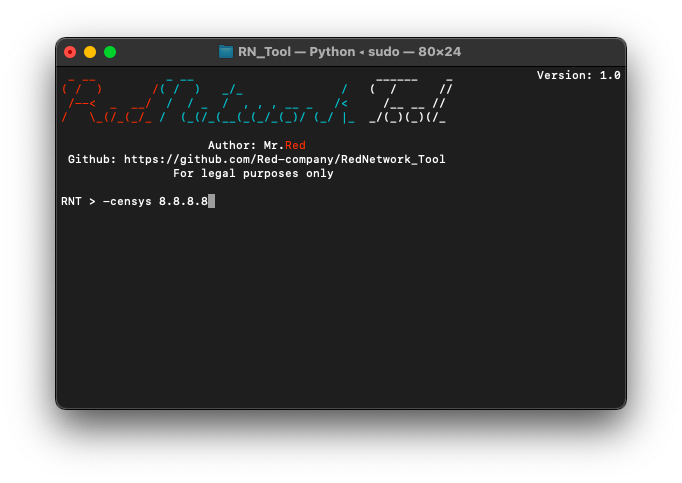
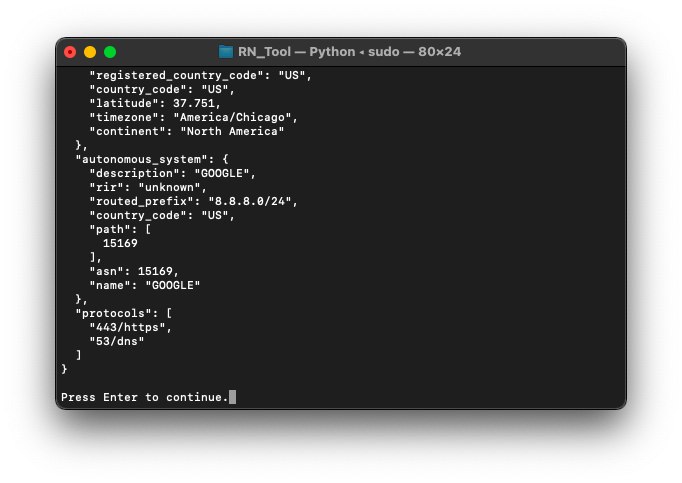
Censys feature, just type:
-censys [HOST]
TechDetect
Uses to detect site's technologies. Type:
-techdetect [URL]

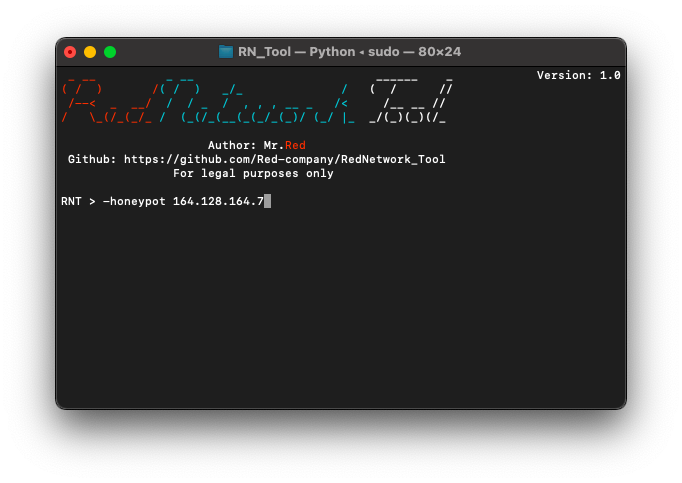
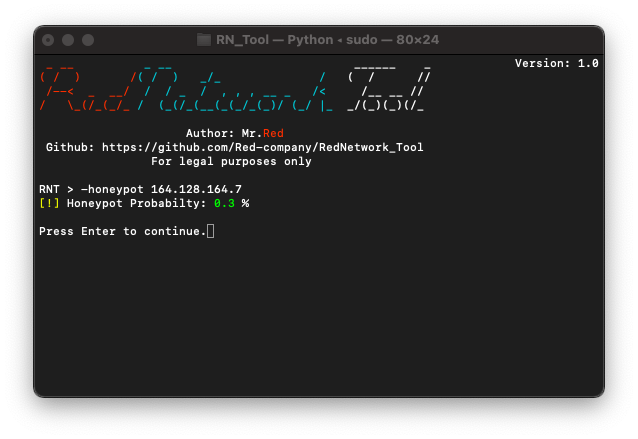
Honeypot
Uses to calculate probability of ip being honeypot. To calculate just type:
-honeypot [IP]
Mac address lookup
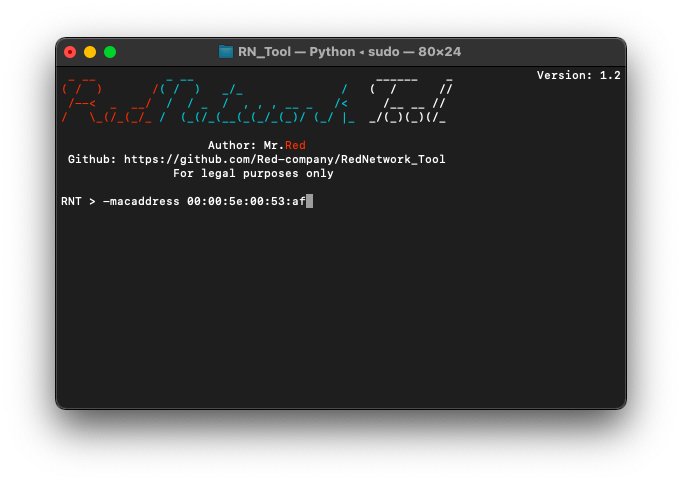
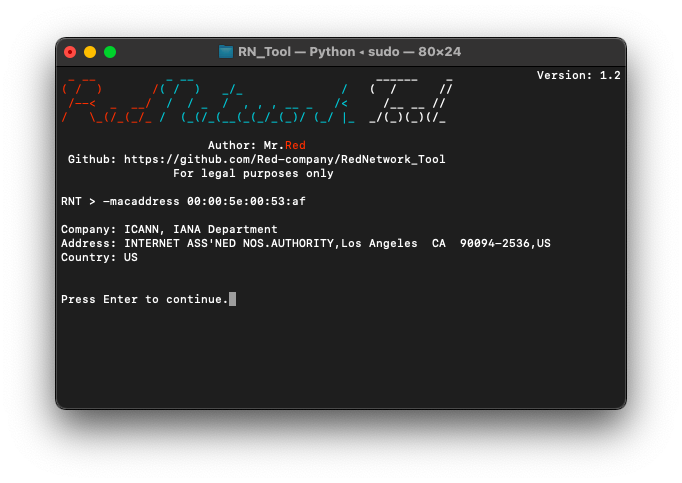
You can check information about certain mac address with it, type:
-macaddress [MAC]
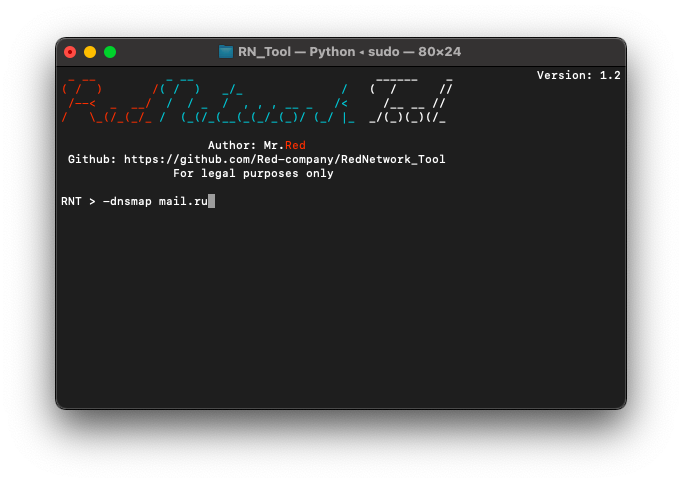
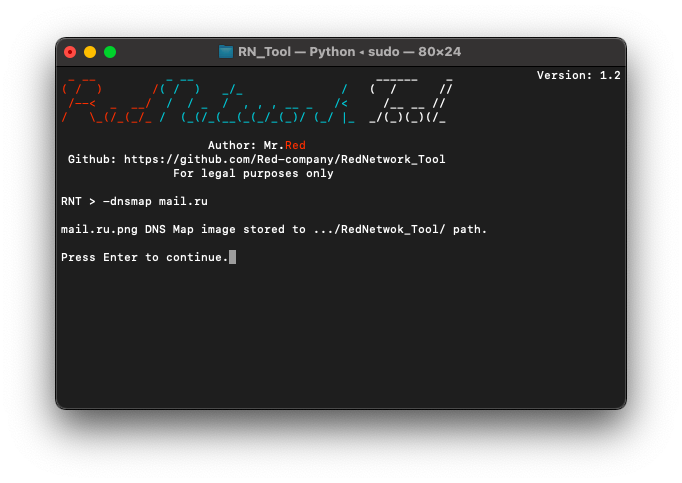
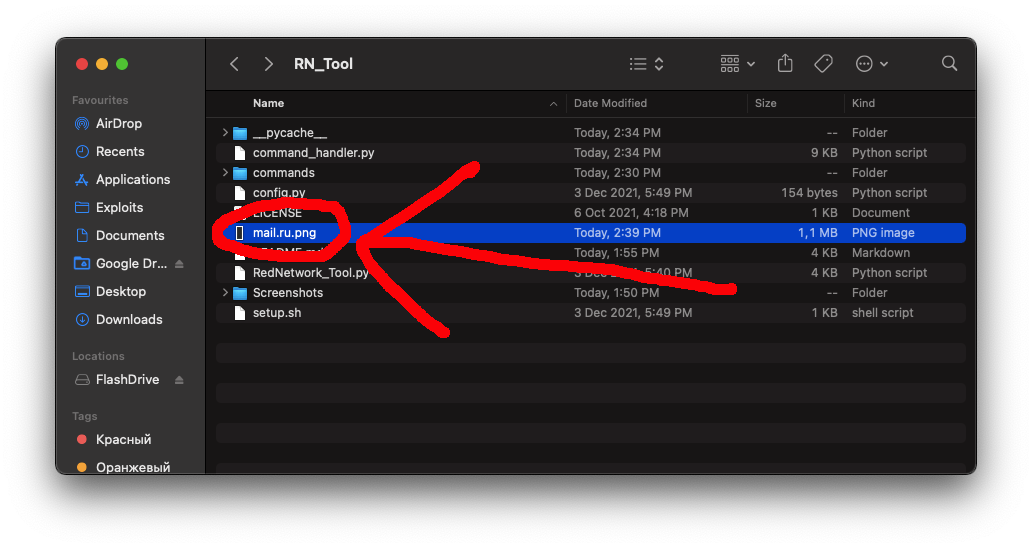
Dns map
Do you want to get a map of dns servers of certain organization? Okay, here it is:
-dnsmap [DOMAIN]
Subdomains
Subdomains, unfortunately, only by bruteforcing 10.000 most common ones.
-subdomains mail.ru

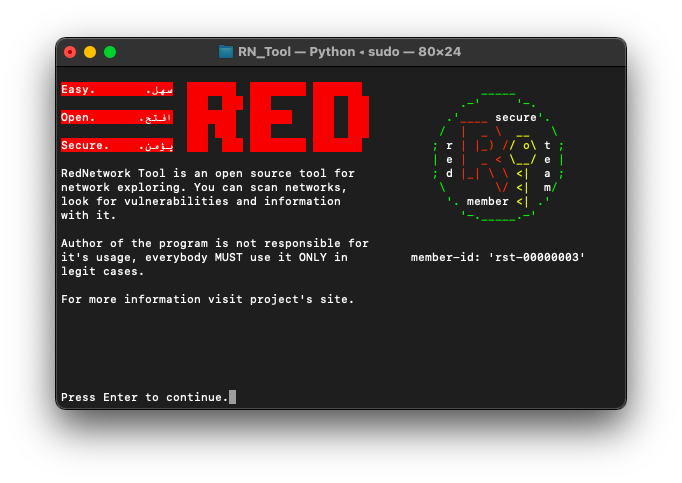
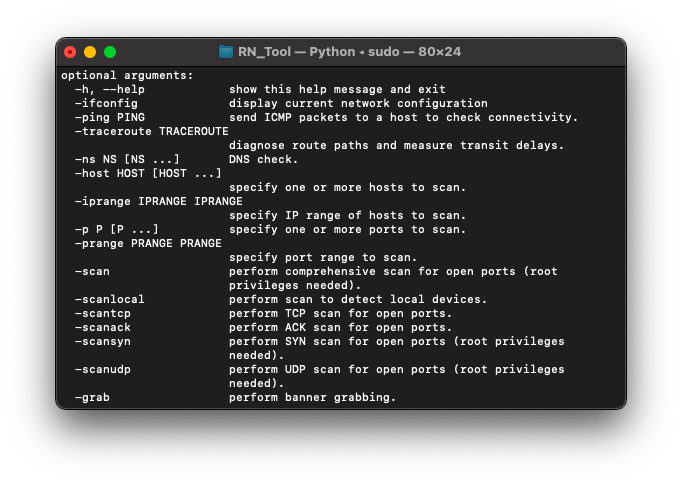
More screenshots? Here they are:
All material in this repository is in the public domain.