replited(Replicate SQLITE Daemon)


Introduction
Inspired by Litestream, with the power of Rust and OpenDAL, replited target to replicate sqlite to everywhere(file system,s3,ftp,google drive,dropbox,etc).
Why replited
- Using sqlite's WAL mechanism, instead of backing up full data every time, do incremental backup of data to reduce the amount of synchronised data;
- Support for multiple types of storage backends,such as s3,gcs,ftp,local file system,etc.
Support Backend
| Type | Services |
|---|---|
| Standard Storage Protocols | ftp |
| Object Storage Services | azblob gcs s3  |
| File Storage Services | fs |
Quick Start
Start a daemon to replicate sqlite:
replited --config {config file} replicate
Restore sqlite from backend:
replited --config {config file} restore --db {db in config file} --output {output sqlite db file path}
Config
See config.md
Sub commands
Replicate
repicate sub command will run a background process to replicate db to replicates in config periodically, example:
replited --config ./etc/sample.toml replicate
Restore
restore sub command will restore db from replicates in config, example:
replited --config ./etc/sample.toml restore --db /Users/codedump/local/sqlite/test.db --output ./test.db
command options:
db: which db will be restore from configoutput: which path will restored db saved
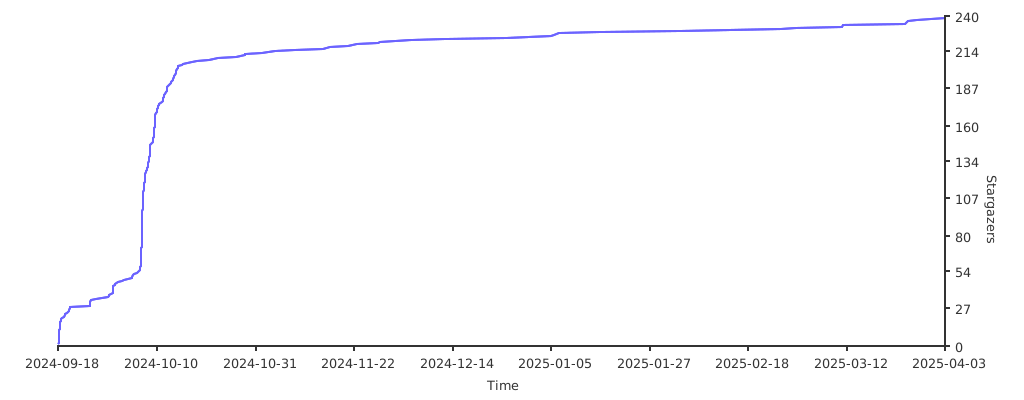
Stargazers over time