
Rpush-server

A simple push server implementation based on RPush.
- Simple. Has an admin panel for managing push notifications credentials, users and push tokens.
- Powerful. Has all API methods for keeping push tokens and sending messages.
- No DevOps needed. Easy deploy to Heroku or Dokku.
The RPush server admin panel is accessible by the link.
Default credentials: admin & admin
Run the RPush server in development mode
-
Install dependencies
brew install libpq brew install postgresql@14 brew install overmind npm install --global yarn yarn install -
Create db and run migrations
rails db:setup -
Run a Procfile_dev processes
yarn s
Auth
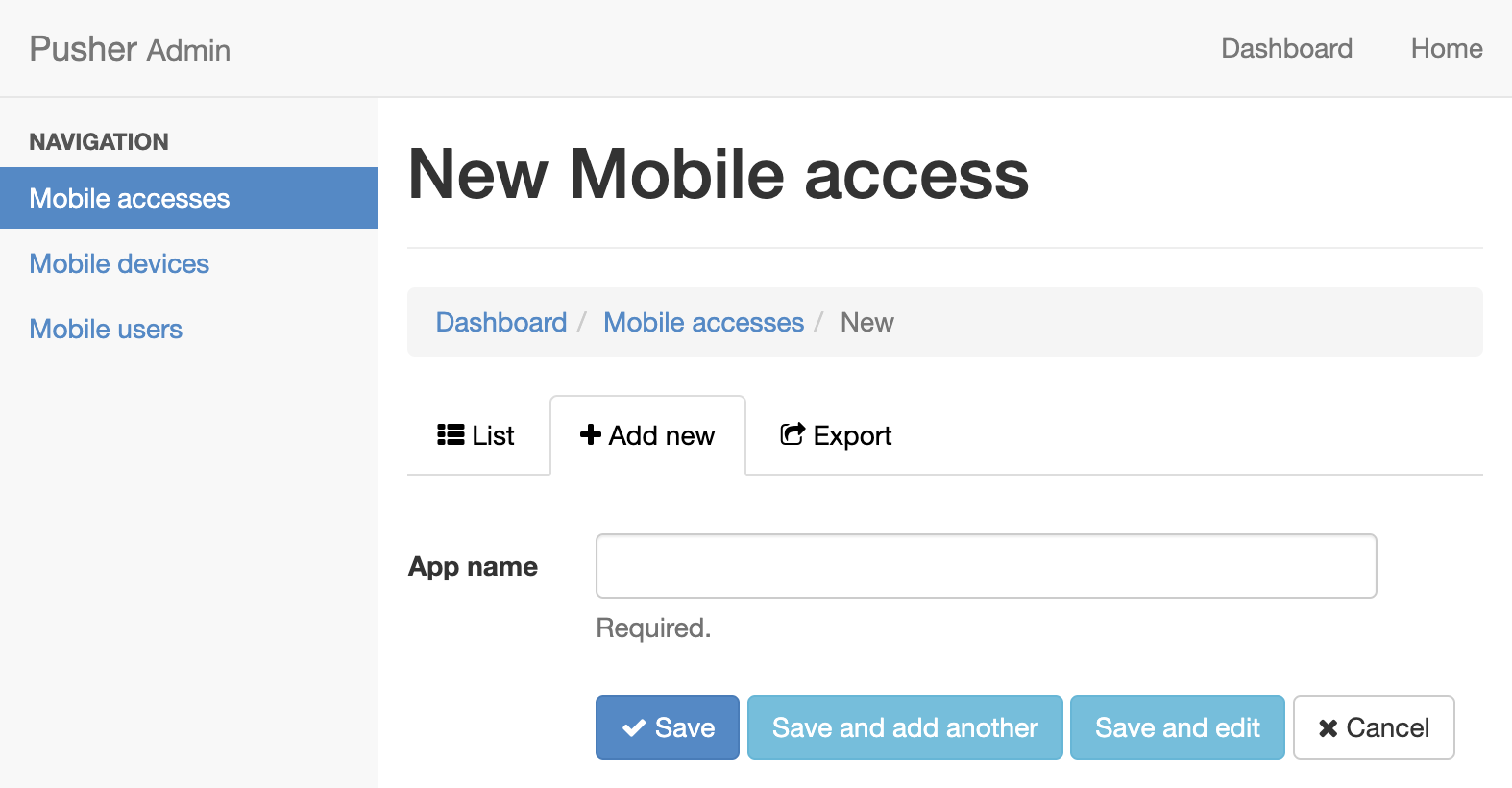
Generate mobile_token using the admin page:
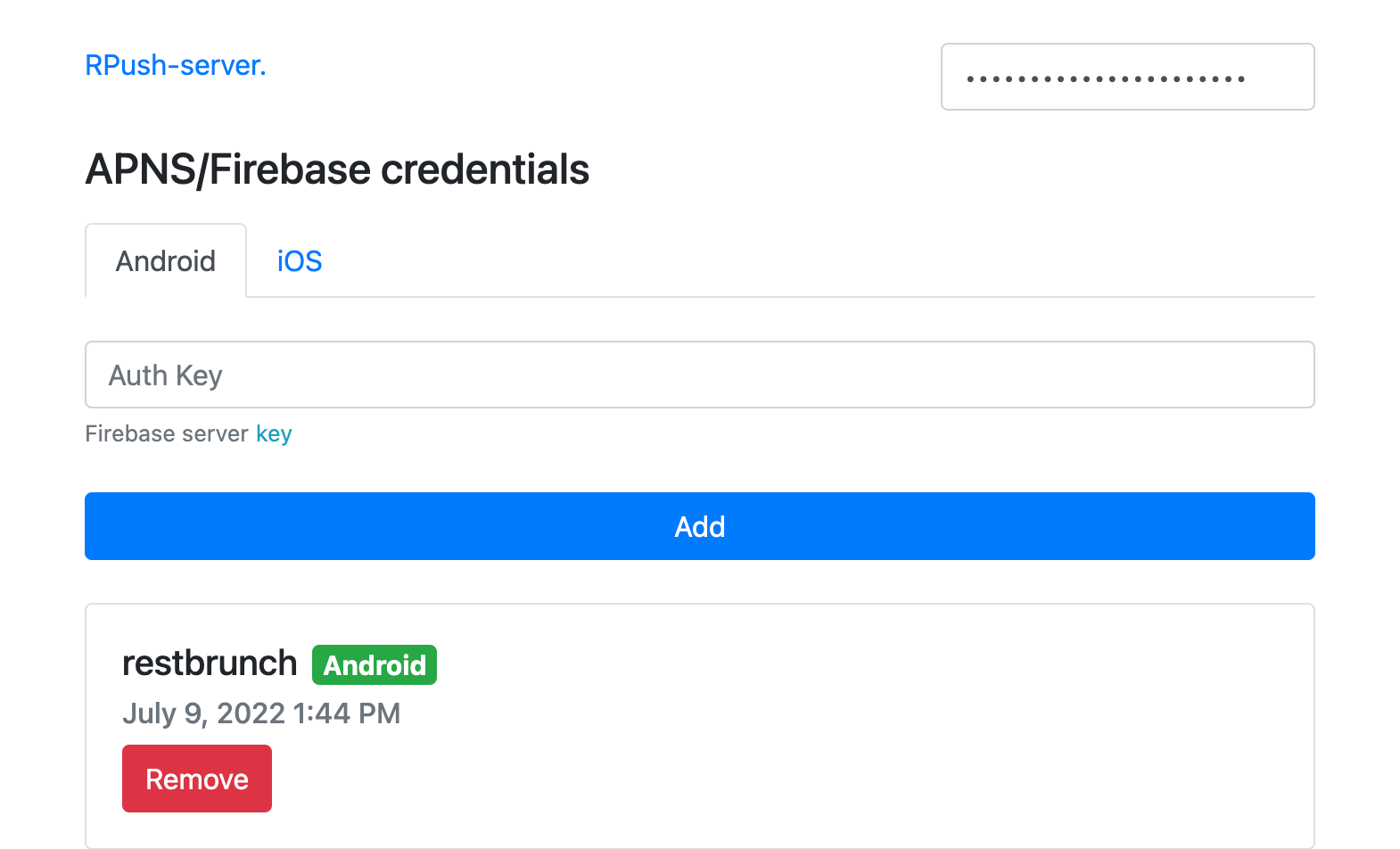
Open the app dashboard and fill in credentials for APNS and Firebase.
Endpoints
Create mobile device
Run this method every time after starting a mobile application.
POST /mobile_devices
Params:
{
    "mobile_device": {
        "device_token": "mobile_device_push_token",
        "device_type": "ios" // ios/android
    },
    "mobile_user": {
        "external_key": 123, // server user identifier
        "environment": "development" // development/production
    }
}
Headers:
{ Authorization: "Bearer client_token" }
Response:
{}
Response status: 200
Remove mobile device
Run this method when the user logout.
DELETE /mobile_device/:push_token
Response:
{}
Response status: 200
Create push notifications
Run this method on the server side
POST /push_notifications
Params:
{
    "message": {
        "title": "New message",
        "message": "Hello Mark",
        "data": {},
        "data_notification": {}
    },
    "mobile_user": {
        "external_key": 123, // server user identifier
        "environment": "production" // development/production
    },
    device_type: 'android' // ios/android/all
}
Headers:
{ Authorization: "Bearer server_token" }
Response:
{}
Response status: 200
Restore production backup for local development purposes
pg_restore --verbose --clean --no-acl --no-owner -U postgres -d rpush_server_dev < [path_to_backup]