

🐟 Sameko IDE ⚓
The cutest & fastest C++ IDE for your coding adventures! (≧◡≦) ♡



Welcome to the deep blue sea of coding! 🌊
★ 。/|\。★

Features • Screenshots • Download • Development • Shortcuts
🎯 About
|
Sameko IDE is a lightweight C++ IDE for Windows, built for competitive programming and learning. It comes with GCC 16 pre-configured — no MinGW installation needed. Just download, extract, and start coding. 💡 Think of it as a modern Dev-C++ alternative: simple interface, fast compilation, works out of the box. |

|
✨ Features
- 🚀 GCC 16 bundled, no setup required
- ⚡ Press F11 to compile and run instantly
- 🏆 Fetch test cases from Codeforces, AtCoder, LeetCode via Competitive Companion
- 🔗 Auto-links .cpp files when you
#includecustom headers - 🎨 6 themes: Kawaii, Dracula, Monokai, Nord, One Dark, Sakura
- 📑 Multi-tab editor with split view
- ✂️ Custom snippets and templates (BFS, DFS, Segment Tree, etc.)
- 🧹 Format code with AStyle (
Ctrl+Shift+A) - 💾 Auto-save with configurable intervals
- 👁️ File watcher detects external changes
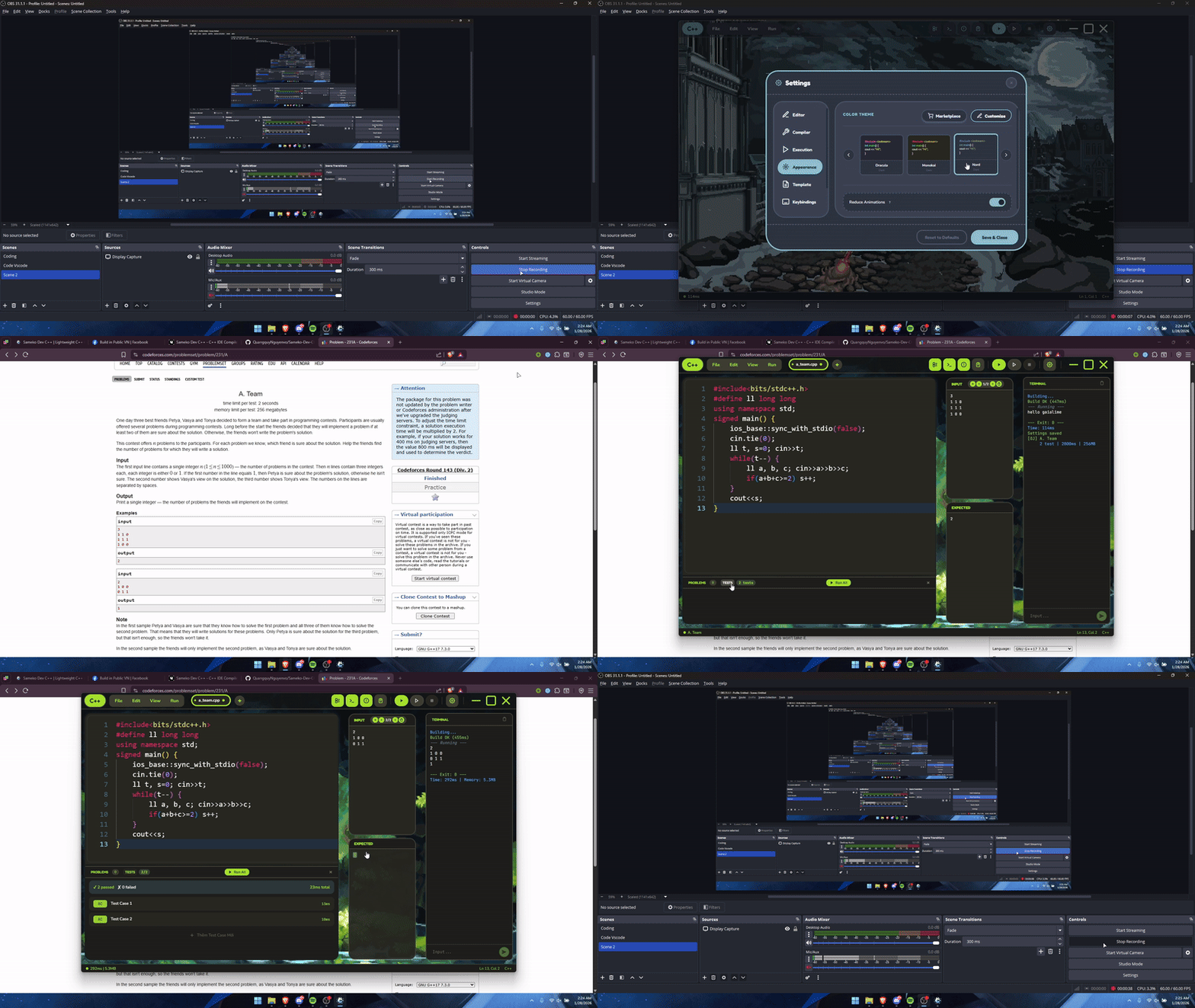
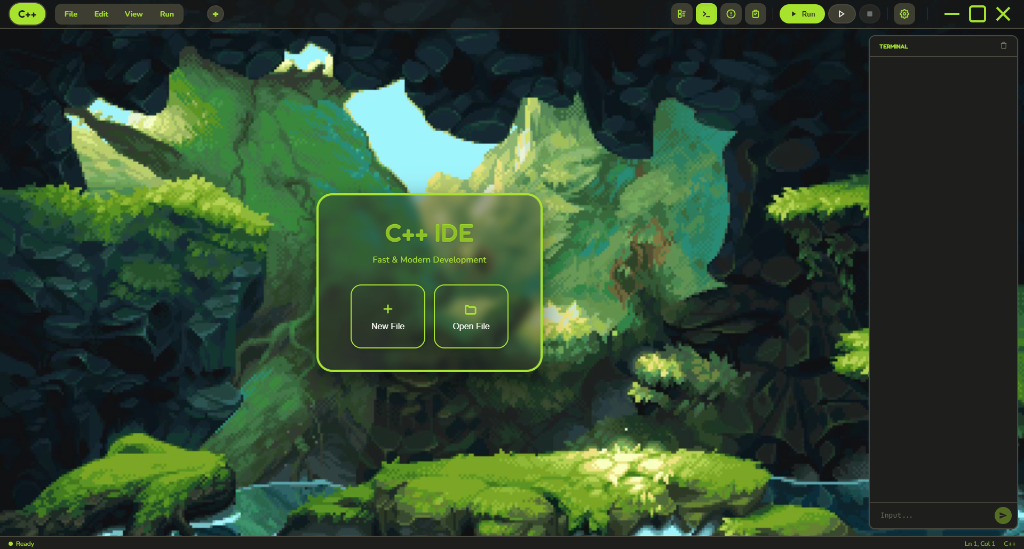
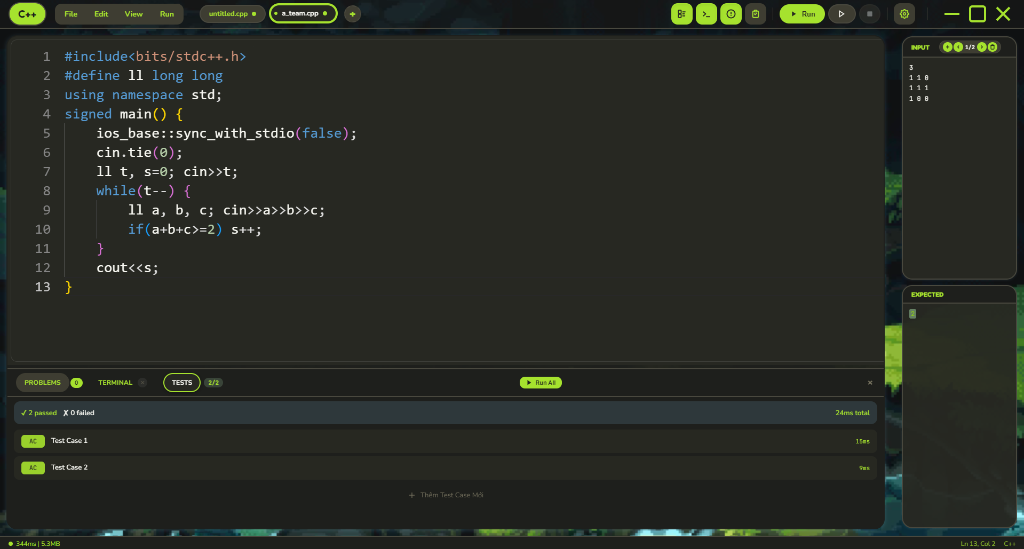
📸 Screenshots
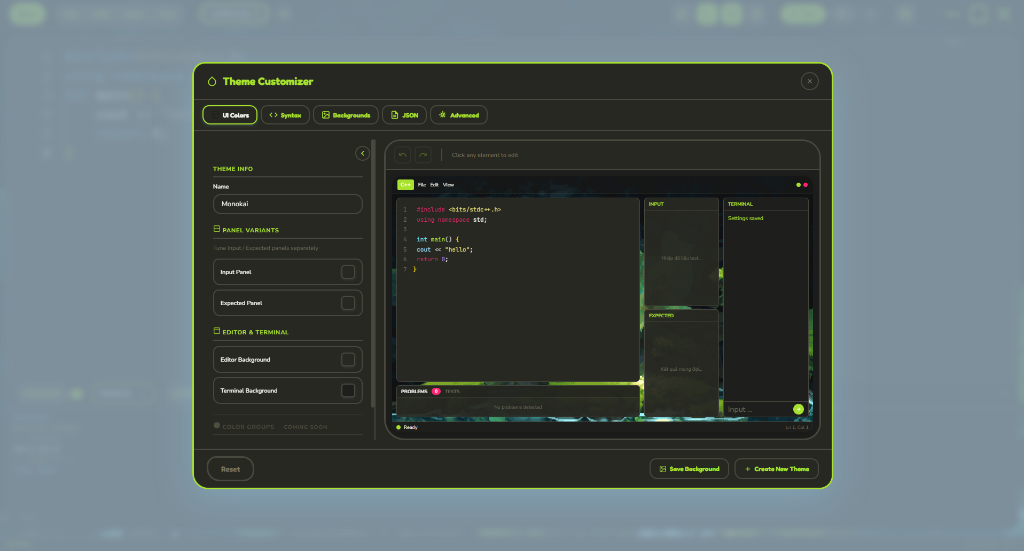
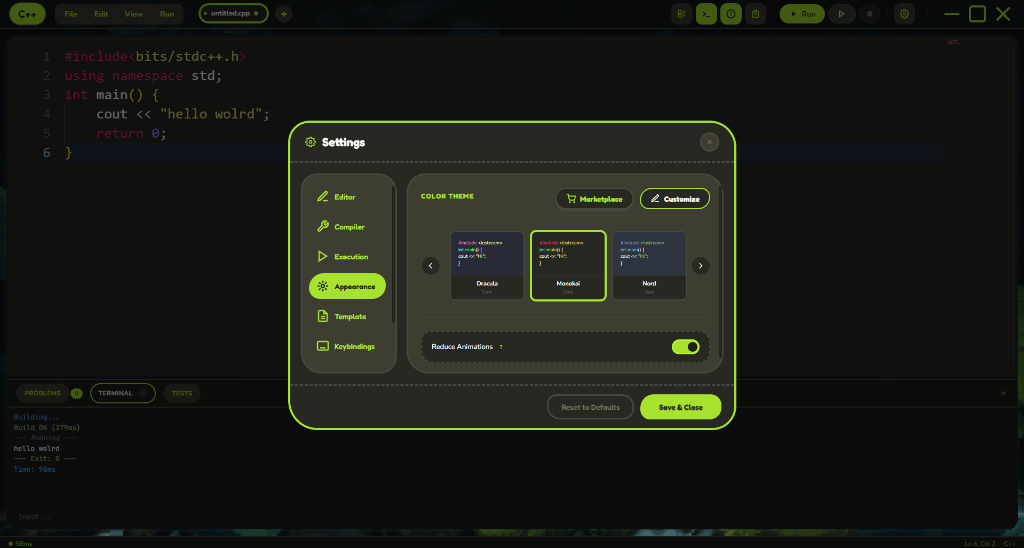
🆕 What's New in v1.1.0
- Faster real-world compile flow with startup warm-up + default PCH prebuild.
- New Single-file Compile Mode (default ON) for faster CP-style builds.
- Smarter linker guidance: if a build needs multi-file linking, Sameko now shows a hint.
- More reliable external terminal run completion reporting (with time + memory summary).
- Auto-update UX stability improvements to avoid premature "Restart to Update" state.
Multi-file project note
If your project is split across multiple .cpp files and you see linker errors like undefined reference, open:
Settings > Compiler > Single-file Compile Mode
Then turn it OFF and build again.
📥 Download
Windows (Portable)
- Go to samekocpp.wibu.me
- Download the latest
.raror.exefile - Extract and run — that's it!
Note: Compiler is bundled. No additional setup required.
🛠️ Development
Prerequisites
- Node.js v18+
- npm or yarn
Setup
# Clone the repository
git clone https://github.com/QuangquyNguyenvo/Sameko-Dev-CPP.git
cd Sameko-Dev-CPP

# Install dependencies
npm install

# Run in development mode
npm start

# Build for Windows (NSIS installer + update metadata)
npm run build
⌨️ Shortcuts
| Key | Action |
|---|---|
F9 |
Compile |
F10 |
Run |
F11 |
Compile & Run |
Ctrl + N |
New file |
Ctrl + O |
Open file |
Ctrl + S |
Save file |
Ctrl + J |
Toggle Panel |
Ctrl + \ |
Split Editor |
Ctrl + Shift + A |
Auto Format (AStyle) |
Ctrl + Alt + S |
Toggle Auto-Save |
Ctrl + Shift + P |
Command Palette |
🤝 Contributing
💖 Contributors
- Yunchan (Special thanks for designing the logo!)
- aiko-chan-ai (Fixed G++ spawn issue on some machines)
📝 Want to contribute?
Contributions are welcome! Please read CONTRIBUTING.md before submitting a PR.
📄 License
This project is licensed under the MIT License - see the LICENSE file for details.
