

Pasteboard Viewer
Inspect the system pasteboards
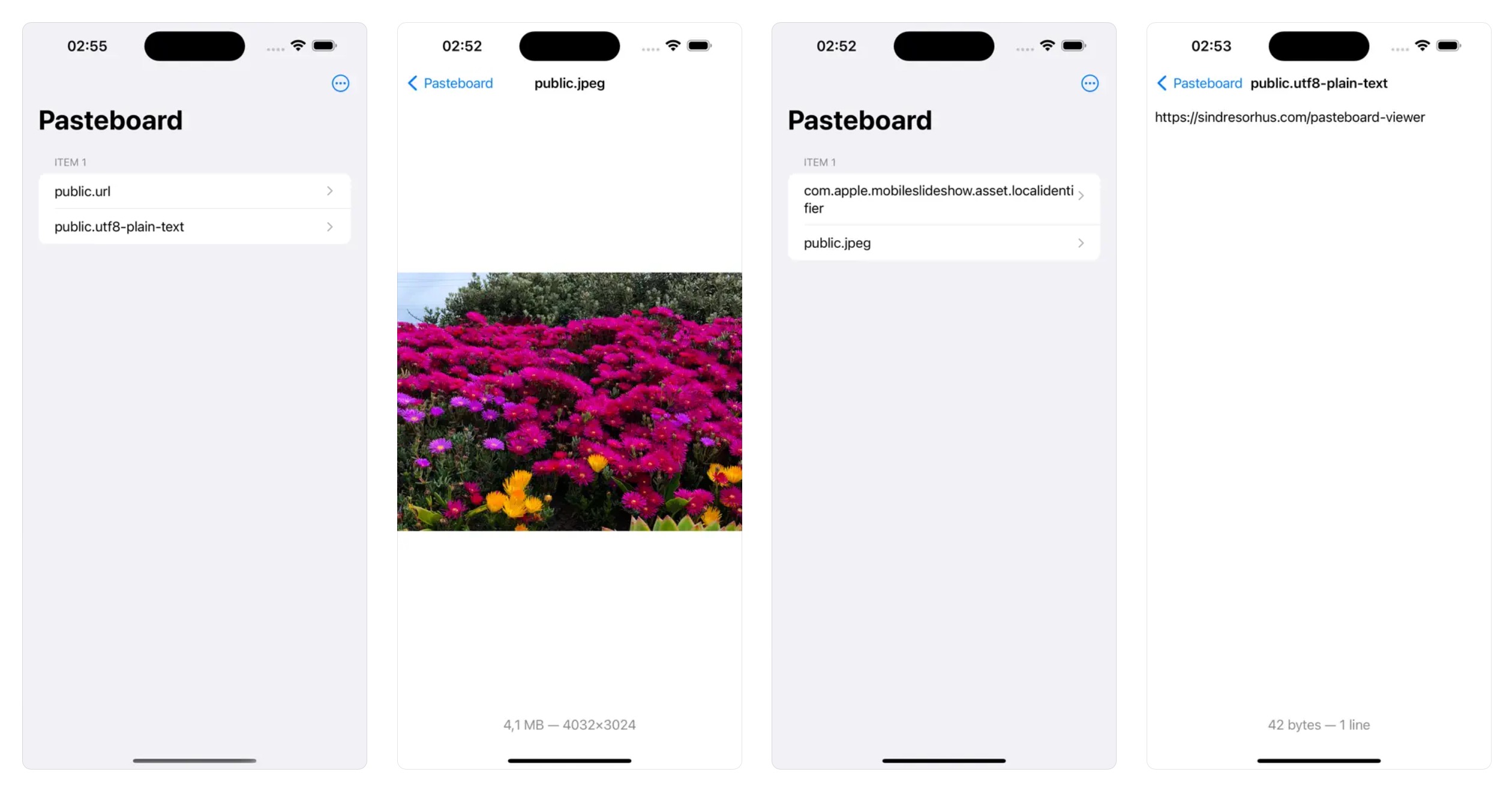
This is a developer utility that lets you inspect the various system pasteboards. This can be useful to ensure your app is putting the correct data on NSPasteboard or UIPasteboard. The app refreshes the pasteboard contents live and can preview text, RTF, images, and anything that has a Quick Look preview.
Note that this is not a clipboard manager. If you're not a programmer, you probably don't want this app.
On macOS, you can make the window always stay in front by enabling “Stay in Front” in the “Window” menu.
Use the up/down arrow keys to switch between the pasteboard items.
It hides obsolete system pasteboard types that have modern equivalents. This includes CorePasteboardFlavorType, NSStringPboardType, NSFilenamesPboardType, etc.
Tip: Right-click (macOS) or long-tap (non-macOS) an item in the sidebar to copy the type identifier.
Download

Requires minimum macOS 26, iOS 26, or visionOS 26
Older versions (macOS)
- 2.11.0 for macOS 15+
- 2.8.0 for macOS 14+
- 2.5.1 for macOS 13+
- 2.4.1 for macOS 12+
- 2.2.2 for macOS 11+
- 1.5.1 for macOS 10.15+
Non-App Store version (macOS)
A special version for users that cannot access the App Store. It won't receive automatic updates. I will update it here once a year.
Download (2.12.0 · macOS 26+)
Screenshot

FAQ
Can I contribute localizations?
I don't plan to localize the app.