singlefile2trilium
Save faithful copy of a web page as a Trilium note with SingleFile web extension.


How it Works
SingleFile web extension saves a faithful copy of the web page being rendered by your browser as a single HTML file.
It's default location is ~/Downloads.
singlefile2trilium is composed of two scripts:
- singlefile2trilium-sender.py script continuously watches
~/Downloadsdirectory for new html pages saved bySingleFileand sends them to trilium. - singlefile2trilium-handler.js is a trilium custom request handler. It handles and converts data sent by
singlefile2trilium-sender.py.
The handler wraps the html content into an html iframe, which is itself rendered by a render note.
Installation
Dependencies:
- Python 3.x
- Trilium >= v0.38
- SingleFile
A) Configure singlefile2trilium-handler.js
- add the file to trilium as a
JS Backendcode note: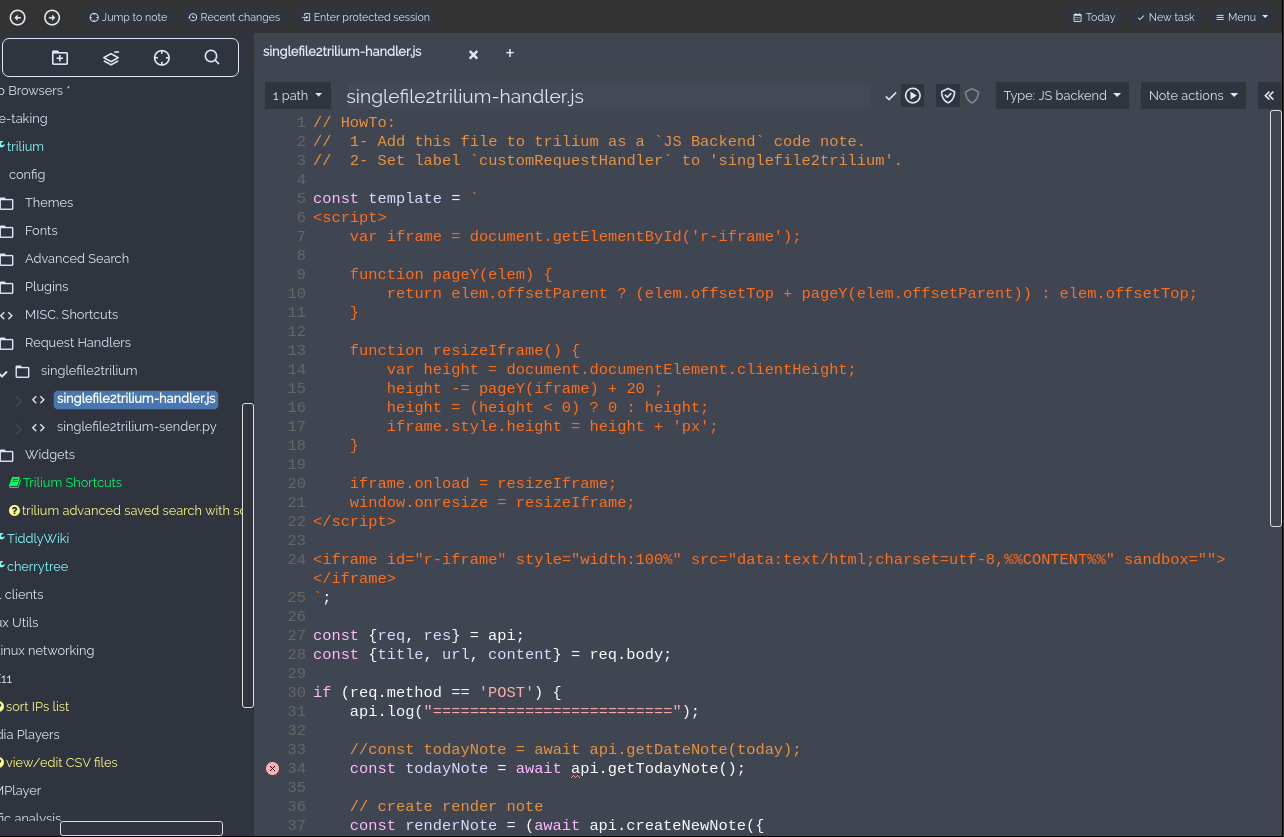
- set
customRequestHandlerlabel tosinglefile2trilium:
B) Configure singlefile2trilium-sender.py
- copy the script somewhere on your computer.
- change
BASEDIR&TRILIUM_URLvars in script according to your needs. - configure your system to run the script at startup (as a daemon):
user@desktop $ ./singlefile2trilium-sender.py
Usage
- Use SingleFile add-on in your browser to save a web page
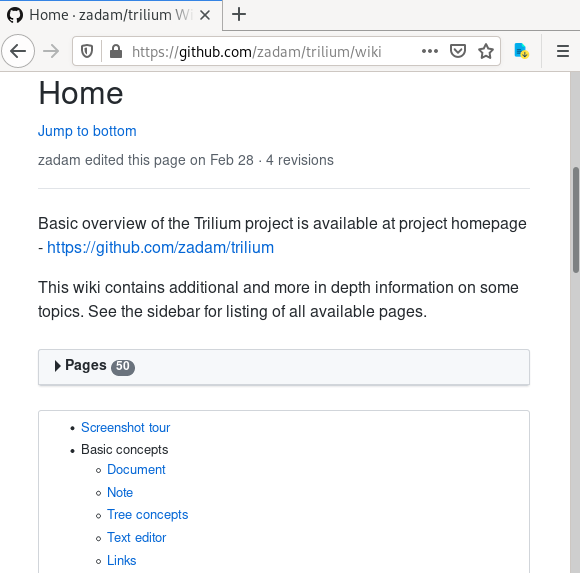
- You have now a new Trilium note rendering faithfully the web page in your day note
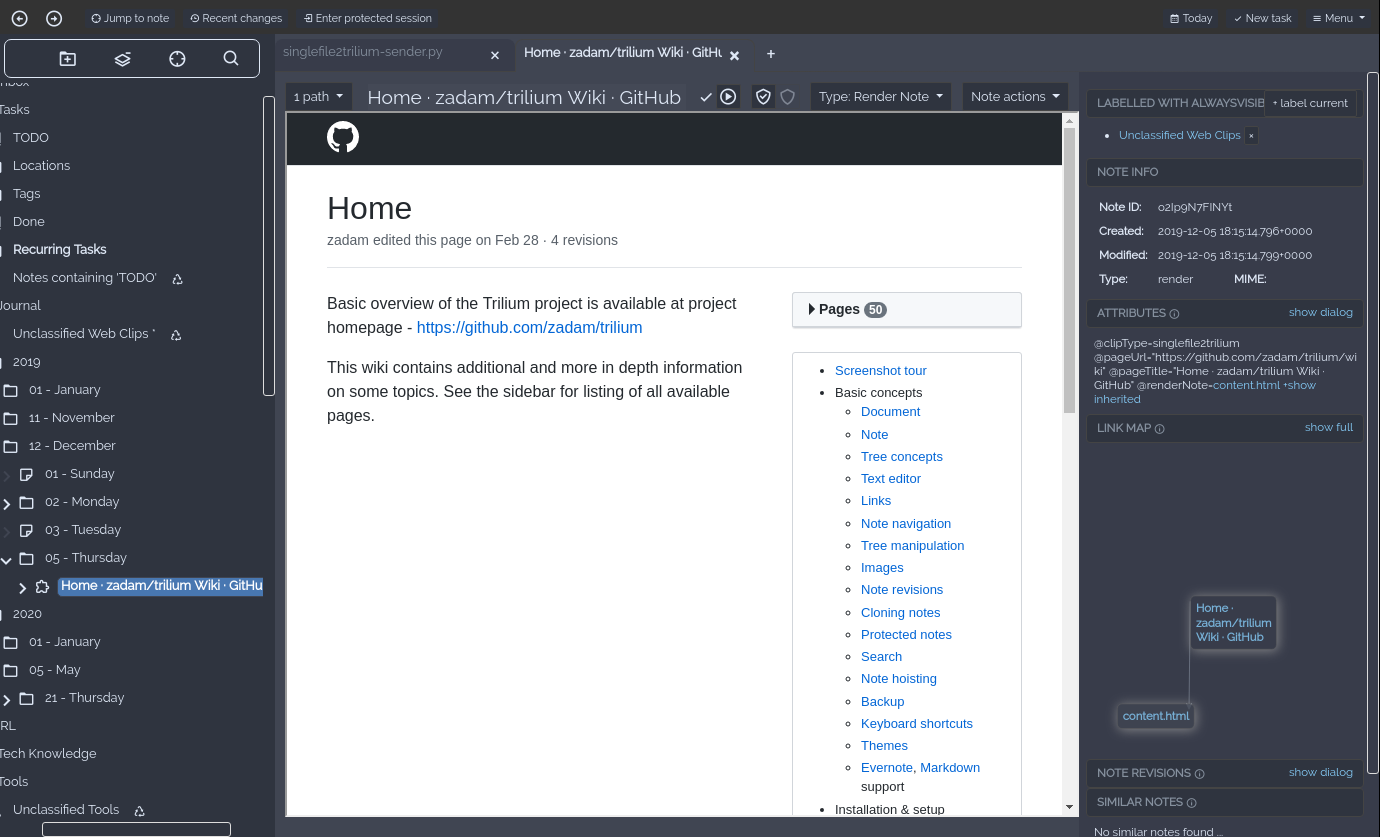
Throubleshotting
- Ensure trilium installed version is > 0.38
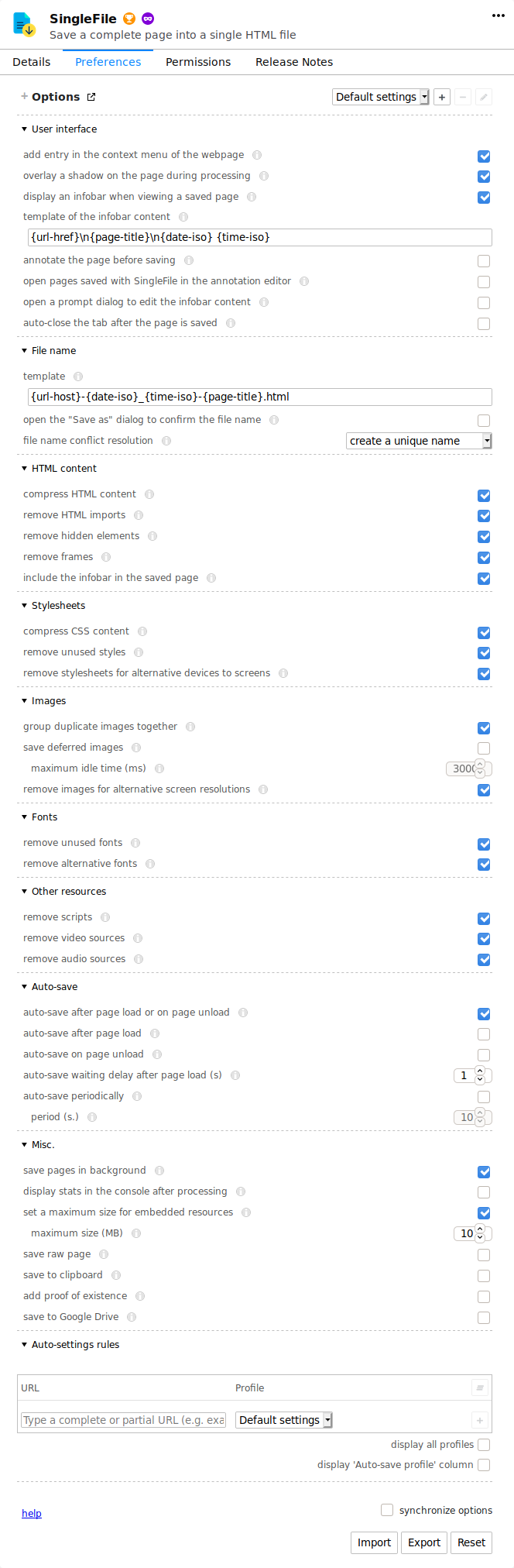
- Here is a screenshot of my own singlefile config, may help if default options don't work: