

🚀 Make and receive SIP calls directly in your Home Assistant dashboard
SIP Core, part of the SIP-HASS project, is the system that powers Home Assistant cards to make and receive SIP calls using WebRTC. It includes official cards and popups, but also supports third-party cards.



✨ Features
- 📞 Make and receive calls
- 🔔 (Custom) Ringtones
- 📹 Video calls
- 🔢 DTMF support
- 🪟 Popups for incoming calls
- 🚀 Auto call on load (using
?call=<number>in the URL) - 🎤 Audio device selection
- 🛠️ API for third-party developers to build custom cards and popups
Default Popup
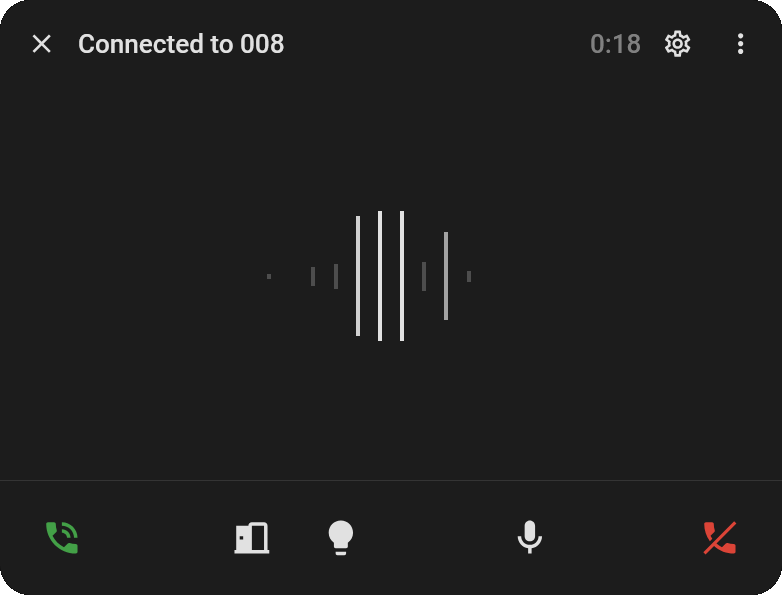
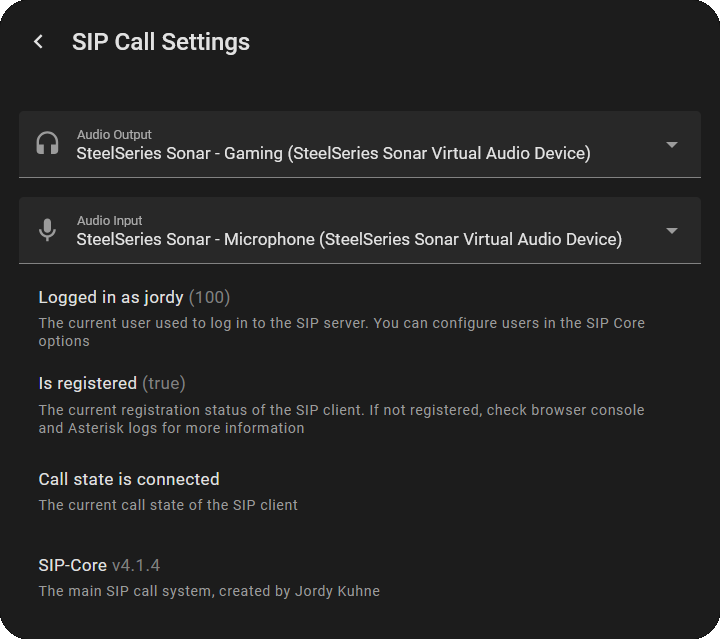
- 🚪 Automatically opens on incoming calls
- 📊 Audio Visualizer
- ⚙️ Menu to configure audio devices
- 🐛 And shows debug information
- 🎮 Custom buttons
- 🔇 Mute mic & camera buttons
Call Card
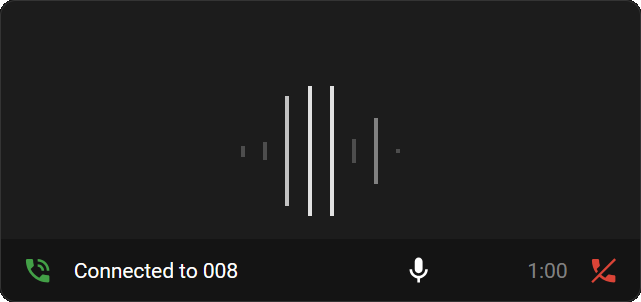
custom:sip-call-card
- 📊 Audio Visualizer
- 📹 Supports camera entities for video
- 🎮 Custom buttons for quick actions
- 🔇 Mute mic & camera buttons
Contacts Card
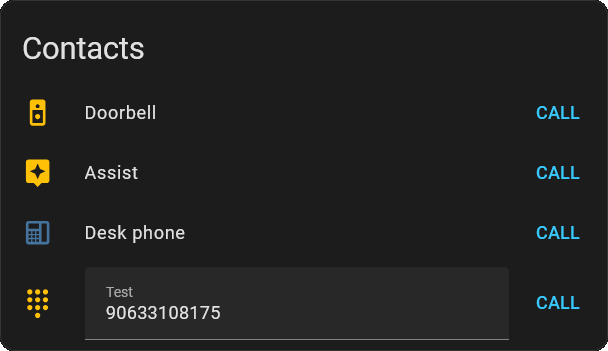
custom:sip-contacts-card
- 📞 Start calls to users/numbers
- 👤 Option to hide your own user
- 🎨 Custom names & icons
- ✏️ Open field option
- 🟢 State color with status entity
📋 Requirements
For this to work you will need the following:
- ☎️ A sip/pbx server (Works best with the Asterisk add-on)
- 🔒 HTTPS for Home Assistant
- 📦 HACS for easy installation
📚 Wiki
You can find the installation instructions and guides on the documentation site: SIP-HASS Docs