
English | 简体中文
site-status
An online status panel based on UptimeRobot API




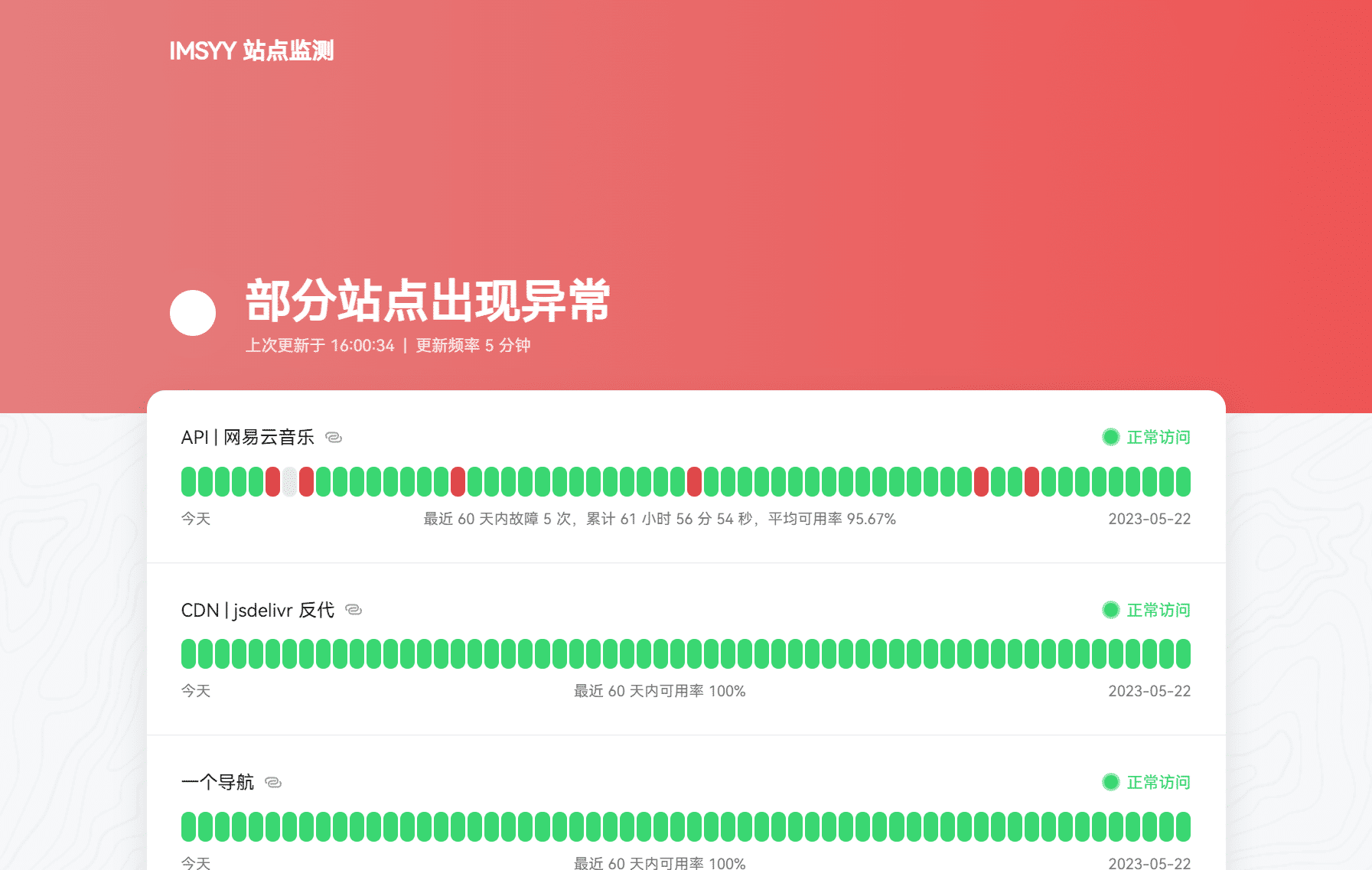
👀 Demo
Demo password:
123456
🎉 Features
- 🌍 Multi-platform deployment support
- ✨ Elegant and smooth browsing experience
- 🔐 Supports site password encryption (JWT + Hash)
- 👀 Overall site status preview
- ⏲️ Data auto-refresh
- 📱 Mobile-friendly design
Prerequisites
- You need to first add site monitors on UptimeRobot and get the
Read-Only API Keyfrom theMy Settingsor API Management page (Do not use theMain API key). - You can also use
Monitor-specific API keysfor individual monitors.
Deployment
Cloudflare
This project is deployed by default using Cloudflare Pages.
starandforkthis project 😘- You can use the new NuxtHub to quickly deploy this project. If you have experience deploying on Vercel, the process is quite similar. Alternatively, you can use Cloudflare Pages for deployment.
- Before moving on, make sure to configure the environment variables as detailed in the
.env.examplefile. TheAPI_KEYis a required field. - If everything goes smoothly, you should be able to see the project’s main page.
Vercel
-
Click the button above to deploy.
-
Add the following environment variables (important):
Variable Name Value DEPLOYMENT_PLATFORM auto API_KEY -
All set!
Other Hosting Platforms
For deployment guides, refer to the official documentation: Deploying Nuxt Apps
Q & A
How to Enable Site Encryption
Add the following environment variables: SITE_PASSWORD and SITE_SECRET_KEY. Both are required. The SITE_PASSWORD is the site password, and the SITE_SECRET_KEY is the encryption key, which you can choose freely.
Thanks
- uptime-status inspired this project