
sketch-wakatime

Time tracking and metrics automatically generated from your Sketch usage.
Installation
-
Download the latest release.
-
Unzip the file.
-
Open the
WakaTime.sketchpluginfile to install the plugin. -
Use Sketch like you normally do and your time will automatically be tracked for you.
-
Enter your api key if prompted.
-
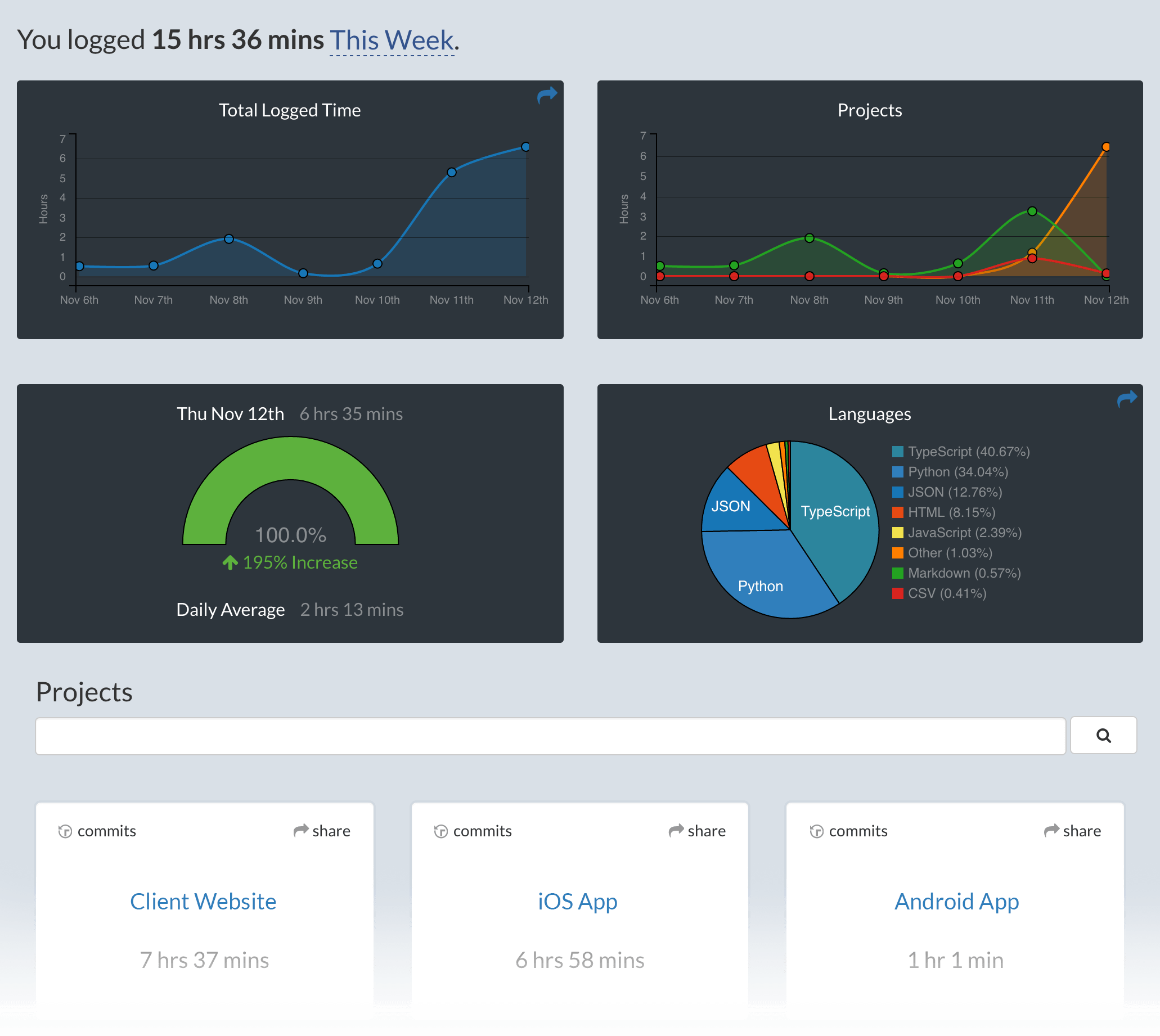
Visit https://wakatime.com to see your logged time.
Screen Shots
Configuring
To change your api key, copy it from your Settings page, then paste into Sketch Plugins → WakaTime.
Additional settings are in $HOME/.wakatime.cfg for wakatime cli.
Contributing
To run this plugin from a local clone of the repo:
git clone [email protected]:wakatime/sketch-wakatime.gitcd sketch-wakatimeln -s "$PWD/sketch-wakatime/WakaTime.sketchplugin" ~/Library/Application\ Support/com.bohemiancoding.sketch3/Plugins/WakaTime.sketchpluginnpm run watch
To view the output from console.log, you have a few different options:
- Use the
sketch-dev-tools - Run
skpm login your Terminal, with the optional-fargument (skpm log -f) which causesskpm logto not stop when the end of logs is reached, but rather to wait for additional data to be appended to the input
Publishing
skpm publish <major|minor|patch>
(where bump can be patch, minor or major)
skpm publish will create a new release on your GitHub repository and create an appcast file in order for Sketch users to be notified of the update.
Troubleshooting
The Sketch plugin logs errors to Console.app and ~/.wakatime/wakatime.log.
For more info on debugging Sketch plugins see the official docs.
For more general troubleshooting information, see wakatime/wakatime#troubleshooting.