

SkillsGate
Visual skill manager for AI agents. Desktop app and TUI.




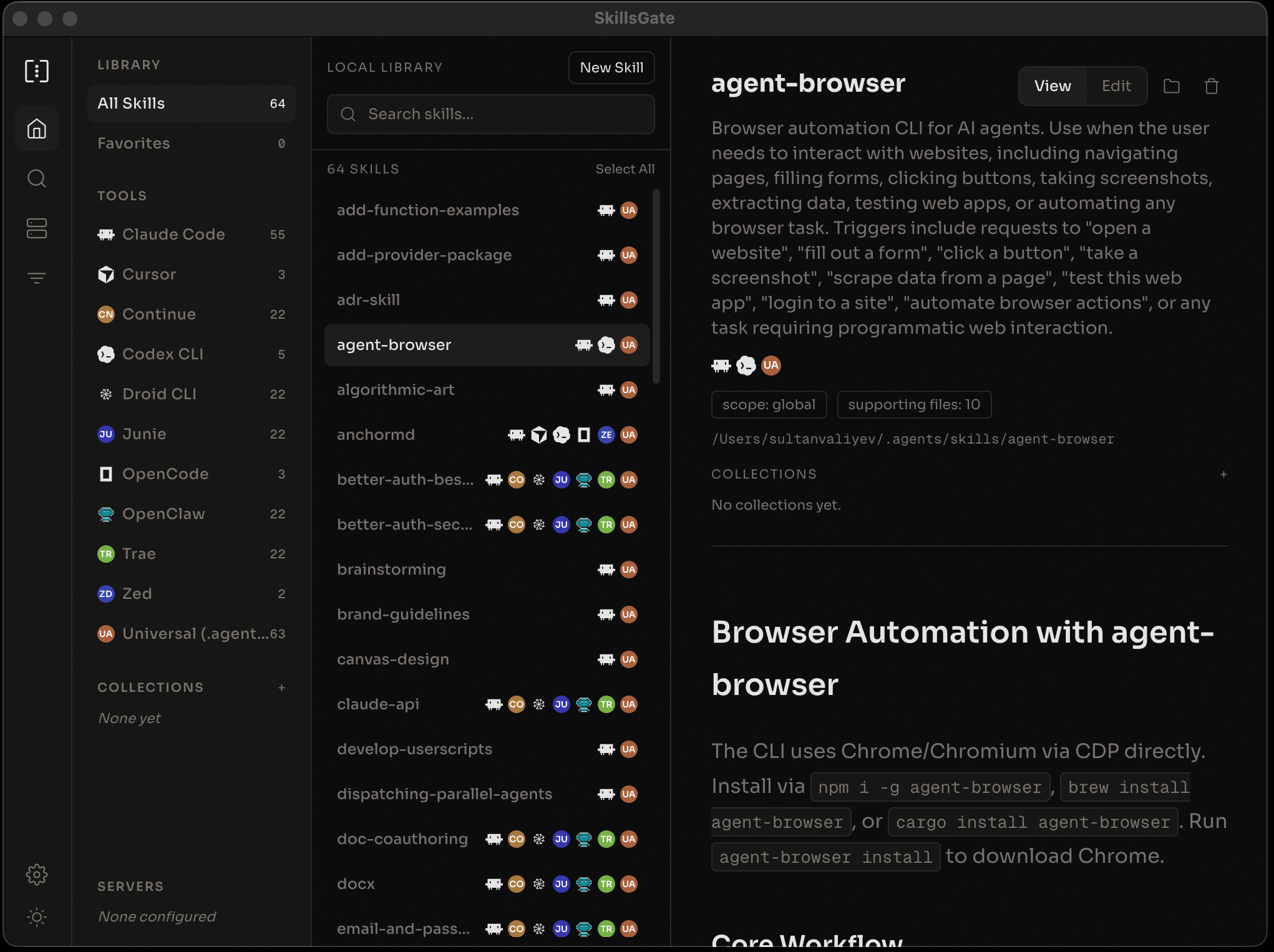
What is SkillsGate?
SkillsGate lets you browse, install, and manage AI agent skills from a single interface. It works with 20+ agents and integrates skills.sh for public skill discovery.
Instead of hunting through GitHub repos and copying markdown files by hand, you open SkillsGate, search for what you need, and install it to any combination of agents with one click.
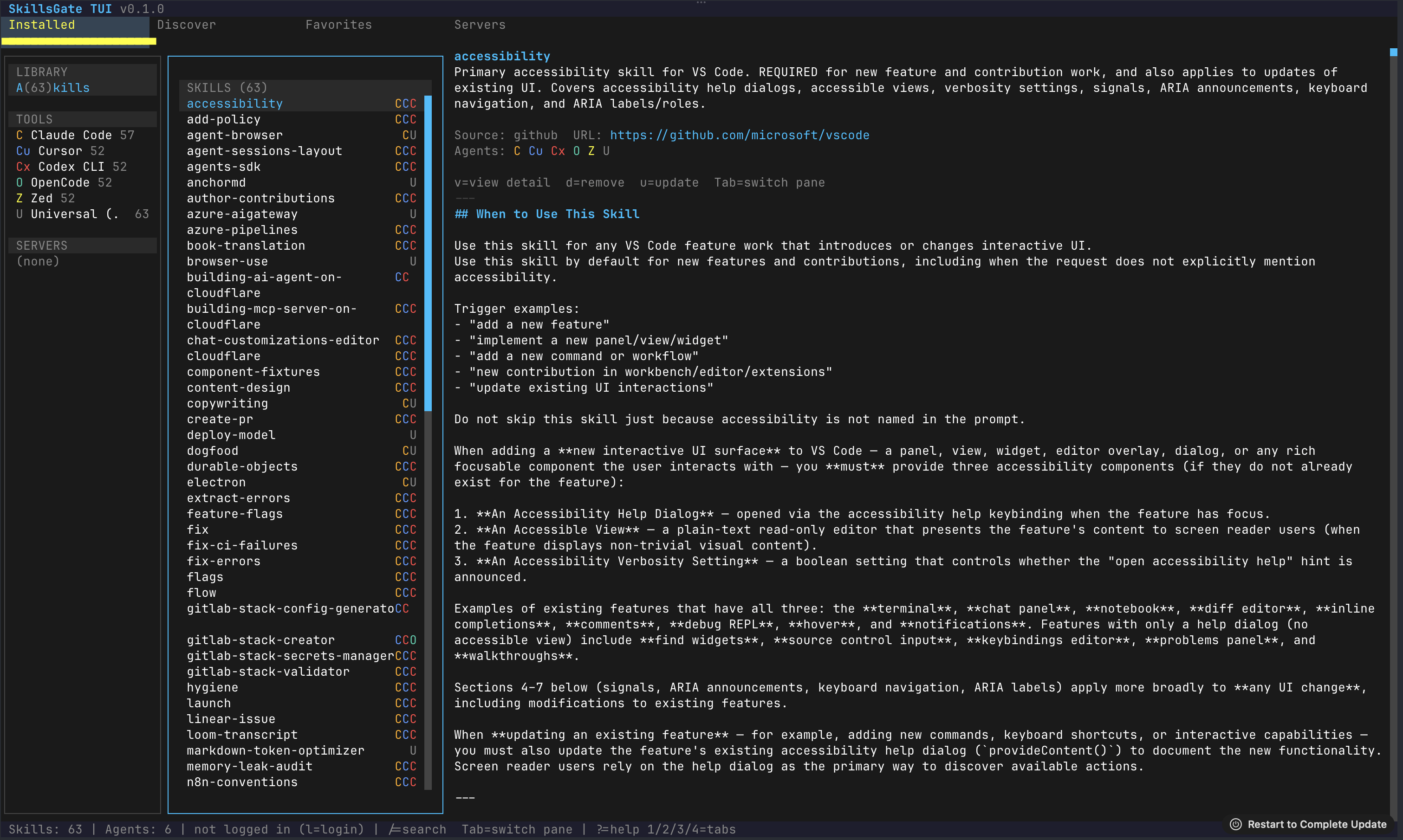
Available as a desktop app (macOS, Windows, Linux) and a terminal UI for keyboard-driven workflows.
Quick Start
Desktop App
Download for your platform:
macOS (Apple Silicon) · macOS (Intel) · Windows · Linux
TUI (Terminal UI)
npx skillsgate
Or install globally:
npm install -g skillsgate
Supported Agents
Claude Code, Cursor, Windsurf, GitHub Copilot, Cline, Continue, Codex CLI, Droid CLI, OB-1, Amp, Goose, Junie, Kilo Code, OpenCode, OpenClaw, Pear AI, Roo Code, Trae, Zed, and Universal.
Features
- skills.sh integration -- browse and search the full public catalog directly from the app
- Per-agent management -- install a skill to specific agents or all of them at once, remove from one without affecting the others
- Built-in editor -- view rendered skill content or edit the raw source with a CodeMirror editor, saved to disk instantly
- Remote servers -- connect to other machines via SSH to browse and sync skills
- Private skills -- keep skills local to your machine or share them with your team
- Favorites -- star skills from the catalog for quick access
- Settings sync -- desktop and TUI share preferences via a local SQLite database
TUI Keyboard Shortcuts
| Key | Action |
|---|---|
1/2/3/4 |
Switch tabs (Installed / Discover / Favorites / Servers) |
j/k |
Navigate list |
/ |
Focus search input |
Tab |
Cycle focus between panes |
v |
View skill detail |
e |
Toggle rendered / raw source view |
i |
Install skill |
d |
Remove skill |
o |
Open folder or URL |
m |
Toggle keyword / AI search mode |
s |
Settings |
? |
Help overlay |
Ctrl+Q |
Quit |
Development
This is a monorepo managed with npm workspaces.
apps/
  web/          React Router v7 on Cloudflare Workers
  desktop/      Electron desktop app

packages/
  cli/          Node CLI published as `skillsgate` on npm
  tui/          Terminal UI published as `@skillsgate/tui` (Bun)
  ui/           Shared React components
  local-db/     Shared SQLite persistence and SSH client
Running locally
# Install dependencies
npm install

# Web app (default workspace dev server)
npm run dev

# Desktop app
cd apps/desktop && npm run dev

# TUI (requires Bun)
cd packages/tui && bun run src/index.tsx

# Deploy web app to Cloudflare
npm run deploy
Requires Node.js 18+, Bun (for TUI development), and a Cloudflare account.
Contributing
SkillsGate is open source. Contributions welcome.
- Fork the repo
- Create a feature branch
- Make your changes
- Open a pull request
License
MIT
Built by Sultan Valiyev