
skybook

Lightweight self-hosted bookmark manager (Delicious alternative)
Screenshots
Features
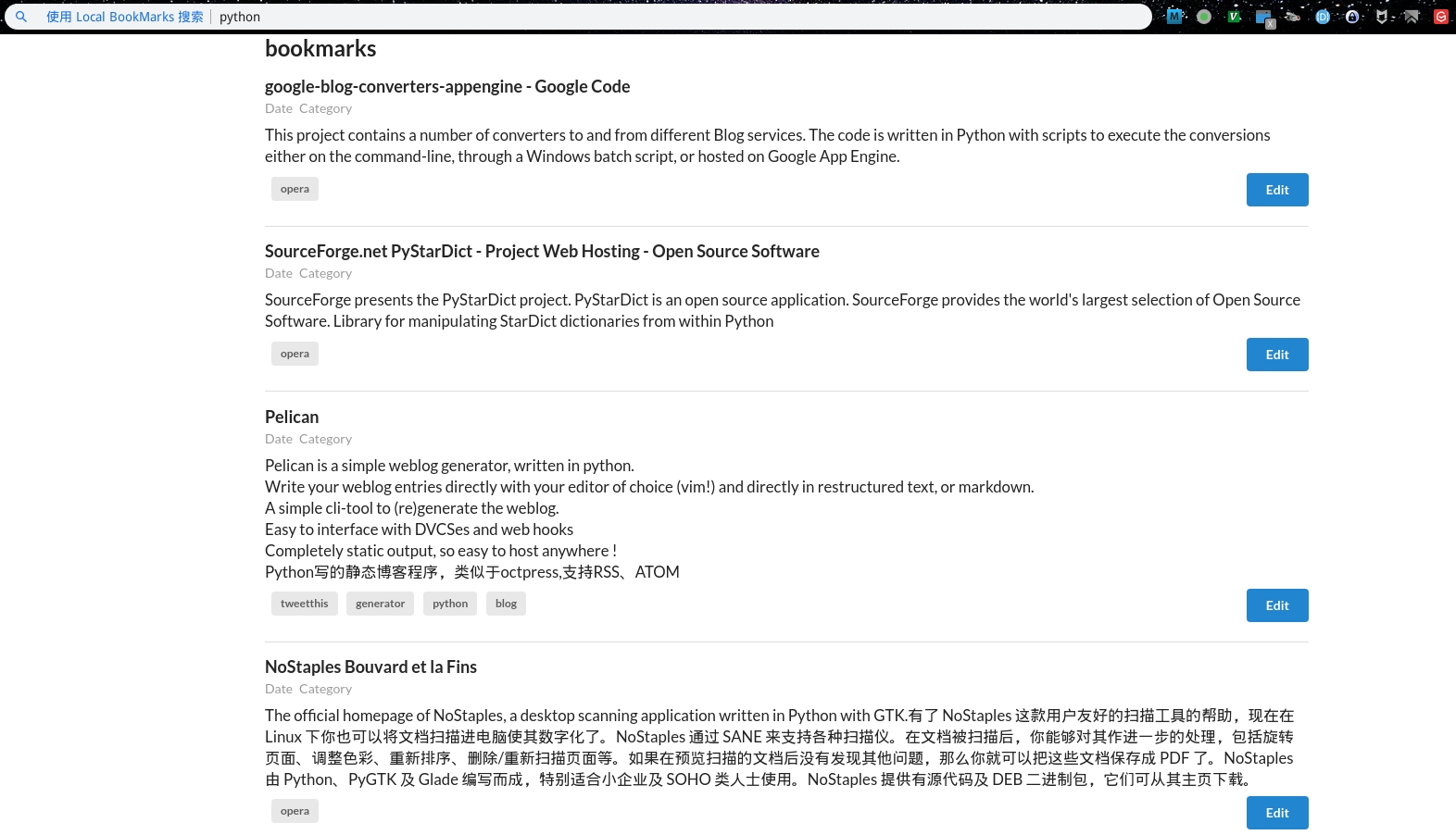
- Search: instant search via built-in bar or browser custom search engine
- JSON storage: one JSON object per line, git-friendly by nature
- Fully local: no network dependency, no third-party service to shut down
- Bookmarklet: one-click add from any webpage
- Tag management: autocomplete suggestions, multi-tag AND filtering
- Pagination: progressive loading for large collections
Tech Stack
- Backend: Nim +
asynchttpserver - Frontend: Nim + Karax (SPA framework compiled to JS)
- Storage: plain text JSON file (
bookmarks.db)
Prerequisites
- Nim >= 2.0.0 (install via choosenim)
Installation
Via Nimble
nimble install skybook
Manual Build
nim c --threadAnalysis:off -o:skybook src/skybook.nim
nim js --hint[Path]:off -o:src/frontend/app.js src/frontend/app.nim
./skybook
Or with the build script:
./build.sh
Usage
Start the server and visit http://127.0.0.1:5000/:
skybook
Adding Bookmarks
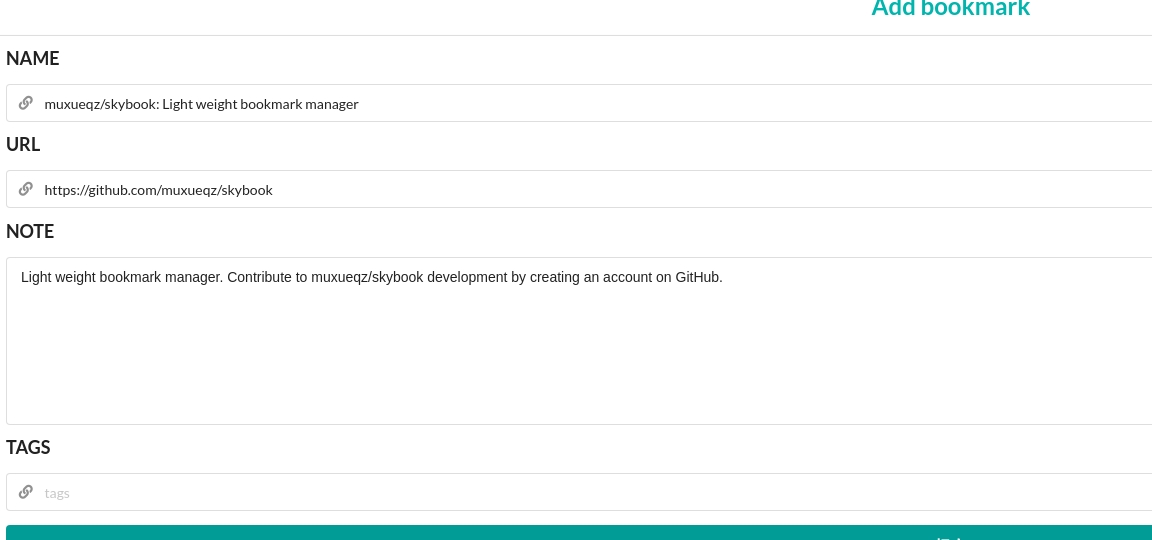
- Click the Add button in the toolbar, fill in URL, Name, Tags, and Note
- Or use the bookmarklet (see below) to auto-fill from any webpage
Installing the Bookmarklet
Open Skybook in your browser, create a new bookmark with the URL below (the link is not clickable — GitHub blocks javascript: URLs):
javascript:(function(){var title=encodeURIComponent(document.title);var url=encodeURIComponent(location.href);var note='';var description=document.getElementsByName('description')[0];if(description){note=encodeURIComponent(description.content);}window.open('http://localhost:5000/a?name='+title+'¬e='+note+'&url='+url);}).call(this);
Click it on any page to add that page to Skybook.
Browser Custom Search Engine
Set the search URL to http://localhost:5000/a?q=%s for quick access from your address bar.
Managing Bookmarks
- Real-time search across name, note, and tags
- Click a tag to filter; multiple tags use AND logic
- Edit, delete, or batch delete bookmarks
Configuration
CLI arguments:
| Argument | Short | Default | Example |
|---|---|---|---|
--port |
-p |
5000 | skybook -p 8080 |
--address |
-a |
127.0.0.1 | skybook -a 0.0.0.0 |
--db |
-d |
bookmarks.db | skybook -d ~/bookmarks.db |
License
GPL-2.0