

Slash Admin
Slash Admin is a modern admin dashboard template built with React 19, Vite, shadcn/ui, and TypeScript. It is designed to help developers quickly create powerful admin management systems.
Preview · Discord · Document
English | 中文
Sponsor


Preview
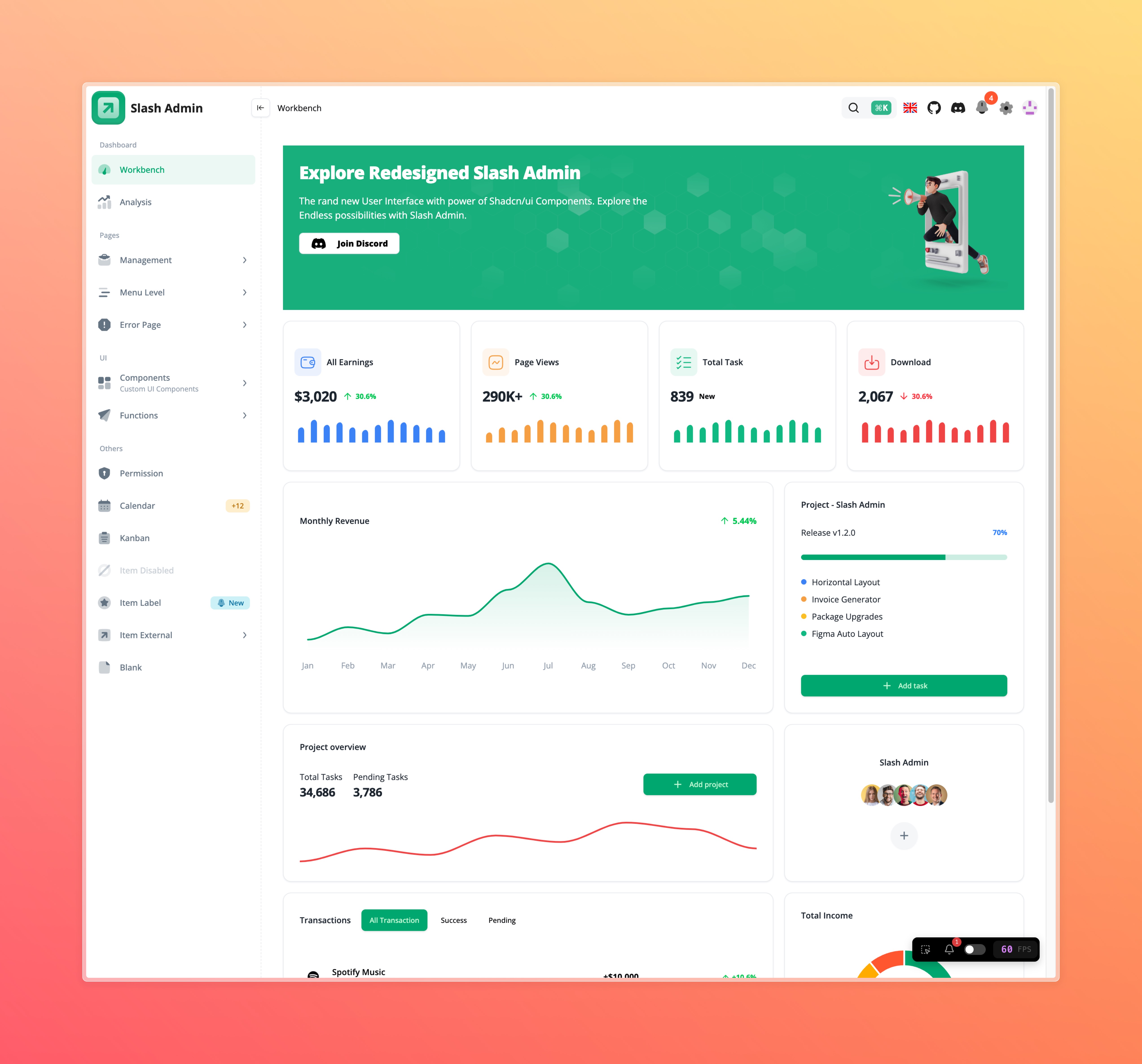 |
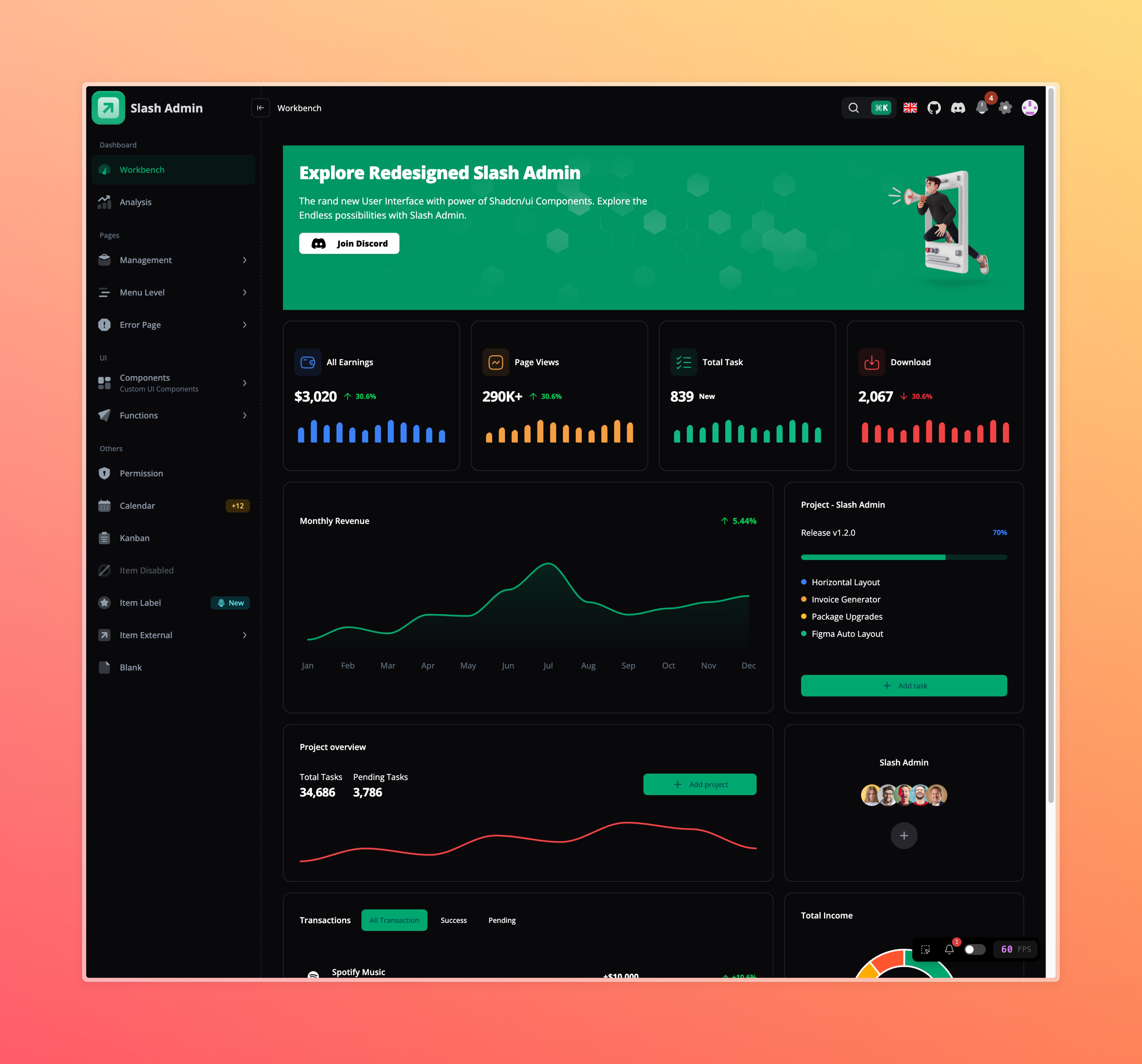 |
|---|---|
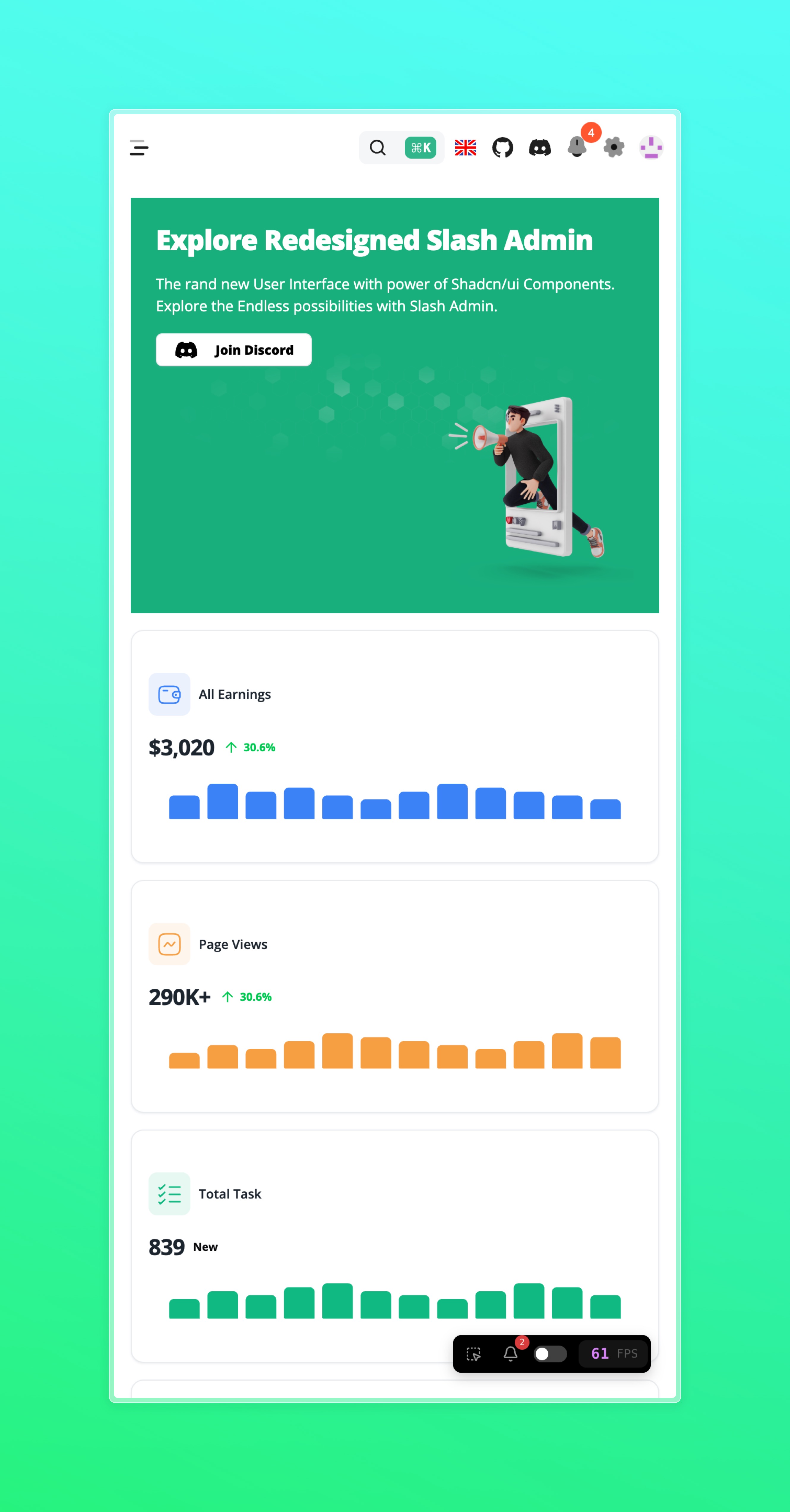 |
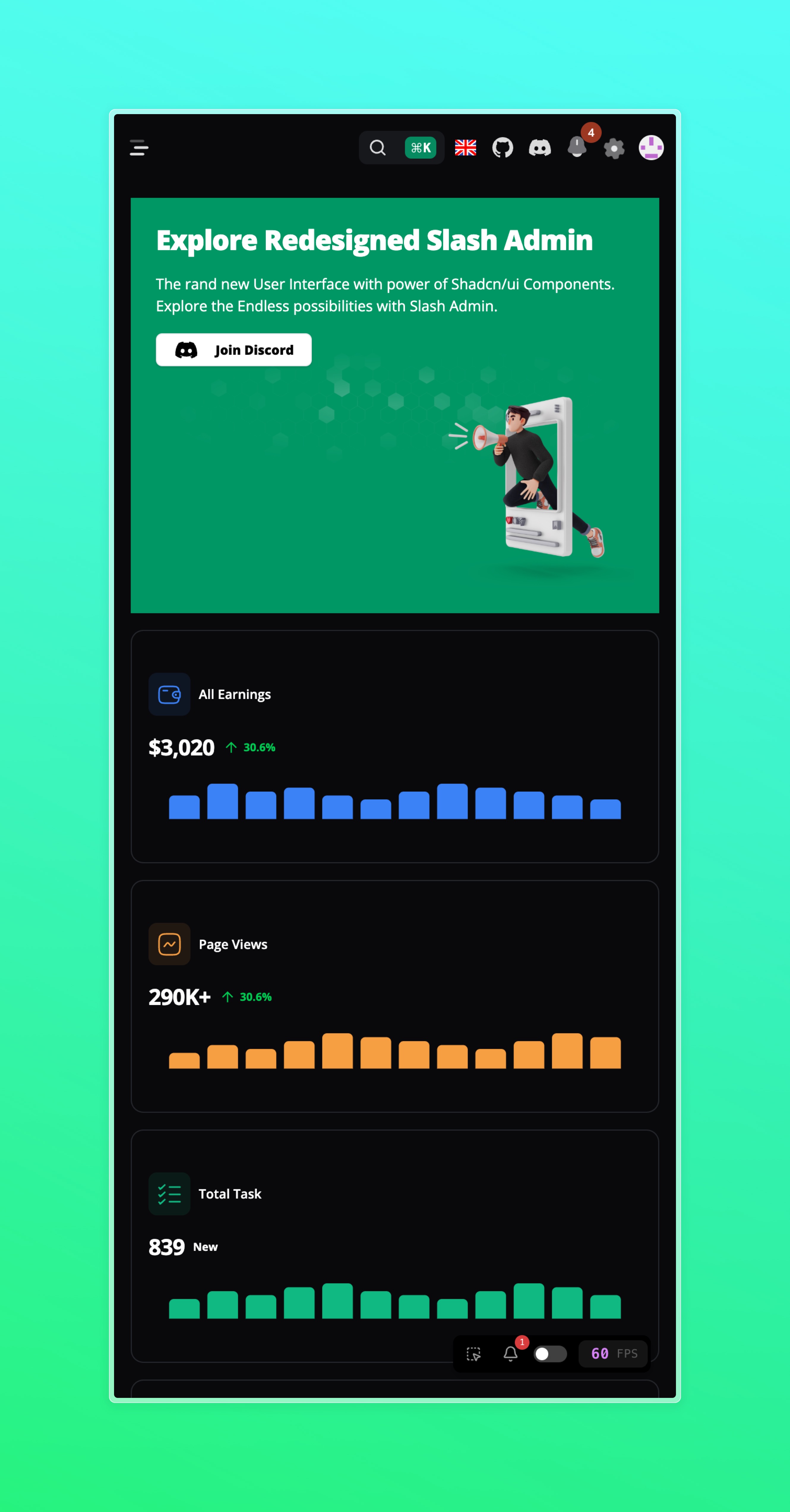 |
Features
- Built using React 19 hooks.
- Powered by Vite for rapid development and hot module replacement.
- Integrates shadcn/ui, providing a rich set of UI components and design patterns.
- Written in TypeScript, offering type safety and an improved development experience.
- Responsive design, adapting to various screen sizes and devices.
- Flexible routing configuration, supporting nested routes.
- Integrated access control based on user roles.
- Supports internationalization for easy language switching.
- Includes common admin features like user management, role management, and permission management.
- Customizable themes and styles to meet your branding needs.
- Mocking solution based on MSW and Faker.js.
- State management using Zustand.
- Data fetching using React-Query.
Quick Start
Get the Project Code
git clone https://github.com/d3george/slash-admin.git
Install Dependencies
In the project's root directory, run the following command to install project dependencies:
pnpm install
Start the Development Server
Run the following command to start the development server:
pnpm dev
Visit http://localhost:3001 to view your application.
Build for Production
Run the following command to build the production version:
pnpm build
Git Contribution submission specification
featnew featuresfixfix thedocsdocumentation or commentsstylecode format (changes that do not affect code execution)refactorrefactorperfperformance optimizationrevertrevert committesttest relatedchorechanges in the construction process or auxiliary toolscimodify CI configuration and scriptstypestype definition file changeswipin development