
📥 Social Media downloader bot







Screenshots
 |
 |
 |
 |
🛠 Capabilities and Tech Stack 🛠
| Features | Technology stack |
|---|---|
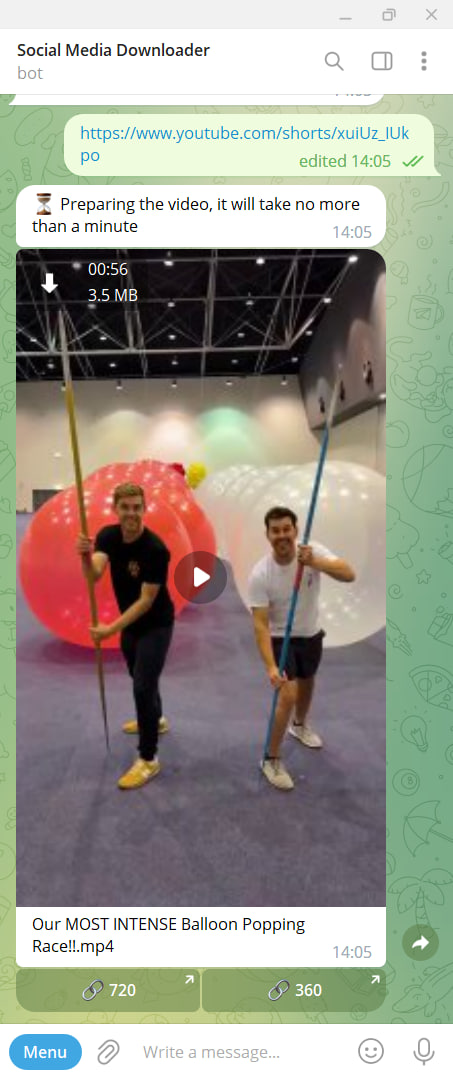
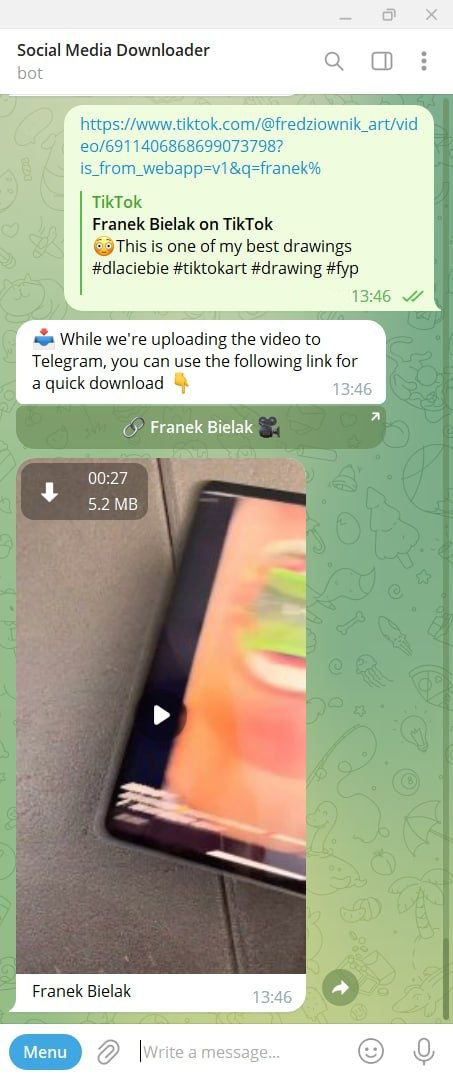
| 📹 Video downloading from TikTok & YouTube | ⚙️ Telegraf 4 |
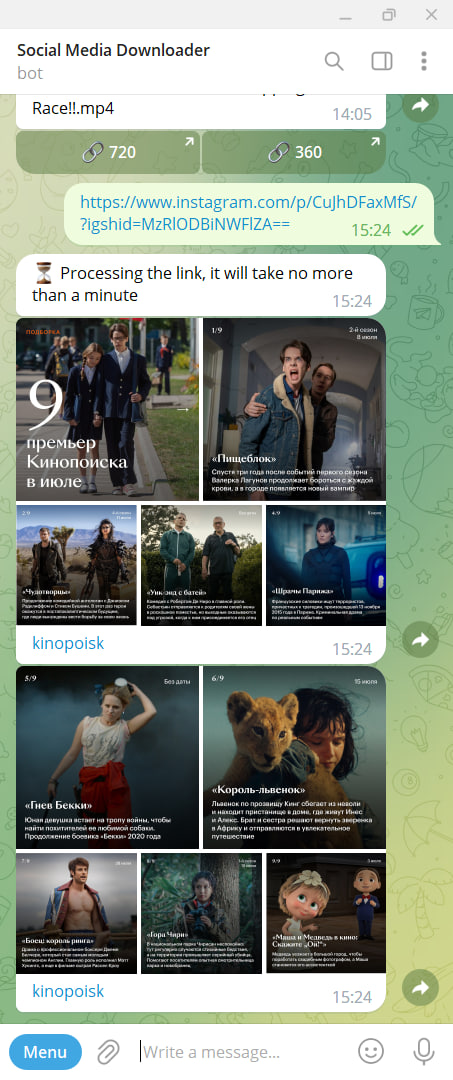
| 📸 Downloading photos, videos, reels, and stories from Instagram in any quantity |
🟩 NodeJS |
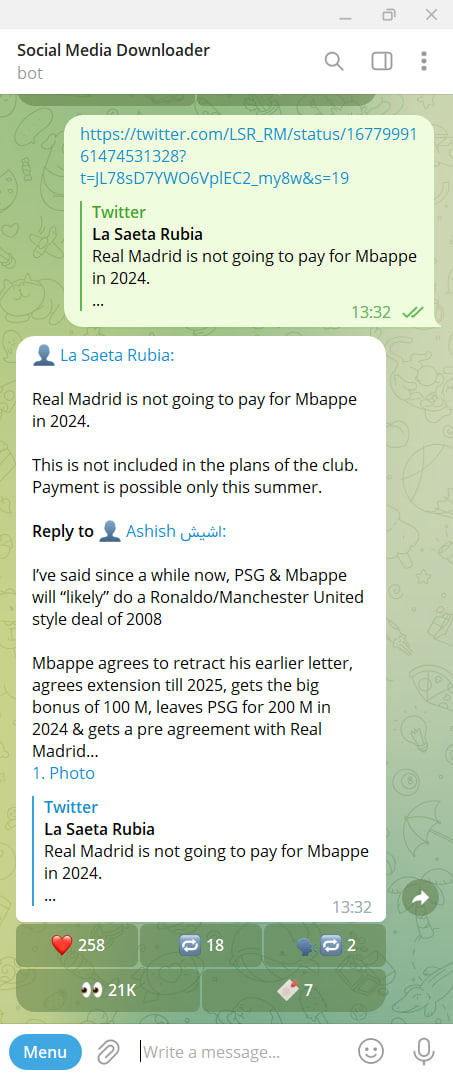
| 📝 Downloading tweets with all the nested media from Twitter |
📘 Typescript |
| 🌐 English and Russian localizations | 🛠️ Web scraping tools |
Installation
Install all dependencies:
yarn install
Don't forget to create .env (from .env.example).
Run
Development mode
Just run the following command:
yarn dev
Production mode
There are two options to run the application in production:
Building with Docker
- Build the application image:
docker build -t <your-repo>/social-media-downloader .
- Run the image:
docker run -d --name bot --restart unless-stopped <your-repo>/social-media-downloader
Building with Pm2
- If you are running the process on Ubuntu v22.04 (like me), you will need to install additional dependencies to ensure the bot functions correctly:
# Install Google Chrome Stable and fonts
# Note: this installs the necessary libs to make the browser work with Puppeteer.
apt-get update && apt-get install gnupg wget -y && \
  wget --quiet --output-document=- https://dl-ssl.google.com/linux/linux_signing_key.pub | gpg --dearmor > /etc/apt/trusted.gpg.d/google-archive.gpg && \
  sh -c 'echo "deb [arch=amd64] http://dl.google.com/linux/chrome/deb/ stable main" >> /etc/apt/sources.list.d/google.list' && \
  apt-get update && \
  apt-get install google-chrome-stable -y --no-install-recommends && \
  rm -rf /var/lib/apt/lists/*
- Start the bot with the following command:
yarn node:start