
🔥🔥 Wooble Social Media App 
Wooble is a fully functional social media app with multiple features built with flutter and dart.
Star⭐ the repo if you like what you see😉.
✨ Requirements
- Any Operating System (ie. MacOS X, Linux, Windows)
- Any IDE with Flutter SDK installed (ie. IntelliJ, Android Studio, VSCode etc)
- A little knowledge of Dart and Flutter
- A brain to think 🤓🤓
Features
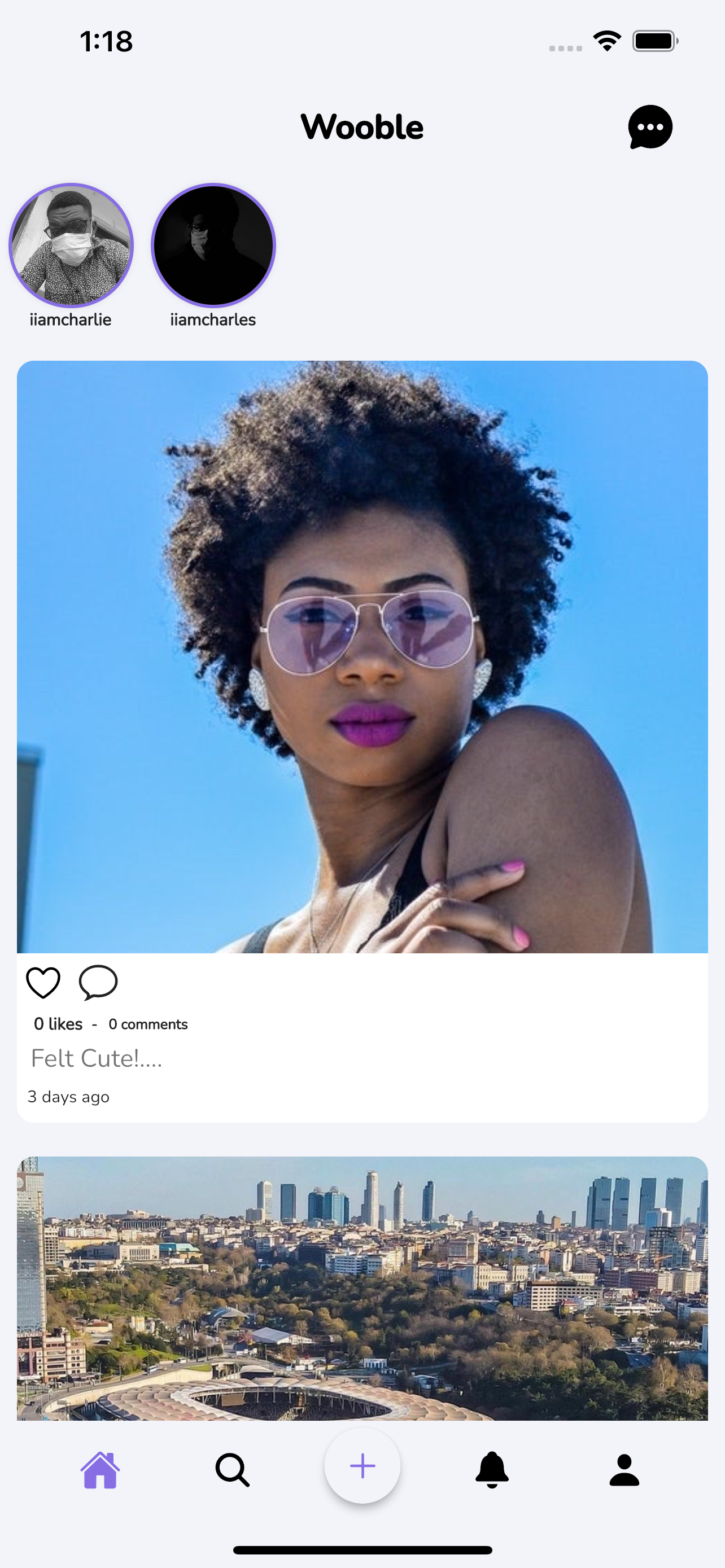
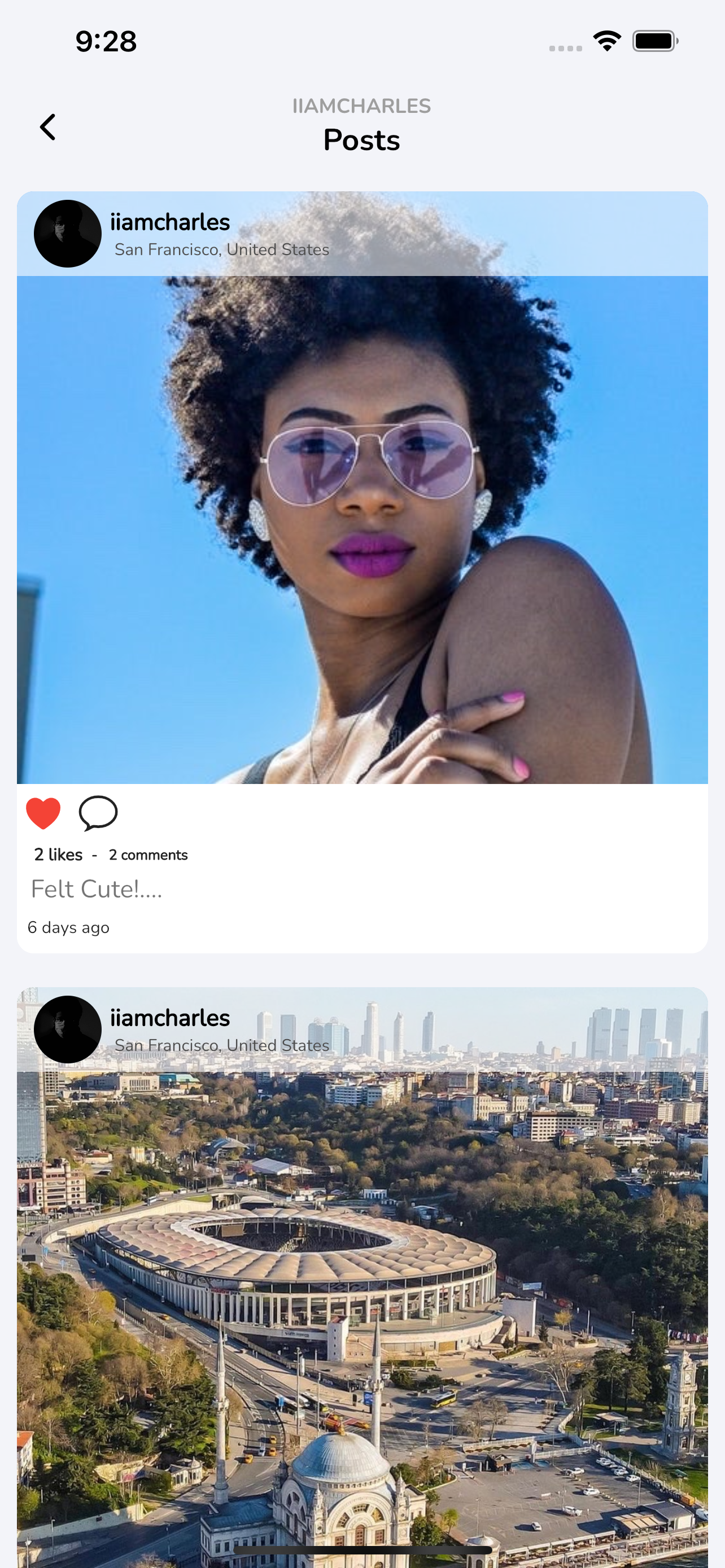
- Custom photo feed
- Post photo posts from camera or gallery
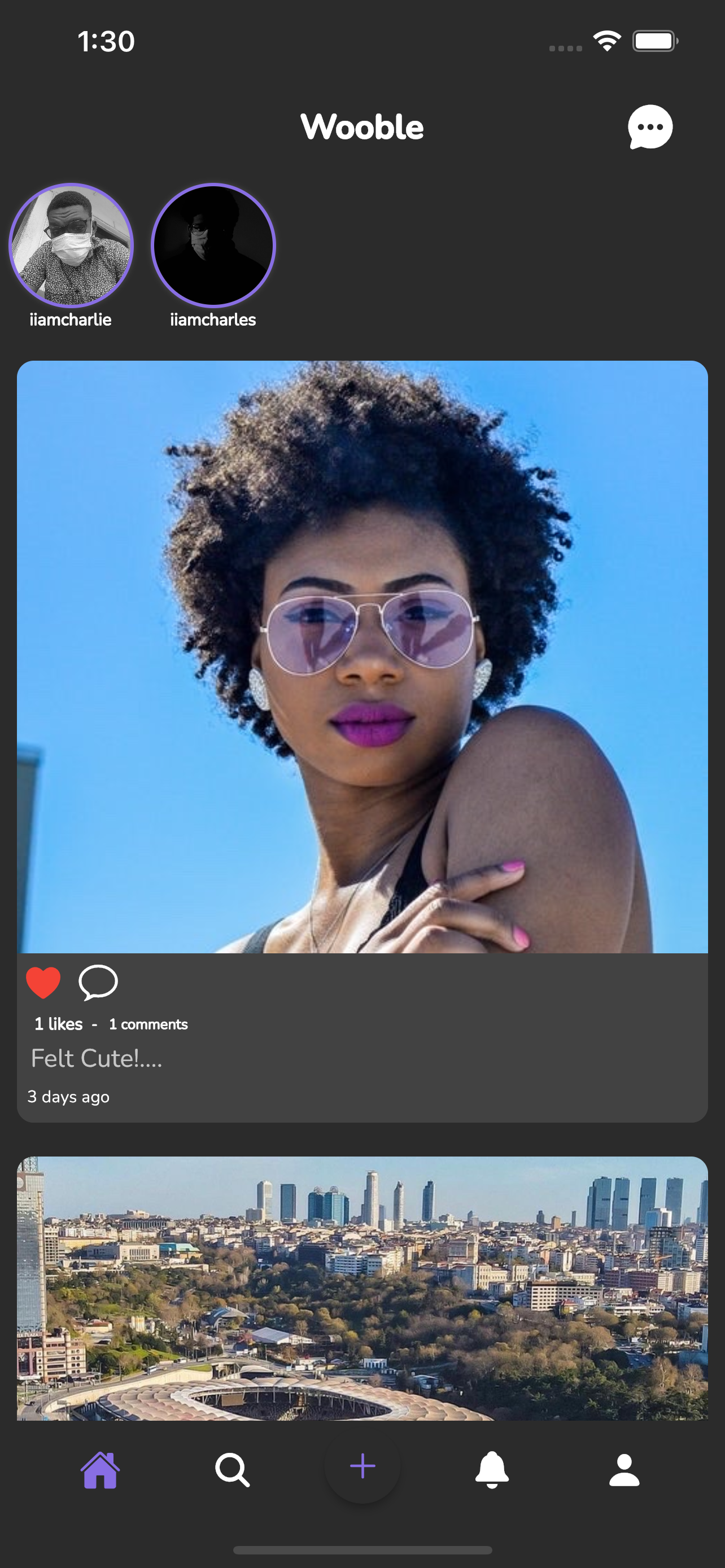
- Like posts
- Comment on posts
- View all comments on a post
- Search for users
- Realtime Messaging and Sending images
- Deleting Posts
- Profile Pages
- Change profile picture
- Change username
- Follow / Unfollow Users
- Change image view from grid layout to feed layout
- Add your own bio
- Notifications Feed showing recent likes / comments of your posts + new followers
- Swipe to delete notification
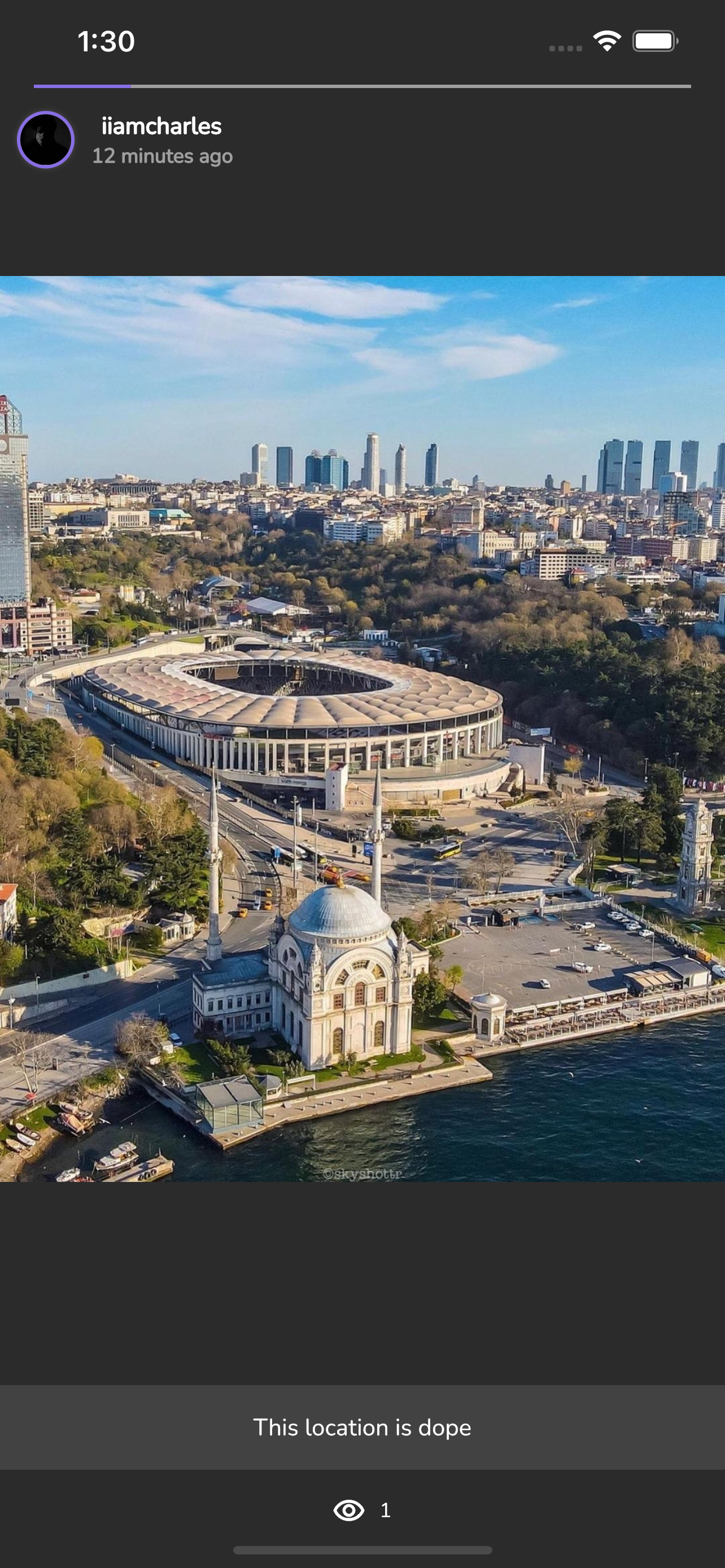
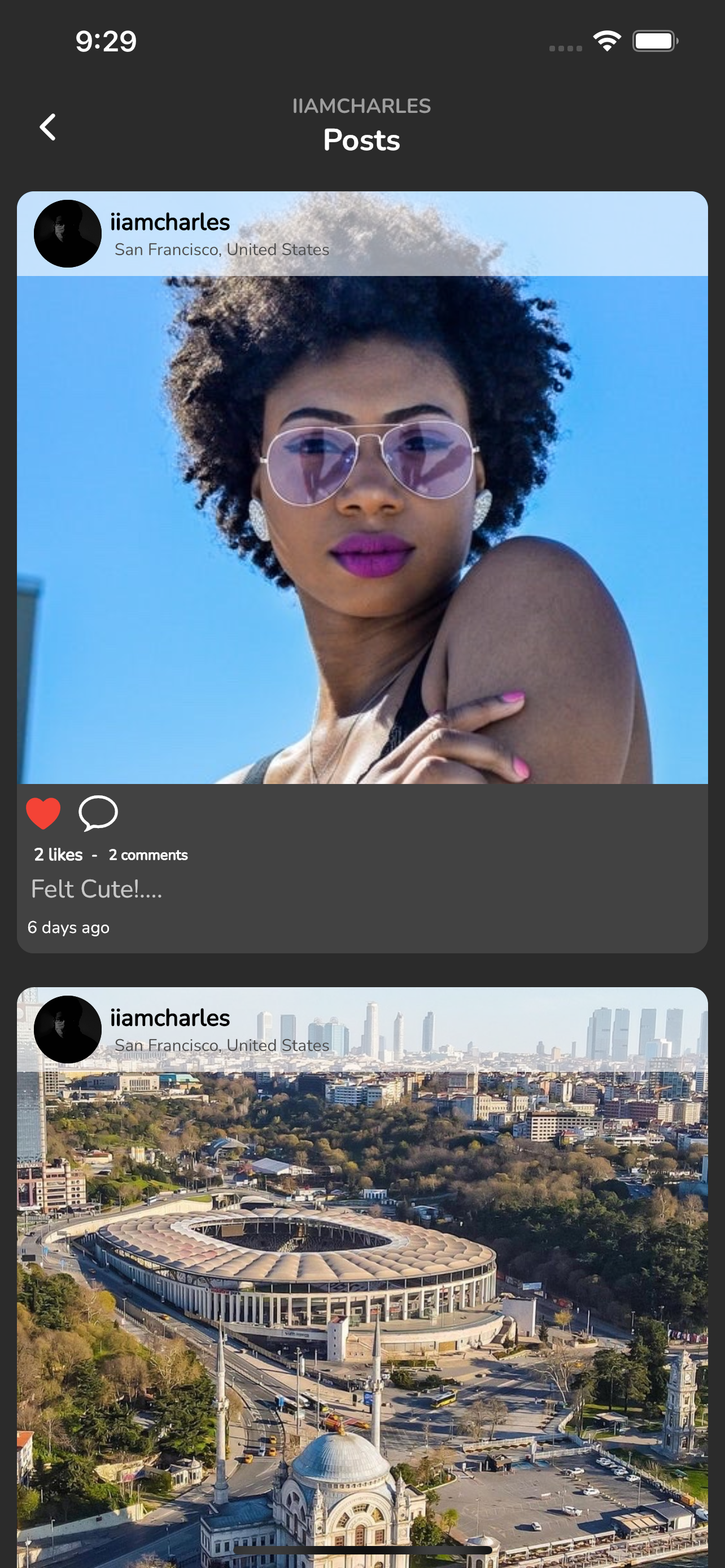
- Dark Mode Support
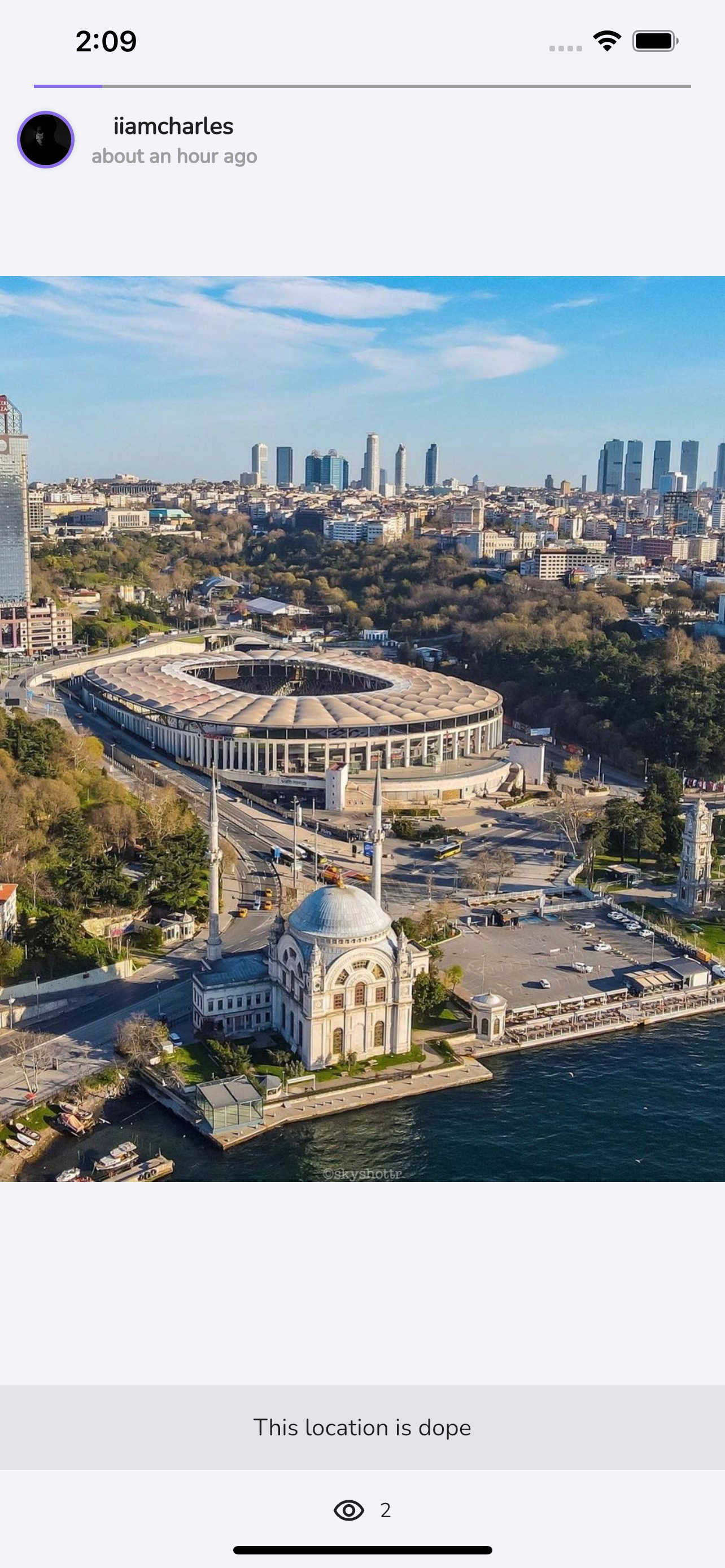
- Stories/Status
- Used Provider to manage state
Screenshots
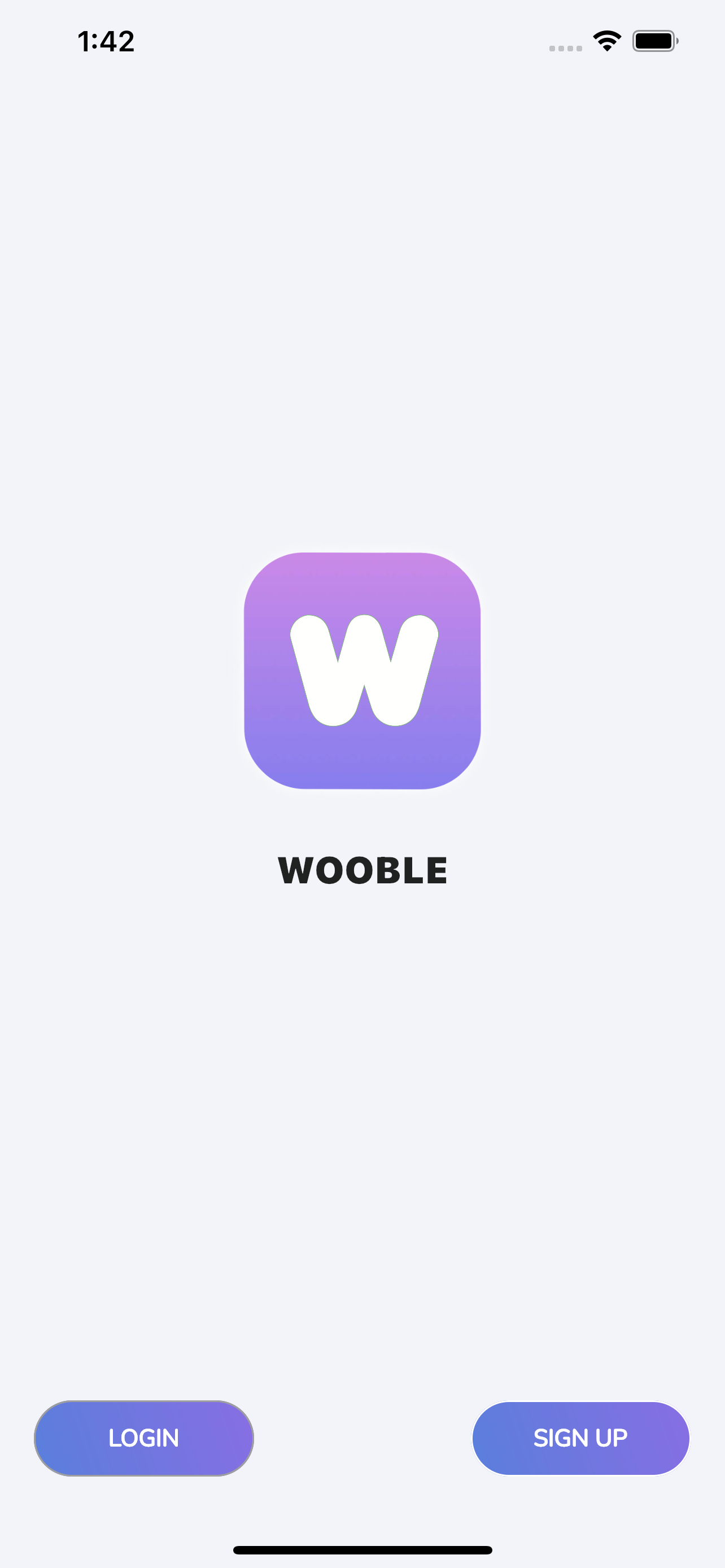
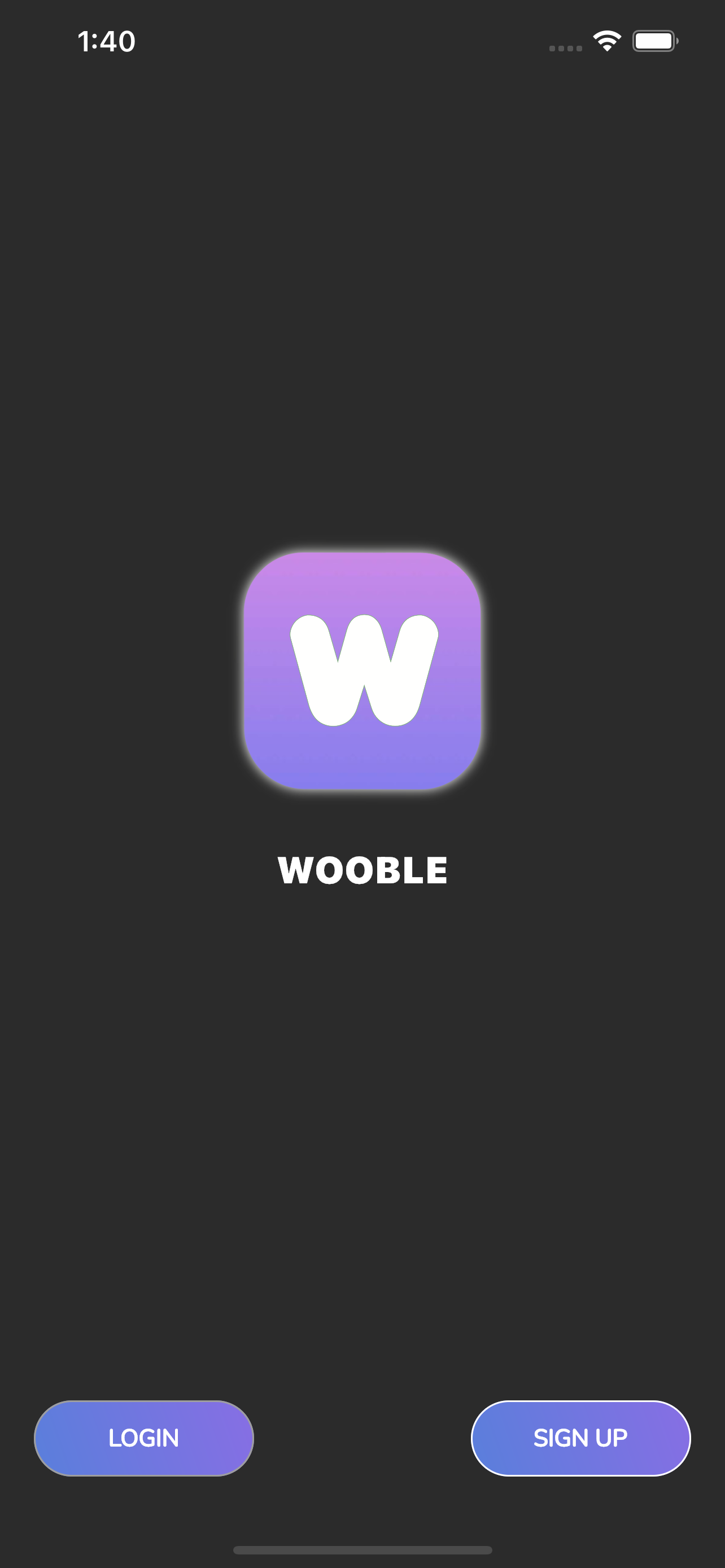
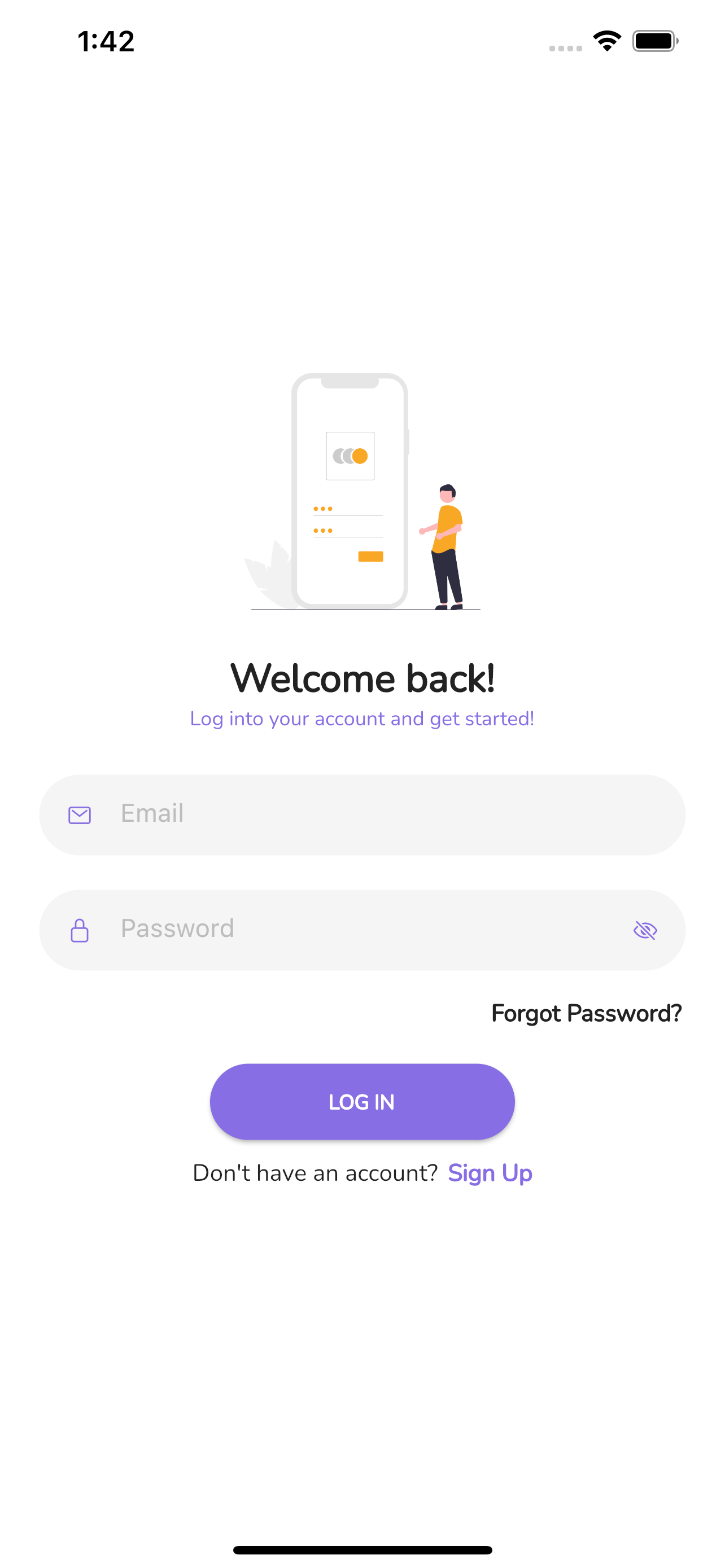
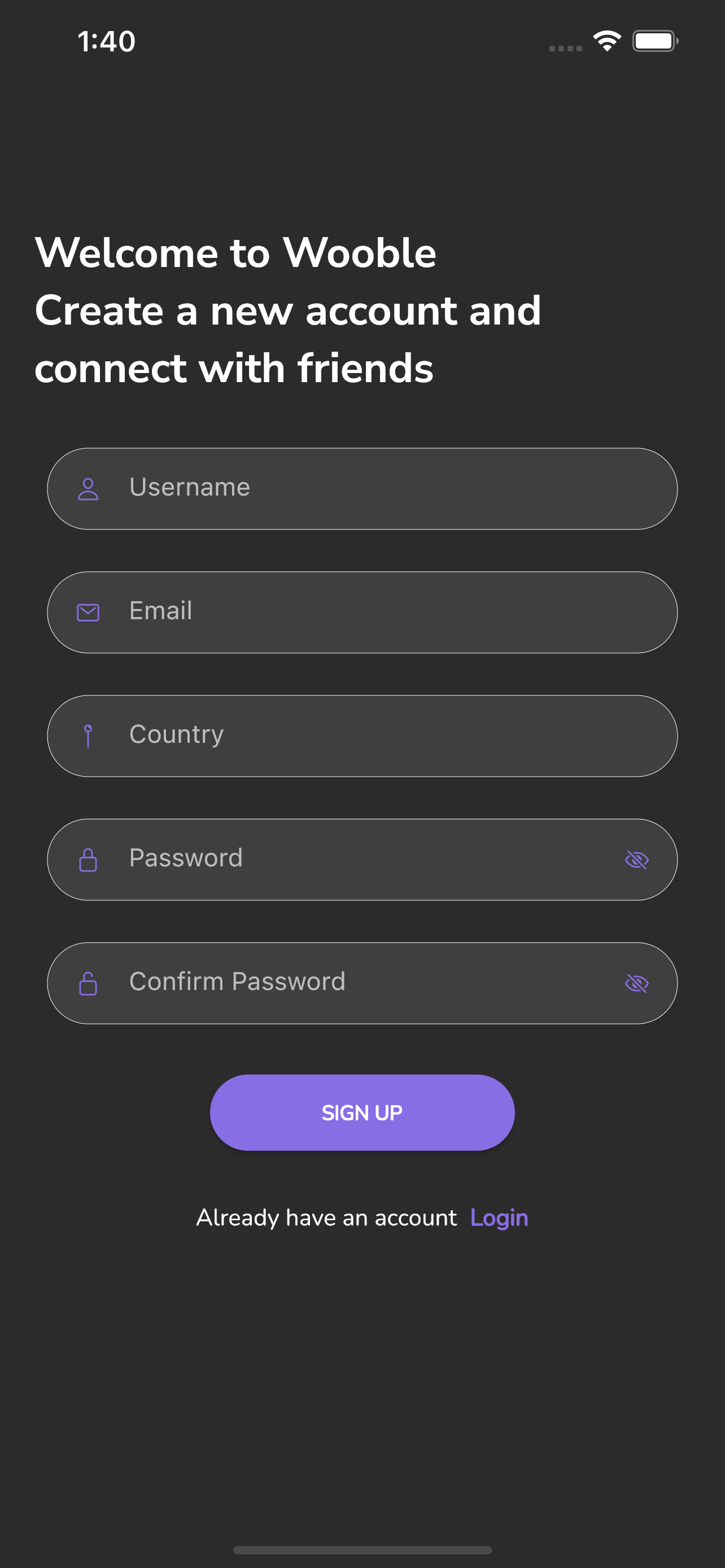
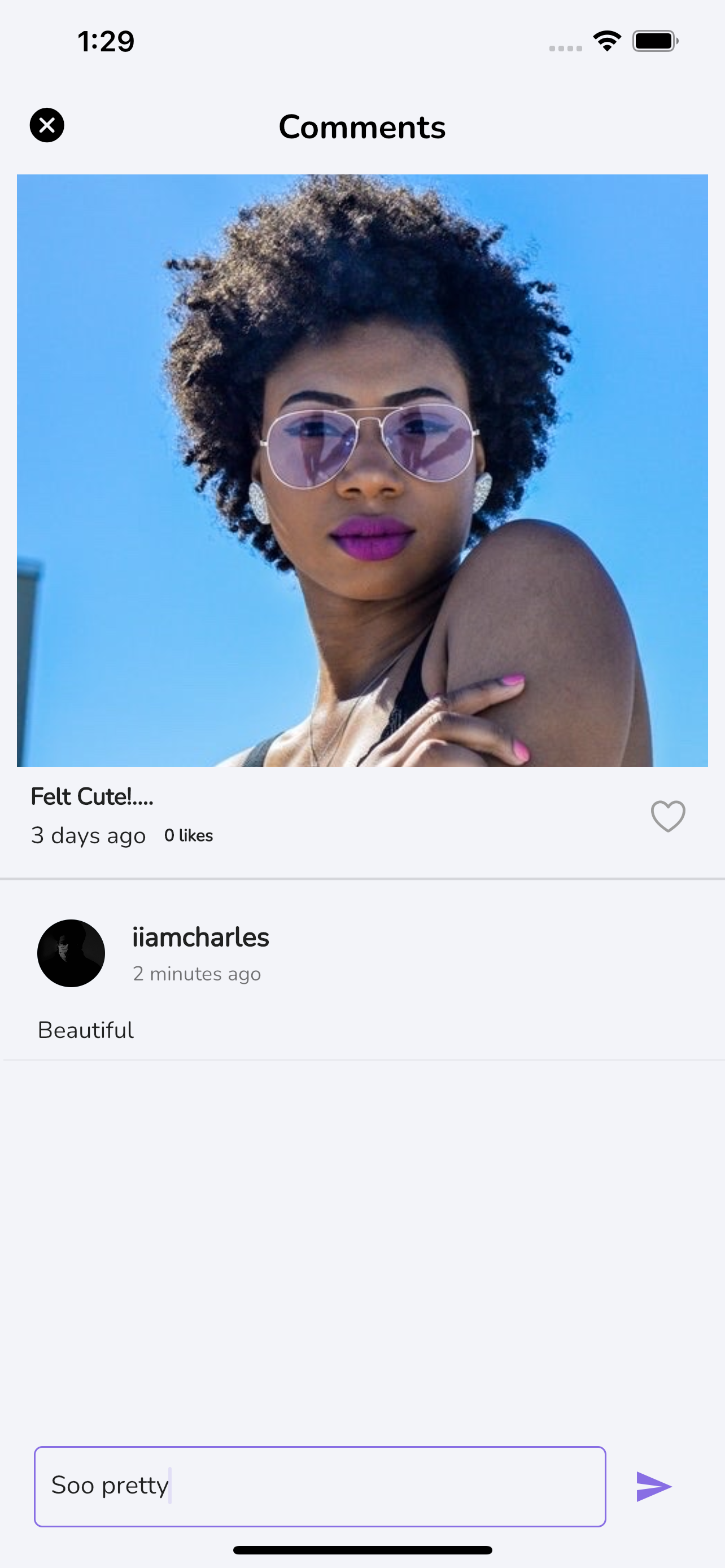
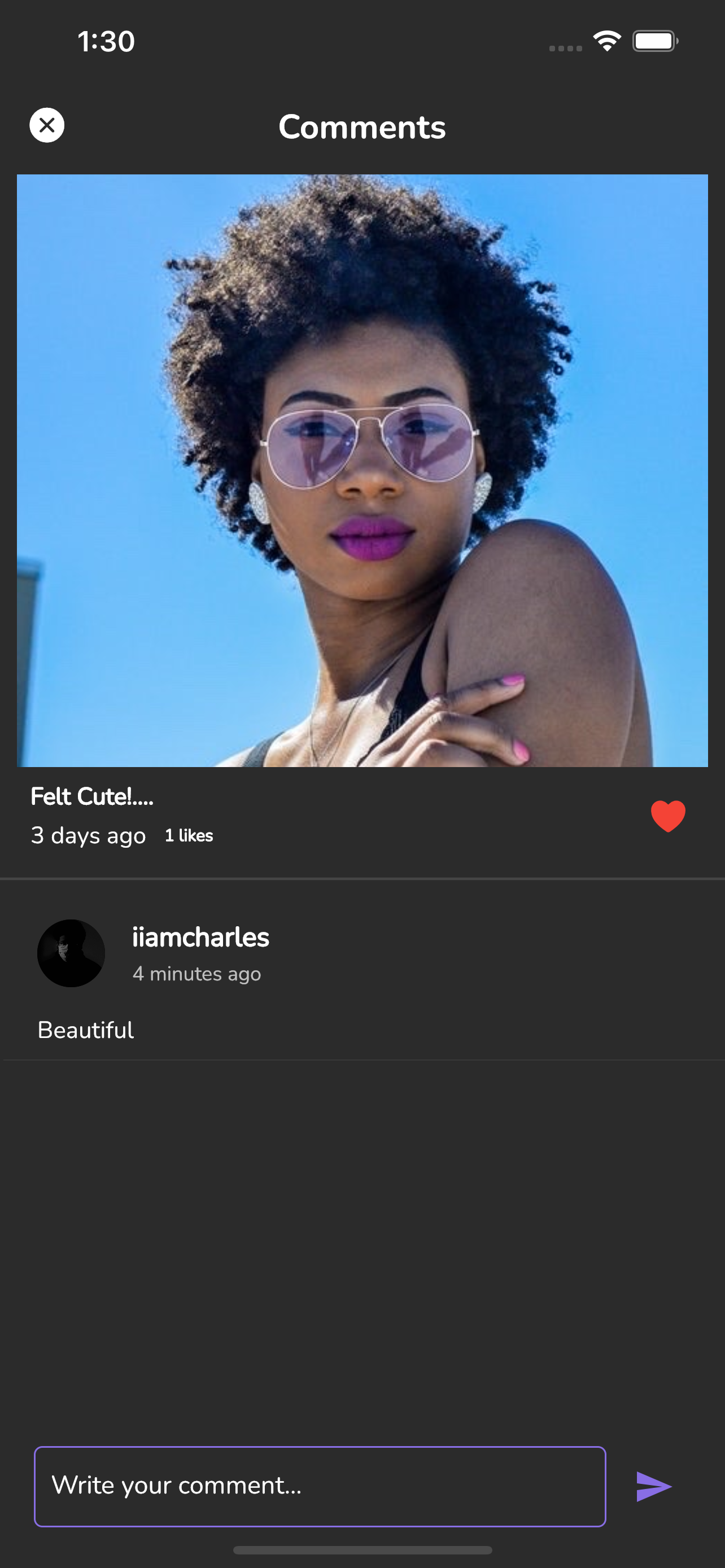
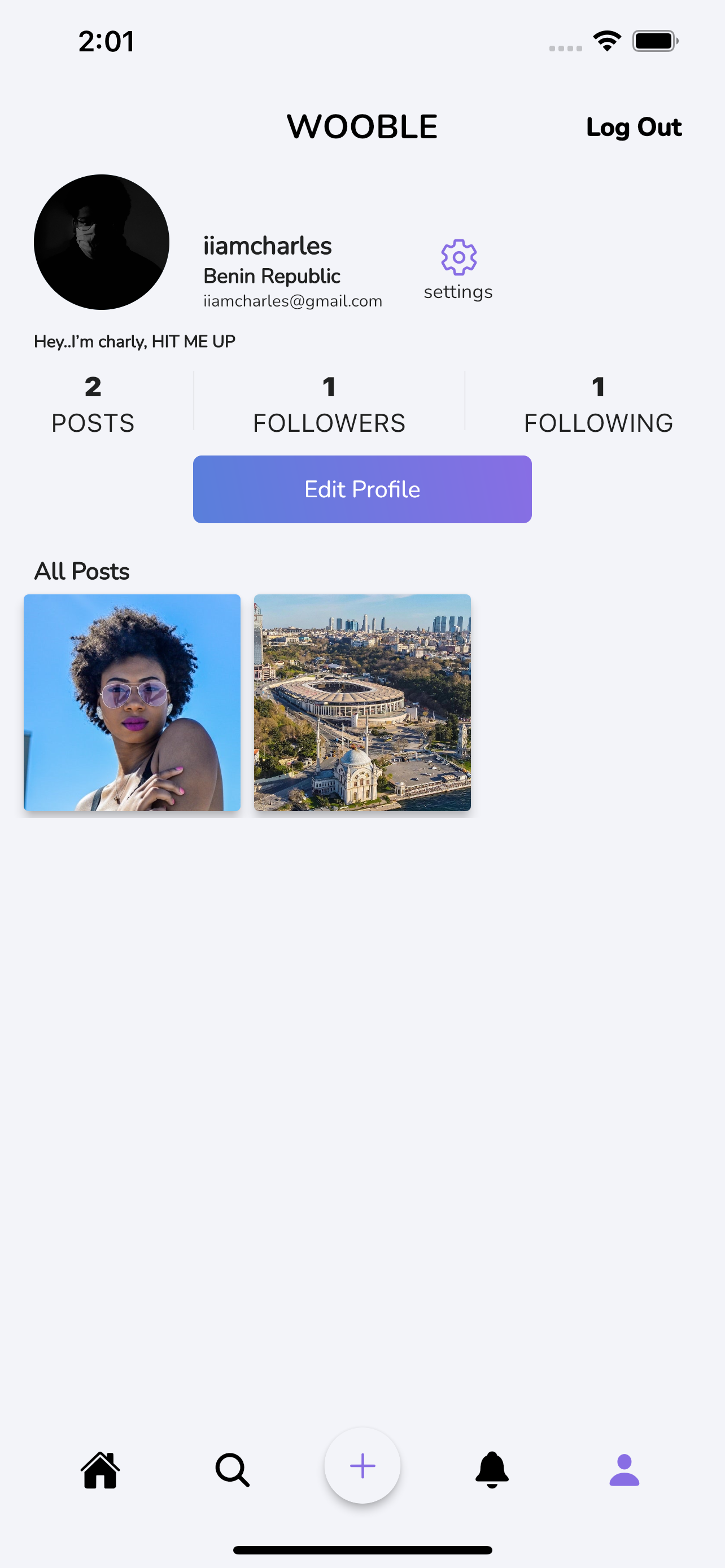
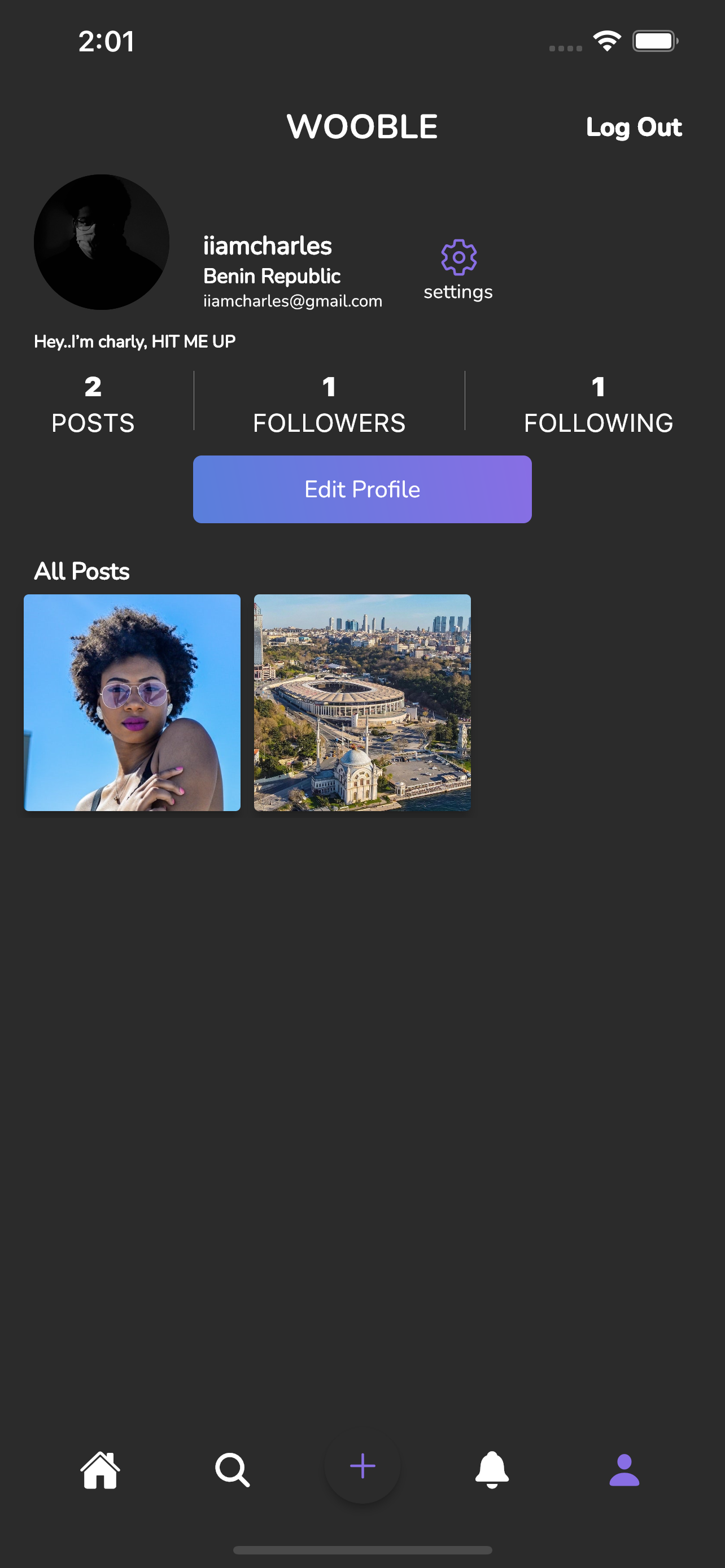
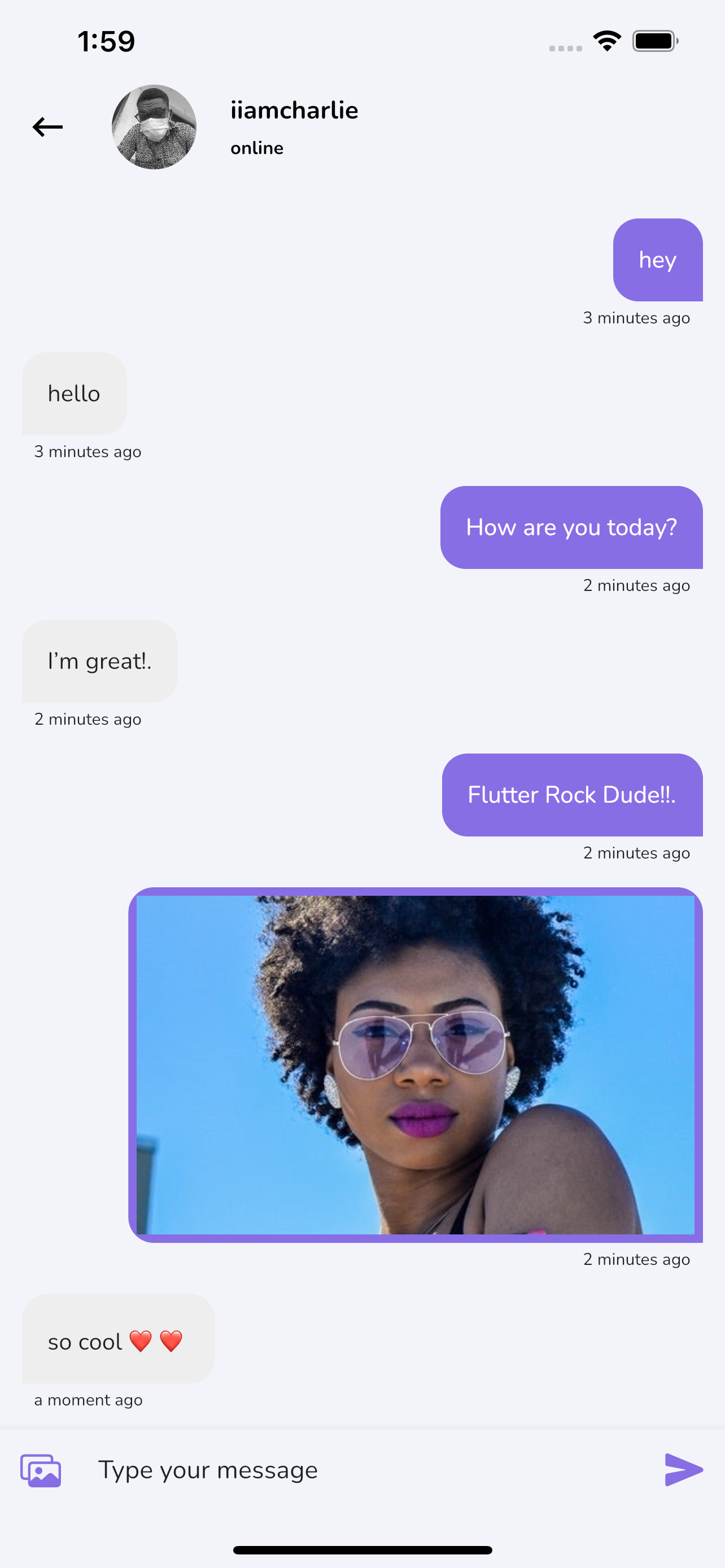
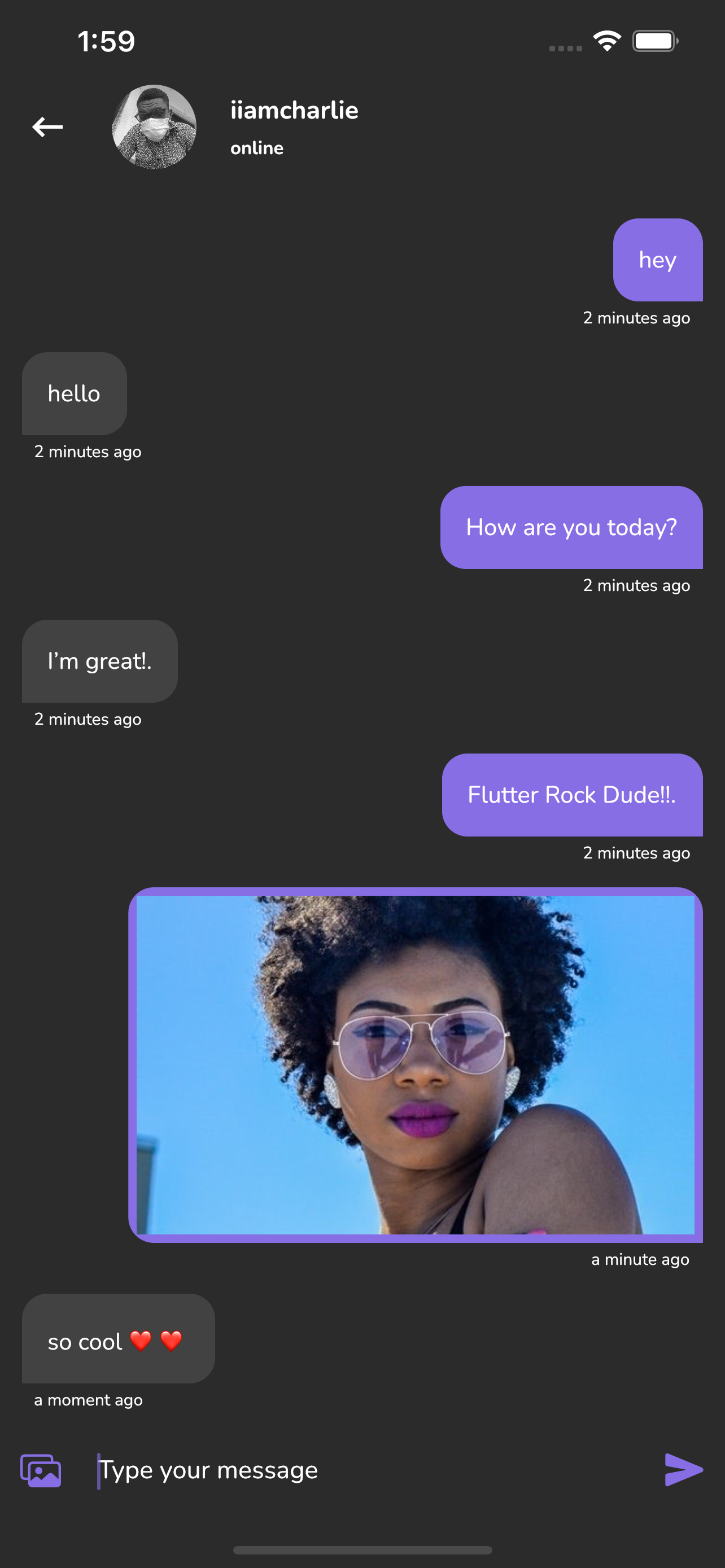
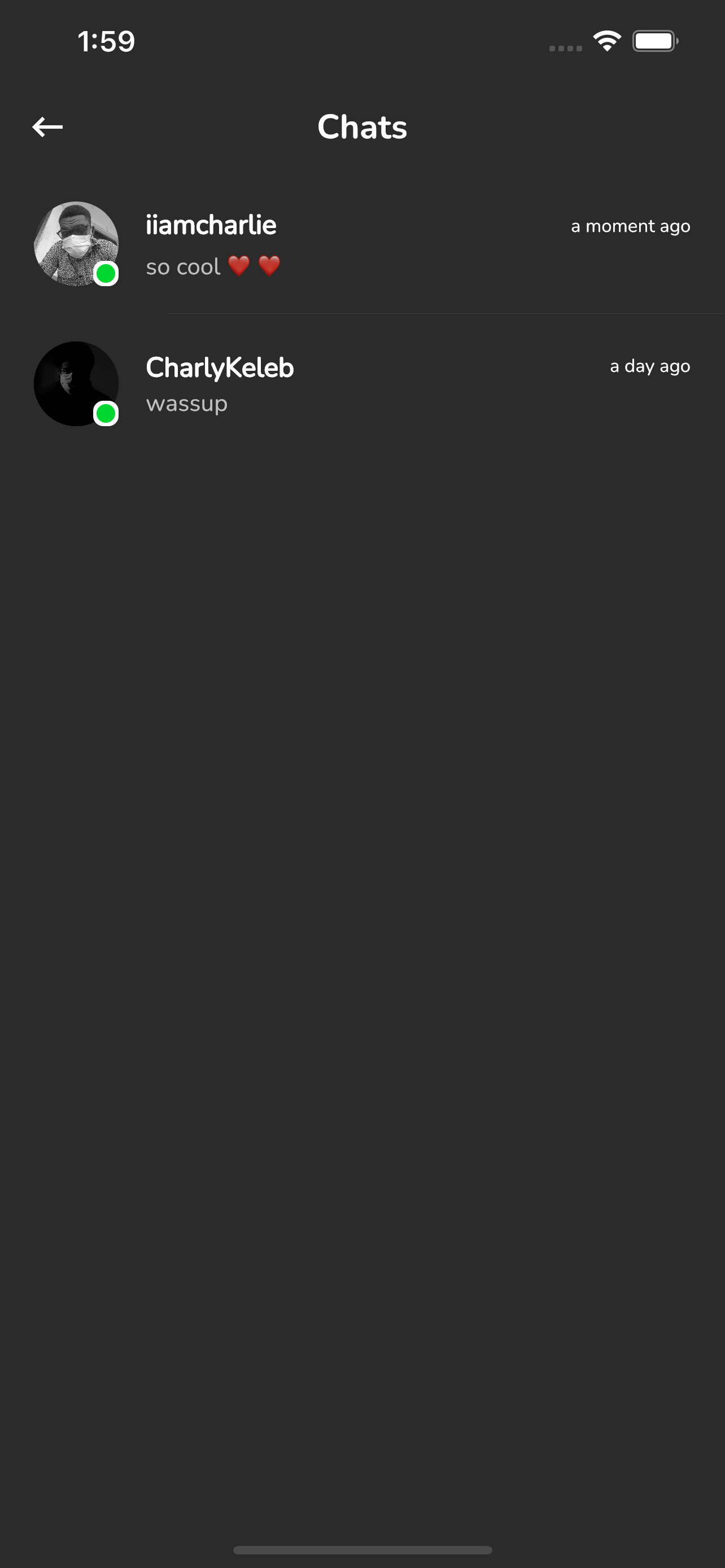
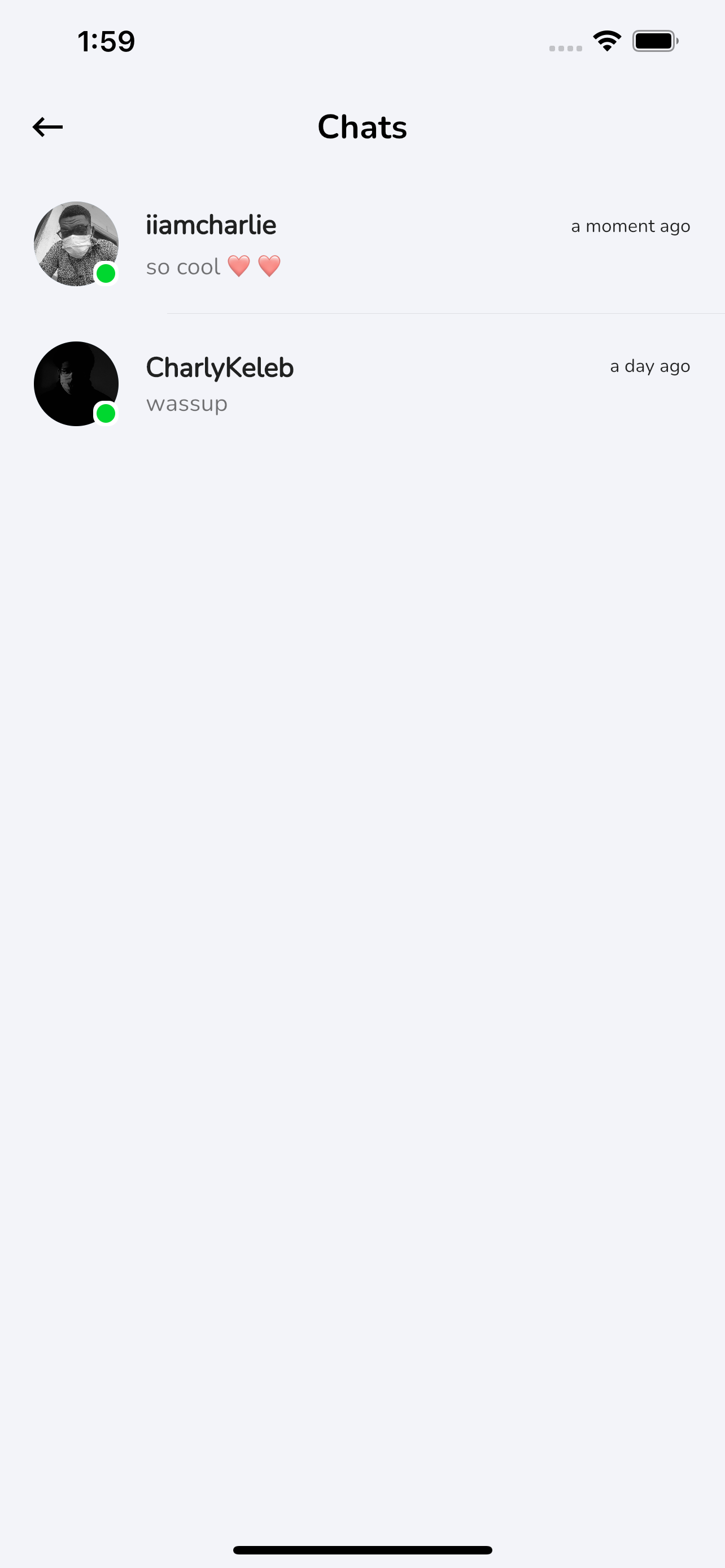
Installation
1. Setup Flutter
2. Clone the repo
3. Setup the firebase app
- You'll need to create a Firebase instance. Follow the instructions at https://console.firebase.google.com.
- Once your Firebase instance is created, you'll need to enable Google authentication.
- Go to the Firebase Console for your new instance.
- Click "Authentication" in the left-hand menu
- Click the "sign-in method" tab
- Click "Email and Password" and enable it
- Create an app within your Firebase instance for Android, with package name com.yourcompany.news
- Run the following command to get your SHA-1 key:
keytool -exportcert -list -v \
-alias androiddebugkey -keystore ~/.android/debug.keystore
- In the Firebase console, in the settings of your Android app, add your SHA-1 key by clicking "Add Fingerprint".
- Follow instructions to download google-services.json
- place
google-services.jsoninto/android/app/.
- (skip if not running on iOS)
- Create an app within your Firebase instance for iOS, with your app package name
- Follow instructions to download GoogleService-Info.plist
- Open XCode, right click the Runner folder, select the "Add Files to 'Runner'" menu, and select the GoogleService-Info.plist file to add it to /ios/Runner in XCode
- Open /ios/Runner/Info.plist in a text editor. Locate the CFBundleURLSchemes key. The second item in the array value of this key is specific to the Firebase instance. Replace it with the value for REVERSED_CLIENT_ID from GoogleService-Info.plist
Double check install instructions for both
- Google Auth Plugin
- Firestore Plugin
What's Next?
- [] Video Calling
- [] Reels
- [] Sending and Uploading Videos(Video Compatibility)
Note
- The stories feature is ready, you can write a cloud scheduler function to auto delete stories after 24hrs as cloud functions is not enabled in this project
🤓 Author(s)
Charly Keleb
CharlyKeleb 