
Spring Boot React OAuth2 Social Login Demo
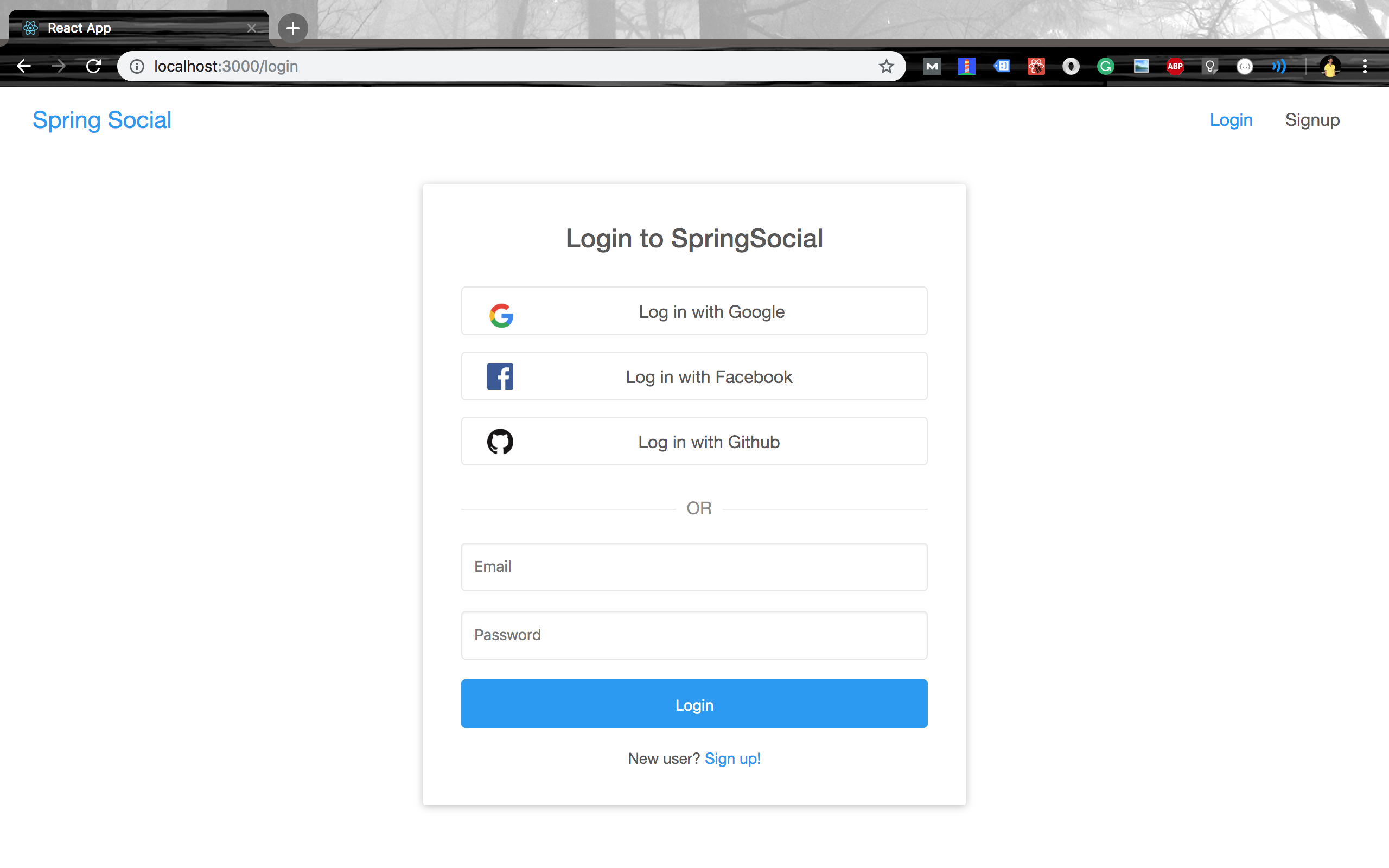
Setting up the Backend Server (spring-social)
-
Create MySQL database
ysql> create database spring_social -
Configure database username and password
spring-social/src/main/resources/application.yml pring: datasource: url: jdbc:mysql://localhost:3306/spring_social?useSSL=false username: <YOUR_DB_USERNAME> password: <YOUR_DB_PASSWORD> -
Specify OAuth2 Provider ClientId's and ClientSecrets
This is optional if you're testing the app in localhost. A demo clientId and clientSecret is already specified.
security:
  oauth2:
    client:
      registration:
        google:
          clientId: <GOOGLE_CLIENT_ID>
          clientSecret: <GOOGLE_CLIENT_SECRET>
          redirectUriTemplate: "{baseUrl}/oauth2/callback/{registrationId}"
          scope:
            - email
            - profile
        facebook:
          clientId: <FACEBOOK_CLIENT_ID>
          clientSecret: <FACEBOOK_CLIENT_SECRET>
          redirectUriTemplate: "{baseUrl}/oauth2/callback/{registrationId}"
          scope:
            - email
            - public_profile
        github:
          clientId: <GITHUB_CLIENT_ID>
          clientSecret: <GITHUB_CLIENT_SECRET>
          redirectUriTemplate: "{baseUrl}/oauth2/callback/{registrationId}"
          scope:
            - user:email
            - read:user
      provider:
        facebook:
          authorizationUri: https://www.facebook.com/v3.0/dialog/oauth
          tokenUri: https://graph.facebook.com/v3.0/oauth/access_token
          userInfoUri: https://graph.facebook.com/v3.0/me?fields=id,first_name,middle_name,last_name,name,email,verified,is_verified,picture.width(250).height(250)
Please make sure that
http://localhost:8080/oauth2/callback/<provider>is added as an authorized redirect uri in the OAuth2 provider. For example, In your Google API console, make sure thathttp://localhost:8080/oauth2/callback/googleis added in the Authorized redirect URIsAlso, make sure that the above mentioned scopes are added in the OAuth2 provider console. For example, scope
emailandprofileshould be added in your Google project's OAuth2 consent screen. -
Run spring-social
vn spring-boot:run
Setting up the Frontend Server (react-social)
cd react-social
npm install && npm start