
Sqlana Store 🐘
Introduction
For ages storing data in accounts was a pain. You had to create a new account type for each new data type you wanted to store, you had to pay for each account and it was expensive(something like 9000 bytes = 0.02 sol/0.6 USD). That's where Store. Store leverages the genesys go's network which is cheap and fast(1GB = 0.8 USD) to create NoSQL Db structure of database, collections and documents. Using this sdk you can easily use shadow drive as a db for your dapp.
Demo
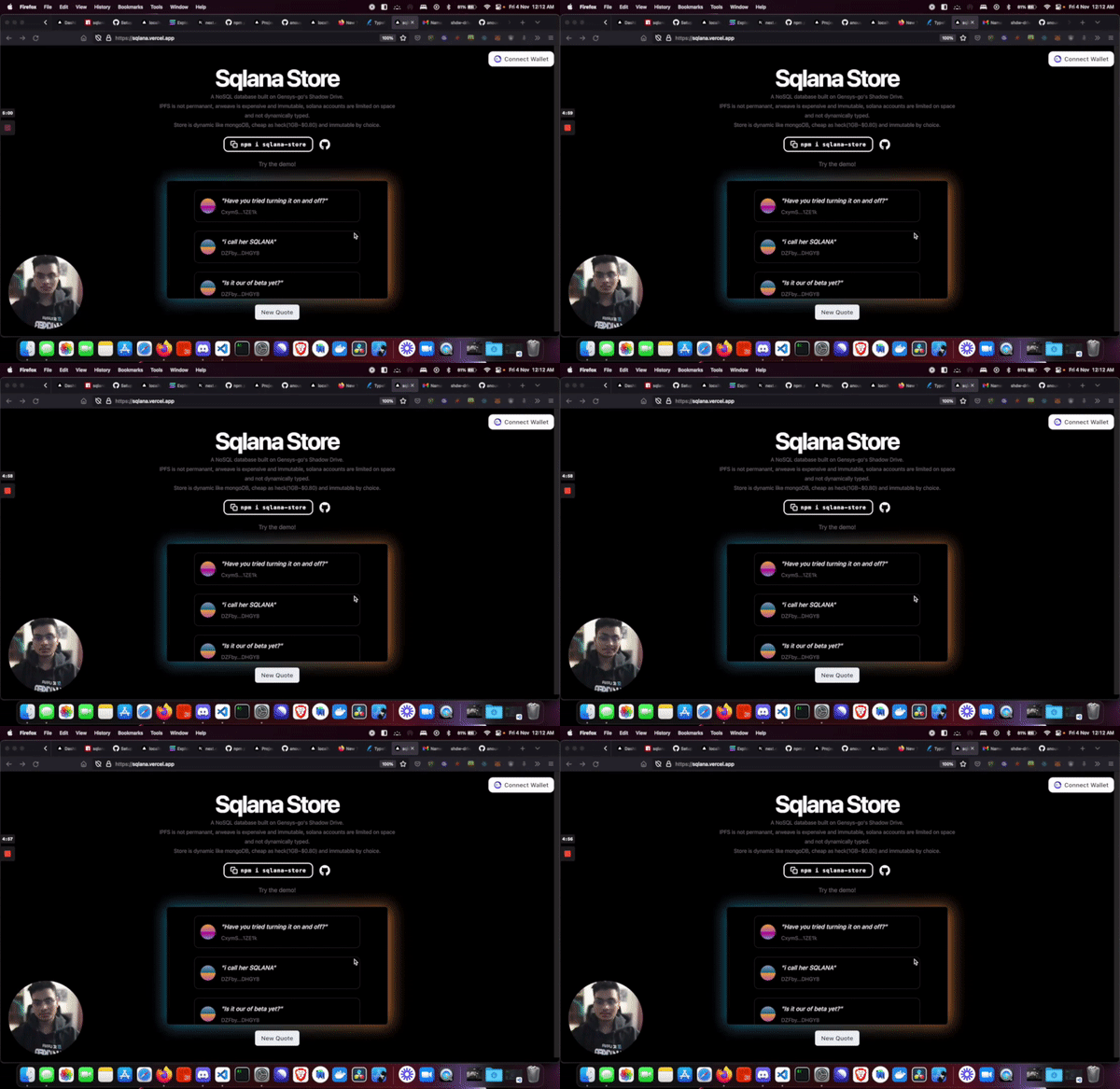
TODO
- insert document into collection
- insert collection
- get collection
- update collection
- create database
- list database
- create document
- get collection with filter
- get document with filter
- update document
- delete collection
- delete document
Usage
full docs coming soon
Initialize the SDK
const client = new SqlanaStore({
  payer,
  network: network, // can be cluster or custom rpc url
});
Create new Database
await client.getDrive(); // initialise shadow drive

const db = await client.createDatabase({
  name: "solana_quotes",
  size: 1,
  unit: "MB",
}); // creates database
Once you create a database initialise the client with the database storage account key so it can be accessed
await client.initClient("7ihYQdkxeWcJEGJwb1wc7mYhJho2bdGE6D7x6RE3Nq4Q");
Create new collection
await client.initClient("7ihYQdkxeWcJEGJwb1wc7mYhJho2bdGE6D7x6RE3Nq4Q"); // initialise client with database key and shadow drive
const collection = await client.createCollection(
  "7ihYQdkxeWcJEGJwb1wc7mYhJho2bdGE6D7x6RE3Nq4Q", // db key, will remove requirement in future
  "quotes"
);
Get collection
await client.initClient("7ihYQdkxeWcJEGJwb1wc7mYhJho2bdGE6D7x6RE3Nq4Q"); // this is a common step you d it only once just adding in here so it doesnt get missed

const { collection } = await client.getCollection("quotes");
Create document
const doc = await client.createDocument("quotes", {
  address,
  quote,
});