











 ¿Qué es Stacklume?
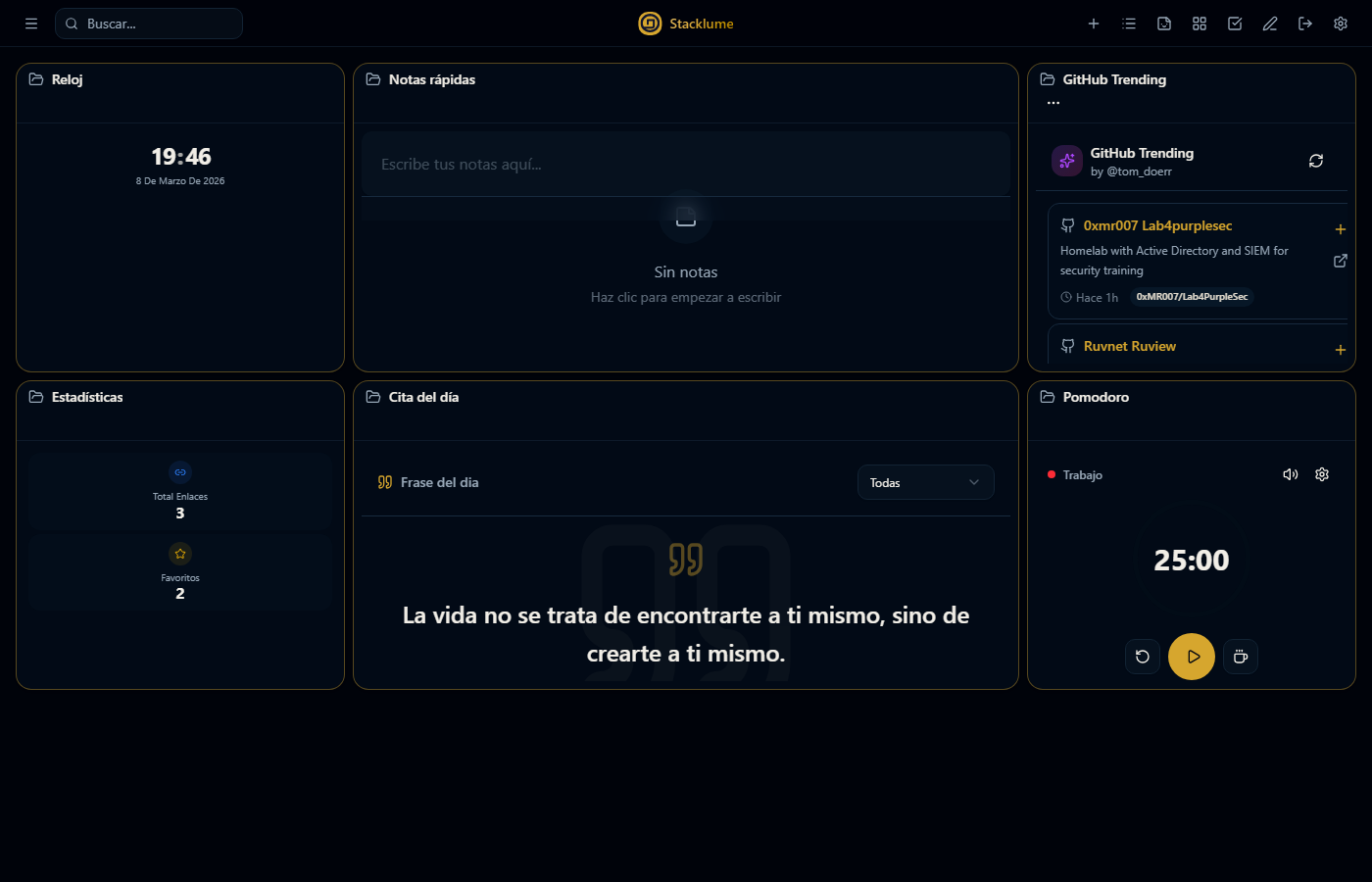
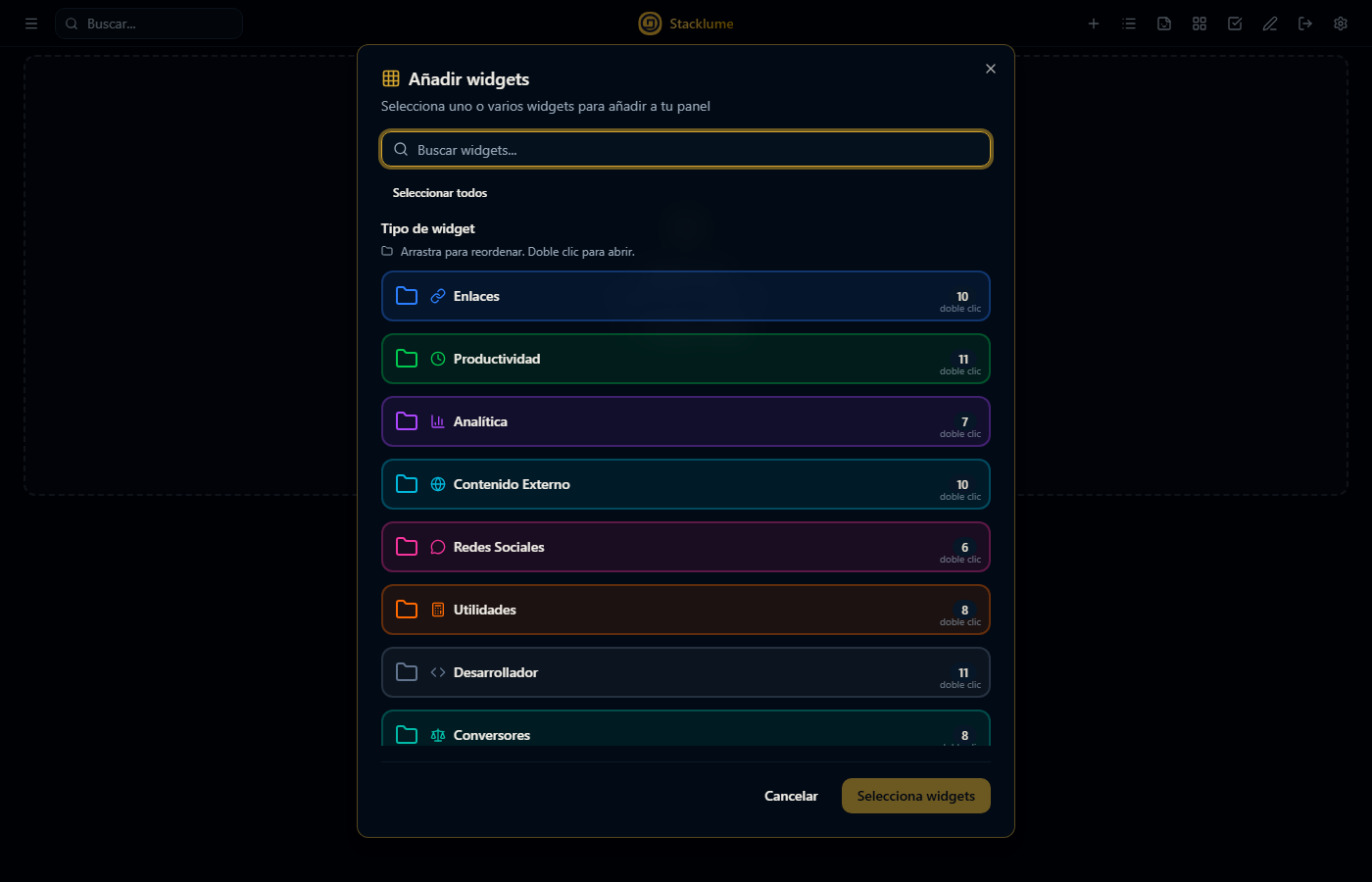
Un dashboard personal que transforma la forma en que guardas y accedes a tus bookmarks. Olvídate de las listas aburridas del navegador — visualiza tu contenido en un bento grid interactivo con más de 120 widgets personalizables.
 Centraliza Todos tus links en un solo lugar |
 Organiza Categorías y tags inteligentes |
 Encuentra Búsqueda instantánea siempre |
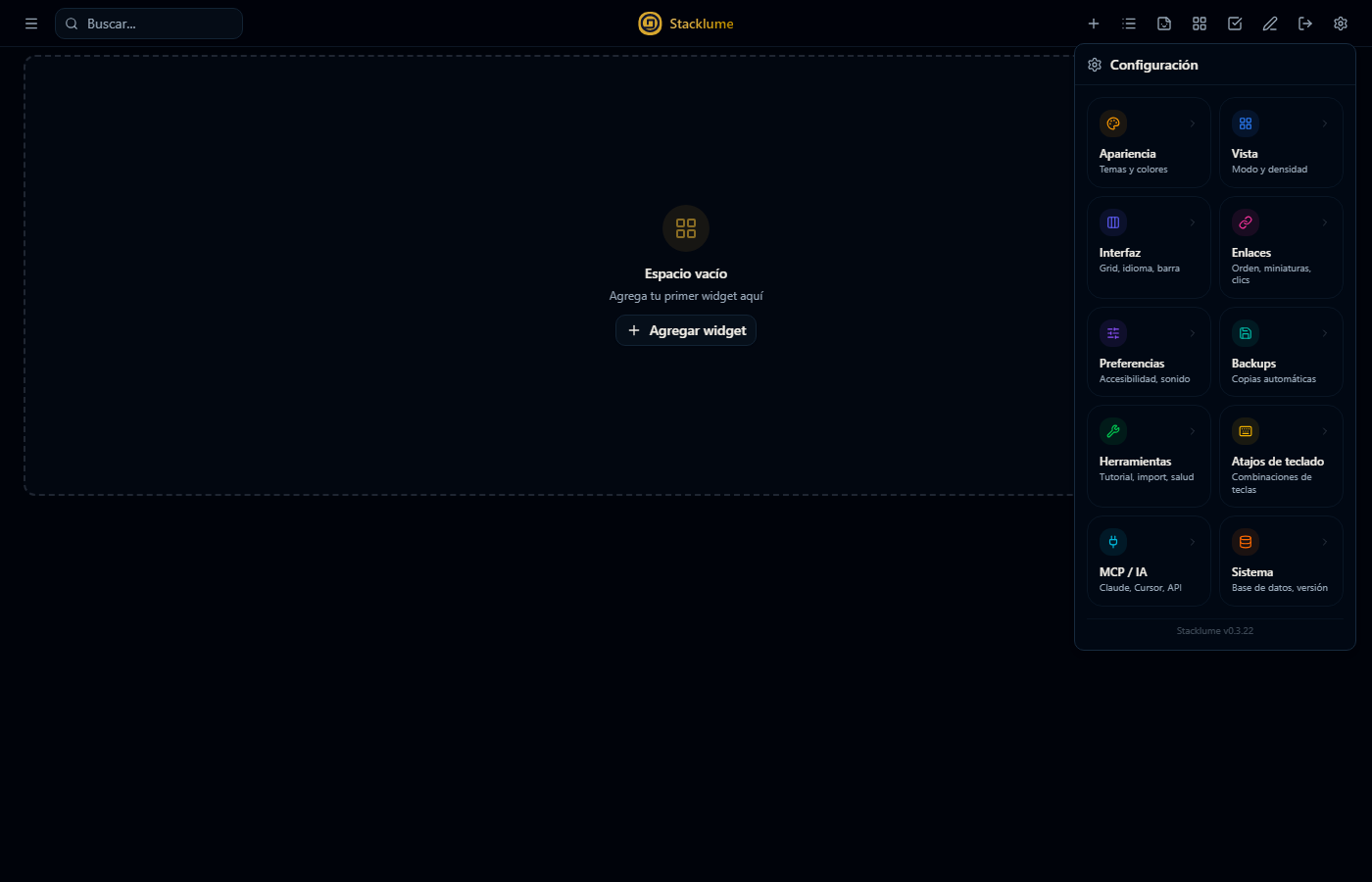
 Personaliza Tu dashboard, tus reglas |
|
|
 Instalación
 App de escritorio — Windows
La forma más sencilla. Sin login, sin configuración, datos 100% en local.

- Descarga
Stacklume_x.x.x_x64-setup.exedesde Releases - Ejecuta el instalador — no requiere Node.js ni nada adicional
- Abre Stacklume — acceso directo, sin pantalla de login
 |
SQLite local — Datos en %APPDATA%\com.stacklume.app\stacklume.db |
 |
Sin login — Acceso inmediato, uso personal |
|
Autocontenido — Incluye Node.js, cero dependencias externas |
 |
Auto-actualización — Notificación y actualización silenciosa integrada |
Requisitos: Windows 10/11 (64-bit). WebView2 Runtime incluido en Windows 11; se instala automáticamente en Windows 10.
 Demo online — Sin registro
Prueba Stacklume en el navegador ahora mismo. Los datos se guardan solo en tu navegador, sin servidor ni cuenta.

 Self-hosted — Versión web
Aloja tu propia instancia con autenticación y base de datos en la nube.
Necesitas: pnpm · Neon PostgreSQL (gratuito)
# 1. Clonar e instalar dependencias
git clone https://github.com/SwonDev/Stacklume.git
cd Stacklume
pnpm install

# 2. Configurar entorno
cp .env.example .env.local
# → Edita .env.local con tu DATABASE_URL y credenciales

# 3. Crear las tablas en la base de datos
pnpm db:push

# 4. Iniciar servidor de desarrollo
pnpm dev
Abre http://localhost:3000. Consulta .env.example para ver todas las variables disponibles.
Características
|
|
|
 23 Temas
Dark, Nordic, Catppuccin, Tokyo Night, Rosé Pine, Aurora...
23 Temas
Dark, Nordic, Catppuccin, Tokyo Night, Rosé Pine, Aurora... Ver todos los widgets (120+)
| Categoría | Widgets |
|---|---|
 Links Links |
Favoritos, Recientes, Categorías, Quick-add, Random Link, Link Manager |
| Productividad |
Notas, Todo, Pomodoro, Calendario, Countdown, Habit Tracker |
 Analytics Analytics |
Stats, Link Analytics, Bookmark Growth, Tag Cloud |
| Media |
YouTube, Spotify, CodePen, Unsplash, Image Embed |
 Developer Developer |
GitHub Trending, GitHub Search, Deployment Status, QR Code |
| Utilidades |
Clock, Weather, Crypto, Calculator, Stopwatch, Dice Roller |
| Text Tools |
JSON Formatter, Base64, Regex Tester, JWT Decoder, Markdown |
| CSS Generators |
Gradient, Glassmorphism, Neumorphism, Box Shadow, Clip Path |
| Game Dev |
Sprite Sheet, Tilemap, Pathfinding, Particle System, Skill Tree |
| Gaming |
Nintendo eShop Deals, Steam Games |
 Atajos de teclado
| Atajo | Acción |
|---|---|
Ctrl + K |
Abrir búsqueda |
Ctrl + N |
Nuevo link |
Escape |
Salir selección múltiple · Salir modo edición · Cerrar modal |
 Contribuir
Las contribuciones son bienvenidas:
- Haz fork del proyecto
- Crea una rama —
git checkout -b feature/nueva-feature - Commit —
git commit -m 'feat: descripción' - Push —
git push origin feature/nueva-feature - Abre un Pull Request
 Licencia
Este proyecto está bajo la licencia MIT. Ver LICENSE para más detalles.
 por
por 



🇬🇧 Read in English
🇬🇧 Read in English

Stacklume
Your link universe, perfectly organized





What is Stacklume?
A personal dashboard that transforms the way you save and access your bookmarks. Forget boring browser lists — visualize your content in an interactive bento grid with 120+ customizable widgets.
|
Centralize All your links in one place |
Organize Smart categories and tags |
Find Instant search, always |
Customize Your dashboard, your rules |
|
|
|
Installation
Desktop App — Windows
The easiest way. No login, no configuration, data 100% local.

- Download
Stacklume_x.x.x_x64-setup.exefrom Releases - Run the installer — no Node.js or extra dependencies required
- Open Stacklume — direct access, no login screen
|
Local SQLite — Data stored at %APPDATA%\com.stacklume.app\stacklume.db |
|
No login — Instant access, personal use |
|
Self-contained — Bundled Node.js, zero external dependencies |
|
Auto-update — Silent built-in update notifications |
Requirements: Windows 10/11 (64-bit). WebView2 Runtime bundled in Windows 11; auto-installs on Windows 10.
Online Demo — No sign-up
Try Stacklume in the browser right now. Data is saved only in your browser, no server or account needed.

Self-hosted — Web version
Host your own instance with authentication and cloud database.
You need: pnpm · Neon PostgreSQL (free tier)
# 1. Clone and install
git clone https://github.com/SwonDev/Stacklume.git
cd Stacklume
pnpm install

# 2. Configure environment
cp .env.example .env.local
# → Edit .env.local with your DATABASE_URL and credentials

# 3. Set up the database
pnpm db:push

# 4. Start dev server
pnpm dev
Open http://localhost:3000. See .env.example for all available variables.
Features
|
|
|
View all widgets (120+)
| Category | Widgets |
|---|---|
| Links |
Favorites, Recent, Categories, Quick-add, Random Link, Link Manager |
| Productivity |
Notes, Todo, Pomodoro, Calendar, Countdown, Habit Tracker |
| Analytics |
Stats, Link Analytics, Bookmark Growth, Tag Cloud |
| Media |
YouTube, Spotify, CodePen, Unsplash, Image Embed |
| Developer |
GitHub Trending, GitHub Search, Deployment Status, QR Code |
| Utilities |
Clock, Weather, Crypto, Calculator, Stopwatch, Dice Roller |
| Text Tools |
JSON Formatter, Base64, Regex Tester, JWT Decoder, Markdown |
| CSS Generators |
Gradient, Glassmorphism, Neumorphism, Box Shadow, Clip Path |
| Game Dev |
Sprite Sheet, Tilemap, Pathfinding, Particle System, Skill Tree |
| Gaming |
Nintendo eShop Deals, Steam Games |
Keyboard shortcuts
| Shortcut | Action |
|---|---|
Ctrl + K |
Open search |
Ctrl + N |
New link |
Escape |
Exit multi-select · Exit edit mode · Close modal |
Contributing
Contributions are welcome:
- Fork the project
- Create a branch —
git checkout -b feature/new-feature - Commit —
git commit -m 'feat: description' - Push —
git push origin feature/new-feature - Open a Pull Request
License
MIT — See LICENSE for details.