
Starter Pack (TypeScript Edition)




Modern React 18 + Auth0 + Redux Saga + Webpack 5 setup for quickly prototyping secure single-page applications.
Why this project?
Spinning up a serious front‑end often means repeating the same plumbing: auth flows, routing, state management, async side effects, code splitting, build optimisation, and a decent component baseline. Starter Pack gives you an opinionated, production‑leaning foundation so you can focus on your idea—not on wiring boilerplate.
You get:
- Robust authentication via Auth0 Universal Login (JWT-based, ready to pair with any API)
- A protected example route (Books) demonstrating gated content & token handling
- Sensible architecture with Redux + Redux Saga for predictable async workflows
- React 18 (hooks + lazy loading) with granular code splitting & long-term caching
- TypeScript everywhere for safer refactors and discoverable APIs
- Fast, cache-friendly Webpack 5 build geared for dev velocity and production reliability
Key Features
- 🔐 Auth0 Universal Login integration (easily swap provider if needed)
- 🔄 Redux + Redux Saga side‑effect model
- 🧩 Code splitting with
React.lazy+ Webpack SplitChunks + CSS extraction - 🏗 Strong type safety (TypeScript) + linting (ESLint + css-modules validation)
- 🎯 Example domain (books) incl. protected route + JSON data stub
- 🚀 Hot‑reload dev server
- 🐳 Docker support for parity & deployment experiments
- 📦 Production build with hashed assets & deterministic pnpm installs
Live Demo
Visit: https://starter-pack.603.nz
Screenshots:
| Main | Login | Protected Content |
|---|---|---|
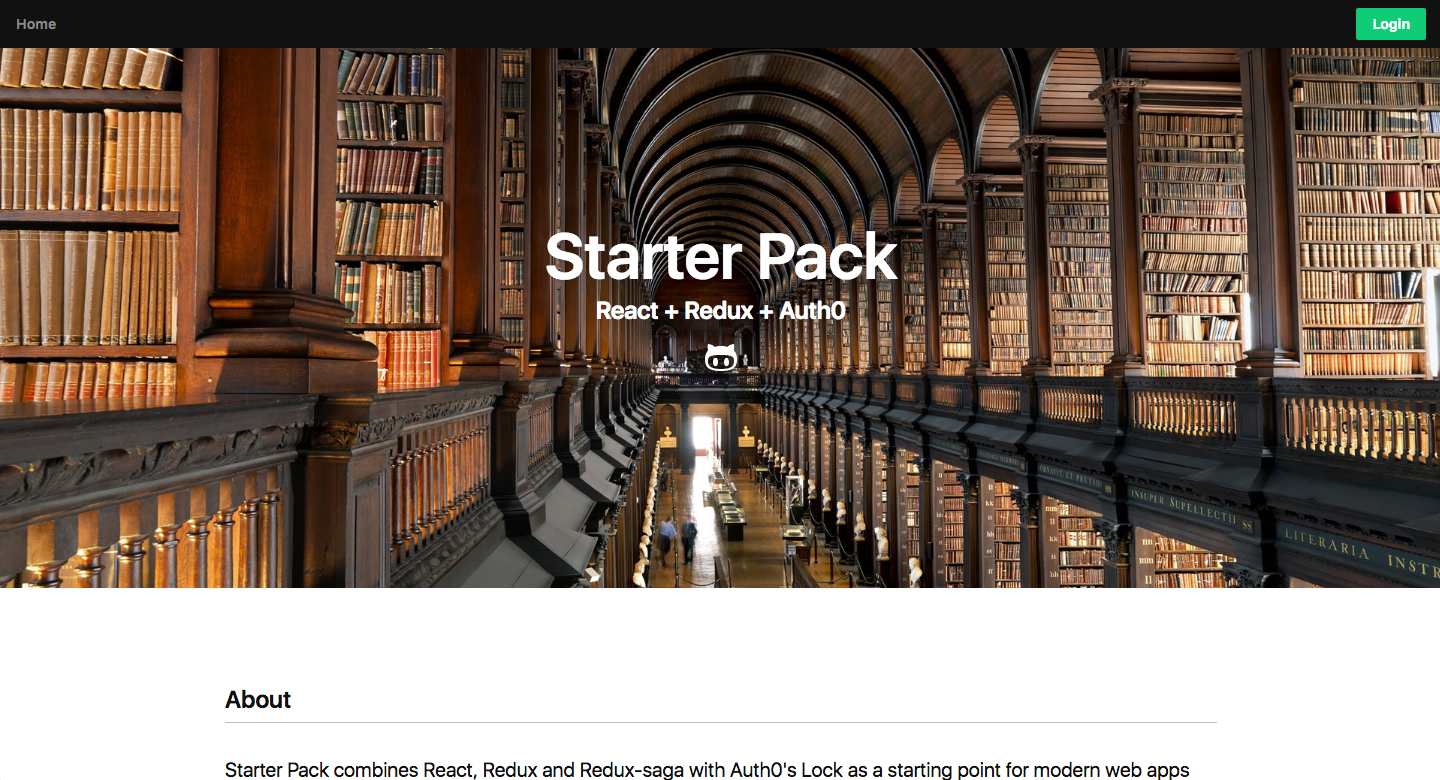 |
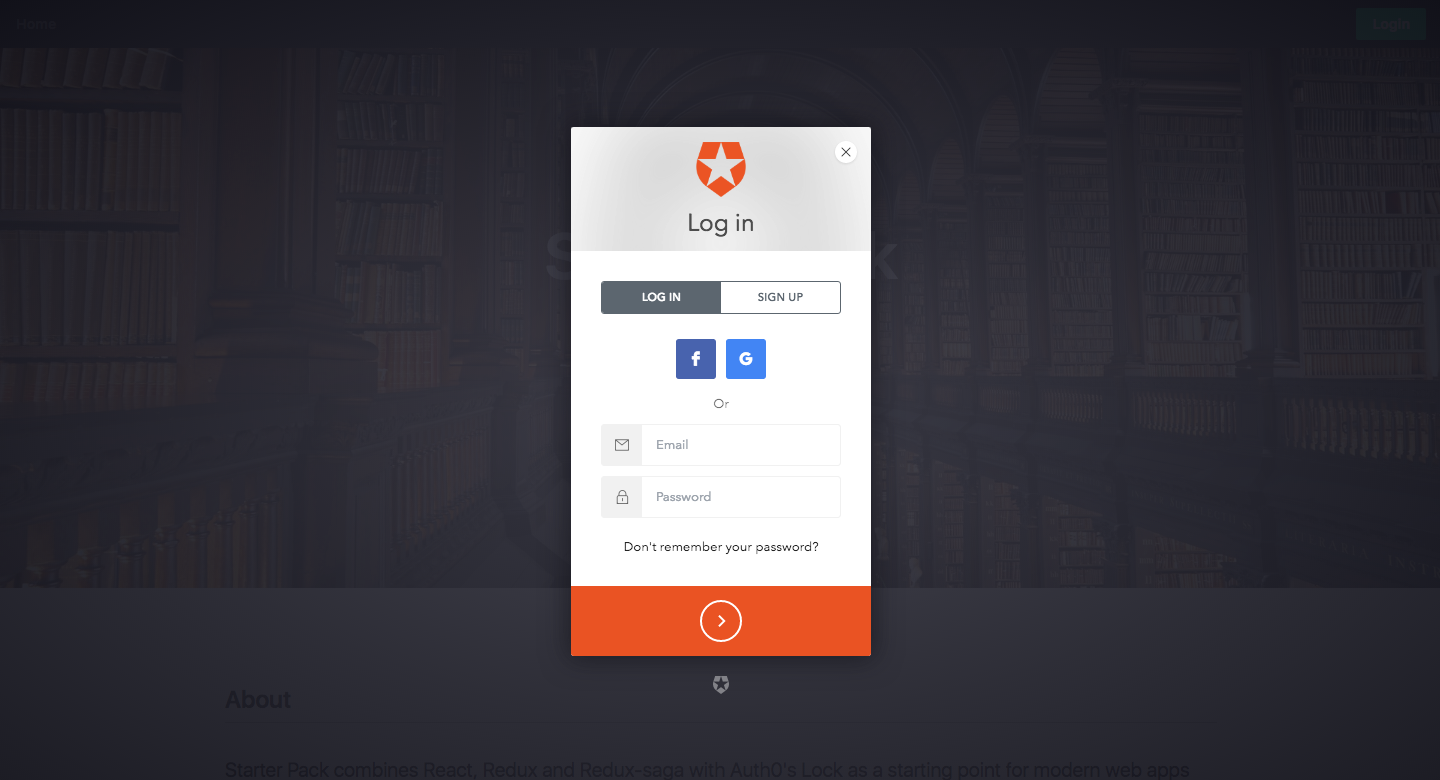 |
 |
Quick Start (Copy & Paste)
git clone https://github.com/jch254/starter-pack.git
cd starter-pack
git checkout typescript
corepack enable
pnpm install --frozen-lockfile
AUTH0_CLIENT_ID=YOUR_CLIENT_ID \
AUTH0_DOMAIN=YOUR_DOMAIN \
pnpm run dev
Don't have Auth0 values yet? See Configuration below—you can still explore most of the UI without logging in.
Installation
Prerequisites:
- Node.js 22.x (see
.nvmrc) - pnpm (auto-activated via Corepack —
corepack enable) - Auth0 account (for full auth flow)
Install dependencies:
pnpm install --frozen-lockfile
Configuration (Environment Variables)
Two environment variables are required for authentication to function:
| Variable | Description | Example |
|---|---|---|
AUTH0_CLIENT_ID |
SPA application Client ID | abc123XYZ |
AUTH0_DOMAIN |
Your Auth0 tenant domain | your-tenant.eu.auth0.com |
Set them inline when running scripts:
AUTH0_CLIENT_ID=abc AUTH0_DOMAIN=your-tenant.eu.auth0.com pnpm run dev
Or export them (macOS/Linux):
export AUTH0_CLIENT_ID=abc
export AUTH0_DOMAIN=your-tenant.eu.auth0.com
pnpm run dev
Auth0 Setup:
- Create a Single Page Application in the Auth0 dashboard
- Add
http://localhost:3001to Allowed Callback URLs & Allowed Web Origins - Save changes and copy the Client ID + Domain
Available Scripts
| Script | Purpose | Notes |
|---|---|---|
pnpm run dev |
Start dev server with hot reload | Serves at http://localhost:3001 |
pnpm run build |
Production bundle | Outputs to /dist |
pnpm run prod |
Serve built production bundle | Requires prior build (invokes build if necessary) |
Development Workflow
Start locally (auth enabled):
AUTH0_CLIENT_ID=abc AUTH0_DOMAIN=your-tenant.eu.auth0.com pnpm run dev
Build production assets:
pnpm run build
Serve production build locally:
pnpm run prod
Docker Usage
Build image:
docker build -t starter-pack .
Run (choose a package script: dev or prod):
docker run \
  -p 3001:3001 \
  -e AUTH0_CLIENT_ID=abc \
  -e AUTH0_DOMAIN=your-tenant.eu.auth0.com \
  starter-pack dev
If you omit the script name the container will exit and list available commands.
Architecture & Tech Stack
Core stack:
- React 18 (hooks) + React Router 6
- Redux 5 + React Redux 9 + Redux Saga + Reselect
- Auth0 SPA SDK
- TypeScript (strict-ish typing) + ESLint
- Rebass 4 / Reflexbox / Emotion / Styled System 5 + CSS Modules
- Webpack 5 (dev server, SplitChunks, MiniCssExtractPlugin, CssMinimizerPlugin)
Notable implementation details:
- Code splitting: dynamic
React.lazyboundaries (seesrc/app/App.tsx) - Route management:
BrowserRouter+ React Router 6Routes/RouteAPIs - Protected route pattern via Auth0 wrapper (
src/authdirectory) - Example data service abstraction (
src/apiService.ts) - Separate reducers & sagas by domain (
src/books,src/app) src/shared-components/rebassCompat.tsxkeeps the old Rebass 2 component call sites working over the Rebass 4 primitive set- Type definitions in
typings/for external modules without bundled types
Dependency strategy:
- pnpm is the source of truth; CI uses
pnpm install --frozen-lockfile. - The app intentionally follows the modernised
buildpipelinedependency era: React 18, React Router 6, Webpack 5, Rebass 4, Emotion, and Styled System 5. - Do not reintroduce the old mixed stack of
rebass@2,@rebass/components,@rebass/grid,styled-components@3,styled-system@3, orstylis@3. - Add explicit transitive dependencies only when pnpm strict resolution or Webpack proves they are required at runtime/build time.
Directory snapshot:
src/
  app/               # App shell & root component
  auth/              # Auth0 integration + route guard
  books/             # Example protected feature module
  shared-components/ # Reusable UI pieces
infrastructure/   # Terraform + scripts for infra & deployment
Extending / Customisation Ideas
- Swap Auth0 for another OIDC/OAuth provider
- Add API layer + real network calls (fetch/axios + token refresh)
- Introduce testing (Jest + React Testing Library)
- Add performance budgets / bundle analyzer
- Implement dark mode theme toggle
Contributing 🙌
Contributions are very welcome—whether it's a bug report, feature idea, documentation tweak, or a pull request.
- Fork the repo & create a branch:
git checkout -b feature/your-thing - Make changes (keep commits purposeful)
- Run lint/build locally
- Open a Pull Request describing the change & rationale
Guidelines: Guidelines:
- Keep scope minimal—small PRs are easier to review
- Add comments where intent isn't obvious
- Prefer TypeScript strictness over
any - Match existing code style (lint will help)
Feel free to open an issue first to discuss bigger ideas.
Reporting Issues
When filing an issue, please include:
- What you expected vs what happened
- Steps to reproduce
- Environment (OS, Node version) if relevant
- Logs or screenshots (if helpful)
FAQ
Q: Can I use npm or yarn instead of pnpm?
A: pnpm is the supported package manager (declared via packageManager in package.json and resolved via Corepack). CI installs with pnpm install --frozen-lockfile; switching managers means regenerating the lockfile and is not part of the supported workflow.
Q: Do I need Auth0 to try it?
A: You can run the app without environment variables; protected routes will simply not authenticate.
Q: Where do I plug in an API?
A: Start in src/apiService.ts and replace the mocked JSON flow with real fetch logic.
License
MIT © 2016–present Jordan Hornblow. See LICENSE for full text.
Acknowledgements
- Auth0 for the SPA SDK
- React, Redux, Saga & broader OSS ecosystem
Enjoying this starter? A star ⭐ helps others discover it.
Looking for the plain JavaScript version? See the master branch.