
SwiftReorder
NOTE: Some users have encountered compatibility issues when using this library with recent versions of iOS. For apps targeting iOS 11 and up, it's recommended to use the built-in UITableView drag and drop API instead.
SwiftReorder is a UITableView extension that lets you add long-press drag-and-drop reordering to any table view. It's robust, lightweight, and fully customizable.
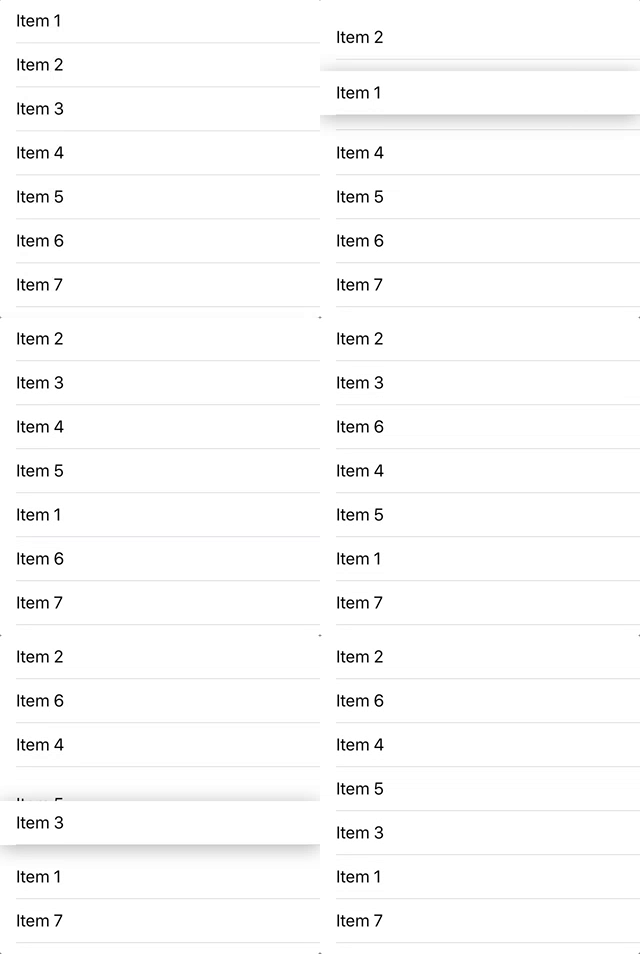
Features
- Smooth animations
- Automatic edge scrolling
- Works with multiple table sections
- Customizable shadow, scaling, and transparency effects
Installation
CocoaPods
To integrate SwiftReorder into your Xcode project using CocoaPods, specify it in your Podfile:
pod 'SwiftReorder', '~> 7.2'
Carthage
To integrate SwiftReorder into your Xcode project using Carthage, specify it in your Cartfile:
github "adamshin/SwiftReorder" ~> 7.2
Remember to add SwiftReorder to your Carthage build phase:
$(SRCROOT)/Carthage/Build/iOS/SwiftReorder.framework
and
$(BUILT_PRODUCTS_DIR)/$(FRAMEWORKS_FOLDER_PATH)/SwiftReorder.framework
Manually
You can integrate SwiftReorder into your project manually by copying the contents of the Source folder into your project.
Usage
Setup
- Add the following line to your table view setup.
override func viewDidLoad() {
    // ...
    tableView.reorder.delegate = self
}
- Add this code to the beginning of your
tableView(_:cellForRowAt:).
func tableView(_ tableView: UITableView, cellForRowAt indexPath: IndexPath) -> UITableViewCell {
    if let spacer = tableView.reorder.spacerCell(for: indexPath) {
        return spacer
    }
    // ...
}
- Implement the
tableView(_:reorderRowAt:to:)delegate method, and others as necessary.
extension MyViewController: TableViewReorderDelegate {
    func tableView(_ tableView: UITableView, reorderRowAt sourceIndexPath: IndexPath, to destinationIndexPath: IndexPath) {
        // Update data model
    }
}
This method is analogous to the UITableViewDataSource method tableView(_:moveRowAt:to:). However, it may be called multiple times in the course of one drag-and-drop action.
Customization
SwiftReorder exposes several properties for adjusting the style of the reordering effect. For example, you can add a scaling effect to the selected cell:
tableView.reorder.cellScale = 1.05
Or adjust the shadow:
tableView.reorder.shadowOpacity = 0.5
tableView.reorder.shadowRadius = 20