

Sync.io


About | Features | Technologies | How to use | Download | Requirements | Starting | Screenshots | License | Author
:dart: About
A simple and easy to use HTTP based file sharing server to aid platform independent wireless file sharing between multiple devices
:sparkles: Features
:heavy_check_mark: Supports Windows/Linux/Mac OS as Host
:heavy_check_mark: No limit on concurrent device connections
:heavy_check_mark: High speed file transmission using HTTP/1.1 protocol
:heavy_check_mark: Easily connect devices through QR code
:rocket: Technologies
The following tools were used in this project:
:question: How to use
Follow these steps to run the prebuilt executables:
- Download the Executable binary for your device
- Connect all the devices to the same network (Hotspot also works)
- Run the file by clicking it or run
./Sync.io-...in terminal in the download directory.
3.1. In case of permission denied or crashing, run the program withsudoor Administrator priviledges - Visit the Url displayed in terminal after running the program using
Cmd+click orCtrl+click - Generate and Scan QR code to connect multiple devices, alternatively type in the Url from previous step in a browser
:arrow_down: Downloads
The executable binaries are available for:
- MacOS (Intel)
- MacOS (Apple Silicon)
- Linux (amd64/x86_64)
- Linux (arm64)
- Windows (amd64/x86_64)
- Windows (arm64)
:white_check_mark: Requirements
Before starting, you need to have Git and Golang installed to clone and build the Project.
:checkered_flag: Starting
# Clone this project
$ git clone https://github.com/KhushalJangid/sync.io

# Access
$ cd sync.io

# Install dependencies
$ go get .

# Run the project
$ go run main.go

# Build for all supported platforms
$ chown +x build.bash
$ ./build.bash

# Build for your platform
$ go build .
:whale: Docker
You can also run Sync.io using Docker Compose. Follow these steps:
- Make sure you have Docker and Docker Compose installed on your machine.
- Clone the repository:
$ git clone https://github.com/KhushalJangid/sync.io
$ cd sync.io
- Build and run the Docker container using Docker Compose:
$ docker-compose up --build -d
- Open your browser and navigate to
http://localhost:8080to start using Sync.io.
This will run Sync.io in a Docker container using Docker Compose, making it easy to deploy and manage.
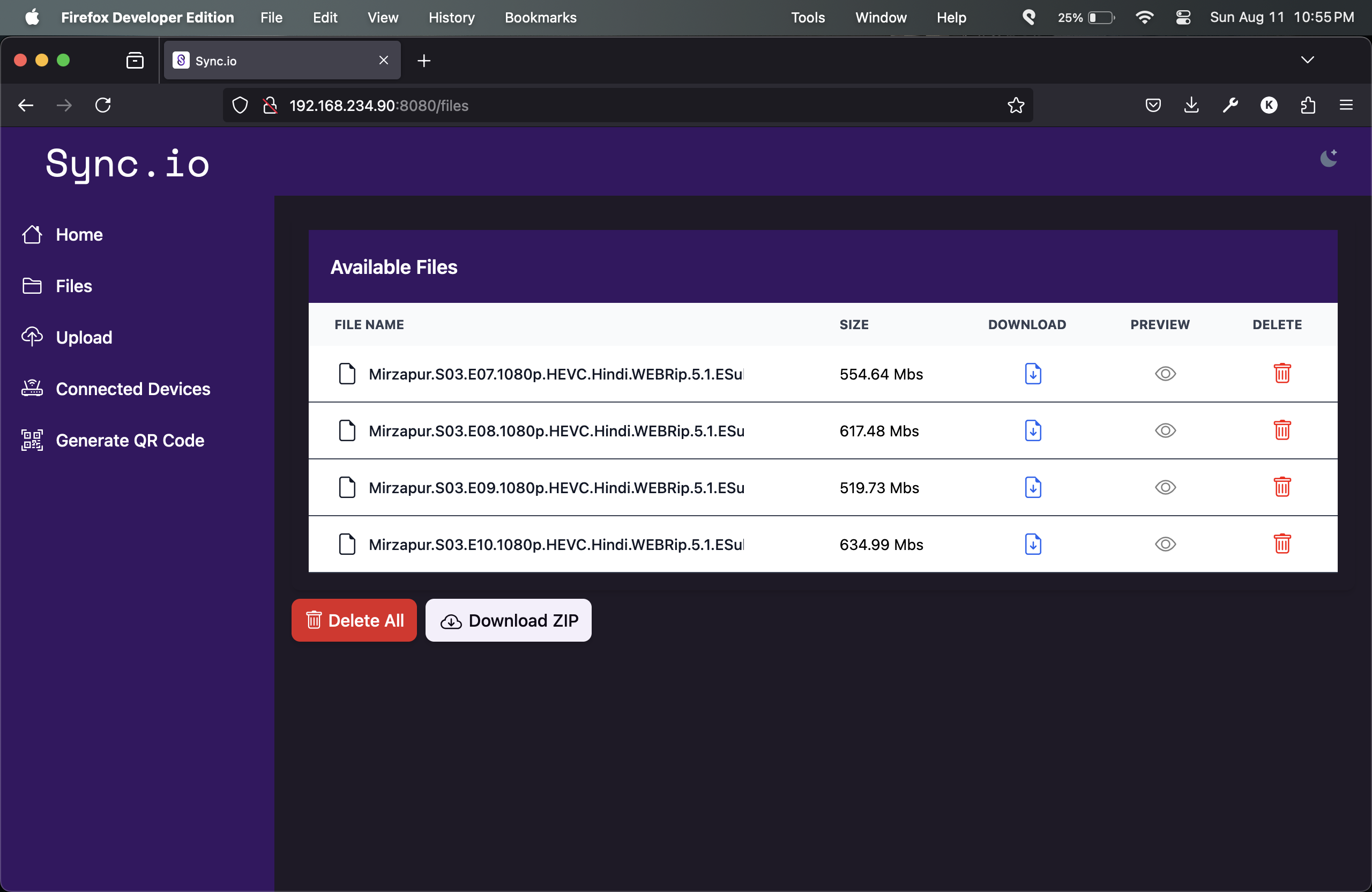
:fireworks: Screenshots
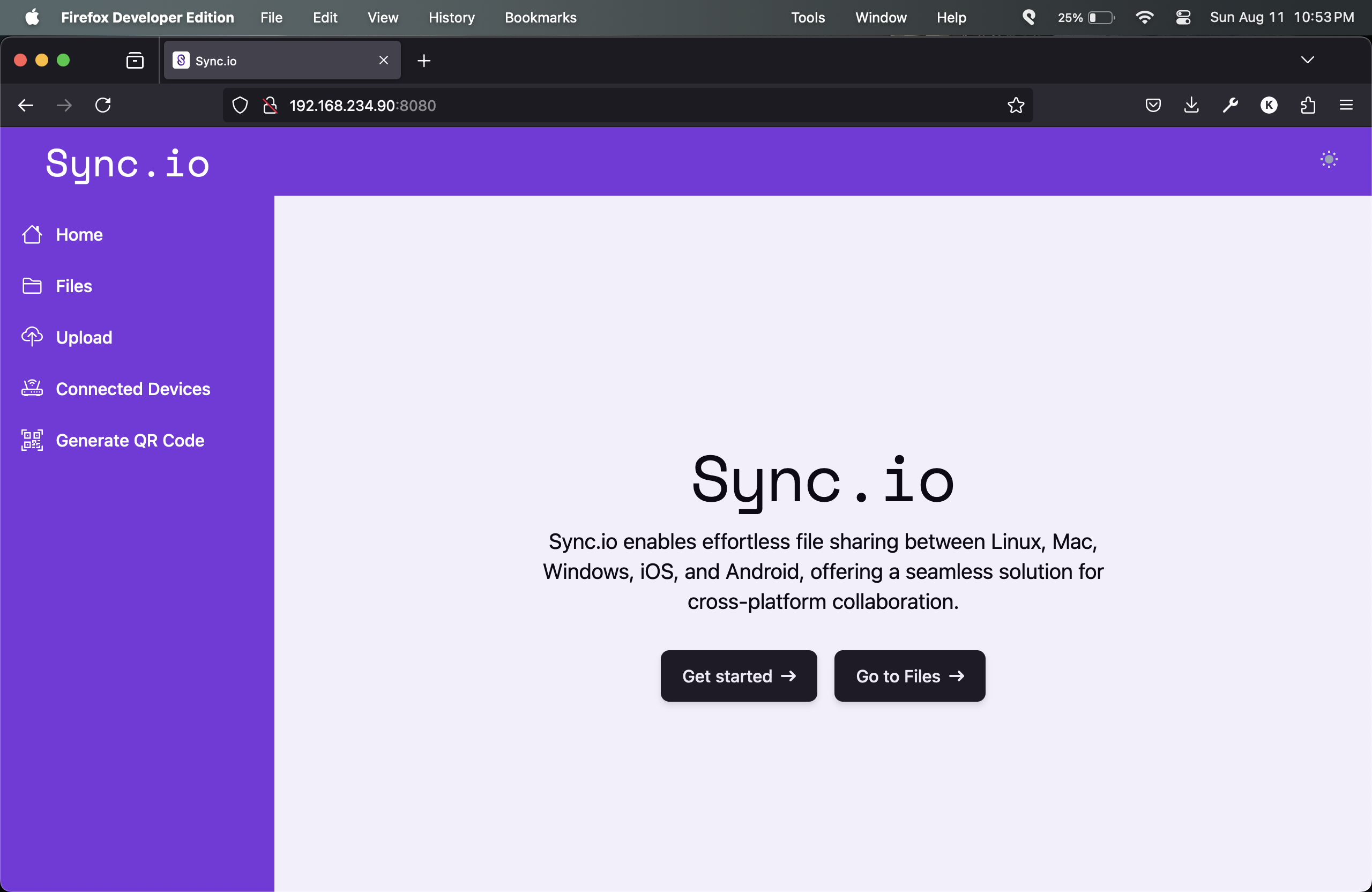
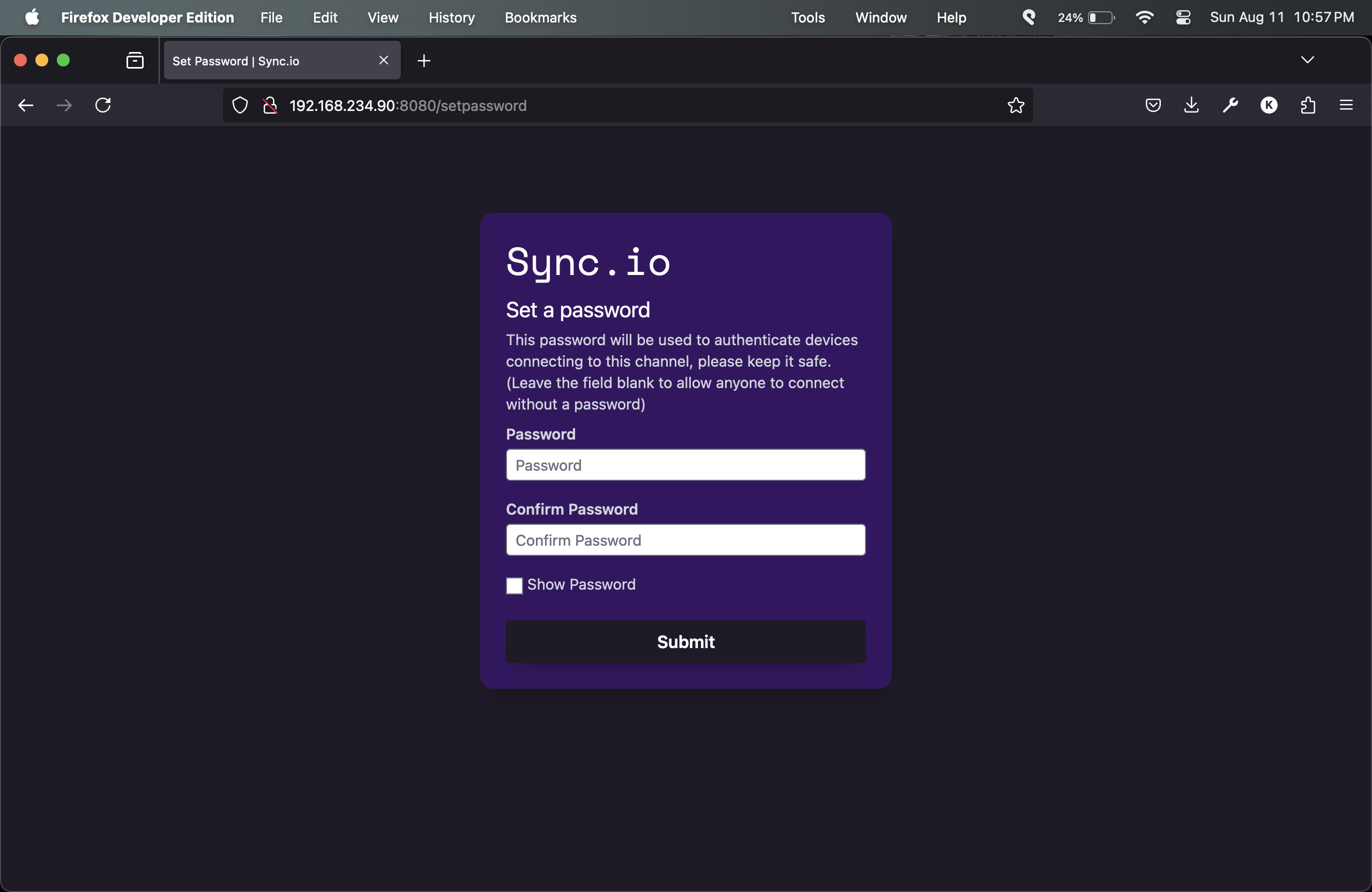
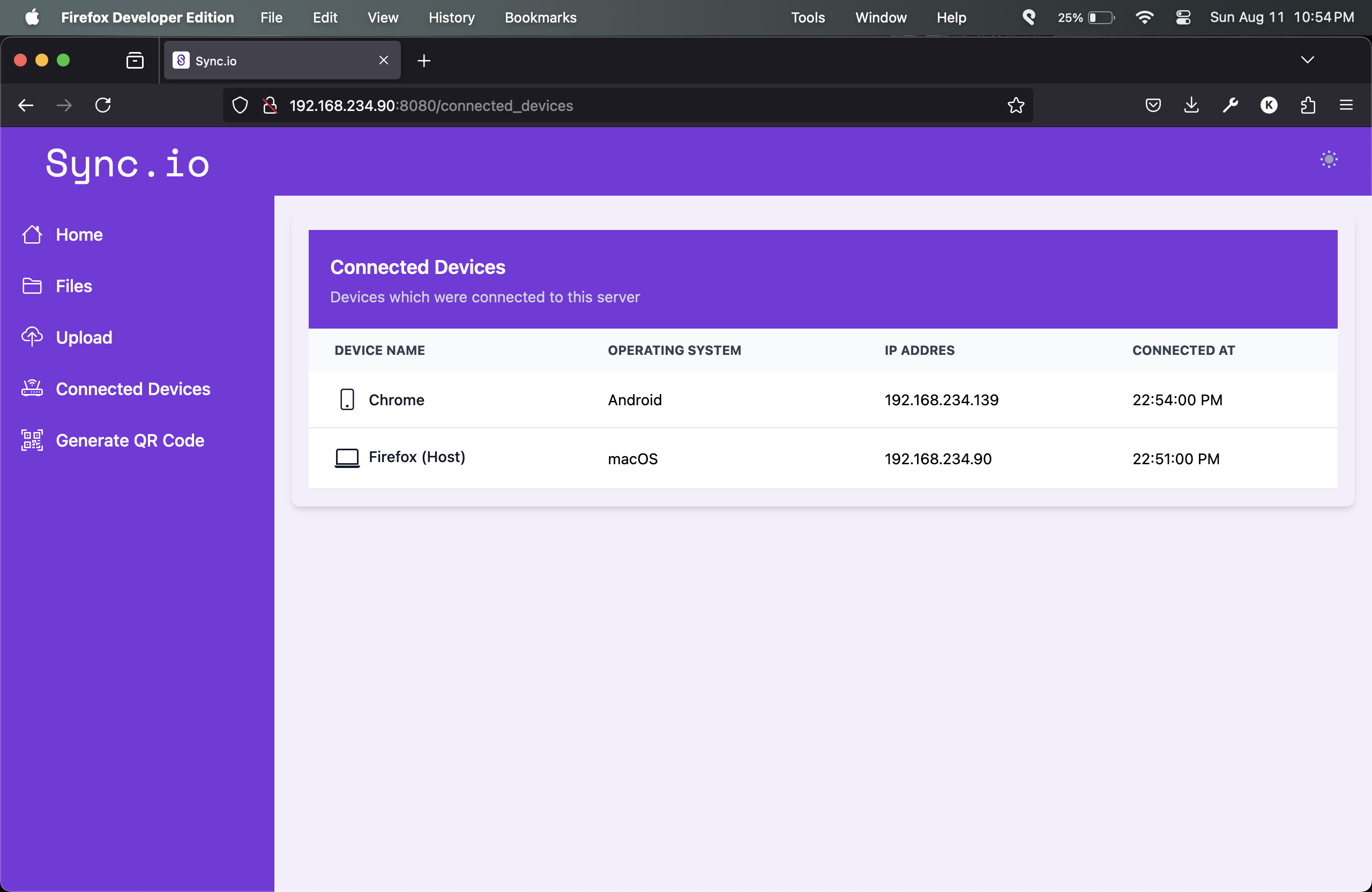
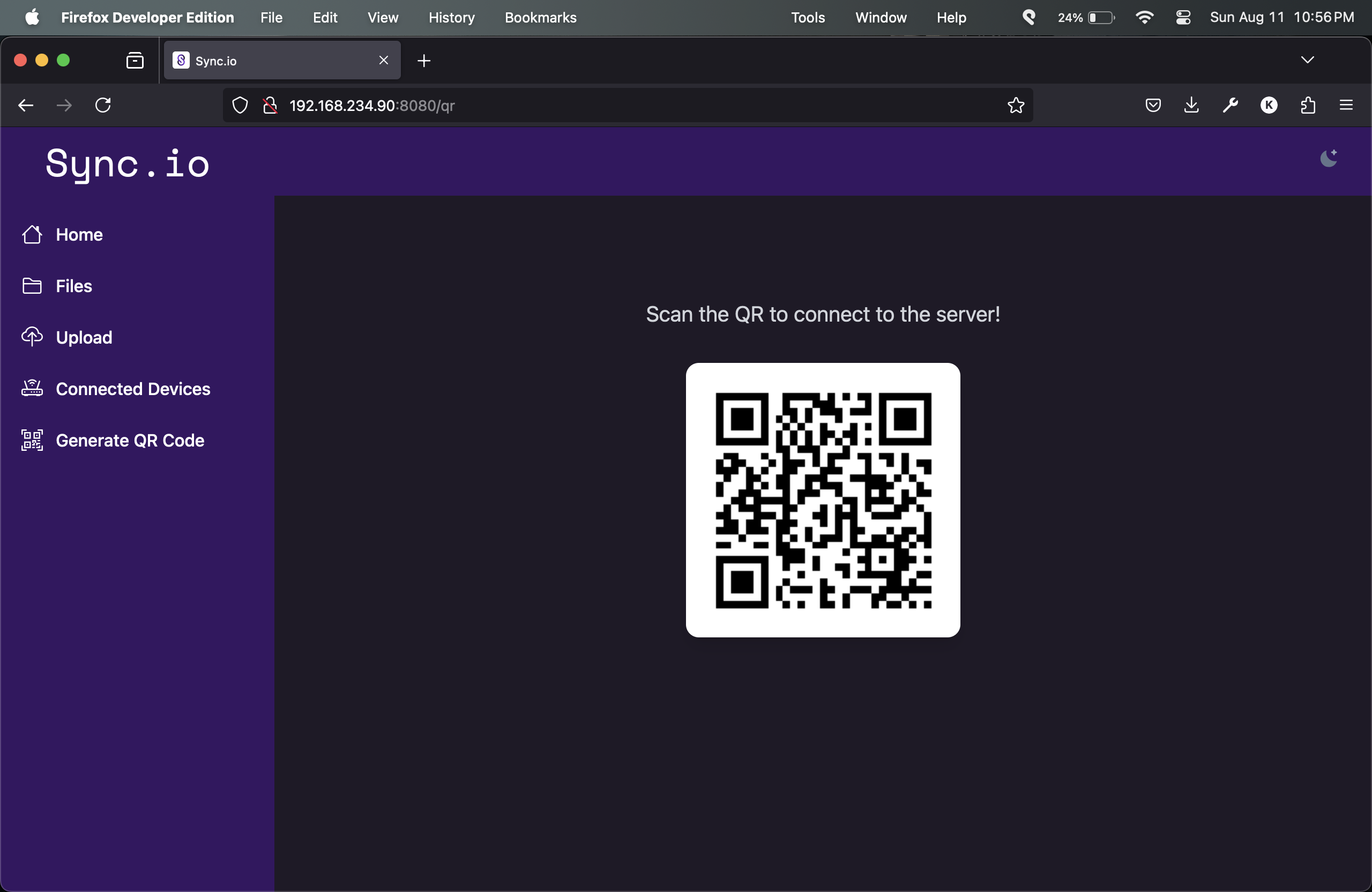
:memo: License
This project is under license from MIT. For more details, see the LICENSE file.
Made with :heart: by Khushal Jangid