
Taskill
WIP
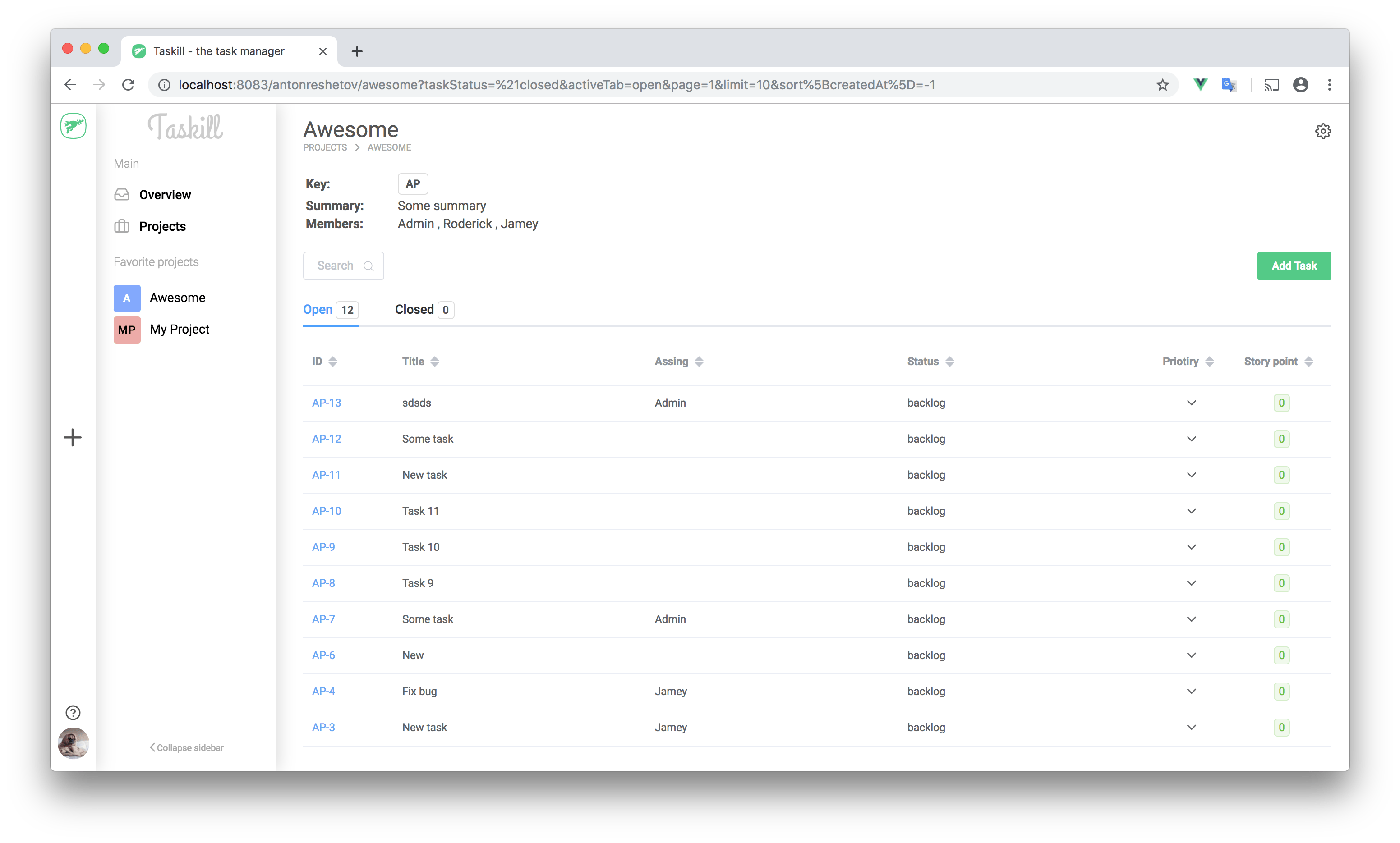
The goal of this project is to create an open source independent task manager on a javascript stack that can be use locally or in web. Idea of creation inspired by redmine
Use
Docker must be installed
Production
Clone the repo, setup the env variables and run
(cd docker/prod && docker-compose up --build -d)
Go to the http://localhost on local machine or your domain address on server
Env variables
# Client
VUE_APP_SERVER_API= # service URI API, example: http://yourdomain.com/api or http://localhost to local use
# Server
API_PORT= # service server port, example: 3000, if other, you must be setup proxy nginx
DEBUG= # express debug mode
CLIENT_URI= # service client URI for CORS, example: http://yourdomain.com, or http://localhost to local use
MONGO_URI= # service mongo URI, exmaple mongodb://mongo:27017/taskill, (mongo - service DNS)
SECRET_KEY= # random string as salt to generate token
MAIL_HOST= # SMTP server email client
MAIL_PORT= # email port
MAIL_USER= # email login
MAIL_PASS= # email password
Development
Clone the repo, setup the env variables and run
(cd docker/dev && docker-compose up --build -d)
Go to the http://localhost:VUE_APP_PORT on local machine
Env example
docker/dev/.env
# Client
VUE_APP_PORT= # client port, example 4000
VUE_APP_HOST= # must be 0.0.0.0
VUE_APP_SERVER_API= # service URI API, for dev example: http://localhost:3000/api, port must be equal API_PORT
# Server
API_PORT= # service server port, example: 3000
DEBUG= # express debug mode
CLIENT_URI= # service client URI for CORS, for dev example: http://localhost:4000, port must be equal VUE_APP_PORT
MONGO_URI= # service mongo URI, example mongodb://mongo:27017/taskill, (mongo - service DNS)
SECRET_KEY= # random string as salt to generate token
MAIL_HOST= # SMTP server email client
MAIL_PORT= # email port
MAIL_USER= # email login
MAIL_PASS= # email password
Roadmap
Client
- Layout
- Sing in / Sing up / Reset
- Projects
- Project
- Project settings
- Project add new
- Tasks
- Task
- Task add new view
- User profile view
Server
- Sing in / Sing up / Reset
- Authorization by JWT
- Project CRUD
- Project add to favorite
- Task CRUD
- Task assignee
- Members & transfer
- Roles
- Comments