Terrainy
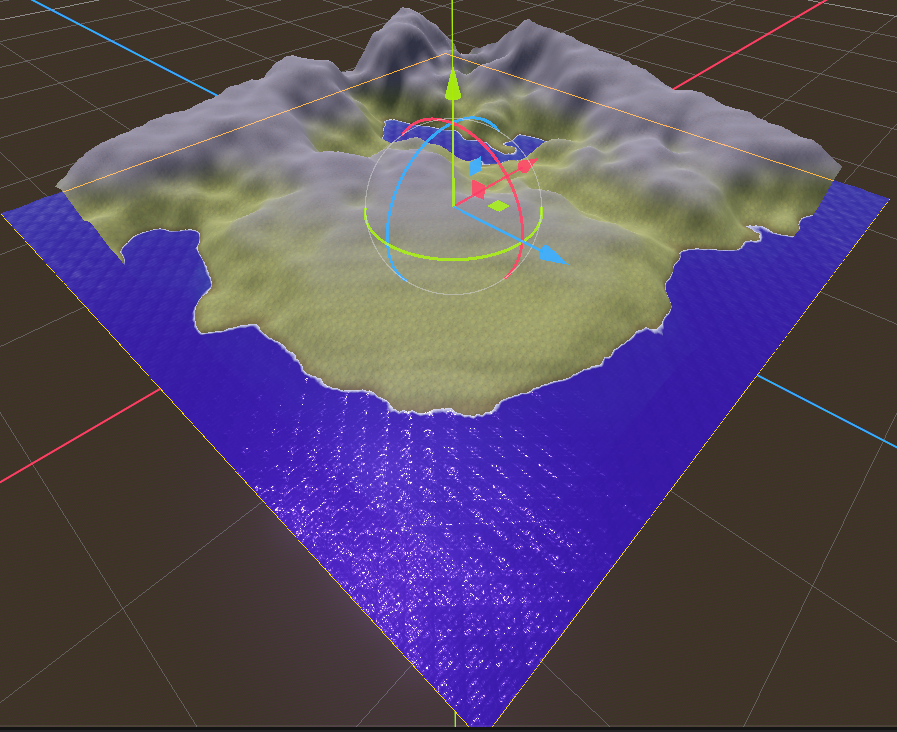
Quickly create natural-looking terrain with customizable noise parameters. This tool is designed to create simple terrains that do not require manual painting
·
Report Bug
·
Request Features
- 📦 Installation
- Getting started 📝
- Parameters
- TerrainConfiguration
- Common configuration parameters
- TerrainNoiseConfiguration
- TerrainNoiseTextureConfiguration
- TerrainHeightmapConfiguration
- Generation examples
- Terrain shaders
- Procedural terrain (Work in progress)
- Runtime Brush (Work in progress)
📦 Installation
- Download Latest Release
- Unpack the
addons/terrainyfolder into your/addonsfolder within the Godot project - Enable this addon within the Godot settings:
Project > Project Settings > Plugins
To better understand what branch to choose from for which Godot version, please refer to this table:
| Godot Version | terrainy Branch | terrainy Version |
|---|---|---|
 |
main |
1.x |
Getting started 📝
Creating a new terrain is as easy as adding the Terrainy node to your scene and configuring its parameters. The basic workflow involves assigning a TerrainConfiguration that will shape a MeshInstance3D into a Terrain by generating a new ArrayMesh for it. You have the flexibility to assign multiple mesh instances to the Terrainy node to generate all terrains simultaneously, either within the editor or at runtime.
Editor
To generate all currently configured terrains, simply select the Terrainy node in the Scene tree and press the Generate Terrains button found in the Inspector or the node's toolbar. The process will execute immediately.
Runtime
Terrains can also be generated dynamically at runtime using the Terrainy node's dedicated generation function. This is an async process so to confirm and run code after it finish you need to awair or connect a callback to the signal terrain_generation_finished
signal terrain_generation_finished(terrains: Dictionary[MeshInstance3D, TerrainConfiguration])

// Don't use procedural just yet even though it works, performance is not yet optimal
func generate_terrains(
	selected_terrains: Dictionary[MeshInstance3D, TerrainConfiguration] = {},
 	spawn_node: Node3D = procedural_terrain_spawn_node,
	procedural: bool = false) -> void
Parameters
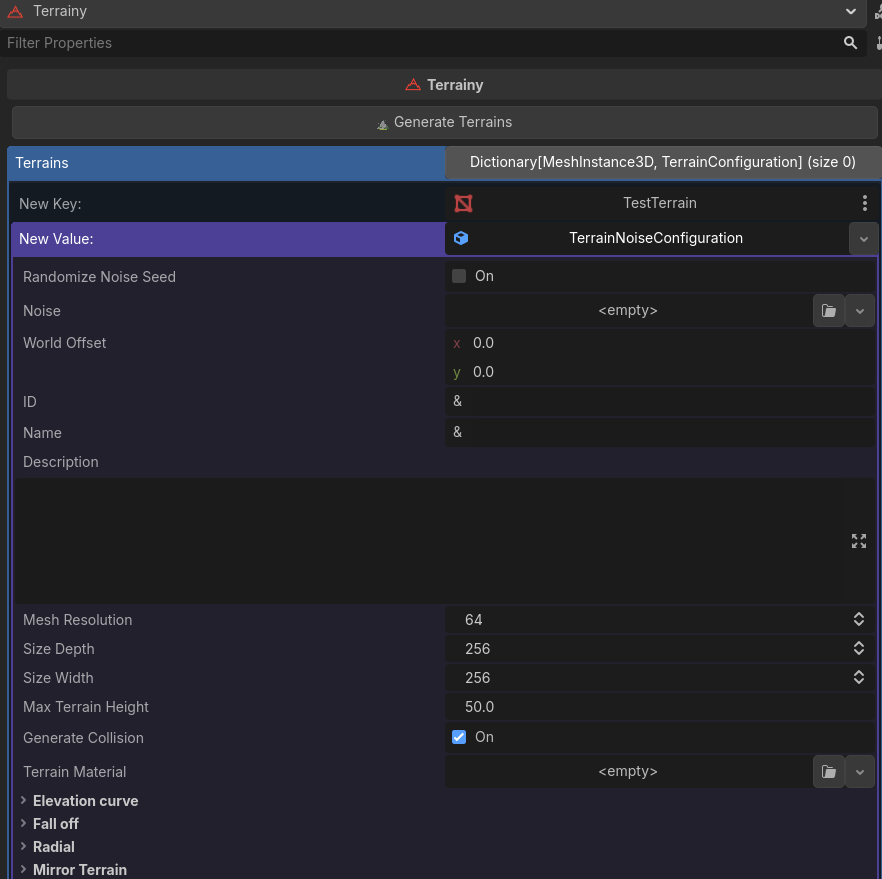
The image below illustrates the parameters you can configure for terrain generation:
TerrainConfiguration
This is the basic resource which provides the parameters that you can alter to generate the desired terrain.
[!IMPORTANT] This resource is not used directly, but rather those that extend from it.
Common configuration parameters
ID
A unique identifier used to access this specific Terrain resource externally (e.g., via code or configuration files).
Name
A descriptive and readable name for this terrain, primarily for identification within the editor or UI.
Description
An extended text field to provide additional context and detailed specifications about the characteristics or usage of this terrain resource.
World offset
An optional offset applied to the terrain's local position. This value shifts the terrain's origin relative to the parent node's transform (i.e., its local coordinate system) when it is spawned or instantiated in the scene.
Mesh resolution
More resolution means more detail (more dense vertex) in the terrain generation, this increases the mesh subdivisions and could reduce the performance in low-spec pcs.
Size depth
The depth size of the mesh (z) in godot units (meters)
Size width
The width size of the mesh (x) in godot units (meters)
Max terrain height
The maximum height (y) at which this terrain can be generated in godot units (meters). The noises values are in a range of (0, 1). So if the noise value in a specific vertex point it's 0.5 the height returned for a max_terrain_height of 50 the result will be 50 * 0.5 = 25
Generate collisions
Include the collision shape when the terrain is generated
Terrain material
The basic material you want to apply when the terrain is generated. By default assign a green prototype textured material
Elevation curve
This curve can adjust what the maximum height on the ground will be according to the graph from left to right in the generated noise image. This allows you to create flat mountains or holes in the generated terrain
Use elevation curve
Enable or disable the elevation curve for this terrain, when no curve is assigned is disabled by default
Allow negative elevation values
To generate a more noticed mountain shapes that go through negative values instead of stopping on 0.
Fallof texture
Use an image to smooth the edges on the terrain. This addon provide a few images to get some extra shapes in the generated terrains by being able to create islands, cliffs and so on, can be found on res://addons/terrainy/assets/falloff_images.
Use fall off
Enable or disable the fall off for this terrain, when no fall off texture is assigned is disabled by default
Radial shape
Generate the terrain in a radial pattern, useful for creating volcanoes, islands, etc.
Radial fall off power
The strength of the radial shape applied to the terrain
Mirror terrain
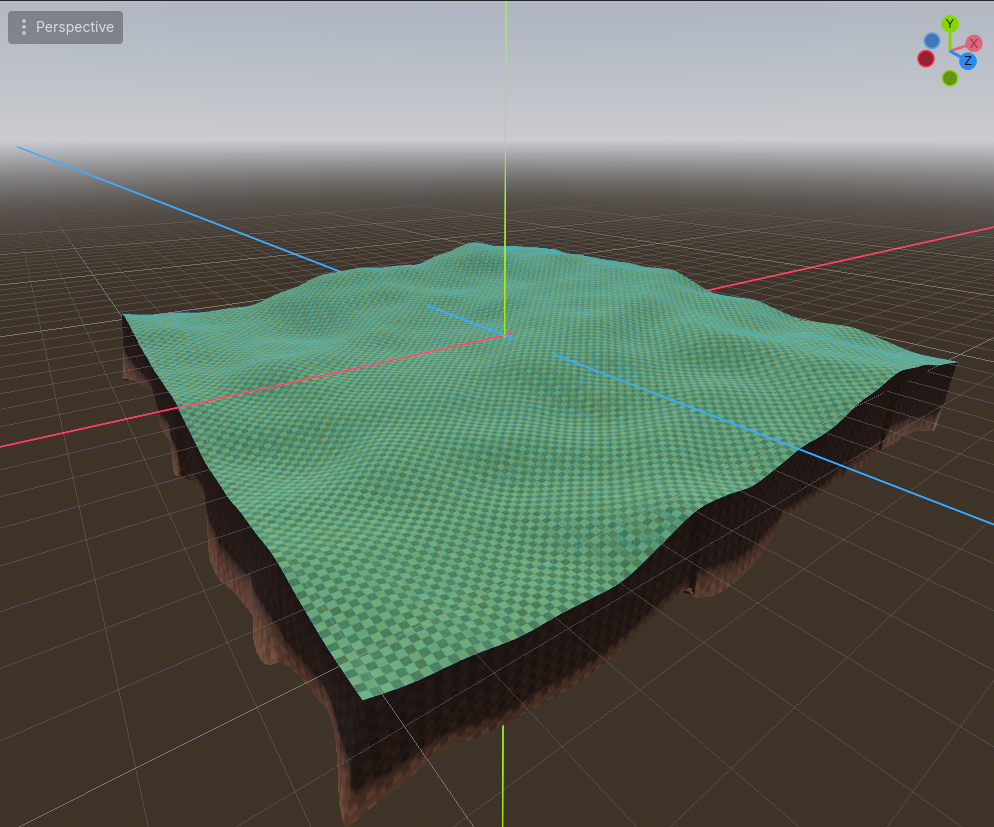
Generates a volumetric mirror terrain situated directly beneath the main terrain. This secondary terrain is designed to enhance the sense of solidity and depth for the terrain mass, effectively replacing the visual perception of a thin, molded surface.
Generate mirror
Enable or disable to include the mirror generation when the terrain is generated.
Generate mirror collision
Generate the collision shape for this new terrain.
Mirror offset
The separation between the main terrain and the mirror, this value is not recommended to update but is exposed in case you need it
Mirror depth
The height of the mirror to the bottom
Mirror noise
An optional FastNoiseLite in case you want more control in the output generation of this mirror terrain. Gives better results in terms of smooth visuals.
Mirror material
An optional material de apply on this mirror terrain. By default assign a brown prototype textured material
TerrainNoiseConfiguration
A configuration where you can provide a FastNoiseLite to shape the terrain.
Randomize noise seed
When enabled, in each generation the seed of the selected noise will be randomized. Disable it to do it manually and keep the same seed for the generated land and not lose the structure.
Noise
This is a FastNoiseLite instance. Noise values are perfect to generate a variety of surfaces, higher frequencies tend to generate more mountainous terrain.
TerrainNoiseTextureConfiguration
A configuration where you can provide a noise in texture format to shape the terrain
Noise Texture
An image that represents a noise, this addon provides few ones to test more complex shapes that maybe could not be achieved with a FastNoiseLite on path res://addons/terrainy/assets/noise_textures.
You can find a lot more for free on ScreamingBrainStudios
TerrainHeightmapConfiguration
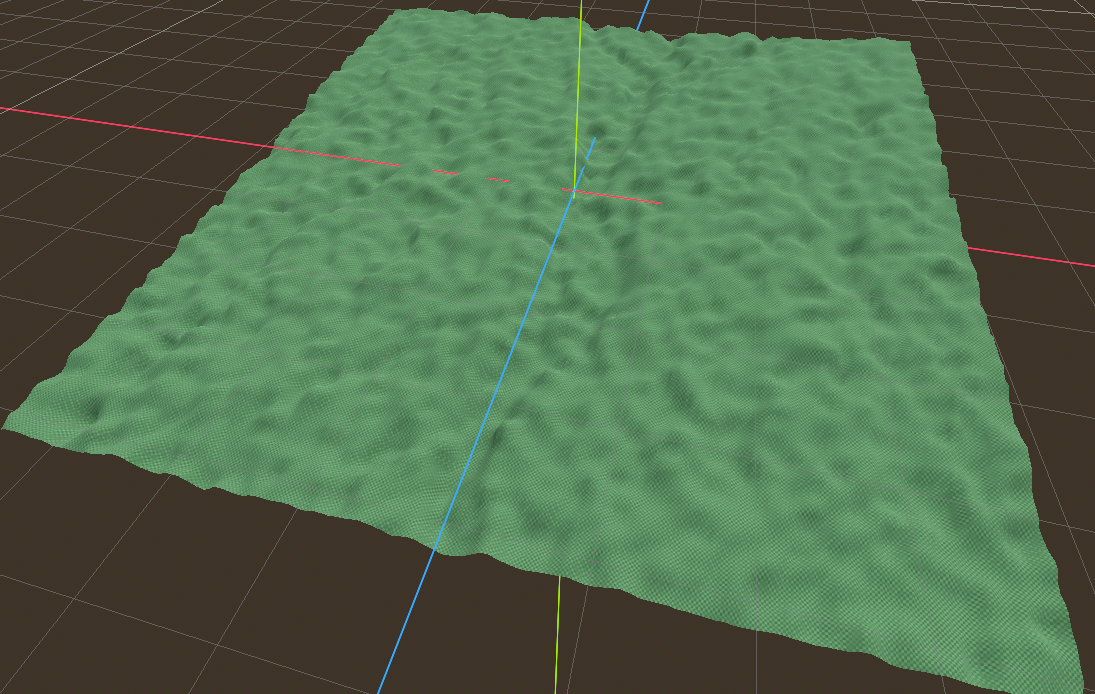
A configuration where you can provide an Heightmap image to shape the terrain. You can generate heightmap images using This free generator for Unreal engine but the output can be use inside Godot as well.
Heightmap image
A valid heightmap image on black white pattern that represents a shaped terrain.
Auto scale
Auto scale the correct height from the heightmap for a more accurate result.
Example
Below you have a generated heightmap with the tool linked before

Generation examples
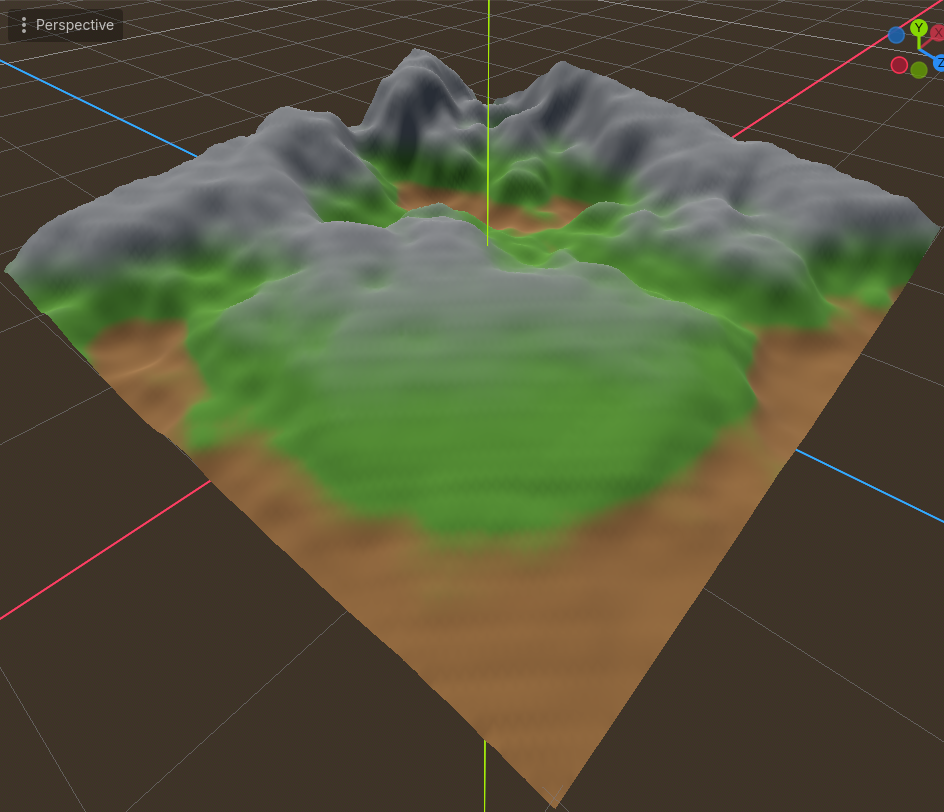
Mirror terrain
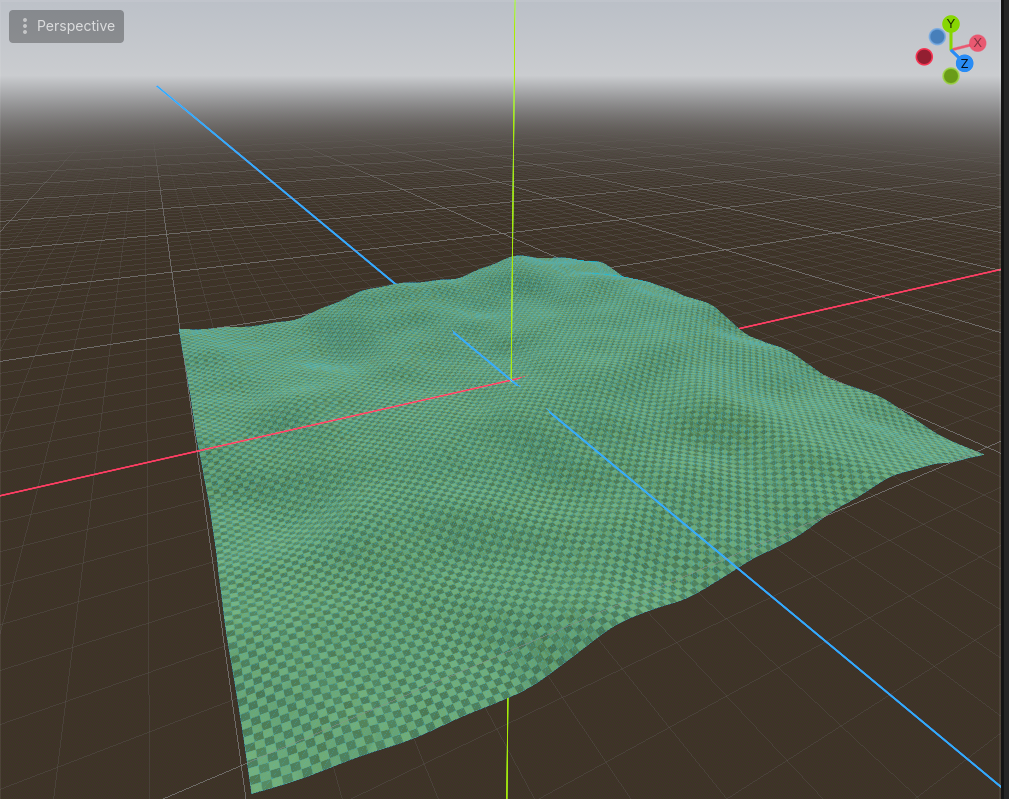
With generate_mirror enabled on configuration
Fall off textures
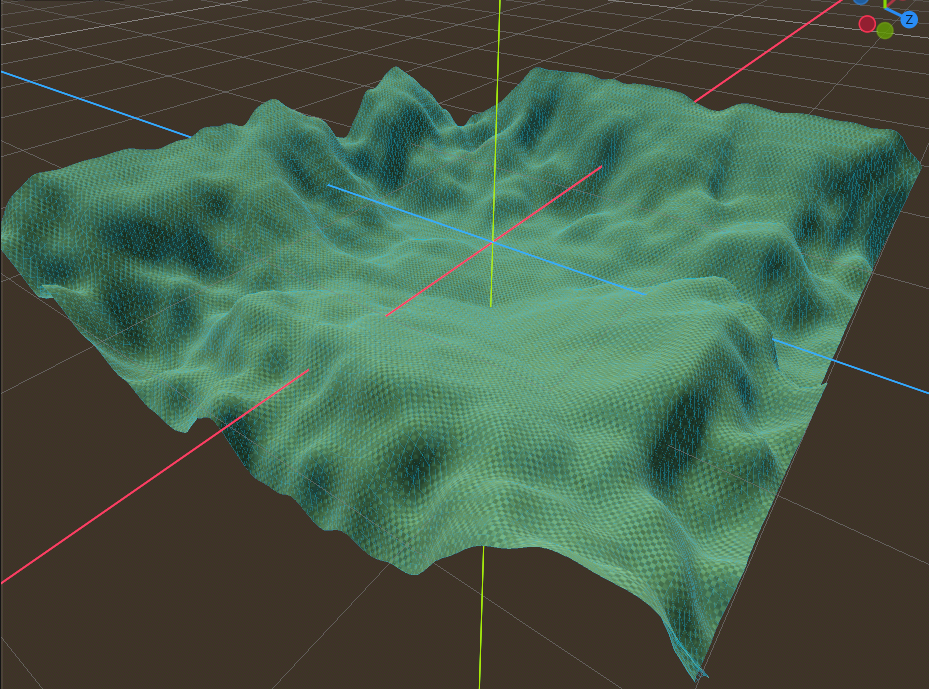
The following terrain images were captured generating a terrain using TerrainNoiseConfiguration with Perlin noise with a frequency of 0.005 and the following elevation curve:
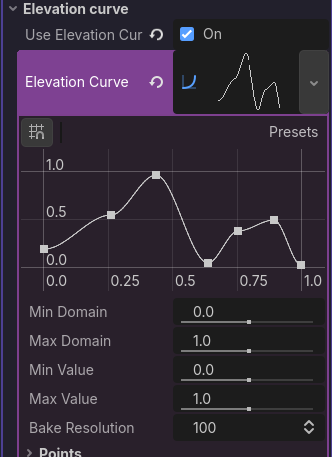
Abstract curve
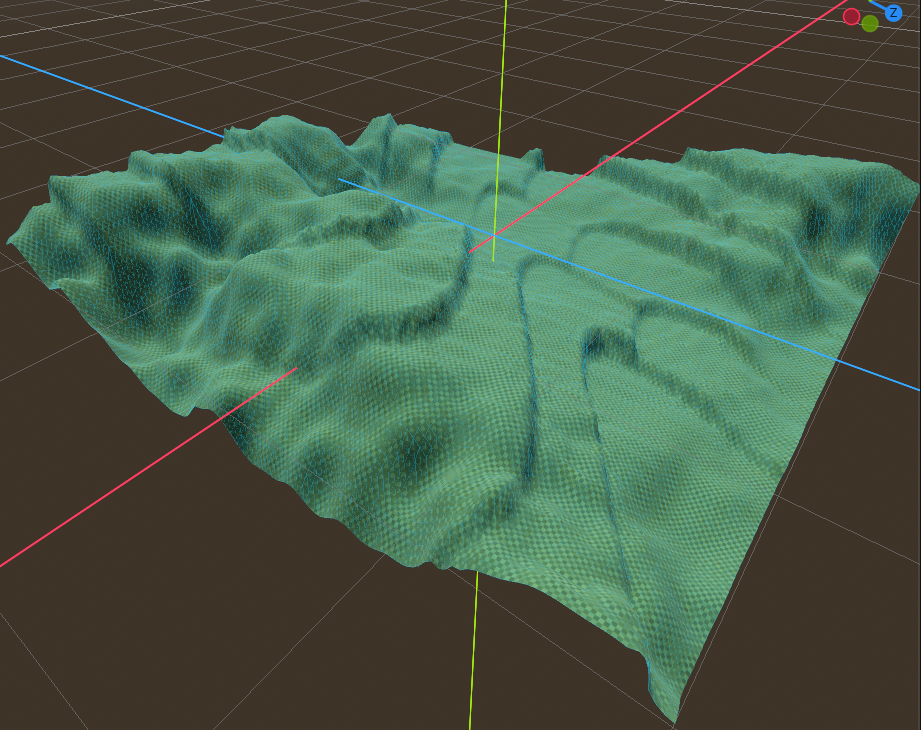
Black holes
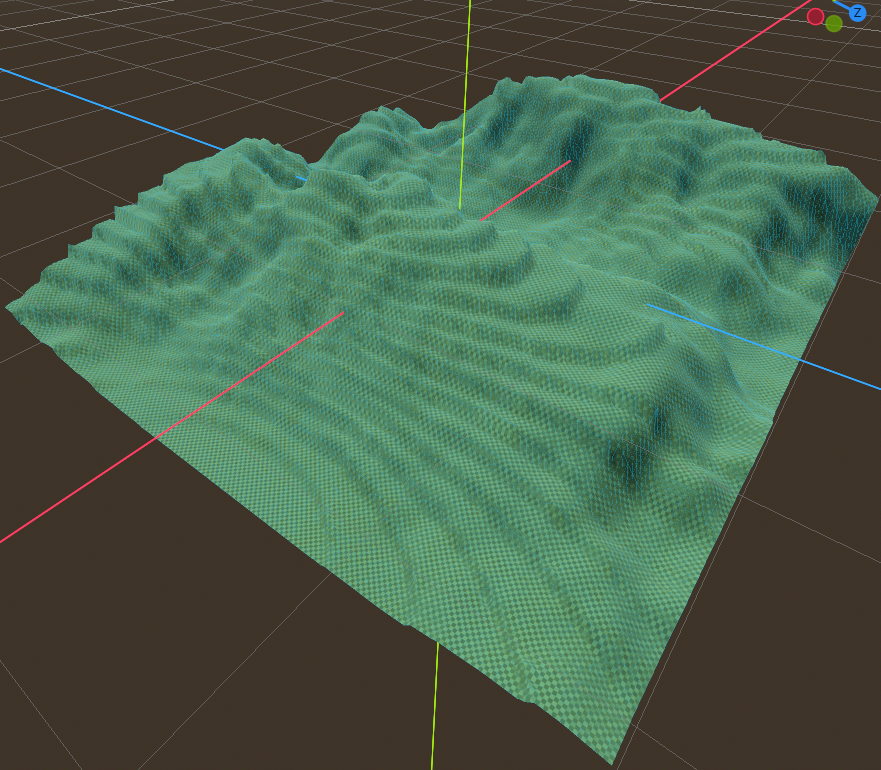
Center line
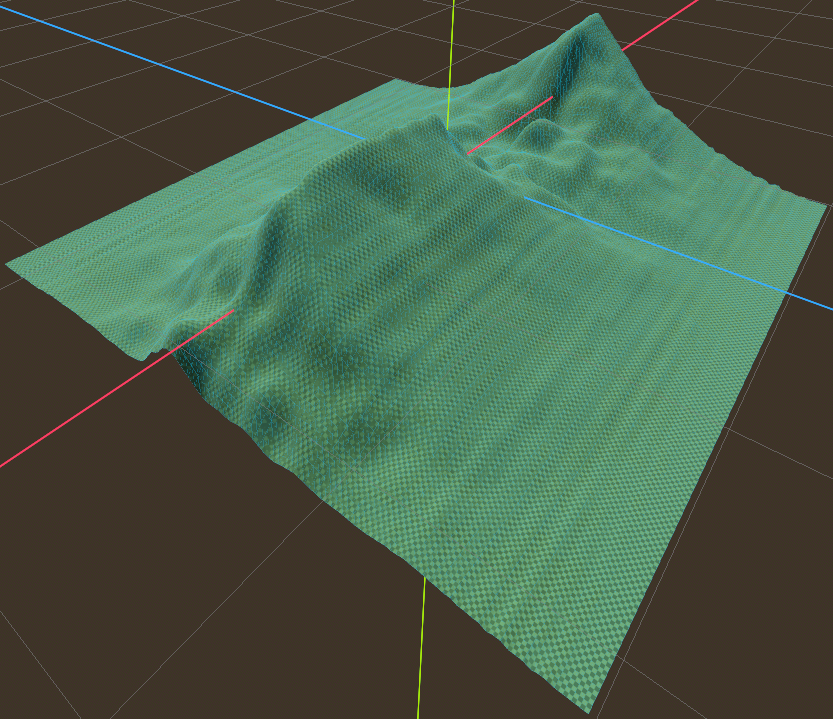
Center soft
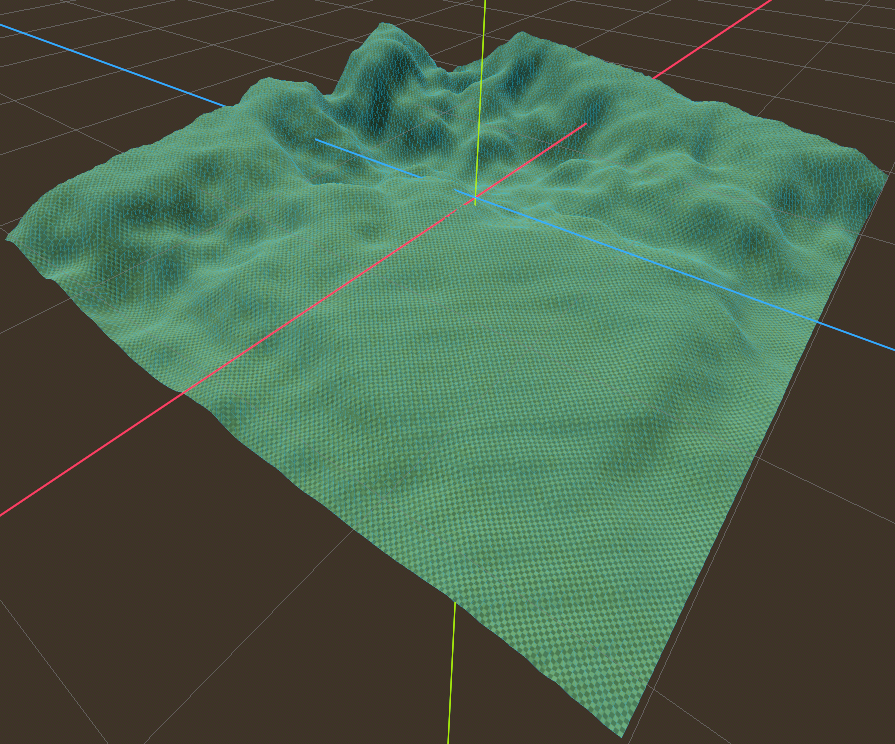
Circle irregular
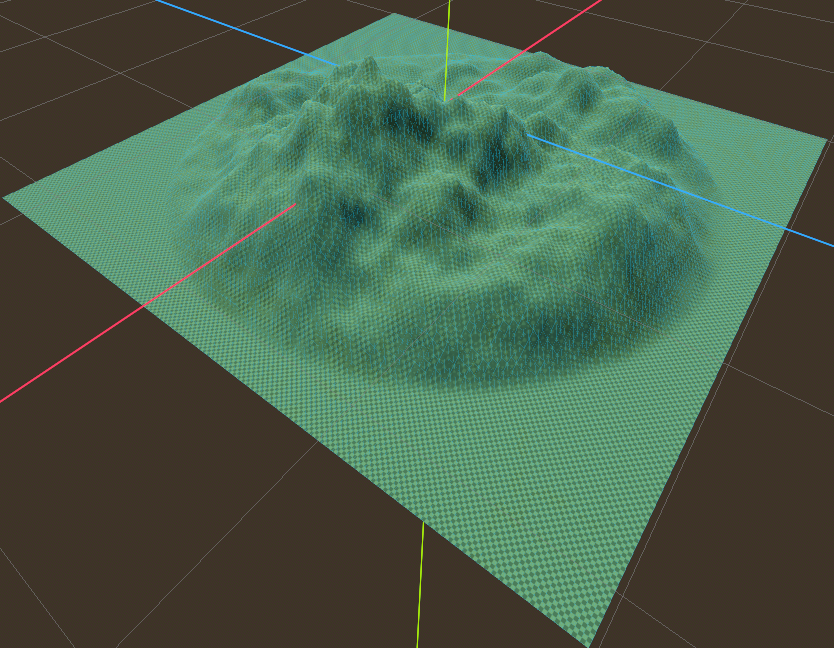
Smooth borders (Island edges)
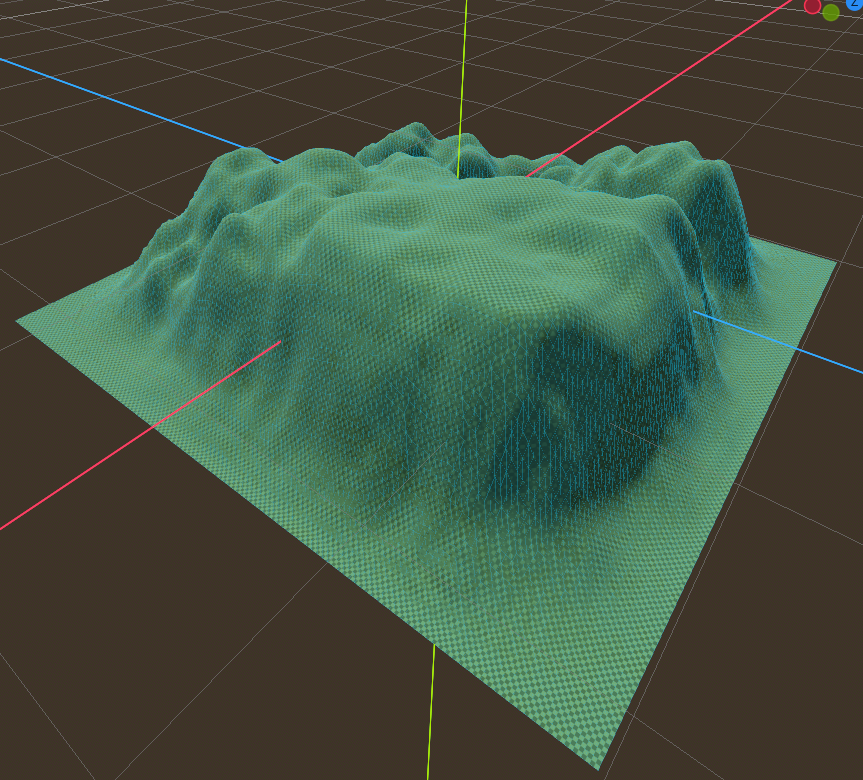
Center line vertical
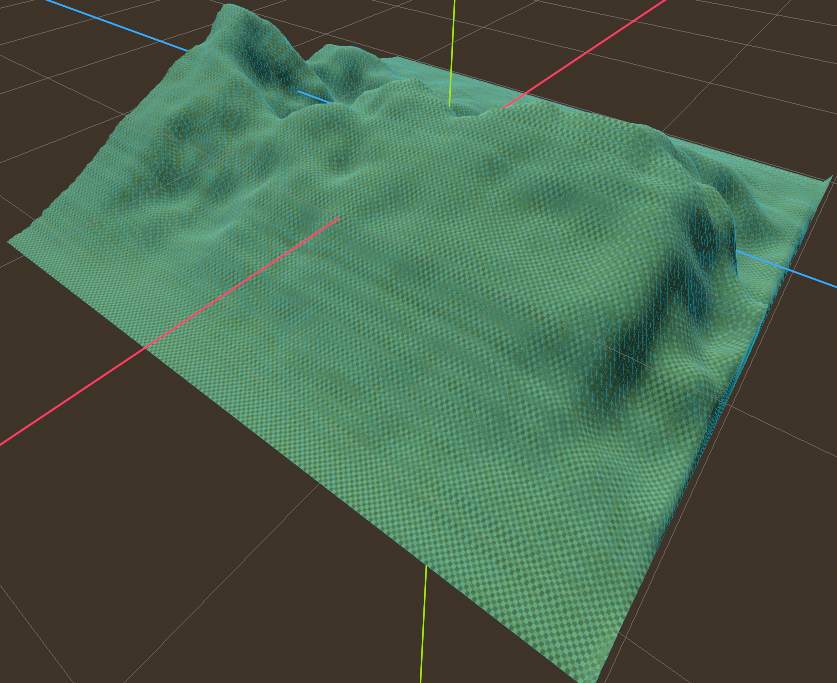
Circle
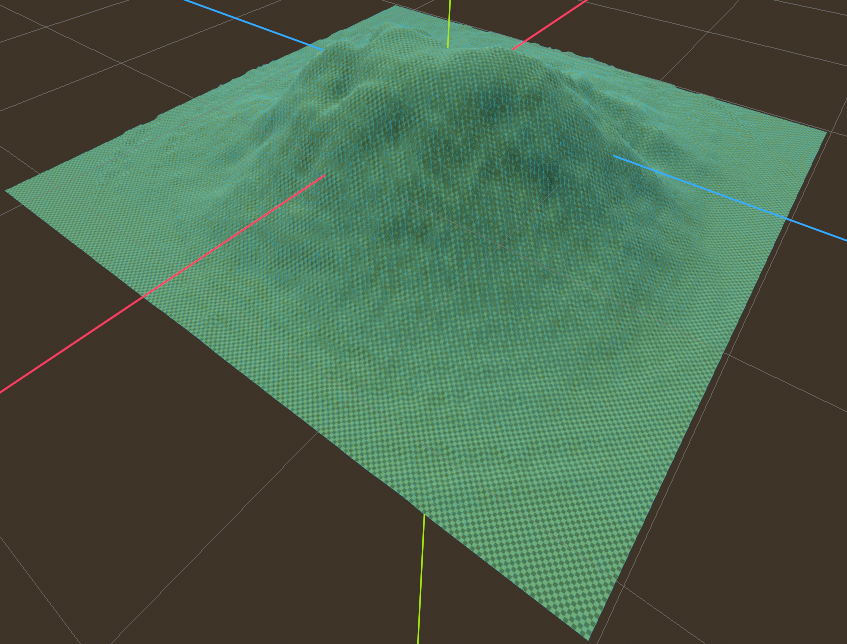
Circle flat
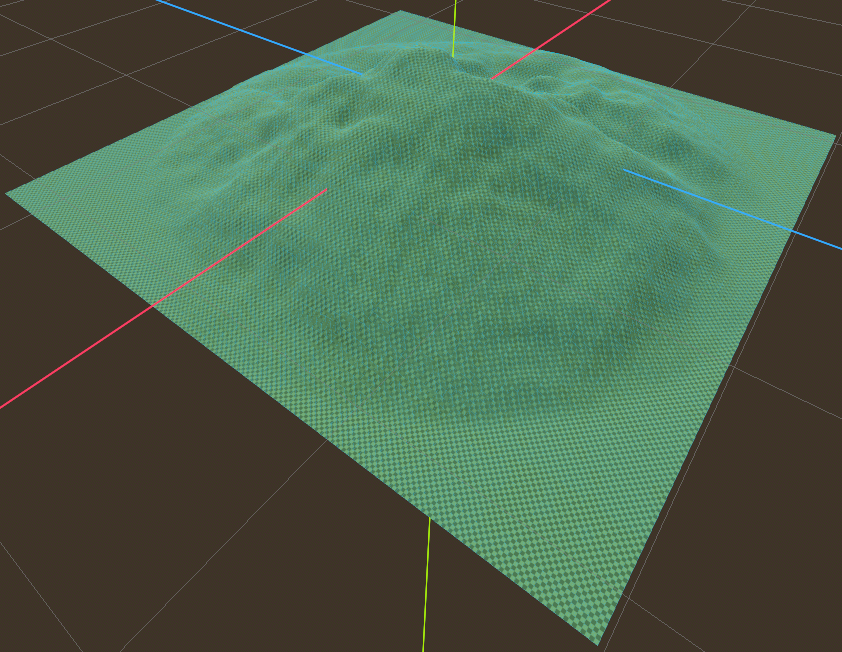
Vertical
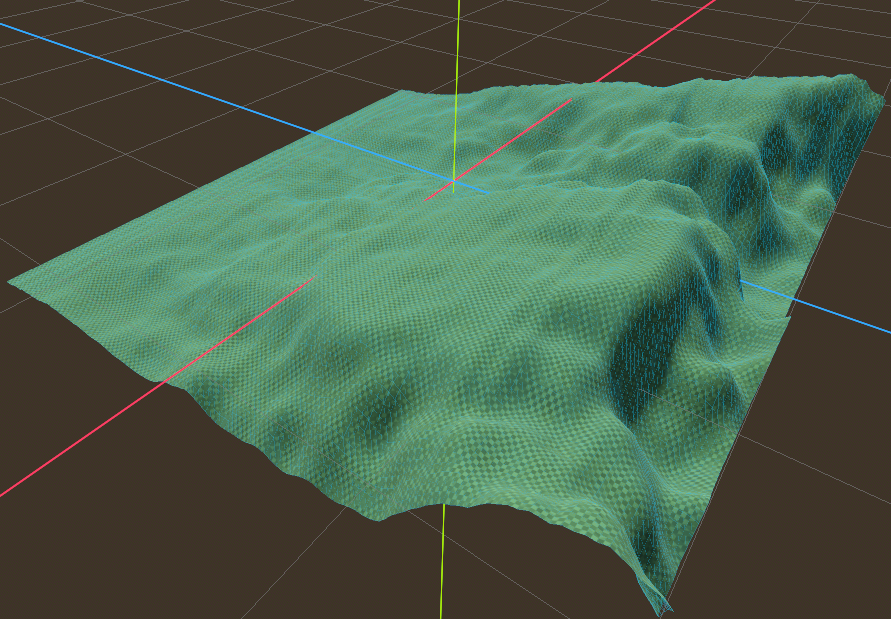
Inverted circle
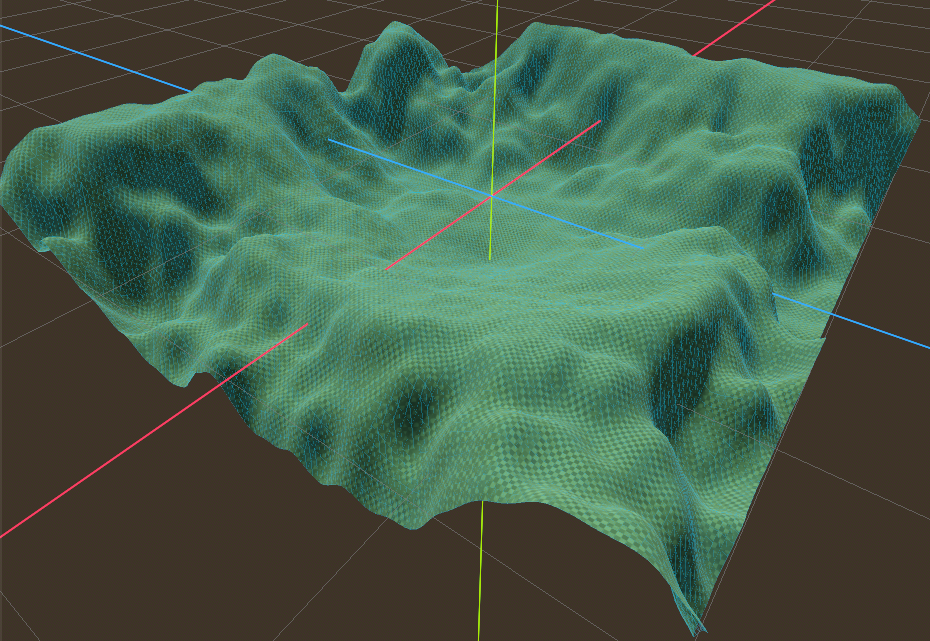
Square flow (similar results like inverted circle)
Terrain shaders
This addon provides multiple shaders to achieve terrain texturing based on world height and triplanar mapping, designed to avoid visible UV seams and texture stretching.
All shaders are located at: res://addons/terrainy/shaders/terrain
- Create a new
ShaderMaterial - Assign the desired shader
- Apply the material to the
MeshInstance3Dthat contains your terrain mesh
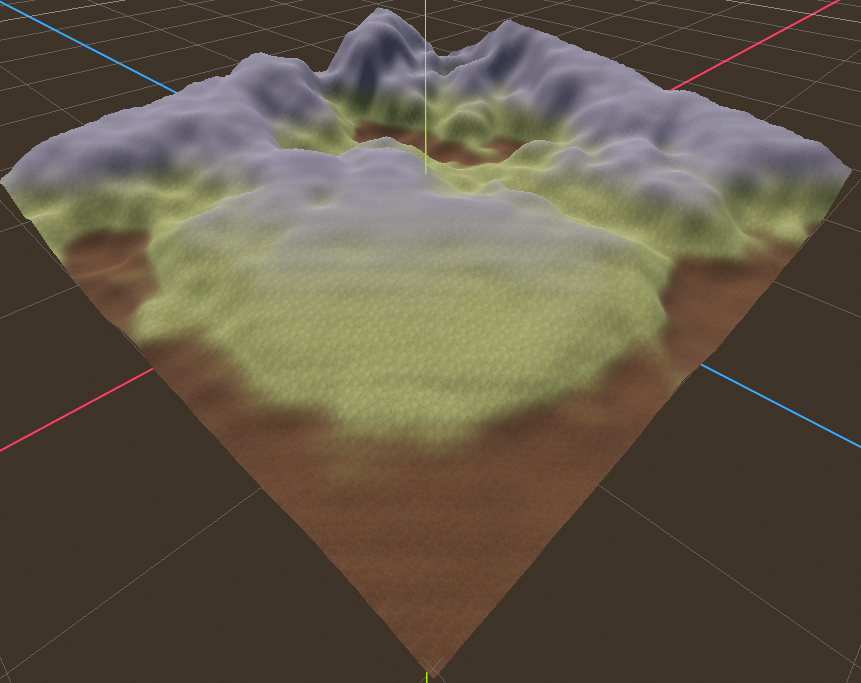
Triplanar terrain
The shader triplanar_terrain.gdshader projects textures in three axes (X/Y/Z) and blends them based on surface normals. It eliminates visible seams and UV stretching.
A small set of test terrain textures is included at: res://addons/terrainy/shaders/terrain
Triplanar gradient terrain
This shader triplanar_gradient_terrain.gdshader variant replaces texture-based blending with smooth gradient transitions that uses GradientTexture2D, useful for stylized terrain or color-based materials for low-poly environments. This shader ensures visually clean gradients even on high resolution meshes.
Several pre-made gradients can be found at: res://addons/terrainy/shaders/terrain/gradients
Water
A modified version of the original water shader from LesusX.
A ready-to-use material is included at: res://addons/terrainy/shaders/terrain/water/ocean_water.tres
- Create a new
MeshInstance3D - Assign a
PlaneMeshorQuadMesh - Apply the provided water material
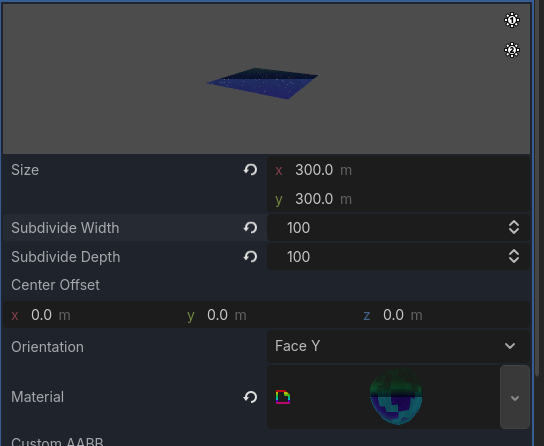
- Set the mesh size, it's recommended to have at least subdivisions from 100 for better detail.