
Tidyflux
A clean and elegant AI-powered client for Miniflux
👋 Preface: I am a complete novice who knows nothing about code, this project was completely written using Google Antigravity. Special thanks to the powerful capabilities of AI, allowing imagination to no longer be limited by coding ability. Looking forward to AI helping more ordinary people realize their small ideas in the future! 🚀
Screenshots
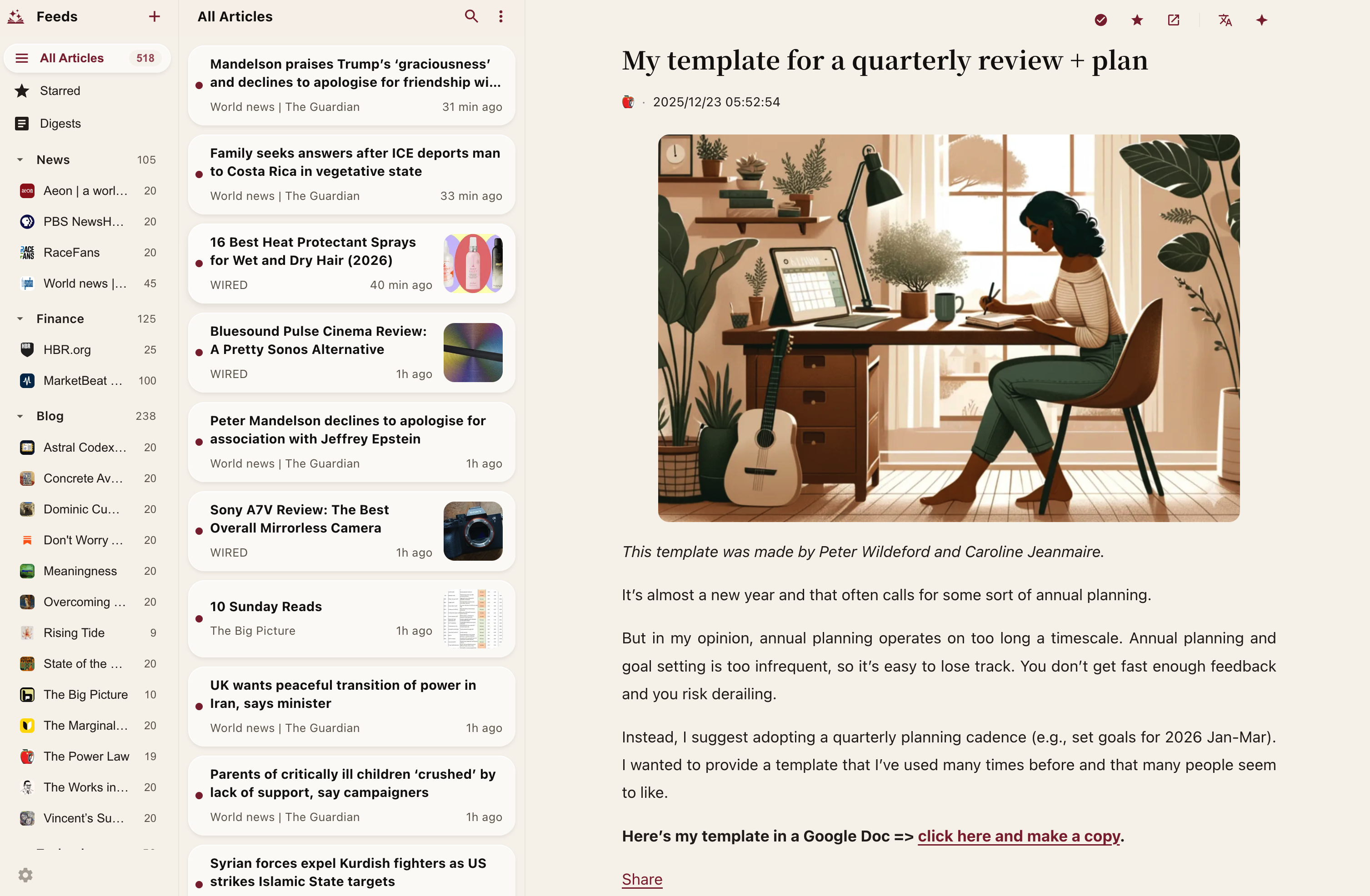
Desktop
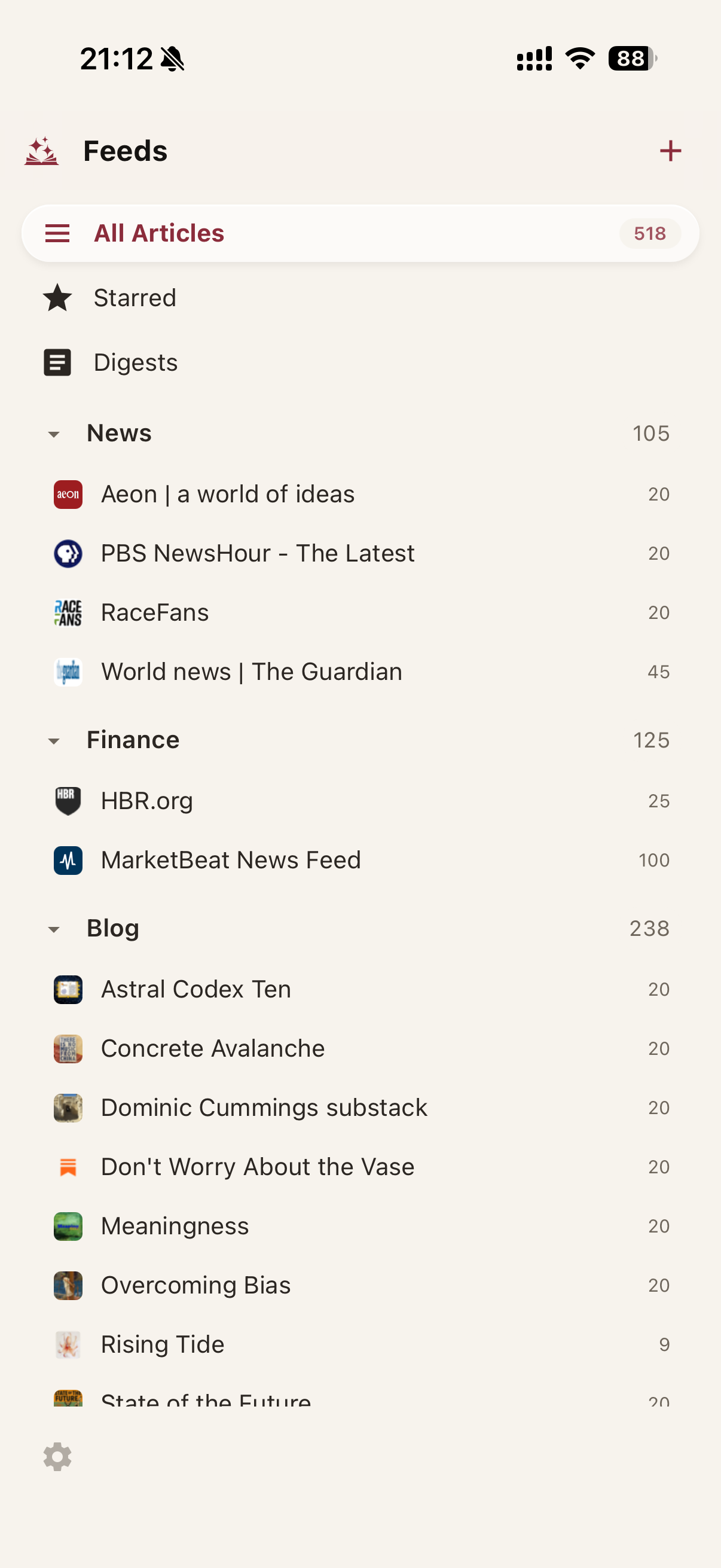
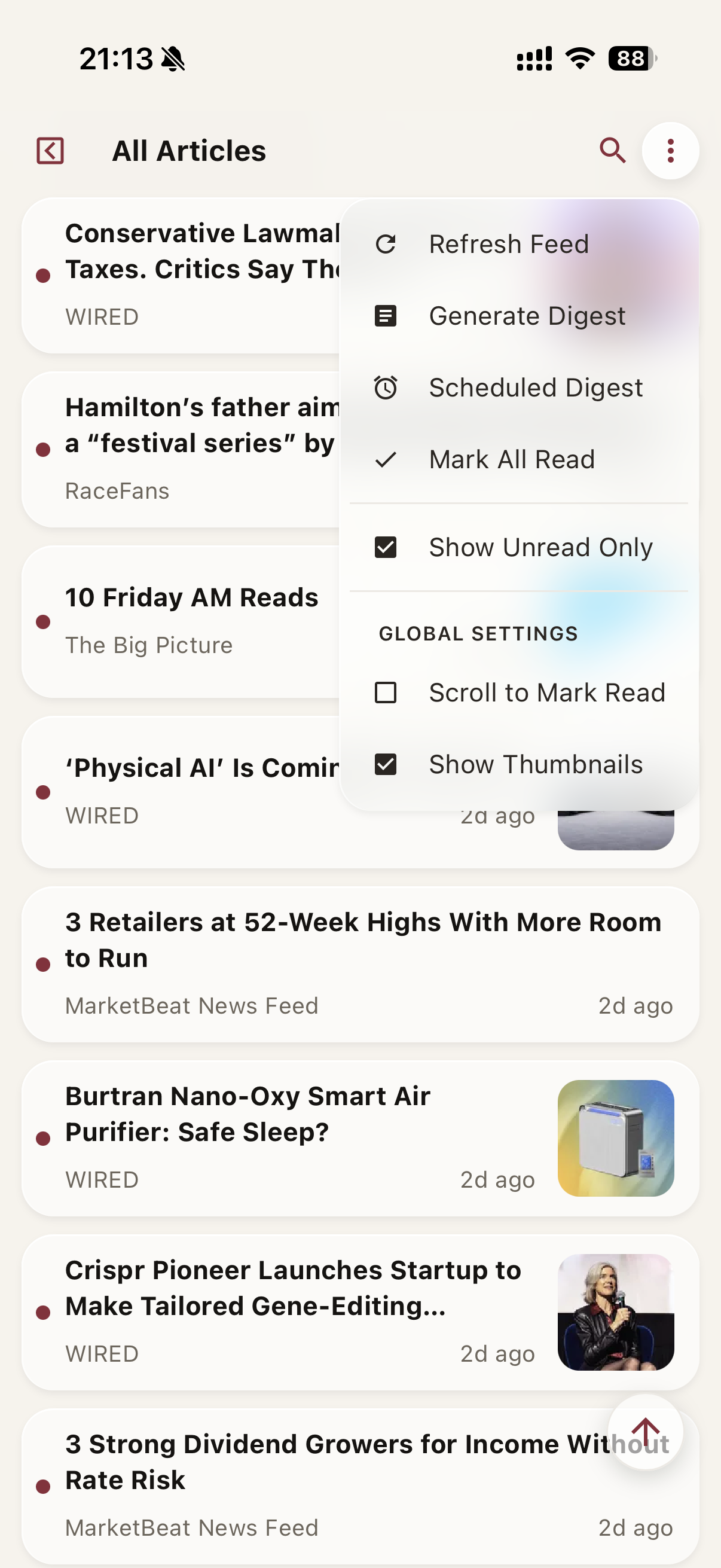
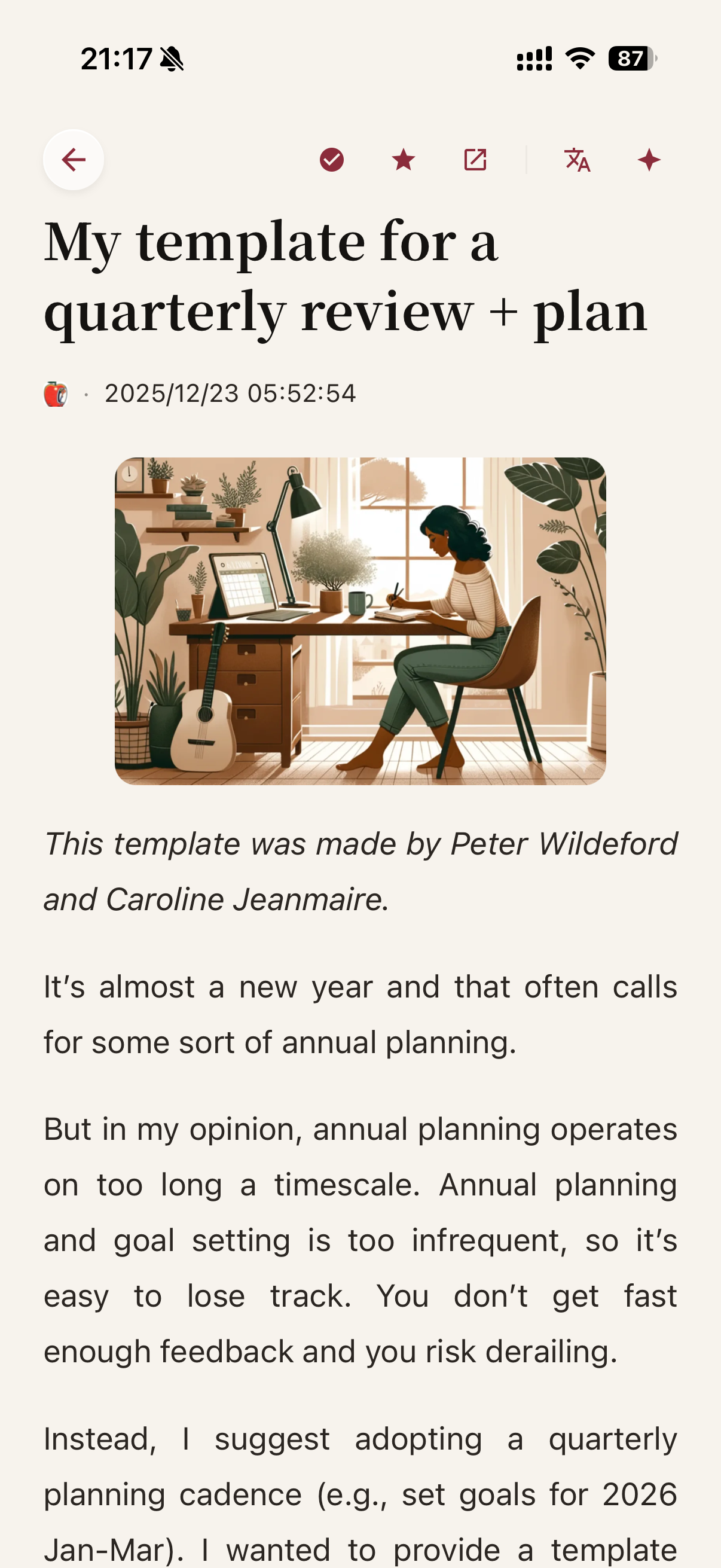
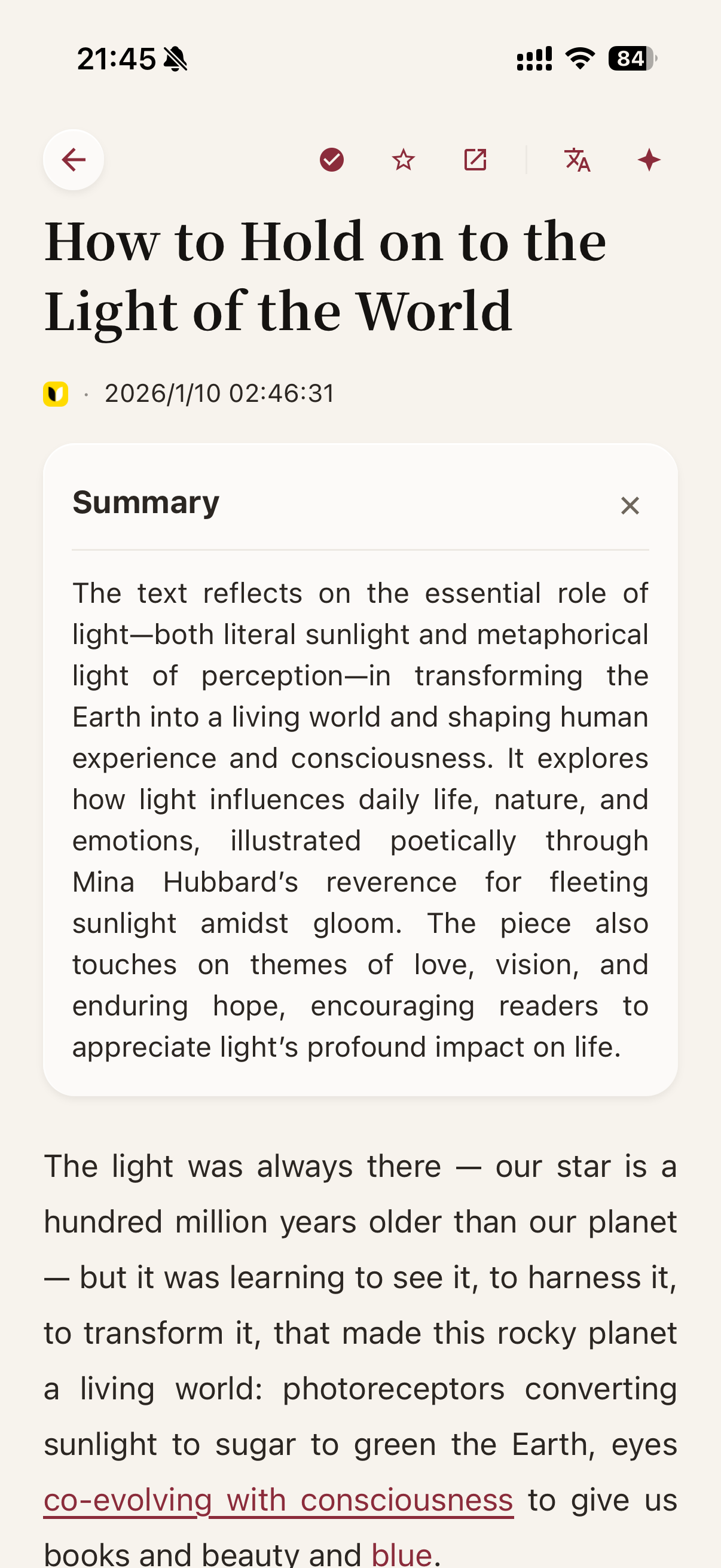
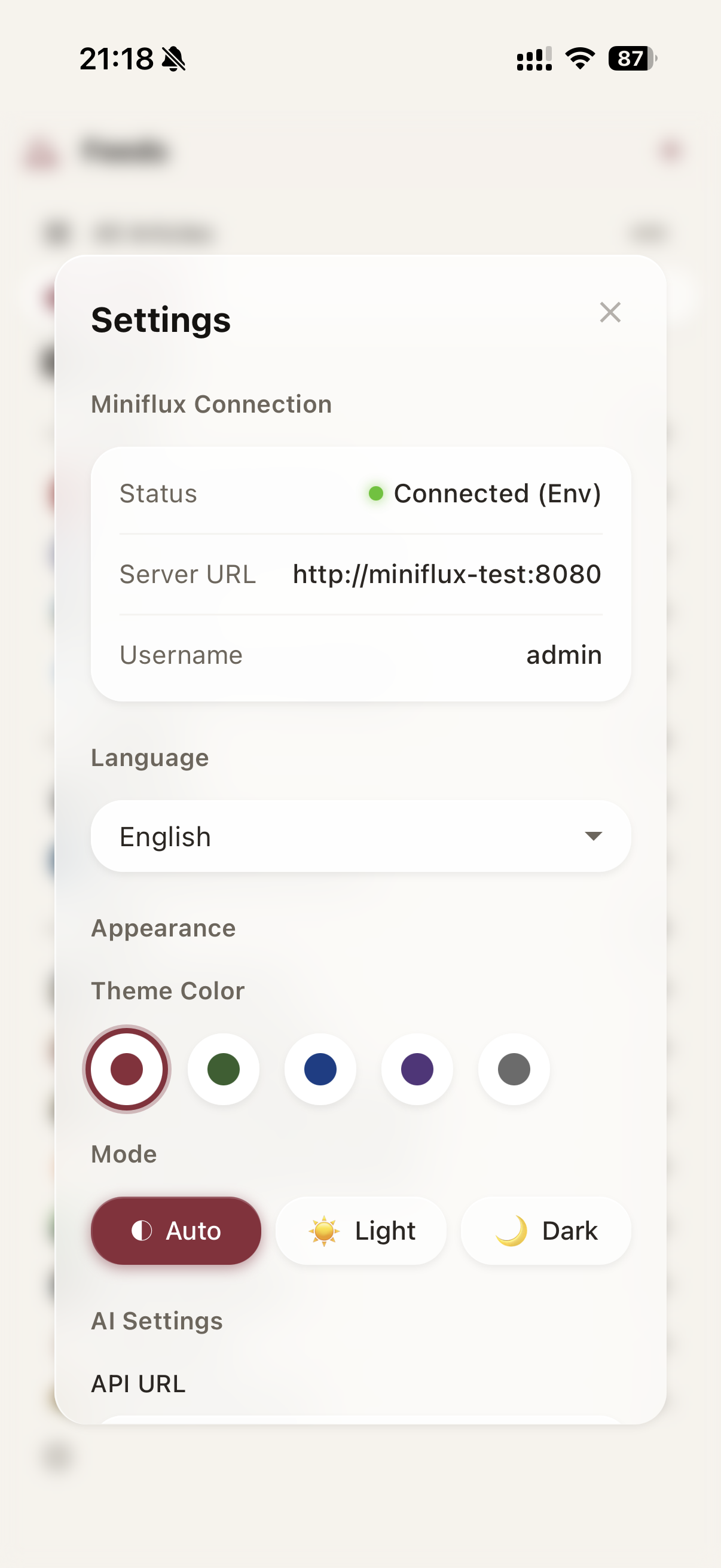
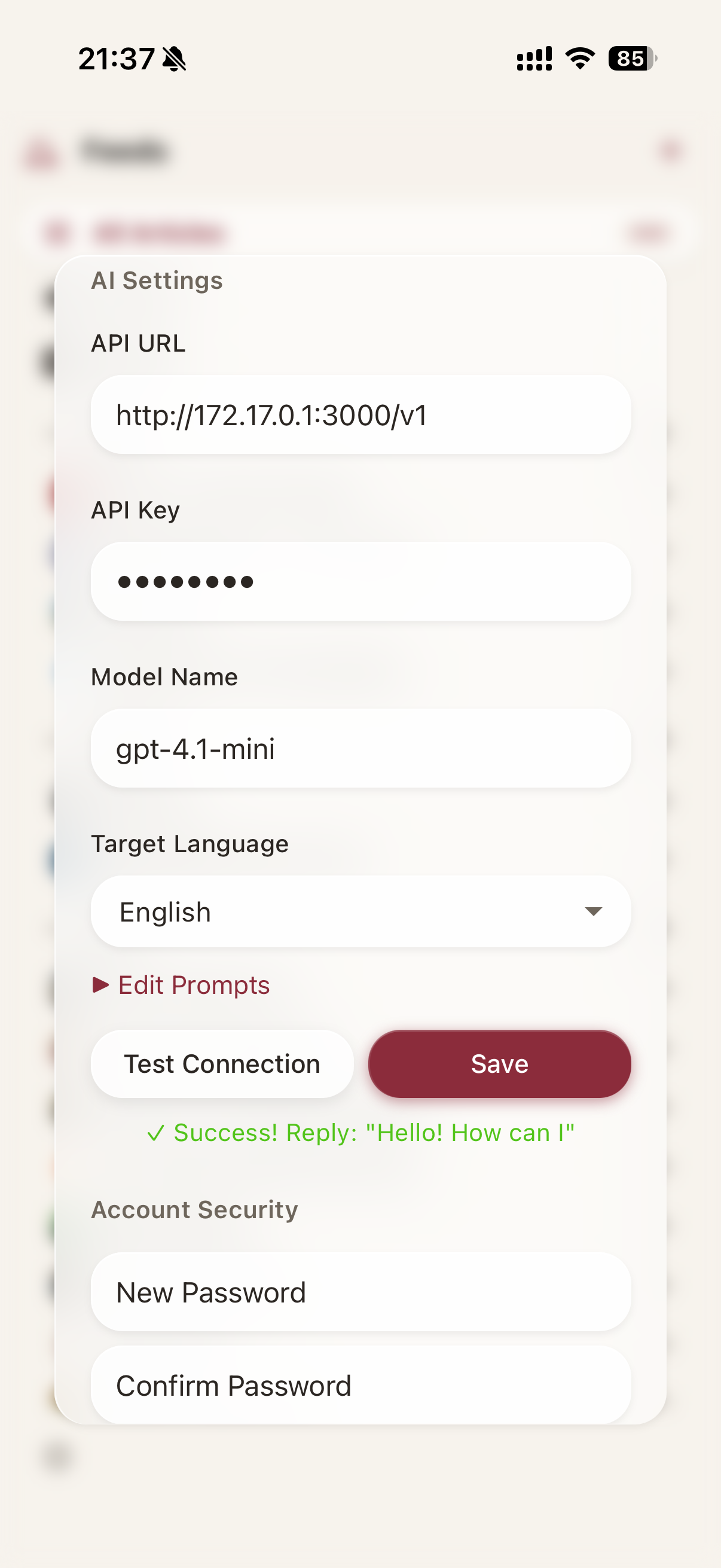
Mobile
Features
- 🎨 Modern three-column layout, supporting dark mode
- 📱 Support for mobile, tablet, and desktop
- 📥 Installable to desktop (PWA)
- ⌨️ Keyboard Shortcuts: Rich built-in shortcuts with customizable key bindings
- 💾 Save to Third-party Services: Save articles to Pocket, Instapaper, Wallabag, and other third-party services
- 🎧 Built-in podcast player, supporting background playback and progress control
- 🔄 Personalized settings and AI configuration cloud storage, automatic synchronization across multiple devices
- 🤖 AI Enhanced Features:
- 🏷️ Auto Title Translation in Article List: Automatically translate feed list titles to your target language
- 🌍 Auto Full-Text Translation: Automatically translate articles with bilingual side-by-side view when opening articles
- 📝 Auto Article Summarization: Automatically generate AI summaries when opening articles
- 💾 Smart Cache: All AI results (title translations, full-text translations, summaries) are cached in server-side SQLite database — zero cost on repeat visits, synced across devices
- 🔄 Background Auto Translation & Summarization: Server-side automatic translation and summary generation, stored in SQLite database — content is ready before you even open the page
- 📡 Public RSS Feeds: Turn title translations, full-text translations, summaries, and bilingual output into public RSS feeds.
- 📅 Smart Digest: Support manual or scheduled generation of daily content digests, with Webhook push notifications (Slack, Discord, Telegram, etc.)
- 💬 AI Chat: Chat with AI about any article — ask questions, request detailed summaries, or discuss content. Conversations are automatically saved and synced across devices
- ⚙️ Custom AI Interface: Support all OpenAI-compatible APIs
Supported Operations
Feeds: Add, Edit, Delete, Refresh, OPML Import/Export
Articles: Read, Search, Mark as Read/Unread, Star, Fetch Full Text, Save to Third-party Services
Categories: Create, Rename, Delete, Pin Categories
Prerequisites
You need to install Miniflux first. This project is a web client for Miniflux.
Quick Start
I. Existing Miniflux, Deploy Tidyflux Independently
Method 1: One-line Command Start
docker run -d --name tidyflux --restart unless-stopped -p 8812:8812 -v tidyflux_data:/app/server/data pehzerov/tidyflux:latest
After starting, visit http://localhost:8812 and enter your Miniflux address, username, and password as prompted.
Method 2: Docker Compose (Recommended)
- Download configuration file:
curl -O https://raw.githubusercontent.com/PehZeroV/tidyflux/main/docker-compose.yml
- Edit
docker-compose.ymlto configure automatic login (optional):
environment:
  # - TZ=Asia/Shanghai  # Set your timezone if using scheduled digest
  - MINIFLUX_URL=https://your-miniflux-url
  - MINIFLUX_API_KEY=your_miniflux_api_key  # Recommended
  # Or use username/password:
  # - MINIFLUX_USERNAME=Miniflux_Username
  # - MINIFLUX_PASSWORD=Miniflux_Password
- Start service:
docker compose up -d
💡 Tip: If you use the scheduled digest generation feature, please add the
TZenvironment variable with your correct timezone (e.g.TZ=Asia/Shanghai), otherwise the scheduled time may not match your local time.
Default Account:
- Address:
http://localhost:8812 - Username:
admin - Password:
admin - Recommended to change password after login
II. Fresh Deployment (Includes Miniflux + Tidyflux)
If you have not deployed Miniflux yet, you can deploy the full suite of services using the following steps.
- Download full stack configuration file:
curl -o docker-compose.yml https://raw.githubusercontent.com/PehZeroV/tidyflux/main/docker-compose-with-miniflux.yml
⚠️ Important Security Note: Before starting, please be sure to edit
docker-compose.ymland changeADMIN_PASSWORD(Miniflux password) andMINIFLUX_PASSWORD(Tidyflux connection password) to the same strong password.
- Start all services:
docker compose up -d
Service Information:
-
Tidyflux (Reader):
http://localhost:8812- Account:
admin - Password:
admin(Change after login)
- Account:
-
Miniflux (Backend):
http://localhost:8080- Account:
admin - Password: The password you set in the
ymlfile
- Account: