
Flowlist - A Full-Stack To-Do Application with Next.js
Welcome to Flowlist, a full-stack, lightweight, and simple to-do application built using Next.js with both backend and frontend integrated seamlessly.
This project shows the power of Next.js and serves as a practical demonstration of using Next.js as a complete full-stack framework, incorporating authentication, dark mode, and local storage for data persistence.
Table of Contents
- 🌟 Features
- 🚀 Live Deployment
- 🖼️ UI Preview
- 📂 File Structure
- 📋 API Endpoints
- 🌐 Using the App
- 📝 Swagger API Documentation
- 📝 OpenAPI Specification
- 💡 Notes
- 🧪 Testing
- 🐳 Containerization
- 🔧 Contributing
- 📝 License
- 📧 Contact
🌟 Features
- Full-stack application with Next.js for both frontend and backend
- Full authentication system (Register and Login)
- Dark and Light mode
- User-specific to-do lists with different categories
- CRUD operations for to-do items
- MongoDB database for data storage
- WebSockets & Socket.io for real-time updates to To-Do items
- Responsive design
- Add, edit, delete, and complete tasks
- Persistent storage using SQLite and in-memory storage
- A clean, modern, and responsive UI
- PWA support with offline capabilities
- Basic testing for API endpoints and utility functions
- Easy-to-understand file structure and codebase
- Customizable with additional features and improvements
🚀 Live Deployment
The application is deployed live on Vercel. You can access it at https://todo-app-nextjs-stack.vercel.app/.
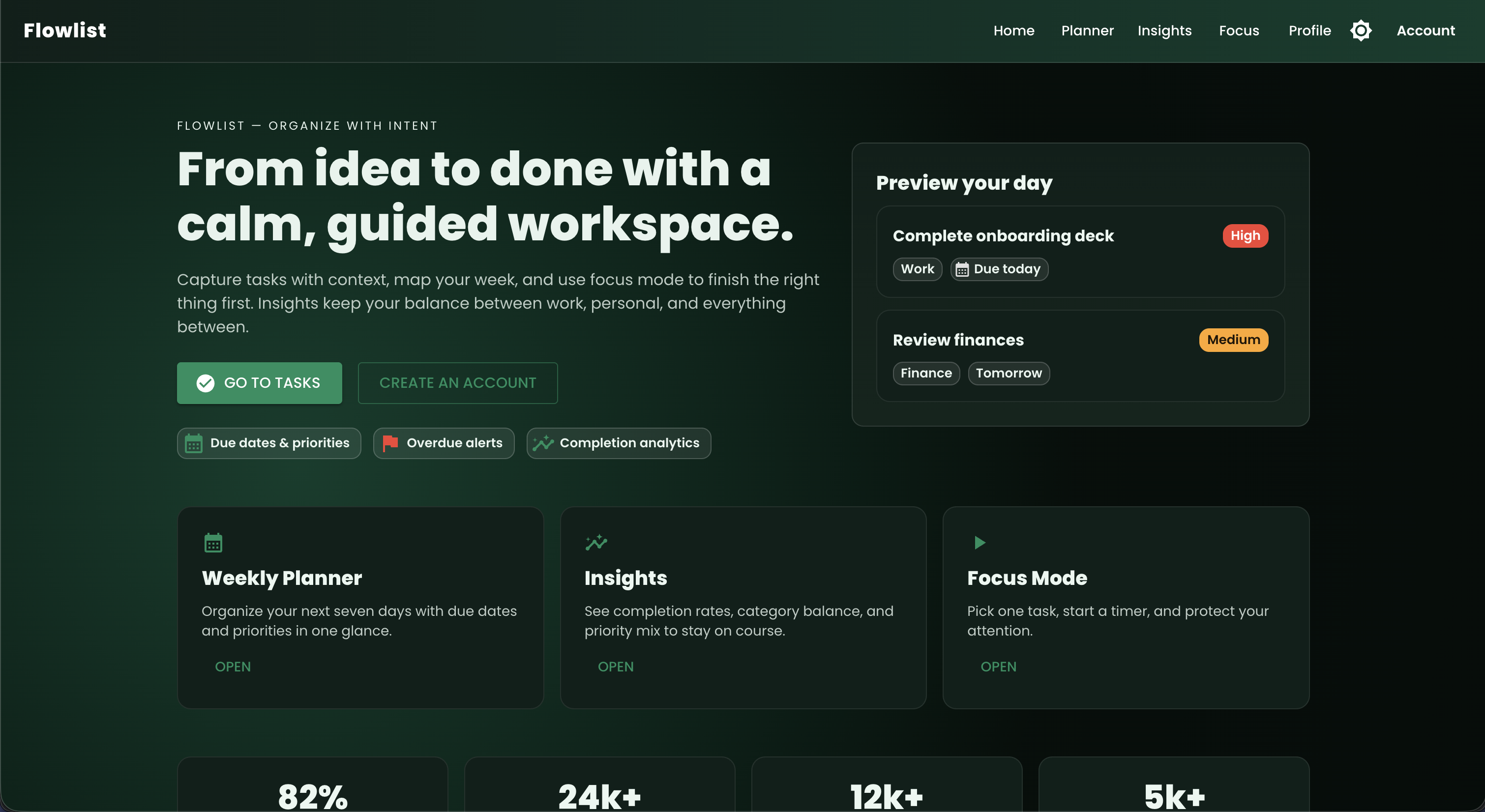
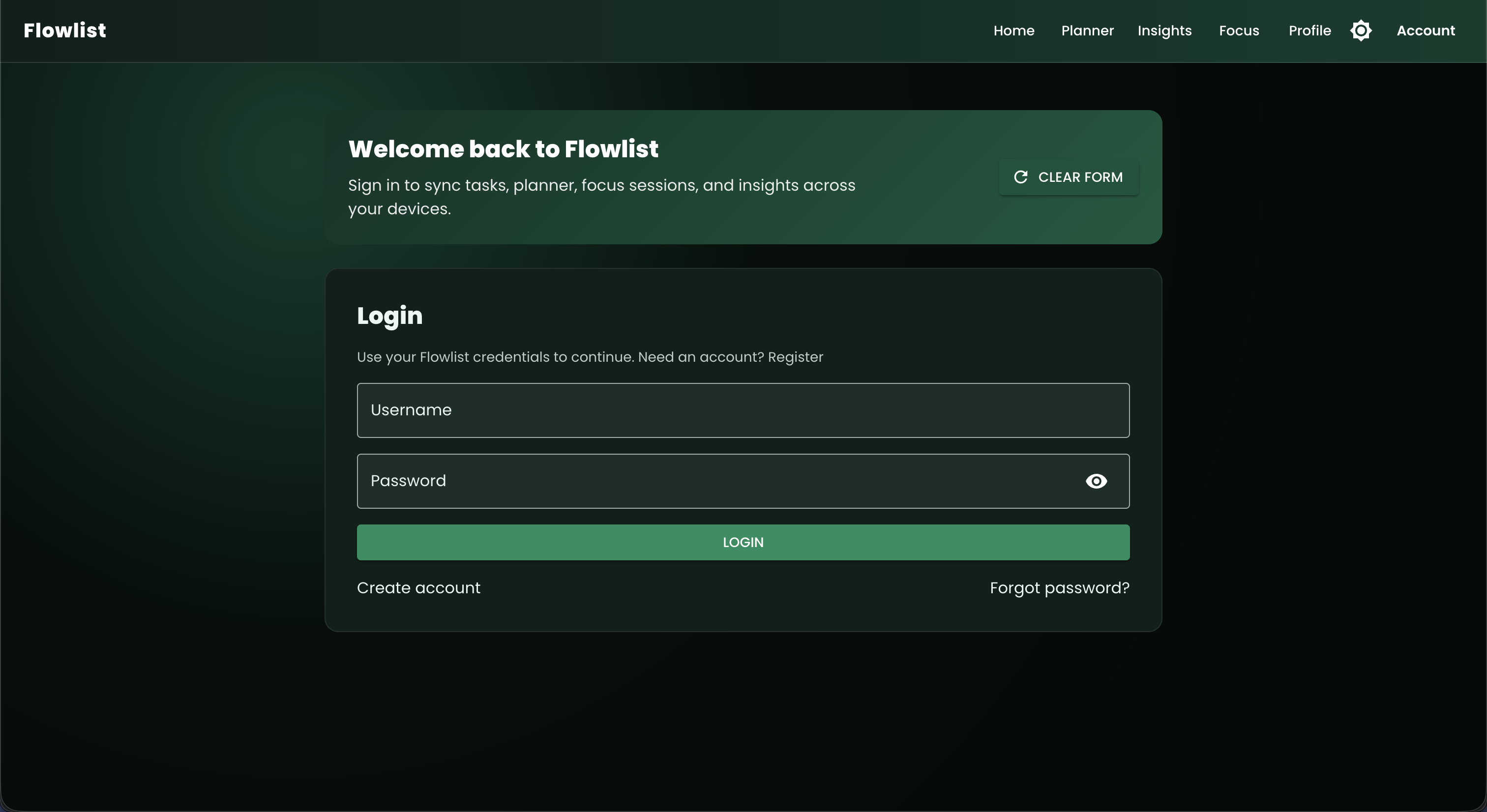
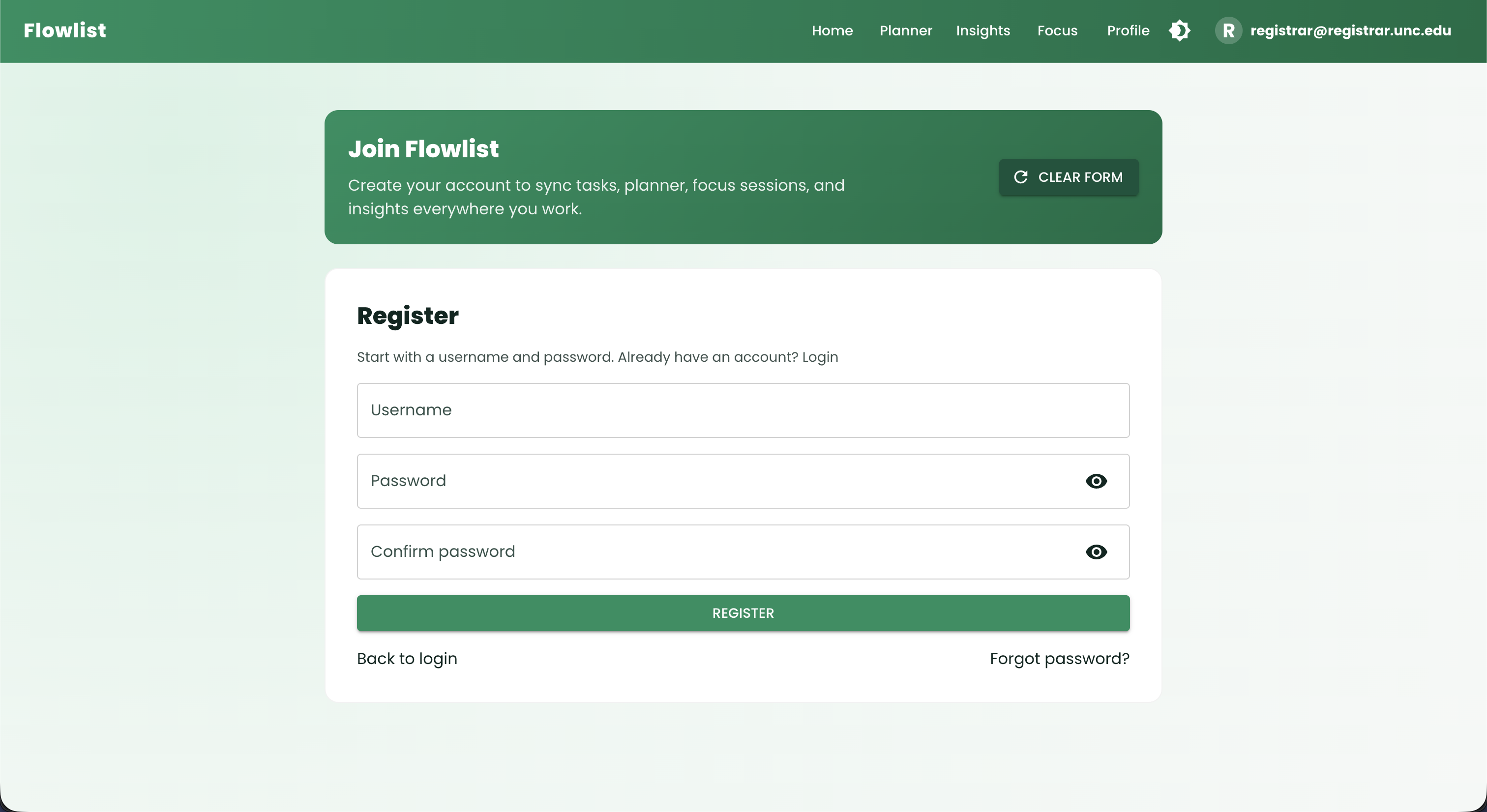
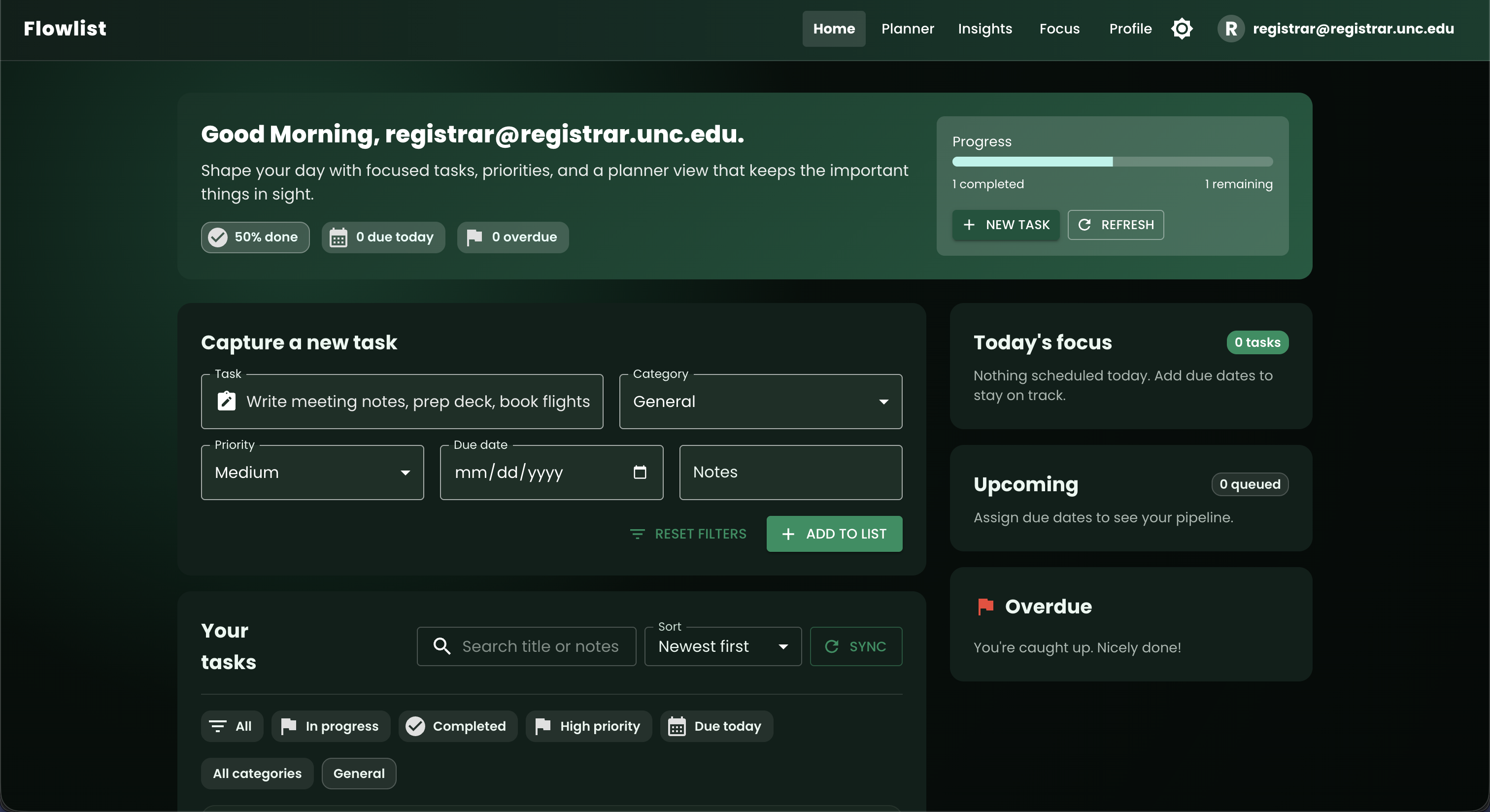
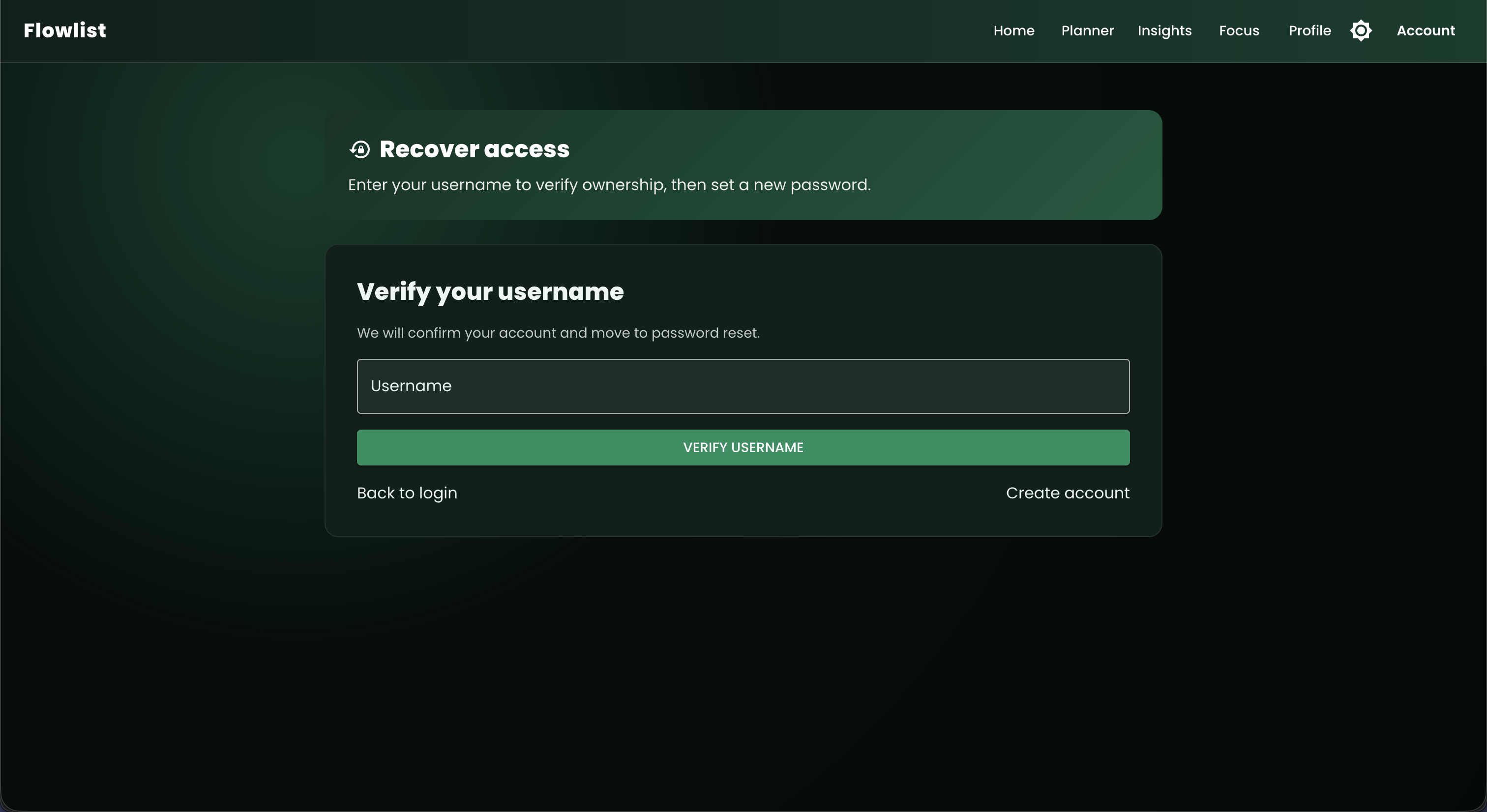
The app features a landing page, authentication (login, register, and forgot password), a to-do list, and a Swagger API documentation page, as well as real-time to-do updates using WebSockets.
🖼️ UI Preview
Landing Page
Login Page
Register Page
Homepage (To-Do List)
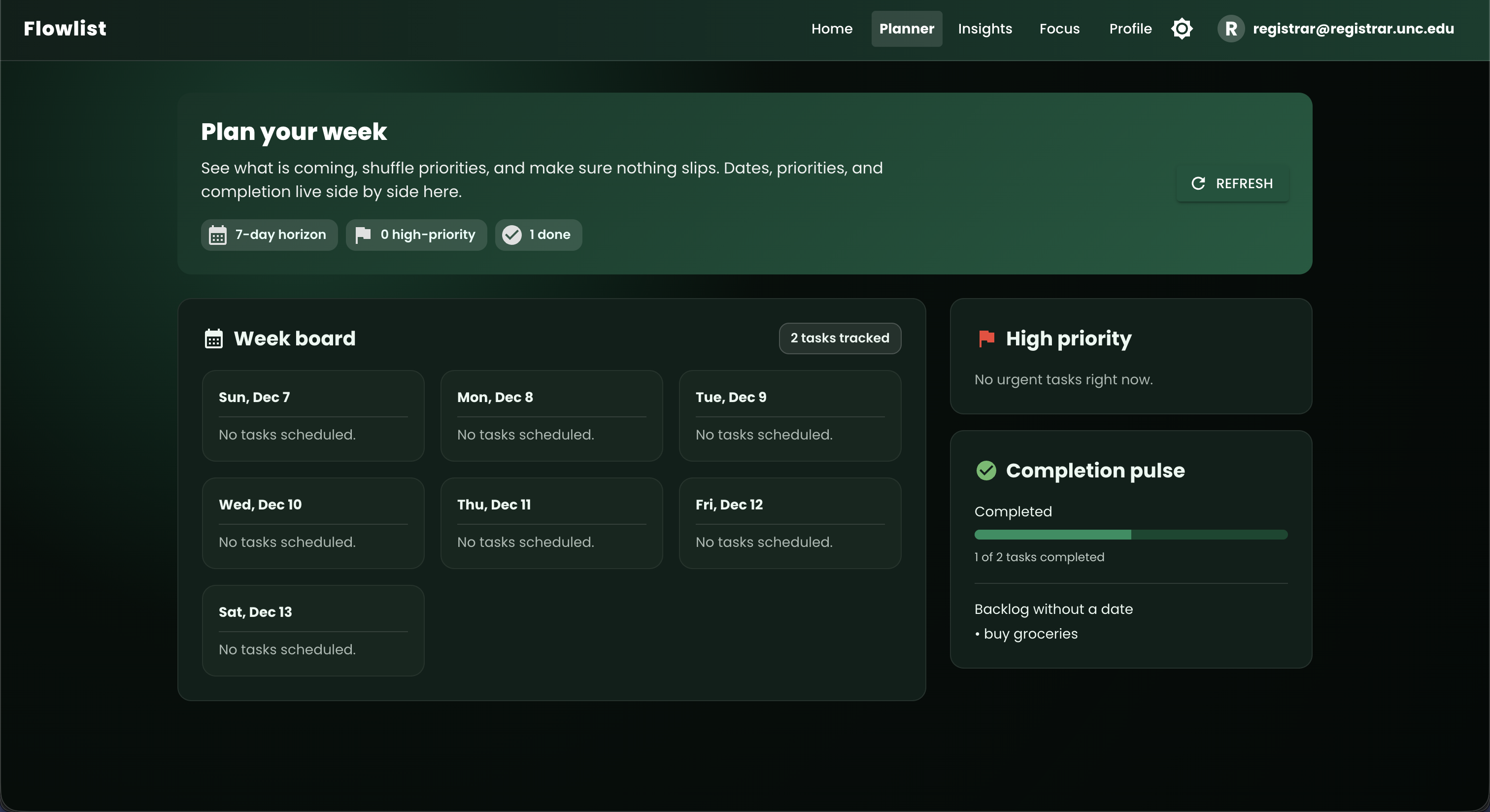
Planner View
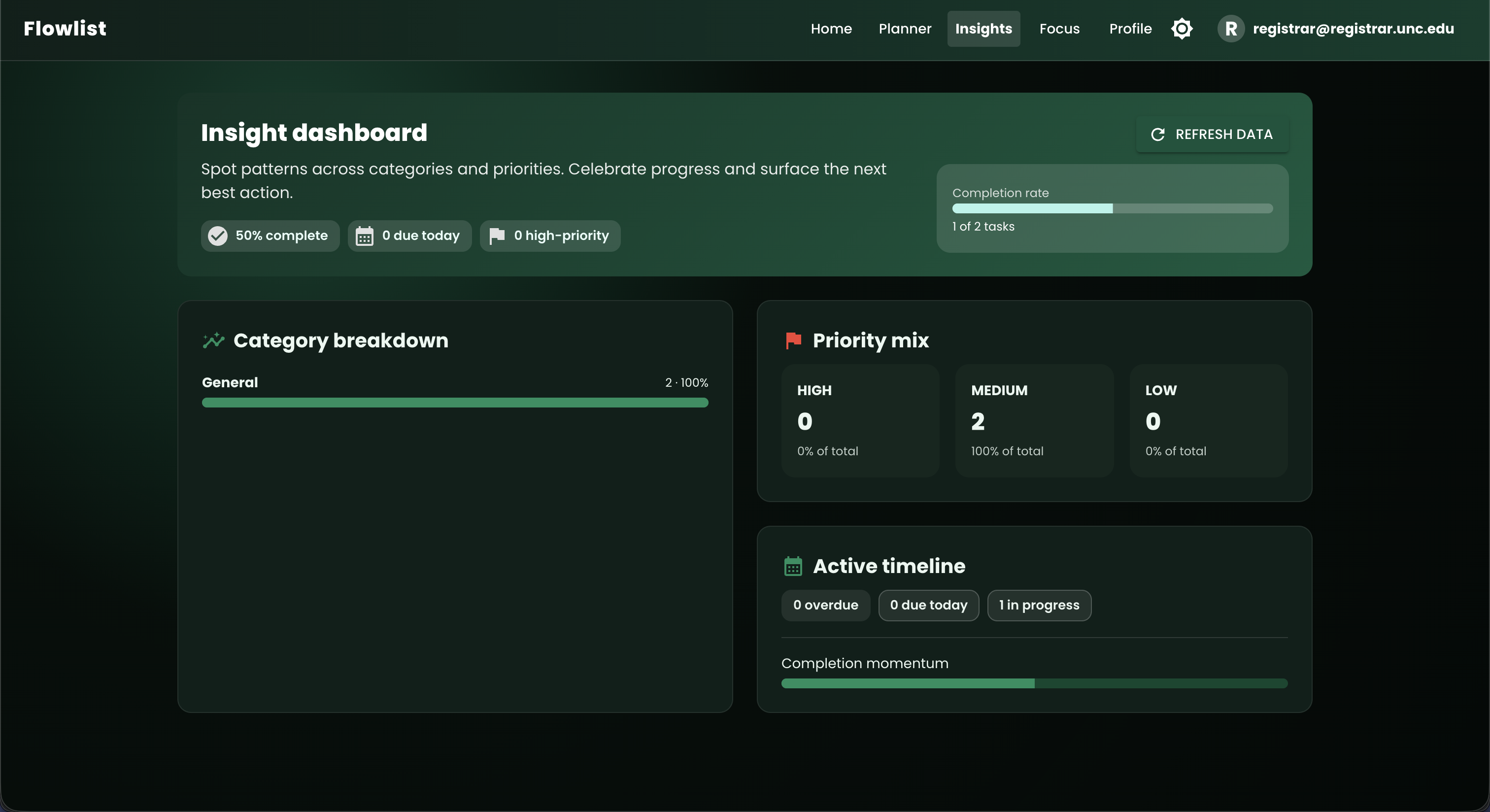
Insights View
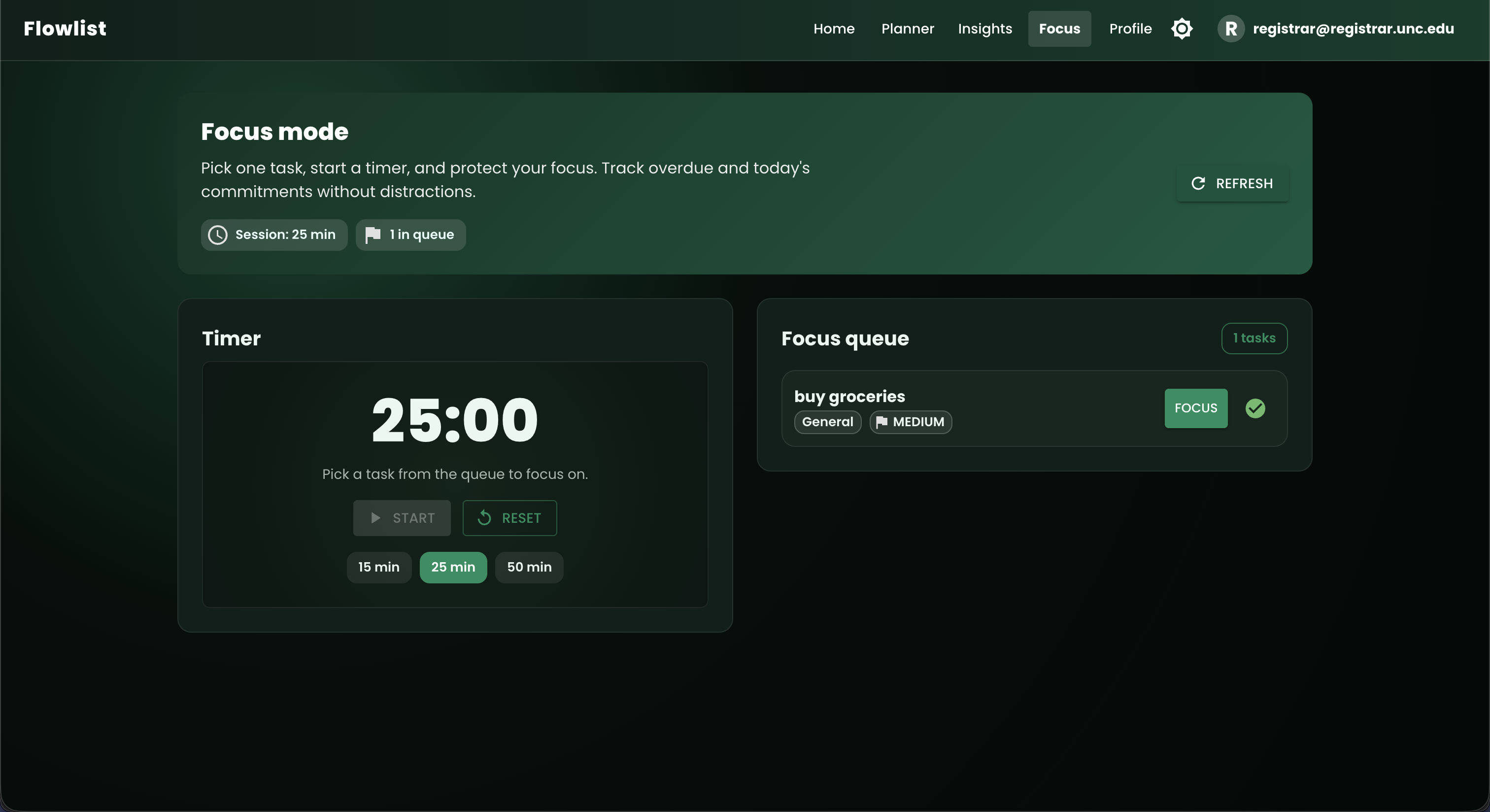
Focus Mode
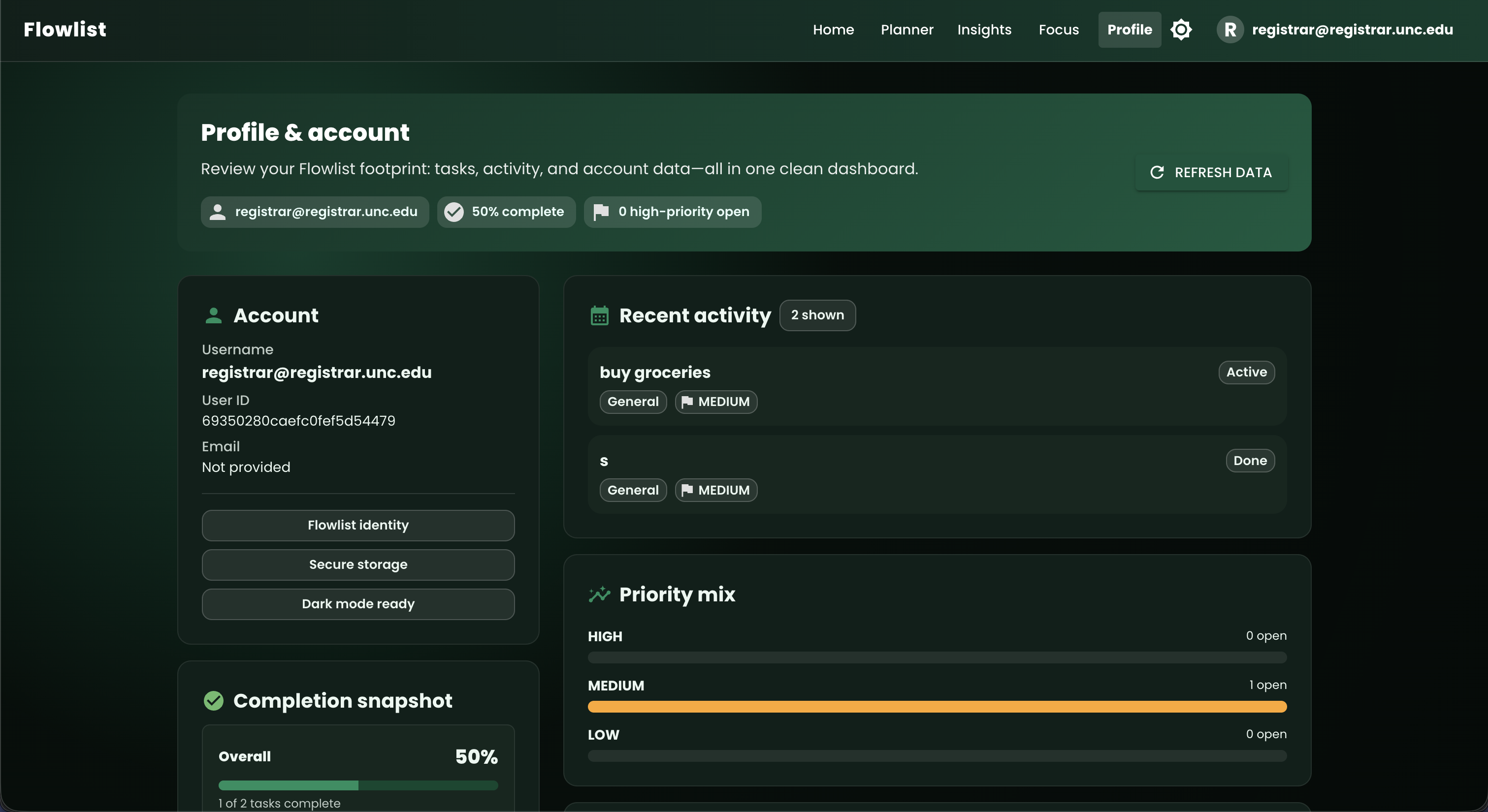
Profile Page
Forgot Password Page
📂 File Structure
Below is the comprehensive file structure for the project:
todo-app-fullstack-nextjs/
│
├── public/
│   ├── sitemap.xml
│   ├── robots.txt
│   ├── manifest.json
│   ├── favicon.ico
│   └── images/
│
├── src/
│   ├── app/
│   │   ├── api/                     # Backend API endpoints
│   │   │   ├── swagger.ts           # Swagger API documentation
│   │   │   ├── auth/
│   │   │   │   ├── login/
│   │   │   │   │   └── route.ts     # Login route
│   │   │   │   ├── register/
│   │   │   │   │   └── route.ts     # Registration route
│   │   │   │   ├── reset-password/
│   │   │   │   │   └── route.ts     # Reset password route
│   │   │   │   └── verify-email/
│   │   │   │       └── route.ts     # Email verification route
│   │   │   └── todos/
│   │   │       └── route.ts         # Full CRUD operations for todos
│   │   │
│   │   ├── auth/                    # Authentication pages
│   │   │   ├── reset-password/
│   │   │   │   └── page.tsx         # Reset password page
│   │   │   ├── login/
│   │   │   │   └── page.tsx         # Login page
│   │   │   └── register/
│   │   │       └── page.tsx         # Registration page
│   │   │
│   │   ├── landing/
│   │   │   └── page.tsx             # Landing page
│   │   │
│   │   ├── swagger/
│   │   │   └── page.tsx             # Swagger API documentation page
│   │   │
│   │   ├── layout.tsx               # Layout for the entire app
│   │   ├── page.tsx                 # Homepage with conditional redirect logic
│   │   ├── page.css                 # Homepage styles
│   │   ├── page.module.css          # Homepage module styles
│   │   └── globals.css              # Global CSS styles
│   │
│   ├── fonts/                       # Custom fonts
│   │
│   └── types/                       # TypeScript types
│       └── swagger-ui-react.d.ts    # Swagger UI types
│
├── nginx/                           # Nginx configuration
│   ├── default.conf                 # Default Nginx configuration
│   └── nginx.conf                   # Nginx configuration
│
├── kubernetes/                      # Kubernetes configuration
│   ├── frontend-deployment.yaml     # Frontend deployment configuration
│   ├── frontend-service.yaml        # Frontend service configuration
│   ├── backend-deployment.yaml      # Backend deployment configuration
│   ├── backend-service.yaml         # Backend service configuration
│   └── configmap.yaml               # ConfigMap for environment variables
│
├── .env.local                       # Environment variables (if using)
├── next.config.js                   # Next.js configuration
├── Dockerfile                       # Docker configuration
├── next.config.js                   # Next.js configuration
├── package-lock.json                # Locked versions of dependencies
├── package.json                     # Project dependencies and scripts
├── tsconfig.json                    # TypeScript configuration
├── Jenkinsfile                      # Jenkins CI/CD pipeline
├── .gitignore                       # Files and directories to ignore
├── .eslintrc.json                   # ESLint configuration
├── manage_app.sh                    # Script to manage the app
├── openapi.yaml                     # OpenAPI Specification
├── LICENSE                          # Project license
└── README.md                        # This README file
📋 API Endpoints
Here's a table listing all the API endpoints provided by this application:
| HTTP Method | Endpoint | Description |
|---|---|---|
POST |
/api/auth/login |
Log in with username and password |
POST |
/api/auth/register |
Register a new user |
GET |
/api/todos |
Fetch all todos for a user |
POST |
/api/todos |
Create a new to-do item |
PUT |
/api/todos |
Update a to-do item |
DELETE |
/api/todos |
Delete a to-do item |
PATCH |
/api/todos |
Mark a to-do item as completed |
POST |
/api/auth/reset-password |
Reset user password |
POST |
/api/auth/verify-email |
Verify user email |
🛠️ Getting Started
Follow this step-by-step guide to set up the project locally.
1. Prerequisites
Ensure you have the following installed:
2. Clone the Repository
git clone https://github.com/hoangsonww/ToDo-App-NextJS-Fullstack.git
cd ToDo-App-NextJS-Fullstack
3. Install Dependencies
If you're using npm:
npm install
Or, if you're using Yarn:
yarn install
4. Set Up Environment Variables
Create a .env.local file in the root directory if any environment variables are required. (Currently, the project doesn't use any external services that require environment variables).
5. Run the Development Server
Start the development server:
npm run dev
Or, if using Yarn:
yarn dev
The application should now be running at http://localhost:3000.
6. Build for Production
To build the project for production, run:
npm run build
Or, if using Yarn:
yarn build
To start the production server:
npm run start
Or:
yarn start
The production build will be served at http://localhost:3000.
🌐 Using the App
- Visit the Landing Page (
/landing): Introduces the app with the option to log in or register. - Authentication:
- Register: Create a new account via the
/auth/registerpage. - Login: Access your account through the
/auth/loginpage.
- Manage To-Dos: Access the main to-do list page (
/) where you can add, edit, and delete to-dos, as well as toggle dark mode.
Alternatively, you can directly access the deployed application at https://todo-app-nextjs-stack.vercel.app/.
📝 Swagger API Documentation
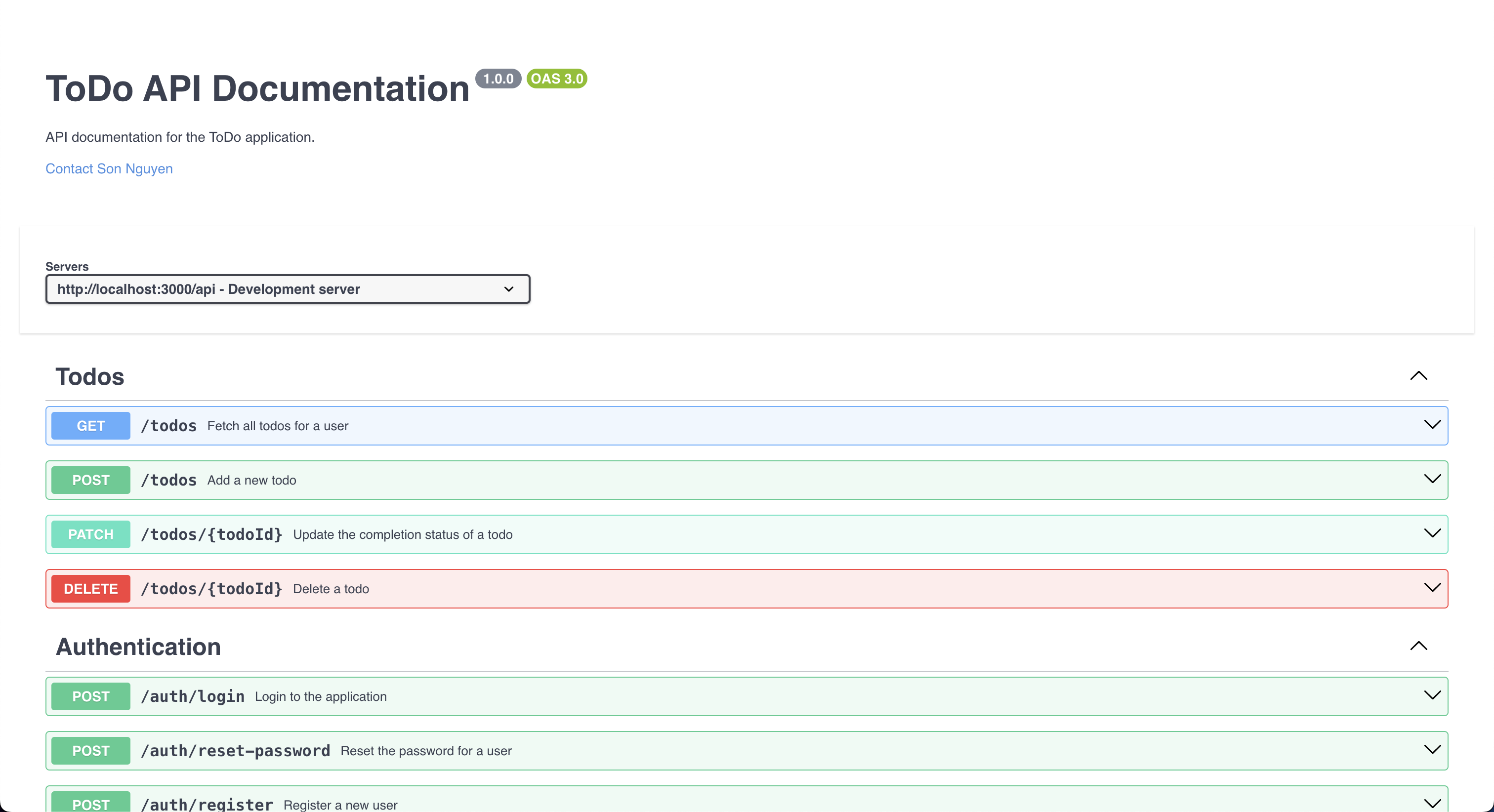
The application includes a Swagger API documentation page that lists all the available API endpoints and their descriptions. You can access the Swagger documentation at /swagger.
Here is what it looks like:
📝 OpenAPI Specification
Using the openapi.yaml File
- View the API Documentation
- Open Swagger Editor.
- Upload the
openapi.yamlfile or paste its content. - Visualize and interact with the API documentation.
- Test the API
- Import
openapi.yamlinto Postman:- Open Postman → Import → Select
openapi.yaml. - Test the API endpoints directly from Postman.
- Open Postman → Import → Select
- Or use Swagger UI:
- Provide the file URL or upload it to view and test endpoints.
- Generate Client Libraries
- Install OpenAPI Generator:
npm install @openapitools/openapi-generator-cli -g - Generate a client library:
openapi-generator-cli generate -i openapi.yaml -g <language> -o ./client - Replace
<language>with the desired programming language.
- Generate Server Stubs
- Generate a server stub:
openapi-generator-cli generate -i openapi.yaml -g <framework> -o ./server - Replace
<framework>with the desired framework.
- Run a Mock Server
- Install Prism:
npm install -g @stoplight/prism-cli - Start the mock server:
prism mock openapi.yaml
- Validate the OpenAPI File
- Use Swagger Validator:
- Upload
openapi.yamlor paste its content to check for errors.
- Upload
This guide enables you to view, test, and utilize the API. You can also generate client libraries, server stubs, and run a mock server using the OpenAPI Specification.
💡 Notes
- This application uses local storage to manage user data and to-do items. For a more robust application, consider integrating a real database (e.g., MongoDB, PostgreSQL).
- The dark mode toggle is handled with React state and applied to various components via Material-UI's
ThemeProvider.
🧪 Testing
Running Tests
This project includes a few basic tests for the API endpoints and utility functions. To run the tests, use the following command:
npm run test
Or, if using Yarn:
yarn test
The tests will run and display the results in the terminal.
🐳 Containerization
This project includes a Dockerfile for containerization. To build the Docker image, run:
docker compose up --build
This command will build the Docker image and start the container. The application will be accessible at http://localhost:3000.
🔧 Contributing
Contributions are welcome! If you'd like to contribute, please fork the repository, make your changes, and create a pull request.
📝 License
This project is licensed under the MIT License. See the LICENSE file for more information.
📧 Contact
For any inquiries or feedback, feel free to reach out to the author at [email protected].
Enjoy using the ToDo-App-Fullstack-NextJS! 🎉
Happy coding! 🚀