Case Study - To Do List with Spring Boot and Couchbase
📖 Information
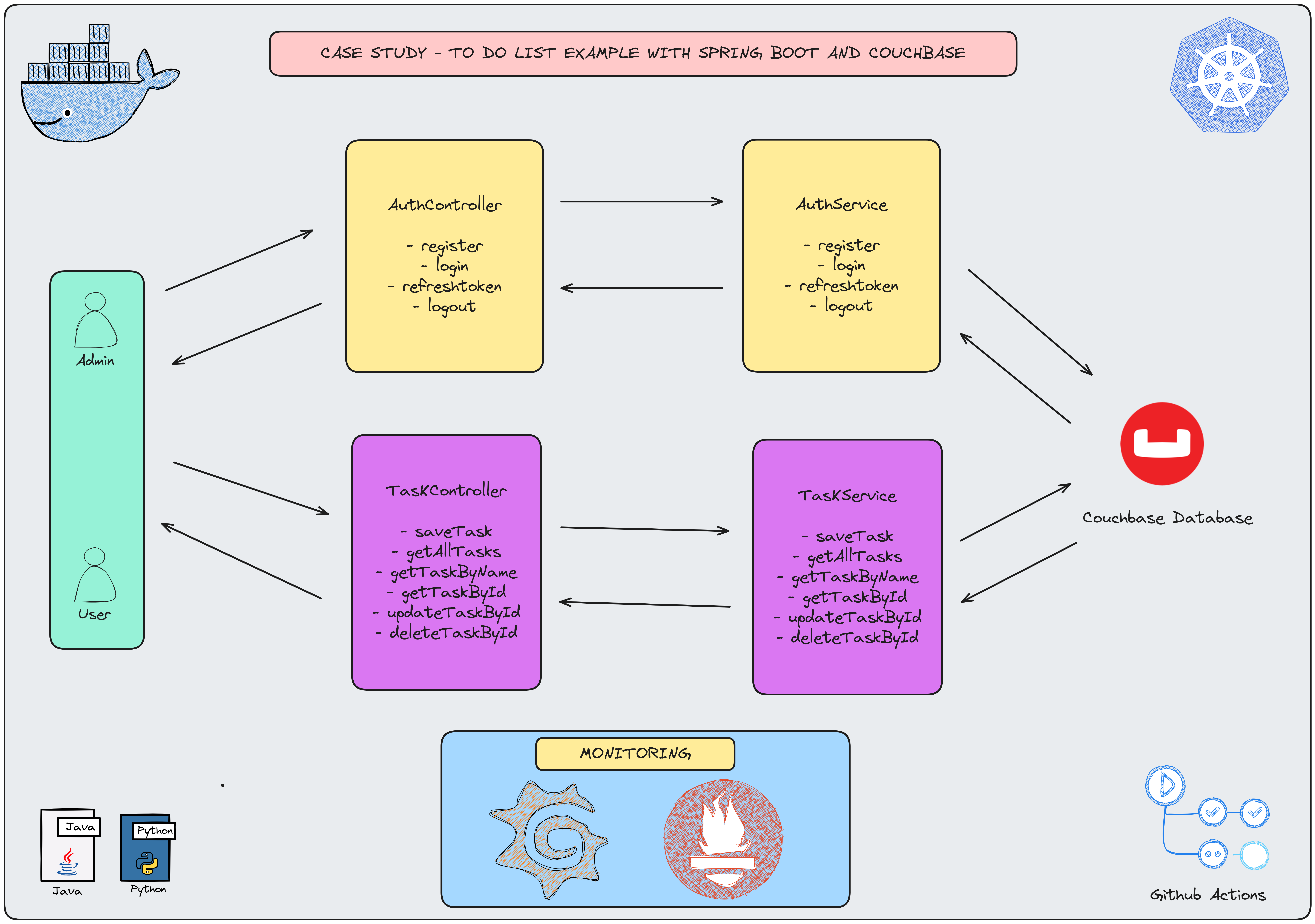
- This project provides a Spring Boot API for managing user authentication and task management functionalities. It also includes advanced logging and security features.
- User Authentication:
- User Registration: Register users with an email and password.
- User Login: Authenticate users with email and password, generating access and refresh tokens
- Token Refresh: Refresh expired access tokens using refresh tokens
- User Logout: Invalidate tokens to log users out
- Task Management :
- Create Tasks: Accessible only to ADMIN users
- Retrieve Tasks: Paginated task list retrieval, accessible to both ADMIN and USER roles
- Retrieve Tasks: Paginated task list retrieval, accessible to both ADMIN and USER roles
- Retrieve Specific Task: Search by task name or ID, accessible to both ADMIN and USER role
- Update Tasks: Modify an existing task by ID, accessible only to ADMIN users
- Delete Tasks: Remove tasks by ID, accessible only to ADMIN users
- Security :
- User Roles: ADMIN and USER roles implemented using Spring Security
- JWT Authentication: Secure endpoints with JSON Web Tokens
- Logging :
- Custom Logging Aspect: Logs details of REST controller method calls and exceptions, including
- HTTP request and response details
- Python :
- setup-couchbase image used in Docker is handled with Kubernetes process to defnie cluster, scope, collection and indexes
Explore Rest APIs
Endpoints Summary
| Method | Url | Description | Request Body | Path Variable | Response |
|---|---|---|---|---|---|
| POST | /api/v1/authentication/user/register | Register for Admin or User | RegisterRequest | CustomResponse<Void> | |
| POST | /api/v1/authentication/user/login | Login for Admin or User | LoginRequest | CustomResponse<TokenResponse> | |
| POST | /api/v1/authentication/user/refresh-token | Refresh Token for Admin or User | TokenRefreshRequest | CustomResponse<TokenResponse> | |
| POST | /api/v1/authentication/user/logout | Logout for Admin or User | TokenInvalidateRequest | CustomResponse<Void> | |
| POST | api/v1/tasks | Create a new Task | SaveTaskRequest | CustomResponse<String> | |
| GET | api/v1/tasks | Get all Tasks | TaskPagingRequest | CustomResponse<CustomPagingResponse<TaskResponse>> | |
| POST | api/v1/tasks/getByName | Get Task by name | GetTaskByNameRequest | CustomResponse<TaskResponse> | |
| GET | api/v1/tasks/{id} | Get Task by ID | UUID | CustomResponse<TaskResponse> | |
| PUT | api/v1/tasks/{id} | Update a Task | UpdateTaskRequest | UUID | CustomResponse<TaskResponse> |
| DELETE | api/v1/tasks/{id} | Delete a Task | UUID | CustomResponse<String> |
Technologies
- Java 21
- Spring Boot 3.0
- Restful API
- Mapstruct
- Open Api (Swagger)
- Maven
- Junit5
- Mockito
- Integration Tests
- Docker
- Docker Compose
- CI/CD (Github Actions)
- Postman
- TestContainer
- Couchbase
- Prometheus
- Grafana
- Kubernetes
- Python
Postman
Import postman collection under postman_collection folder
Prerequisites
Define Variable in .env file
COUCHBASE_USERNAME={COUCHBASE_USERNAME}
COUCHBASE_PASSWORD={COUCHBASE_PASSWORD}
COUCHBASE_BUCKET=todo_list
COUCHBASE_HOST=127.0.0.1
Open Api (Swagger)
http://localhost:2323/swagger-ui/index.html
Maven, Docker and Kubernetes Running Process
Maven Run
To build and run the application with Maven, please follow the directions shown below;
$ cd todowithcouchbase
$ mvn clean install
$ mvn spring-boot:run
Docker Run
The application can be built and run by the Docker engine. The Dockerfile has multistage build, so you do not need to build and run separately.
Please follow directions shown below in order to build and run the application with Docker Compose file;
$ cd todowithcouchbase
$ docker-compose up -d
If you change anything in the project and run it on Docker, you can also use this command shown below
$ cd todowithcouchbase
$ docker-compose up --build
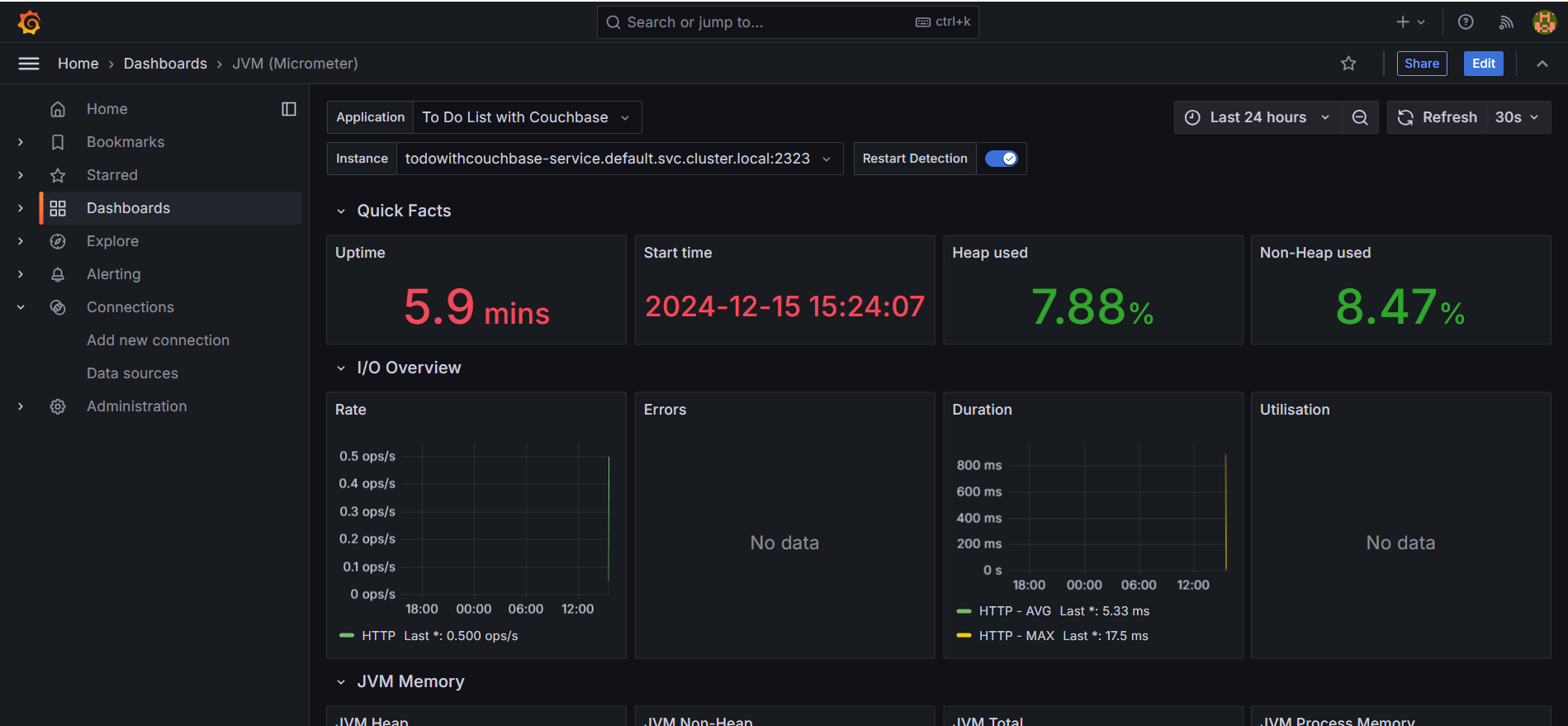
To monitor the application, you can use the following tools:
-
Prometheus:
Open in your browser at http://localhost:9090
Prometheus collects and stores application metrics. -
Grafana:
Open in your browser at http://localhost:3000
Grafana provides a dashboard for visualizing the metrics.
Default credentials:- Username:
admin - Password:
admin
- Username:
-
Define prometheus data source url, use this link shown below
http://prometheus:9090
Kubernetes Run
To build and run the application with Maven, please follow the directions shown below;
- Start Minikube
$ minikube start
- Open Minikube Dashboard
$ minikube dashboard
- To deploy the application on Kubernetes, apply the Kubernetes configuration file underneath k8s folder
$ kubectl apply -f k8s
- To open Prometheus, click tunnel url link provided by the command shown below to reach out Prometheus
minikube service prometheus-service
- To open Grafana, click tunnel url link provided by the command shown below to reach out Prometheus
minikube service grafana-service
- Define prometheus data source url, use this link shown below
http://prometheus-service.default.svc.cluster.local:9090
Docker Image Location
https://hub.docker.com/repository/docker/noyandocker/todowithcouchbase/general
https://hub.docker.com/repository/docker/noyandocker/setup-couchbase/general
Screenshots
Click here to show the screenshots of project
Figure 1
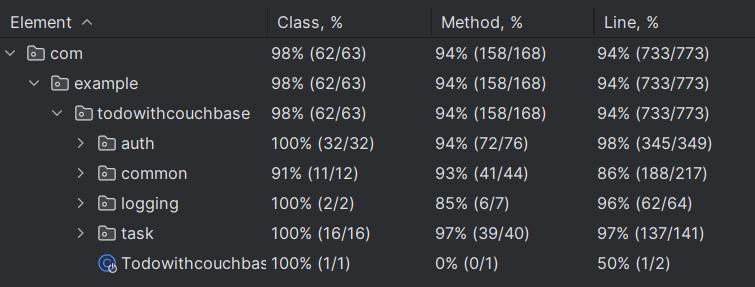
Figure 2
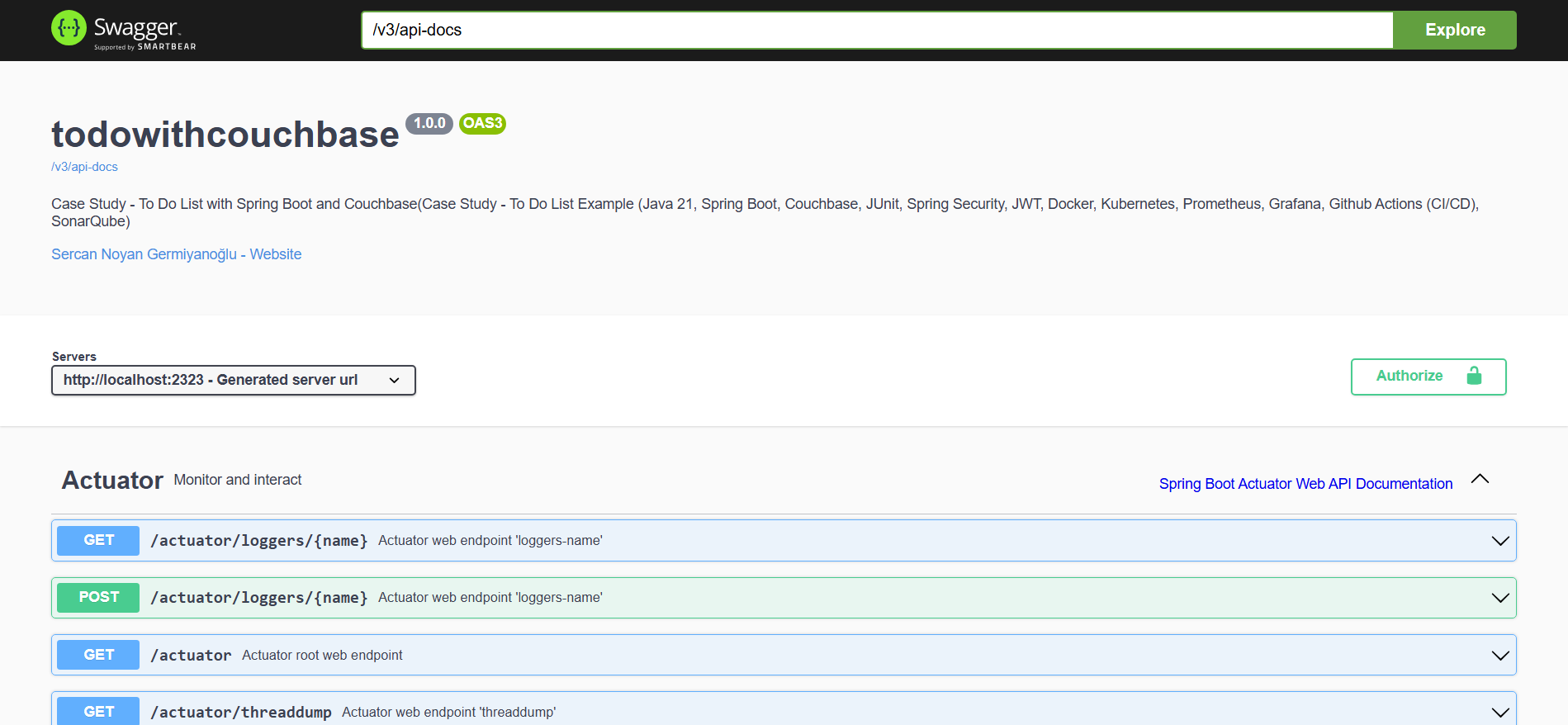
Figure 3
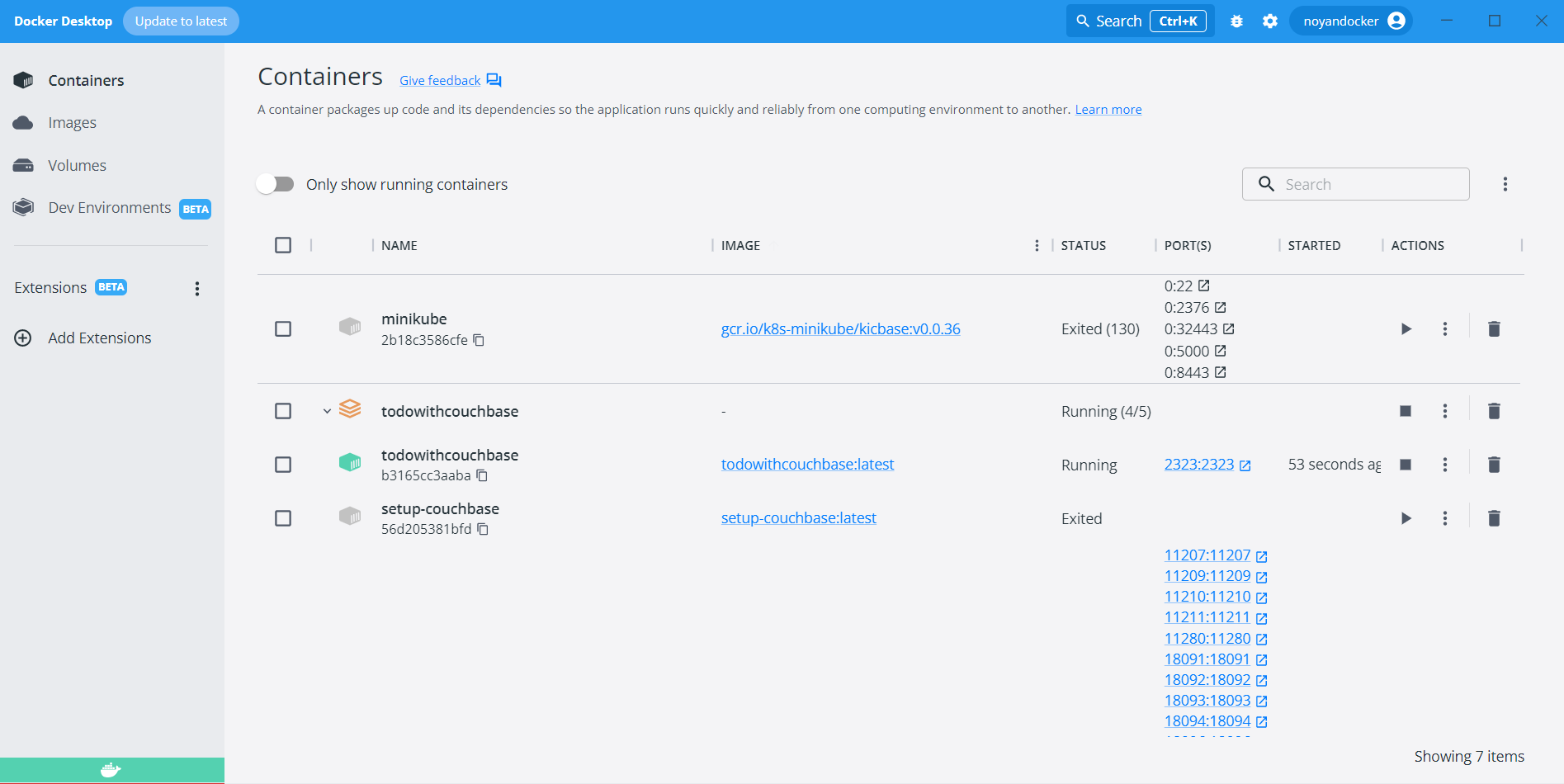
Figure 4
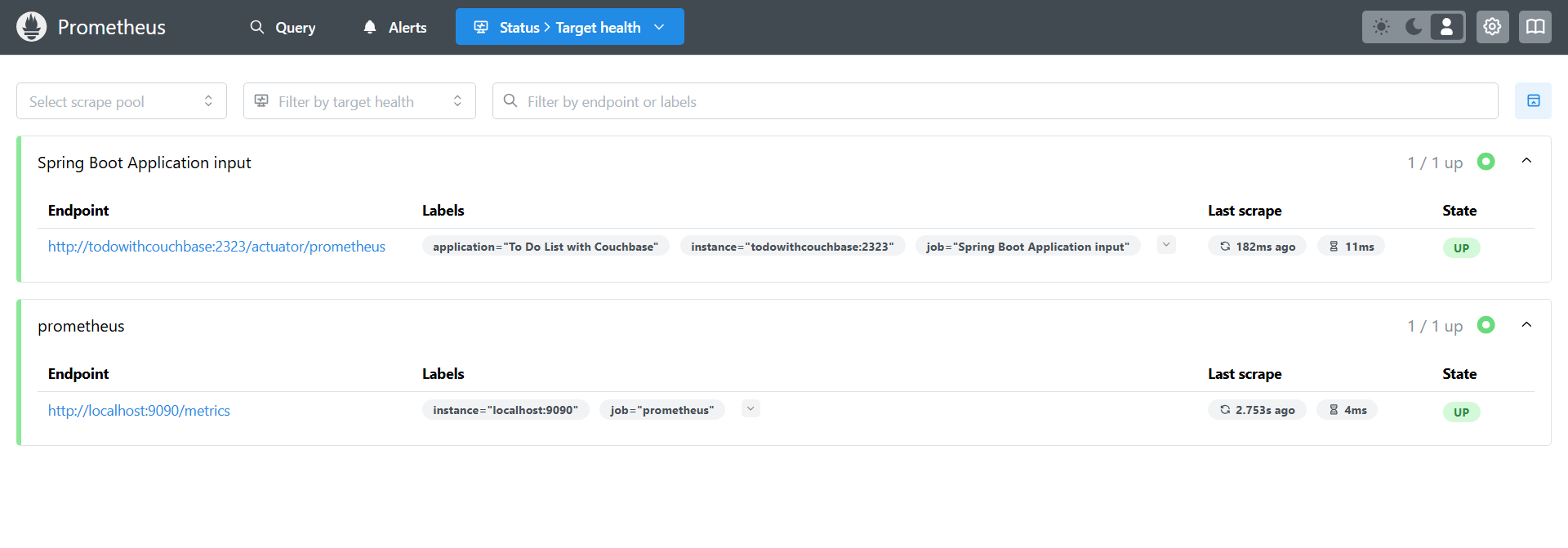
Figure 5
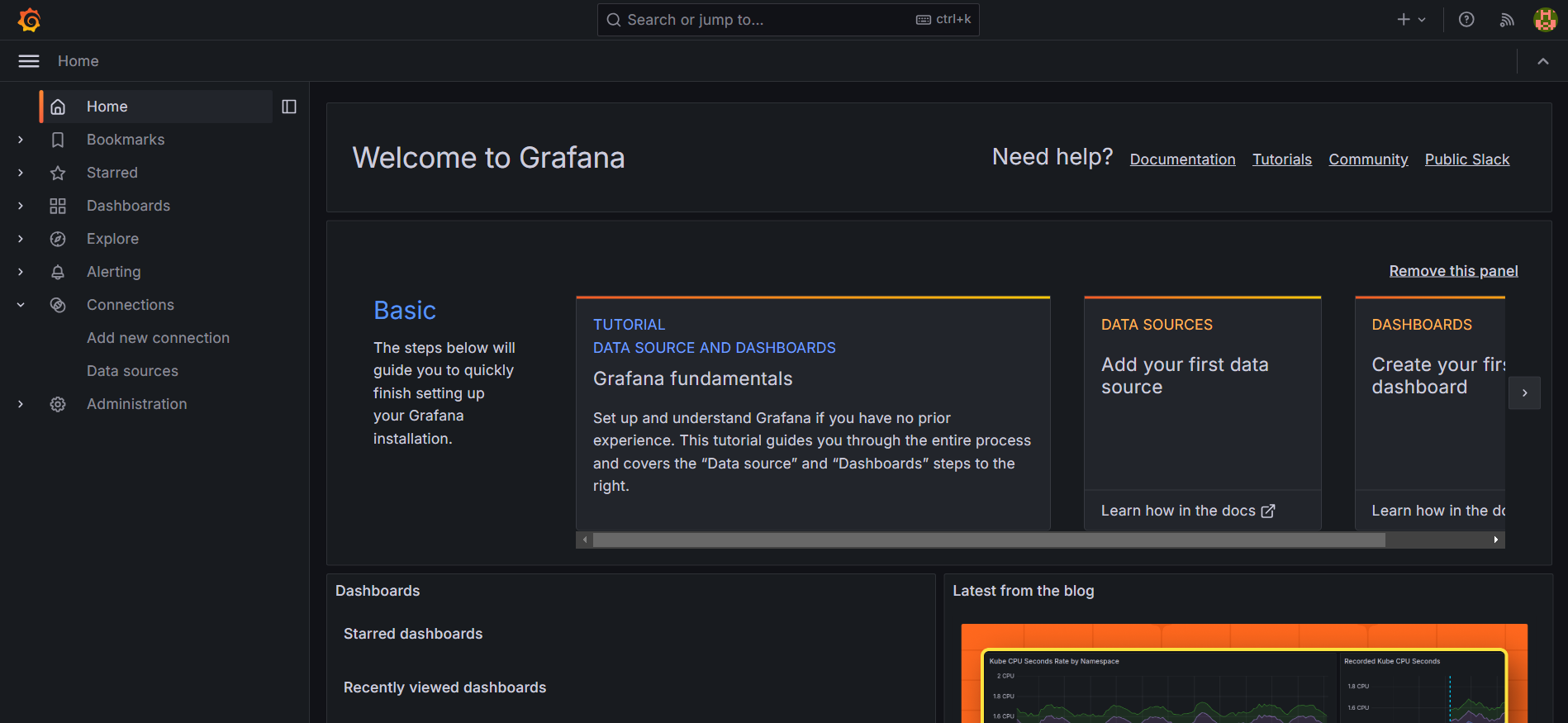
Figure 6
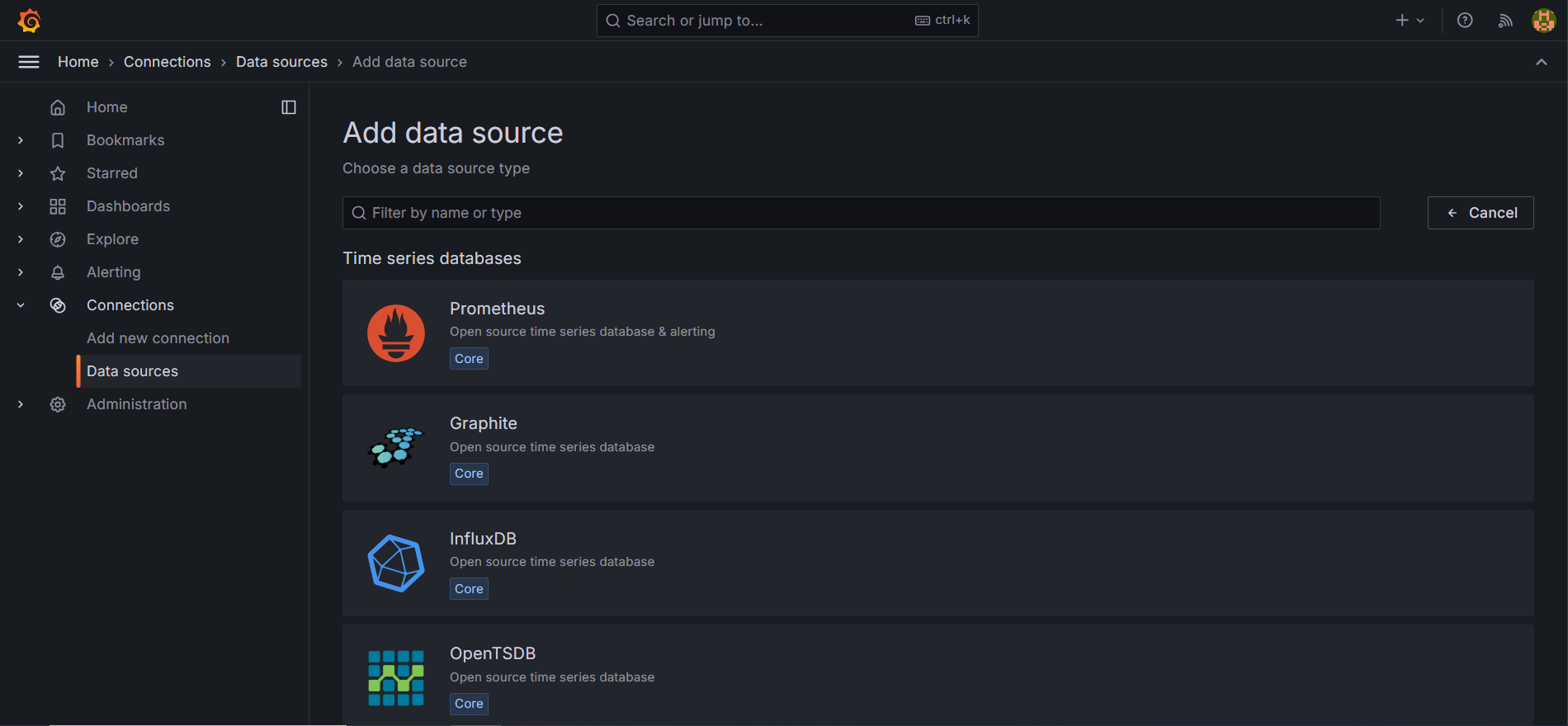
Figure 7
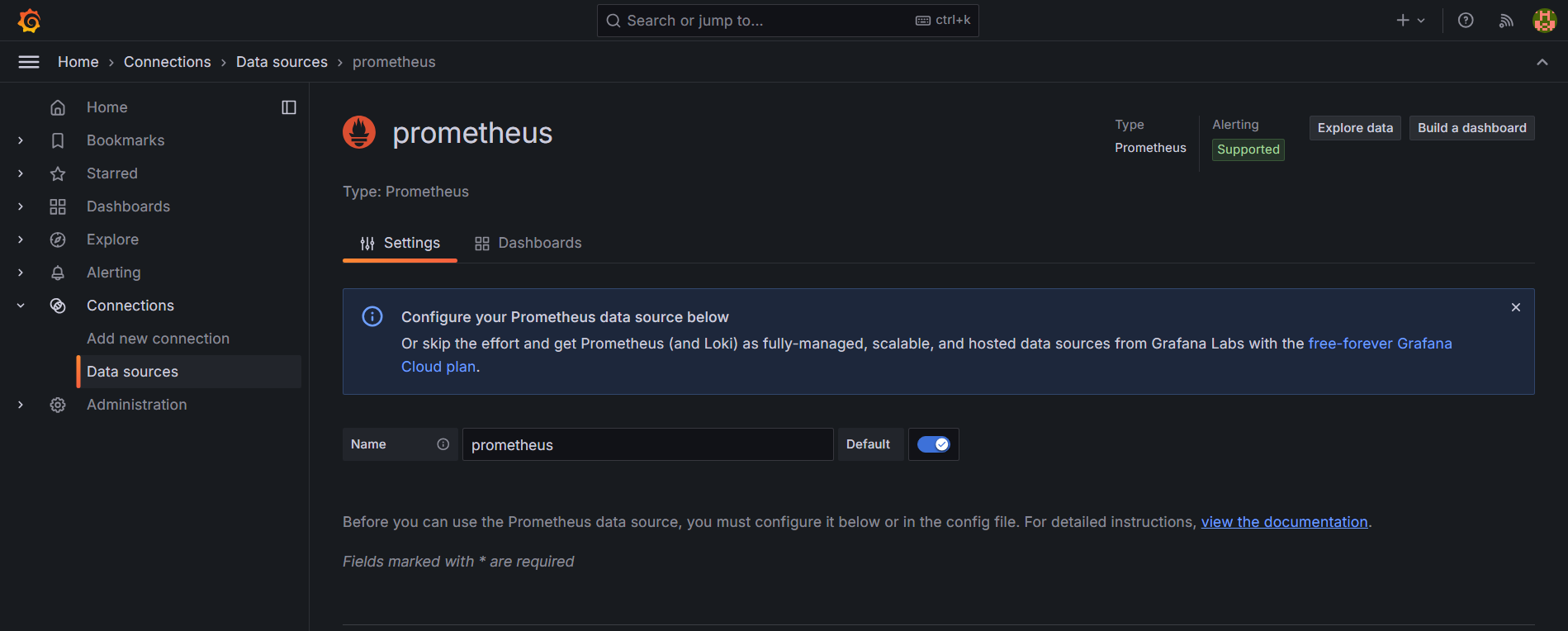
Figure 8
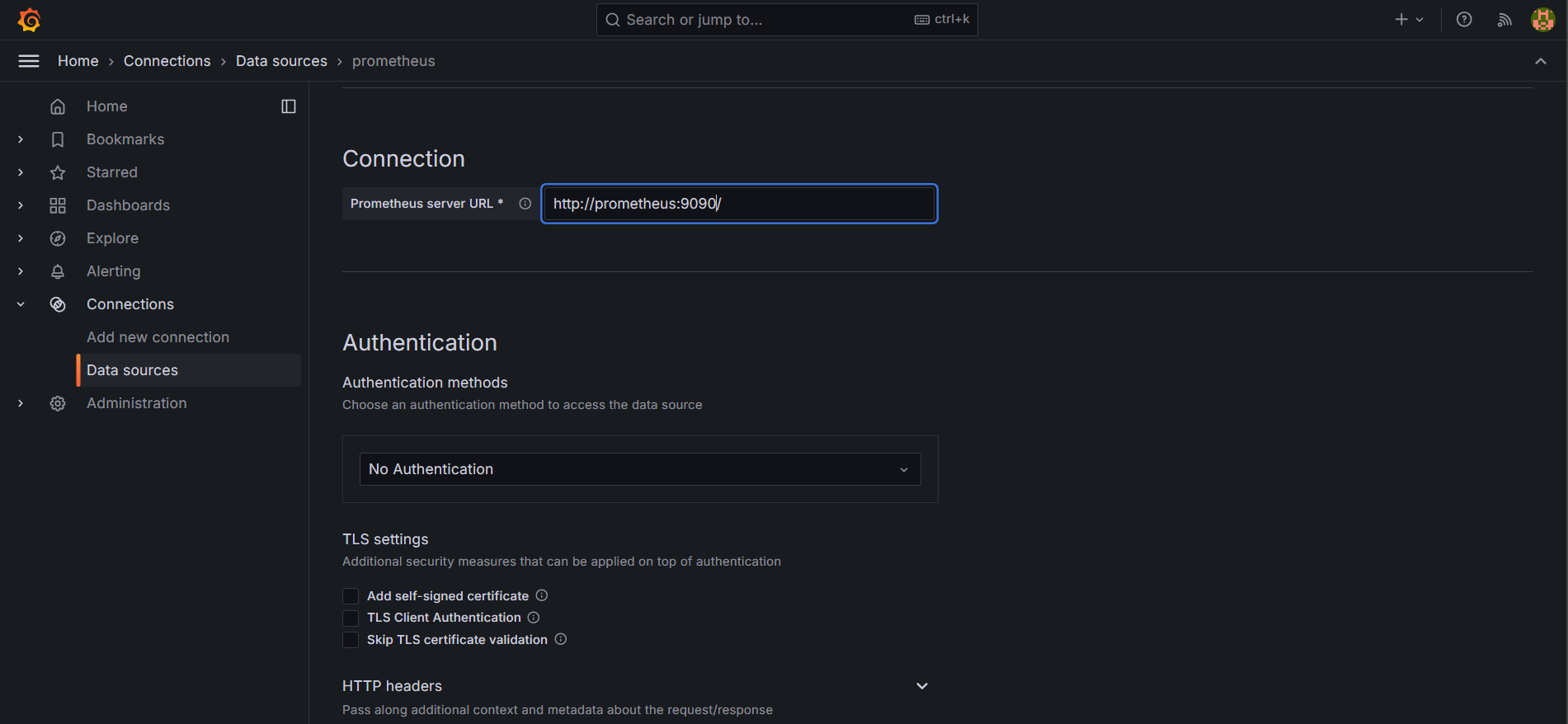
Figure 9
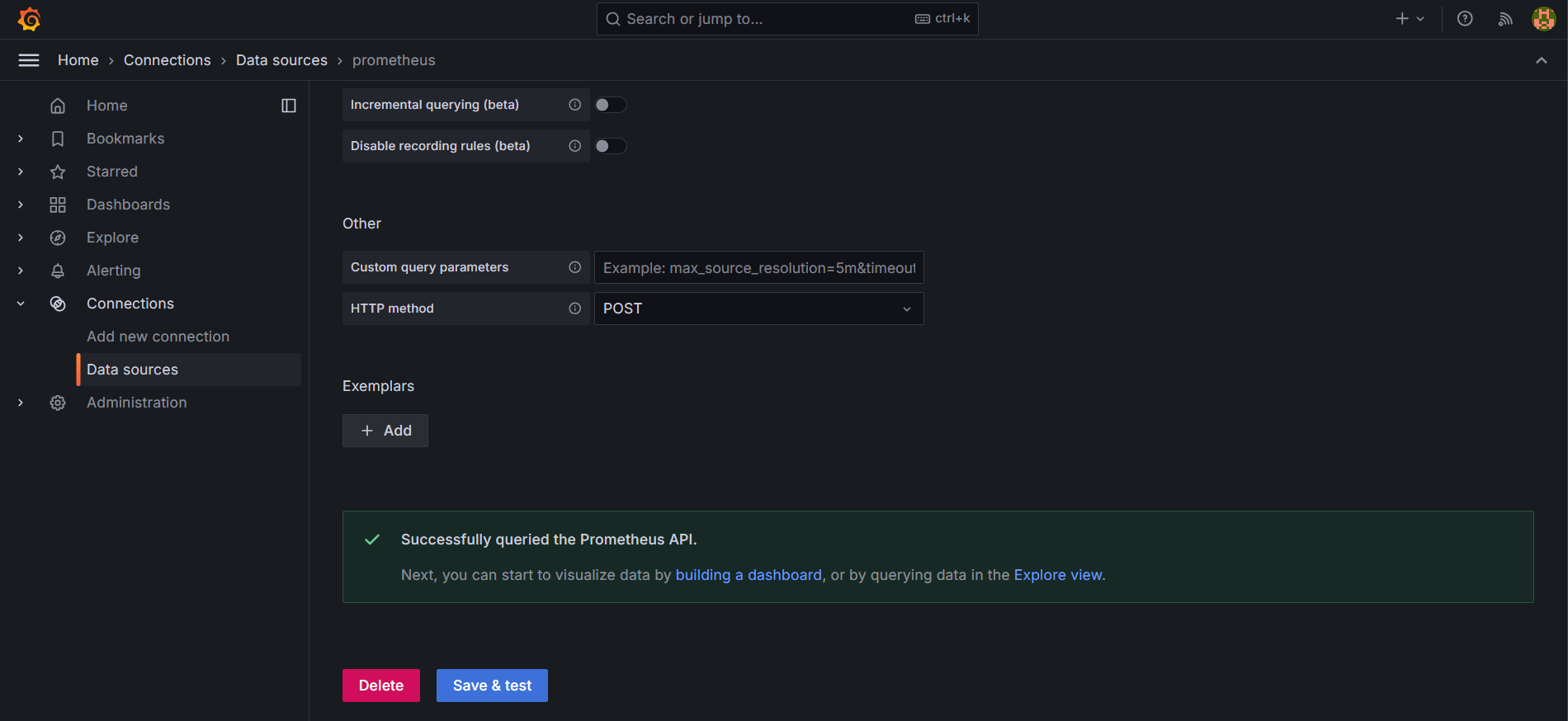
Figure 10
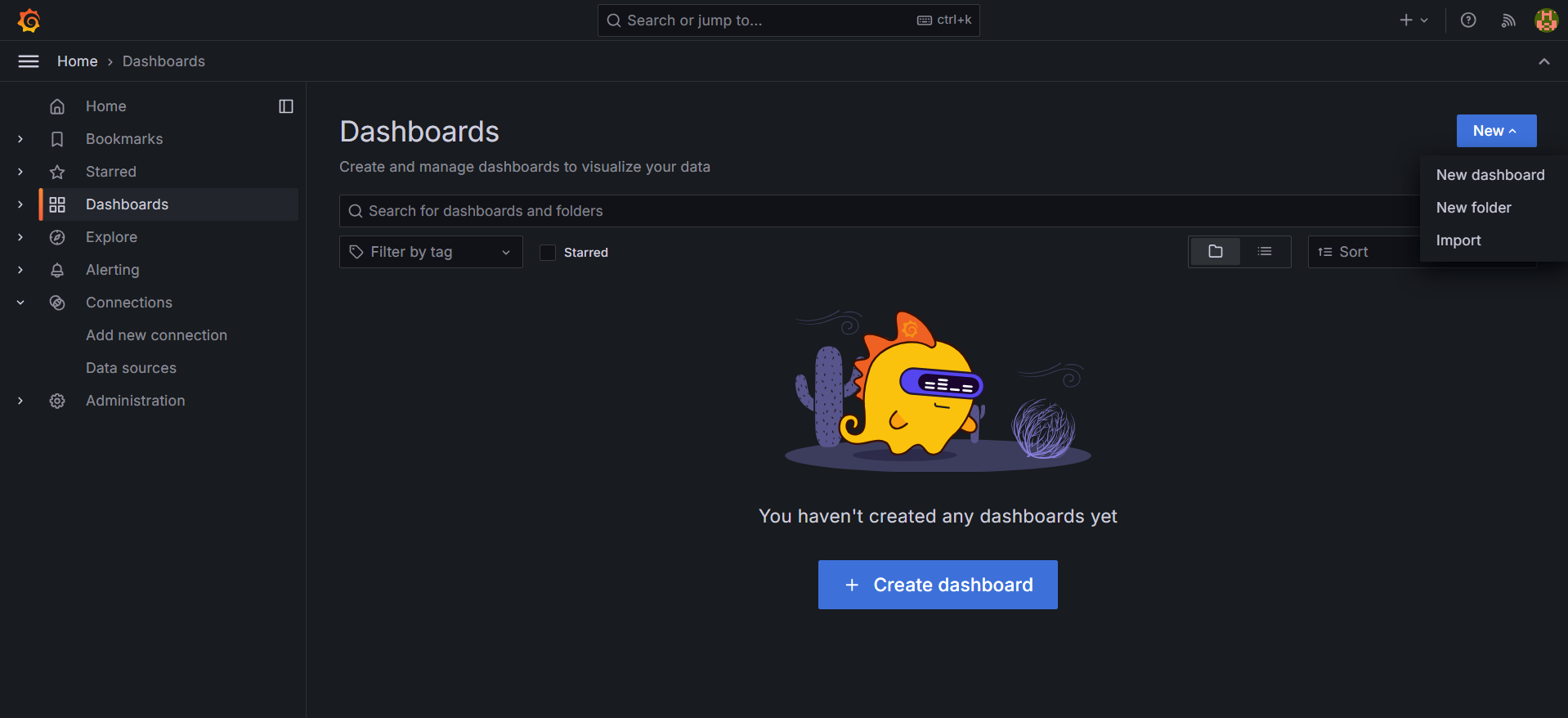
Figure 11
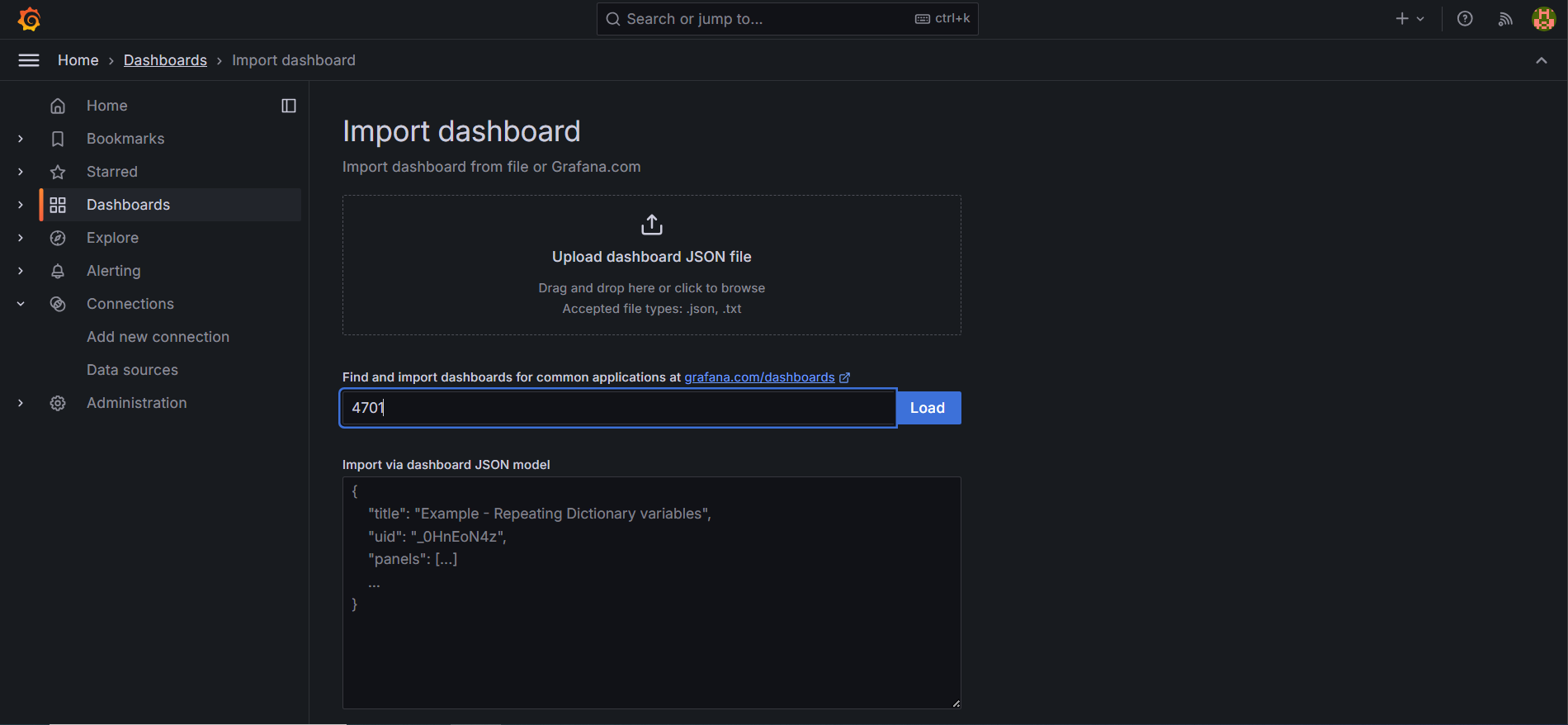
Figure 12
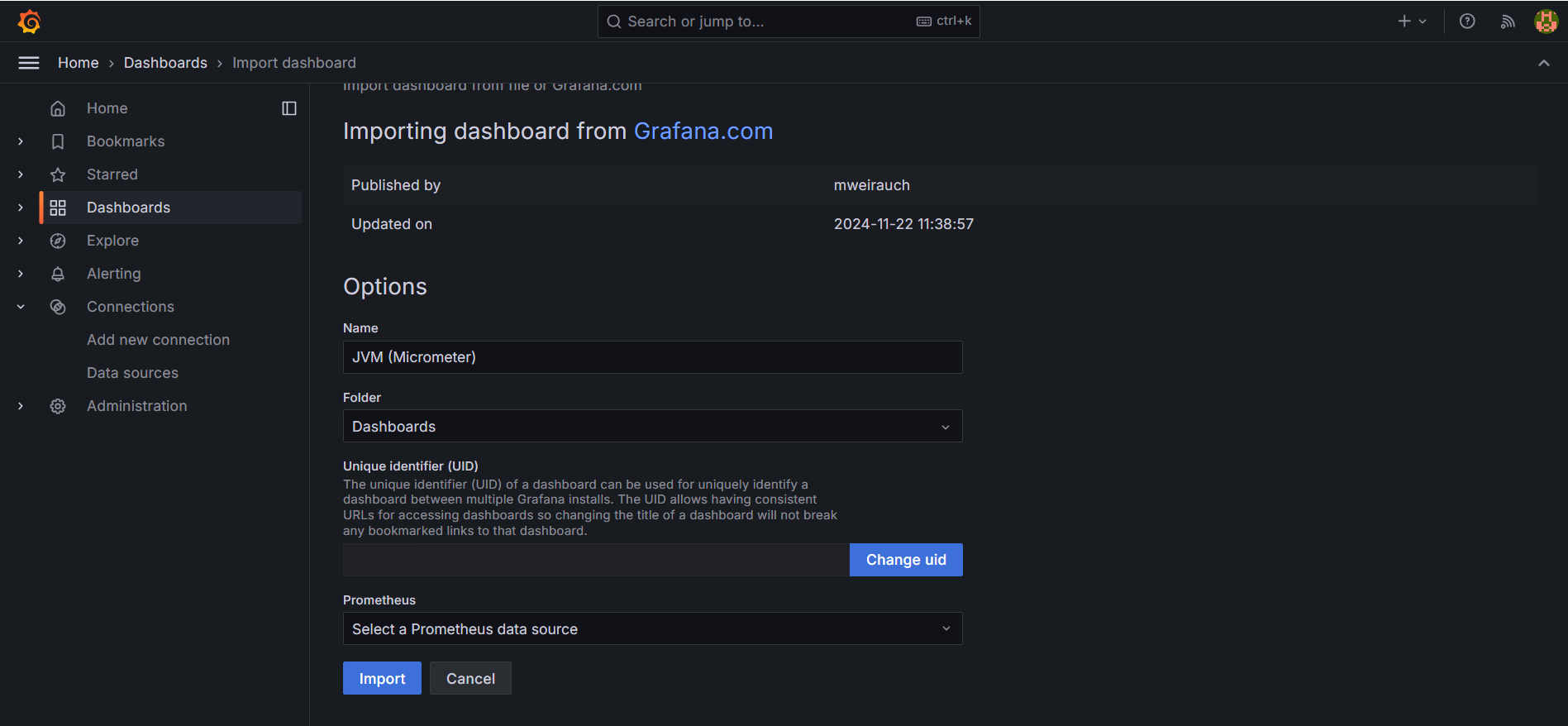
Figure 13
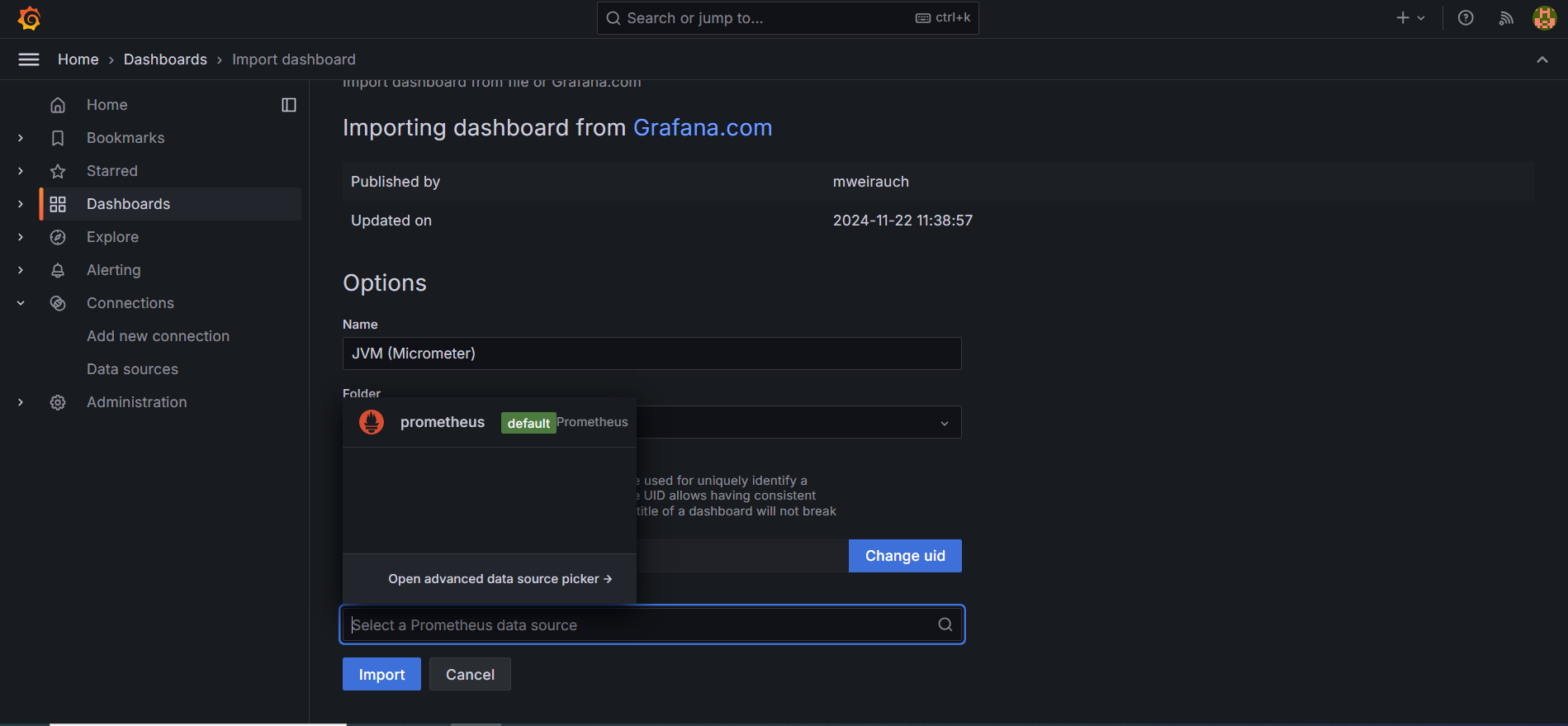
Figure 14
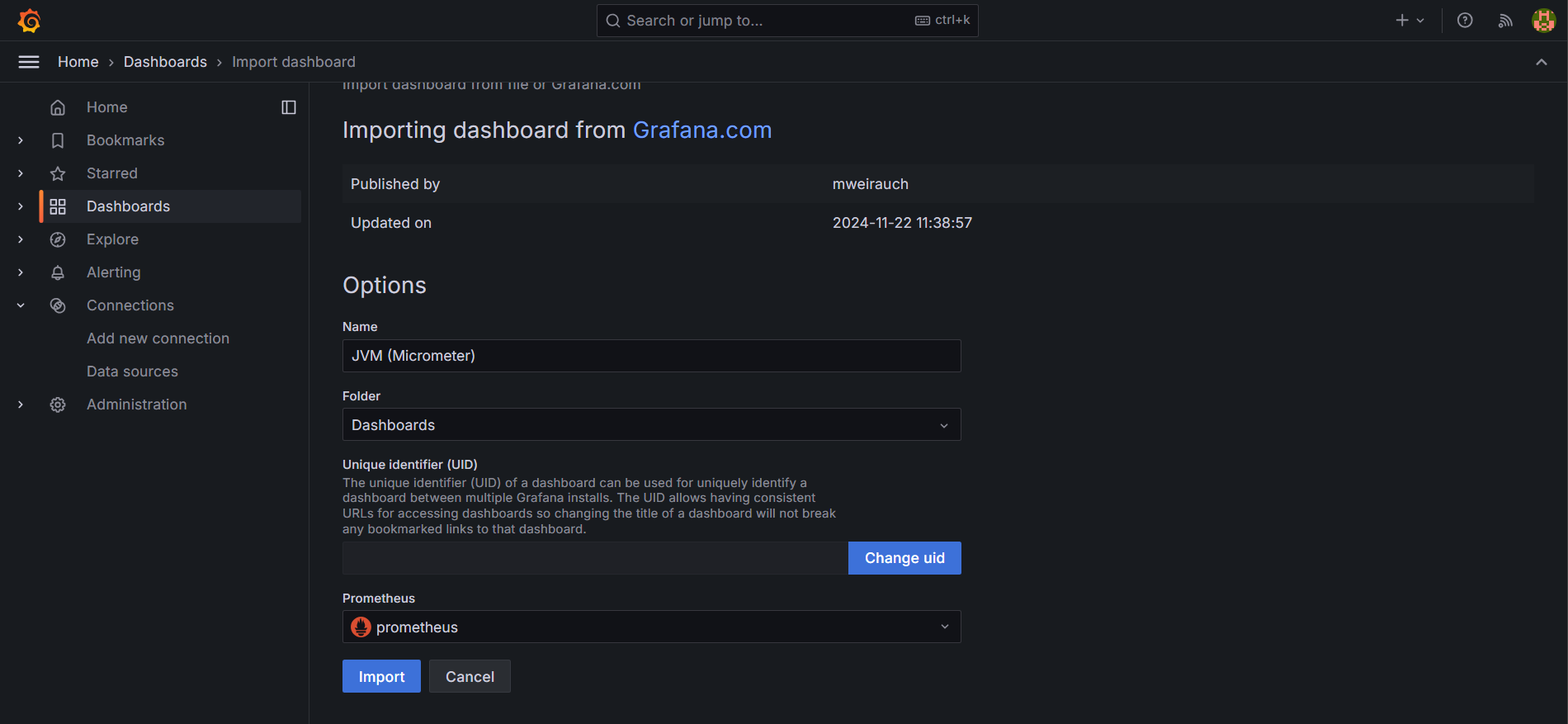
Figure 15
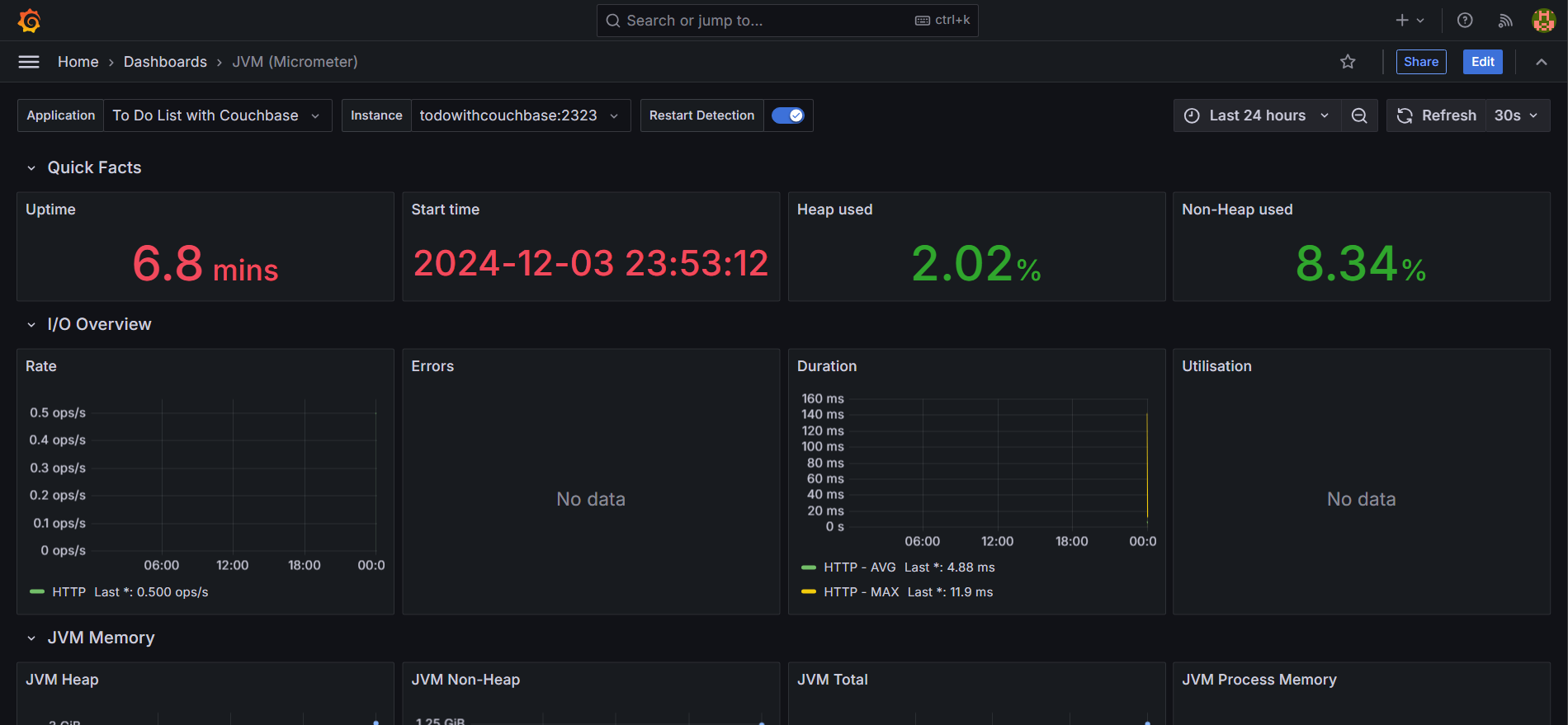
Figure 16
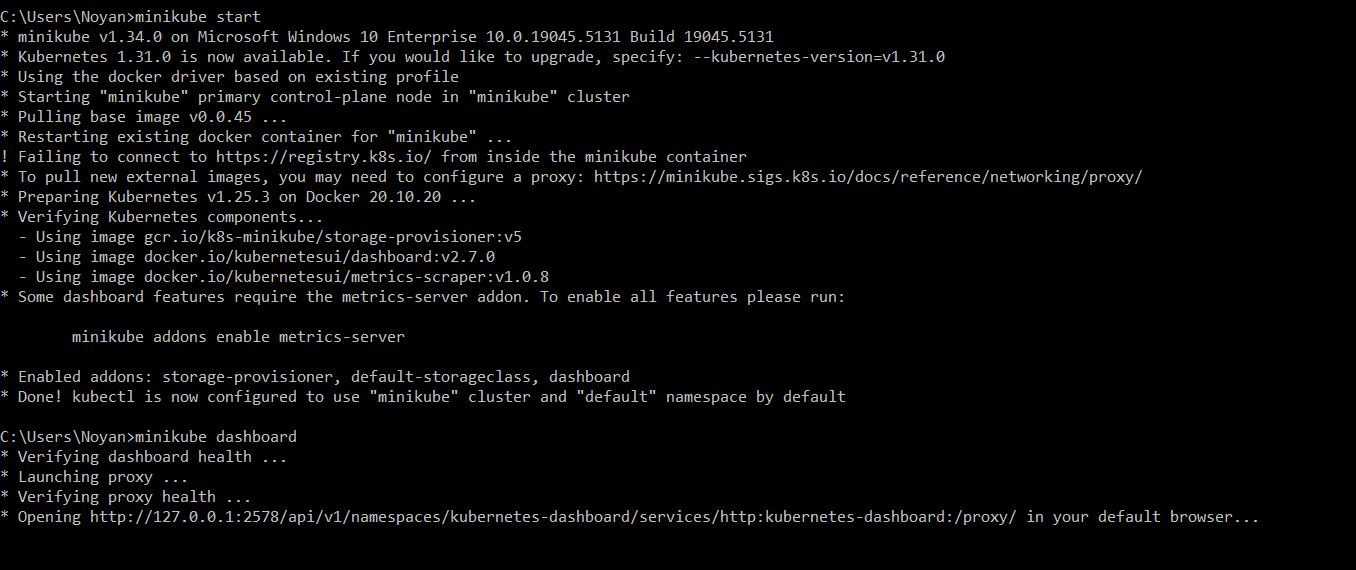
Figure 17
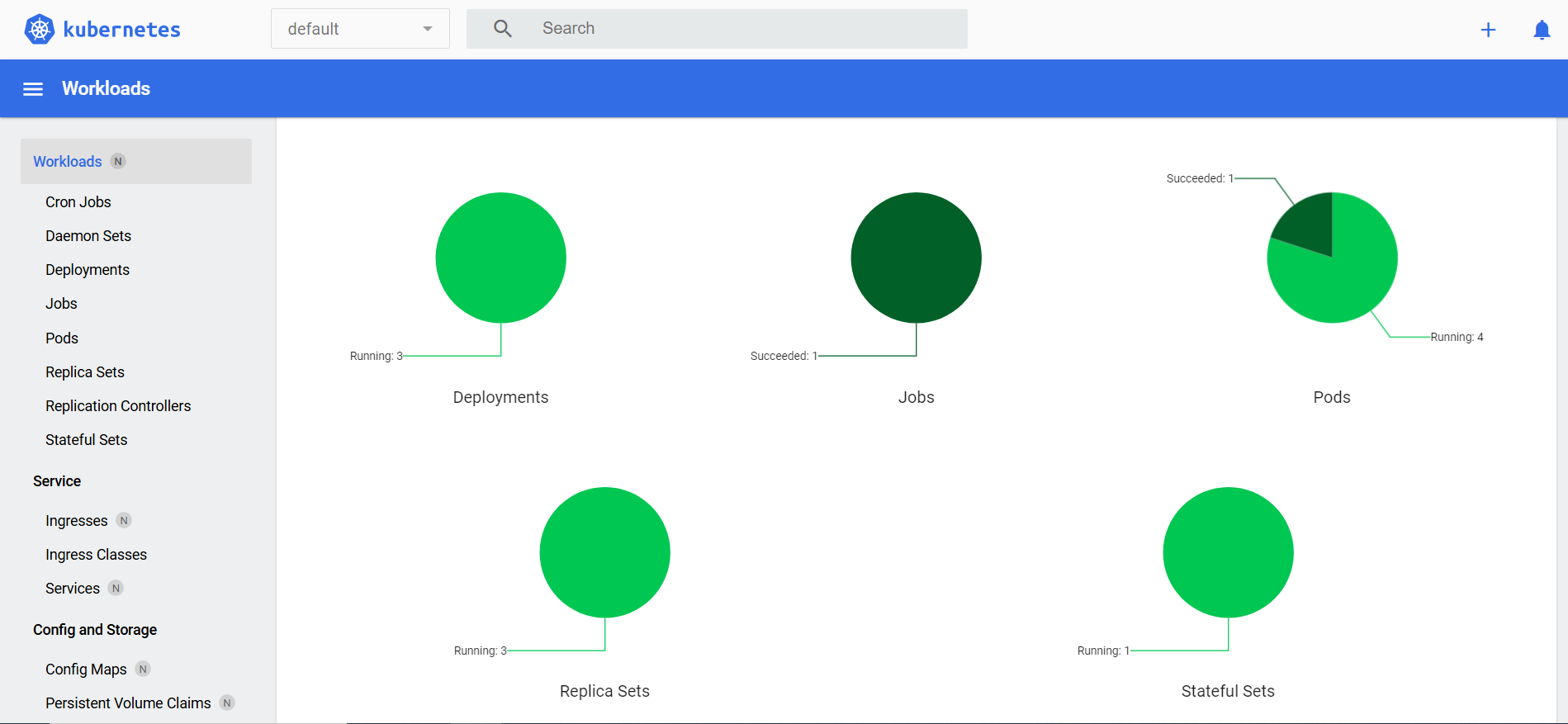
Figure 18
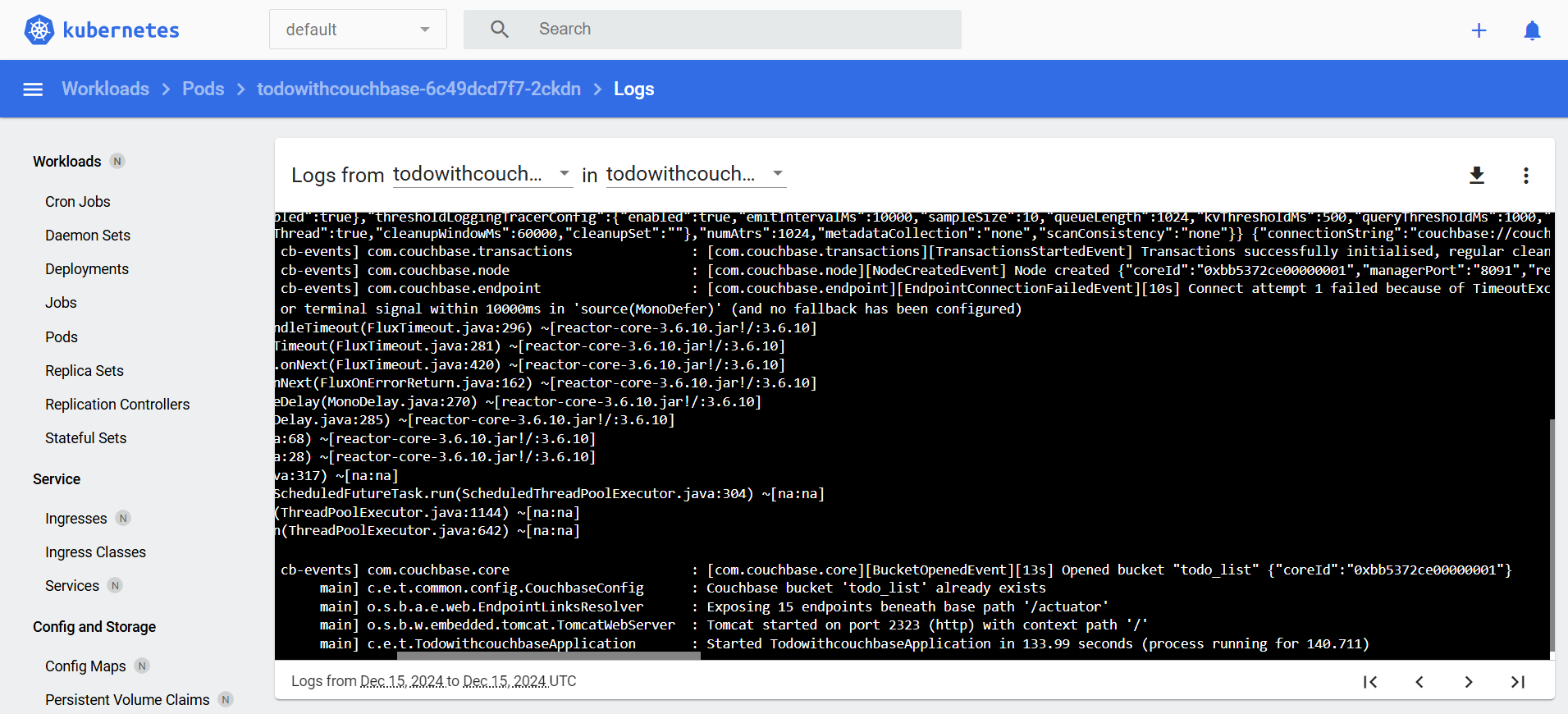
Figure 19
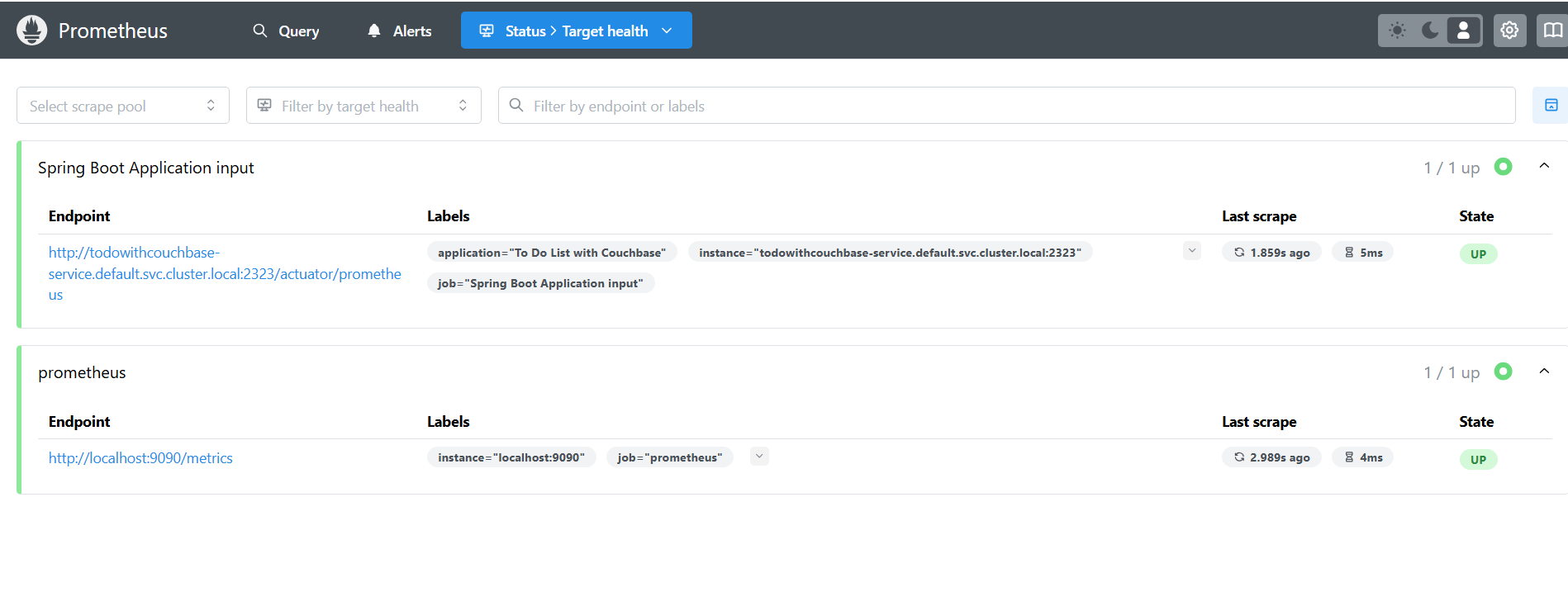
Figure 20
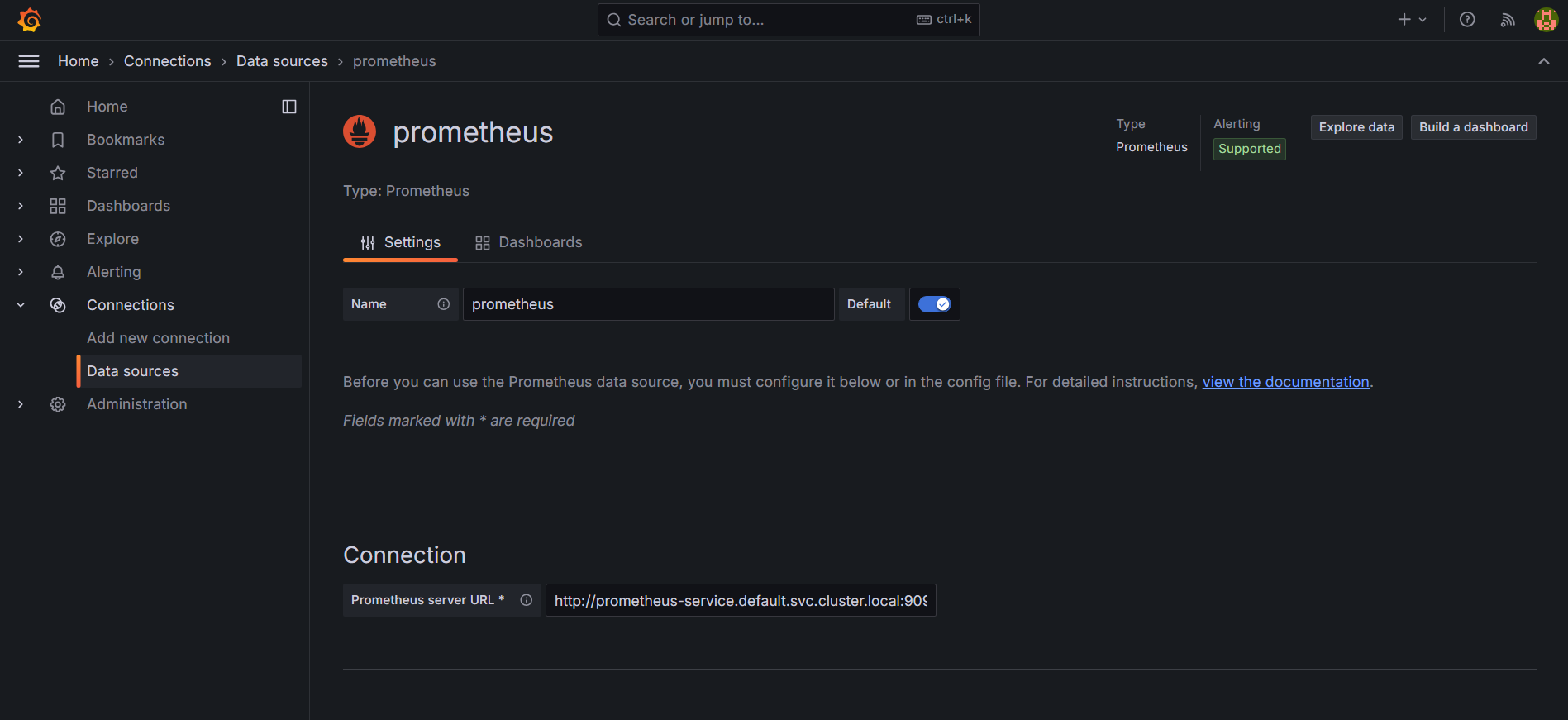
Figure 21