
Tony's Apizza
Example POS for a pizza shop. Built using Stripe Terminal, SvelteKit and Prisma.
Try it out

Screenshot
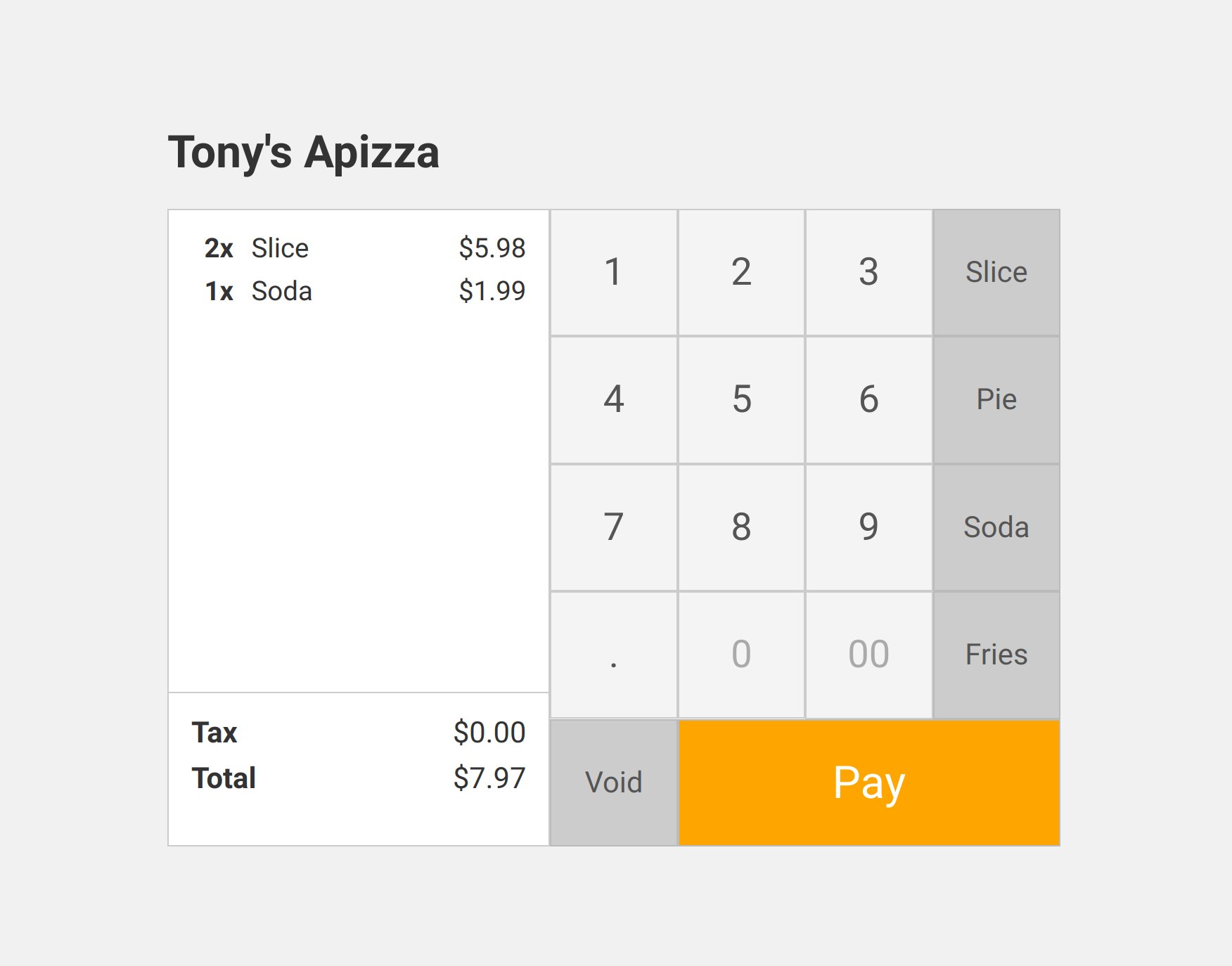
Features
- Contactless and dippable payments using Stripe Terminal.
- Responsive keypad using CSS grid.
- Quick add buttons for purchasing common products.
- Basic tax computation for taxable products.
- Order and product data using postgres.
Setup
First, install dependencies:
pnpm install
Create a .env.development file, and set up you Stripe private key:
cp .env.example .env.development
Create the Postgres database:
pnpm db:create
Set up the database schema:
pnpm db:push
Load the fake product data:
pnpm db:seed
Create a simulated reader
To test card payments in dev mode, Stripe provides simulated readers.
To create a simulated reader, first create a location. This tells stripe where the terminal will be used:
> stripe terminal locations create --display-name=store1 \
    -d "address[line1]=123 Main St." \
    -d "address[city]=New Haven" \
    -d "address[state]=CT" \
    -d "address[country]=US" \
    -d "address[postal_code]=10000"
{
    "id": "tml_abcd1234",
    ...
}
Then, create a simulated reader at that location:
> stripe terminal readers create --location=tml_abcd1234 \
    --registration-code=simulated-wpe
{
    "id": "tmr_abcd1234",
    ...
}
Copy the ID's for the location and reader (they start with tml_ & tmr_) and paste them into the .env.development under the keys STRIPE_LOCATION_ID & STRIPE_TERMINAL_ID.
Development
Run the dev server:
pnpm dev
Forward all Stripe events to the local webhook handler:
stripe listen --forward-to localhost:3000/stripe/events
If you'd like to inspect data, open Prisma Studio and visit http://localhost:5555
pnpm db:studio
Caveats
In the real world, you might want to add a few more things:
- Authentication of cashiers
- Support for multiple readers and stations
- Support for tipping
- Support for cash and cash drawers
- Receipt printing and integration with thermal printer
- A barcode scanner
- Ability to issue a refund
License
MIT