

TradingVue.js 


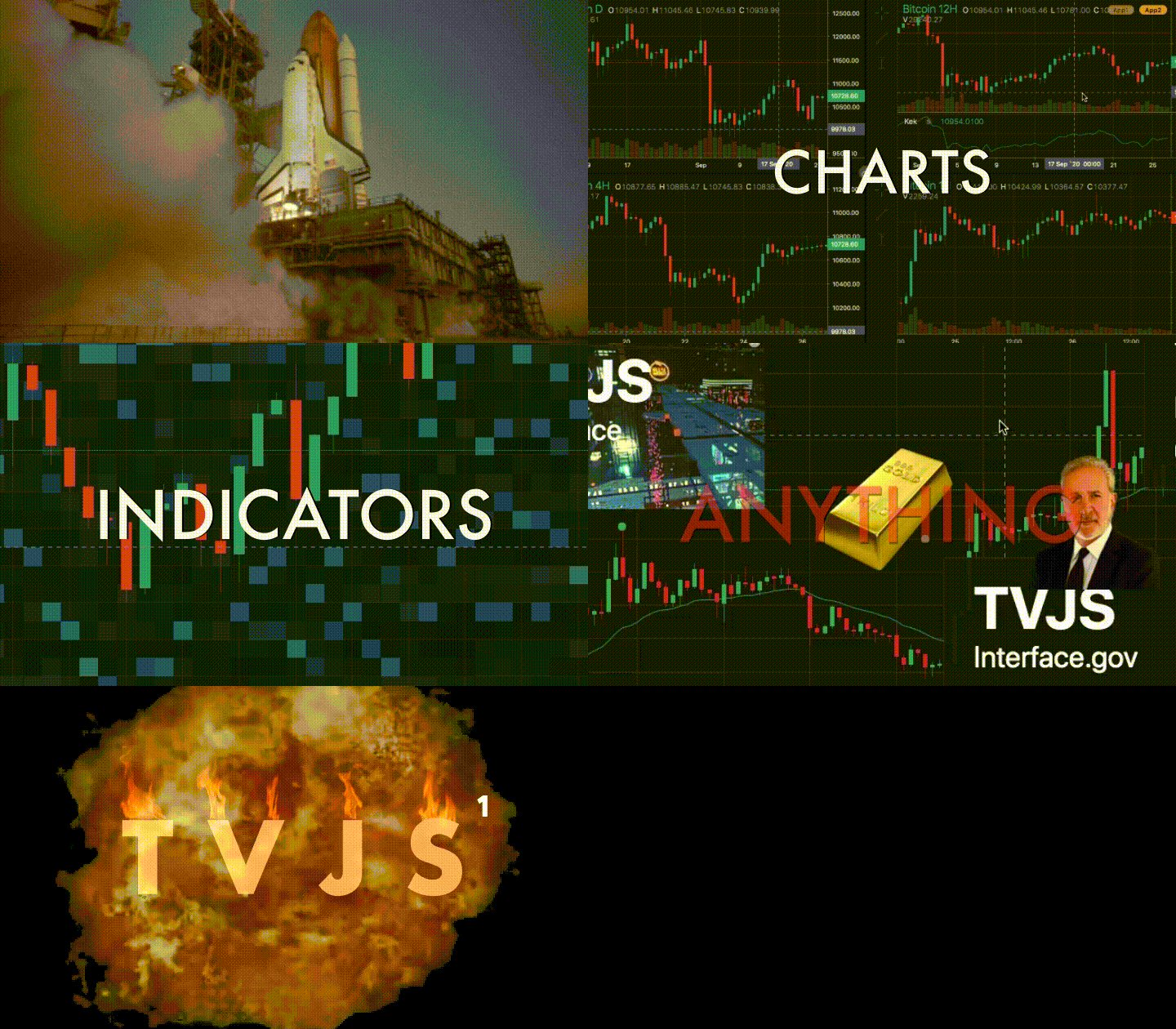
TradingVue.js was a hackable charting lib for traders. You could draw literally ANYTHING on top of candlestick charts. [Not Maintained]
Why
If you create trading software - this lib is probably for you. If you like to make custom indicators and think out of the box - this lib is most likely for you. And if you miss usability of TradingView.com in other open-source libraries and can't stand it - you are definetly in the right place!
Features
- Scrolling & zooming as we all like
- Simple API for making new overlays
- Custom drawing tools
- Non-time based charts (e.g. Renko)
- One overlay === one .vue component
- Fully reactive
- Fully responsive
- Customizable colors and fonts
- Quite fast (works even with 3 mil candles)
- Scripts (make your own indicators)
Demo & Docs
Demo | Getting Started | API Book | Built-in Overlays | Examples | 101 Project | llll Gitter | FAQ | FREE Overlay Pack | Free XP Pack
To run the examples, download the repo & npm run test
Install
NPM
npm i trading-vue-js
In browser
<script src="https://raw.githubusercontent.com/tvjsx/trading-vue-js/master/trading-vue.min.js"></script>
How to use
Minimal working example:
<template>
<trading-vue :data="this.$data"></trading-vue>
</template>
<script>

import TradingVue from 'trading-vue-js'

export default {
    name: 'app',
    components: { TradingVue },
    data() {
        return {
            ohlcv: [
                [ 1551128400000, 33,  37.1, 14,  14,  196 ],
                [ 1551132000000, 13.7, 30, 6.6,  30,  206 ],
                [ 1551135600000, 29.9, 33, 21.3, 21.8, 74 ],
                [ 1551139200000, 21.7, 25.9, 18, 24,  140 ],
                [ 1551142800000, 24.1, 24.1, 24, 24.1, 29 ],
            ]
        }
    }
}

</script>
Core philosophy
The core philosophy is Data -> Screen Mapping (DSM). The library provides you with functions that map your data (it could be anything) to screen coordinates. The lib does all the dirty work behind the scenes: scrolling, scaling, reactivity, etc.
layout.t2screen(t) // time -> x
layout.$2screen($) // price -> y
layout.t_magnet(t) // time -> nearest candle x
layout.screen2$(y) // y -> price
layout.screen2t(x) // x -> time
Using these functions and the standard js canvas API, you can do magic.
Data structure
PRO TIP: chart is mandatory if you want to see something other than a white screen
IMPORTANT: All data must be sorted by time (in ascending order). The main OHLCV must not contain duplicate timestamps.
{
    "chart": {   // Mandatory
        "type": "<Chart Type, e.g. Candles>",
        "data": [
            [timestamp, open, high, low, close, volume],
            ...
        ],
        "settings": { } // Settings (depending on Chart Type)
    },
    "onchart": [ // Displayed ON the chart
        {
            "name": "<Indicator name>",
            "type": "<e.g. EMA, SMA>",
            "data": [
                [timestamp, ... ], // Arbitrary length
                ...
            ],
            "settings": { } // Arbitrary settings format
        },
        ...
    ],
    "offchart": [ // Displayed BELOW the chart
        {
            "name": "<Indicator name>",
            "type": "<e.g. RSI, Stoch>",
            "data": [
                [timestamp, ... ], // Arbitrary length
                ...
            ],
            "settings": { } // Arbitrary settings format
        },
        ...
    ]
}
The process of adding a new indicator is simple: first you define your own data format (should be timestamped though) and display settings. For example, EMA data might look like this:
{
    "name": "EMA, 25",
    "type": "EMA",
    "data": [
        [ 1551128400000, 3091 ],
        [ 1551132000000, 3112 ],
        [ 1551135600000, 3105 ]
    ],
    "settings": {
        "color": "#42b28a"
    }
},
Example of a simple overlay class
And then you make a new overlay class to display that data on the grid:
import { Overlay } from 'trading-vue-js'

export default {
    name: 'EMA',
    mixins: [Overlay],
    methods: {
        draw(ctx) {
            const layout = this.$props.layout
            ctx.strokeStyle = this.color
            ctx.beginPath()

            for (var p of this.$props.data) {

                // t2screen & $2screen - special functions that
                // map your data coordinates to grid coordinates
                let x = layout.t2screen(p[0])
                let y = layout.$2screen(p[1])

                ctx.lineTo(x, y)
            }

            ctx.stroke()
        },
        use_for() { return ['EMA'] },
        data_colors() { return [this.color] }
    },
    computed: {
        color() {
            return this.$props.settings.color
        }
    }
}
That's why the title doesn't lie: you can draw ANYTHING.
Grin

Code | click your 🐁
Roadmap
DocsTestsSolve known issues (marked as 'TODO: IMPORTANT')[PARTIALLY]Performance improvementsData-manipulation helpersAdd more built-in overlaysAdd toolbar (drawing tools)Custom loayout / layout persistence[POST-RELEASE]Fix and improve mobile version- Version 1.0.0 here
Progress in details: https://github.com/tvjsx/trading-vue-js/projects/1
Changelog
See CHANGELOG.md
Development & Building
Install devDependencies
npm install
Run development enviroment (hot)
npm run dev
Server is running on http://localhost:8080
Run in a CDN-like mode
npm run cdn
Server is running on http://localhost:8080
Build the bundle
npm run build
Visual testing
npm run test
Server is running on http://localhost:8080
Automatic testing
npm run auto-test
Contributing
- Fork ( https://github.com/tvjsx/trading-vue-js/fork )
- Create your feature branch (
git checkout -b cool-new-feature) - Commit your changes (
git commit -am 'Let's rock smth') - Push to the branch (
git push origin cool-new-feature) - Create a new Pull Request
Please read the guidelines in CONTRIBUTING.md