

Simple tasks. Secure notes. Made in Europe.



|

|

|
Love Trudido? Support its development


Official Sources
The links above are the only trusted sources of Trudido. Any other websites or listings are not affiliated with me or this project.
📍 Table of Contents
- 📋 Task Management
- 📝 Notes
- 🔐 Vault (Encrypted Notes)
- 🗂️ Folder Templates
- 💾 Backup & Data Ownership
- 📅 Calendar Sync
- 🎨 Design & Customization
- 🔒 Privacy
- 📸 Screenshots
- 🧩 License
- 💬 Contributing
📋 Task Management
- Smart task creation: title, notes, due date & time, and priority
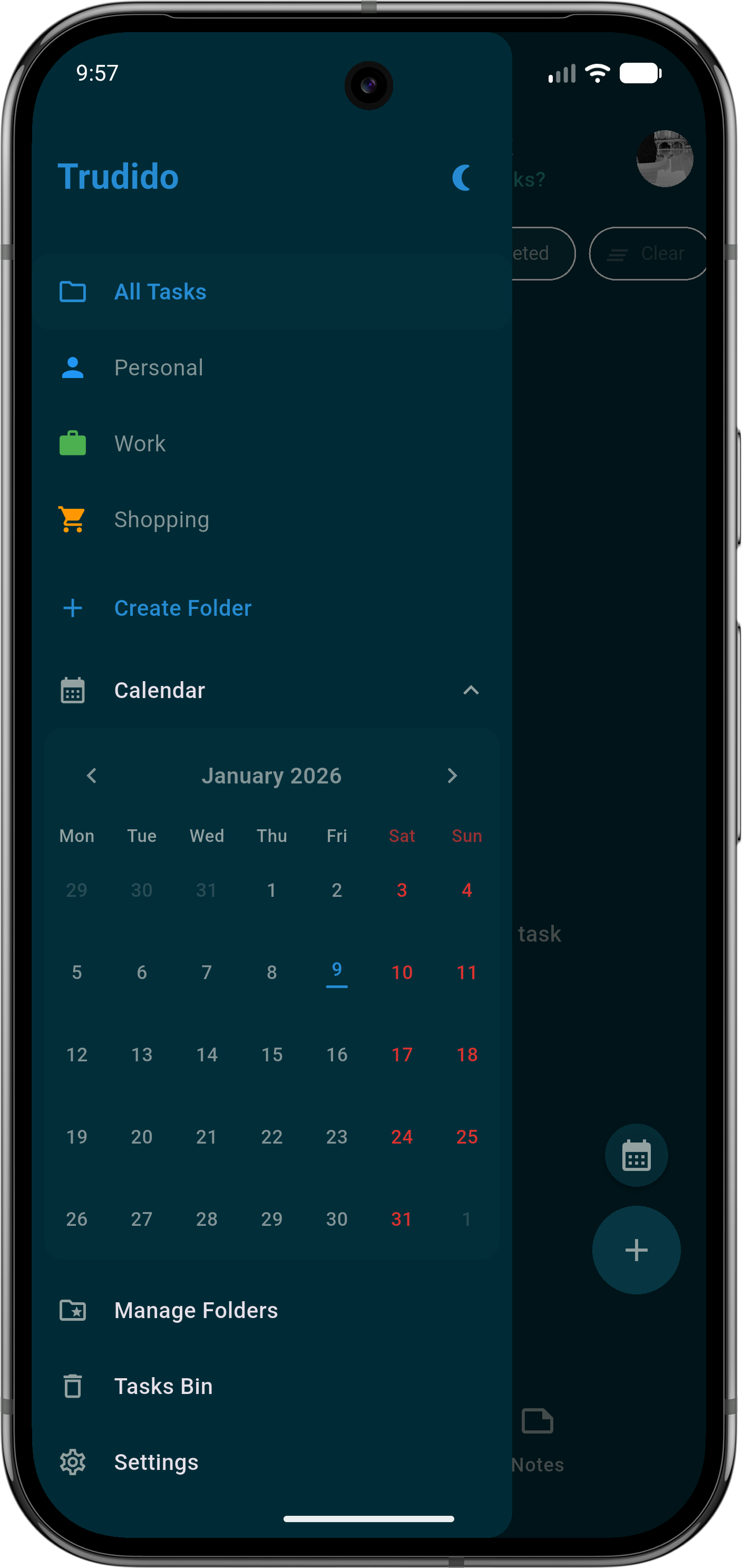
- Organize tasks into folders (with colors/icons)
- Recurring tasks: daily/weekly/monthly + custom patterns (e.g. every 2 weeks, specific weekdays) with optional end date
- Multi-day tasks (start date → due date)
- Reminders with multiple reminder times (native Android scheduling)
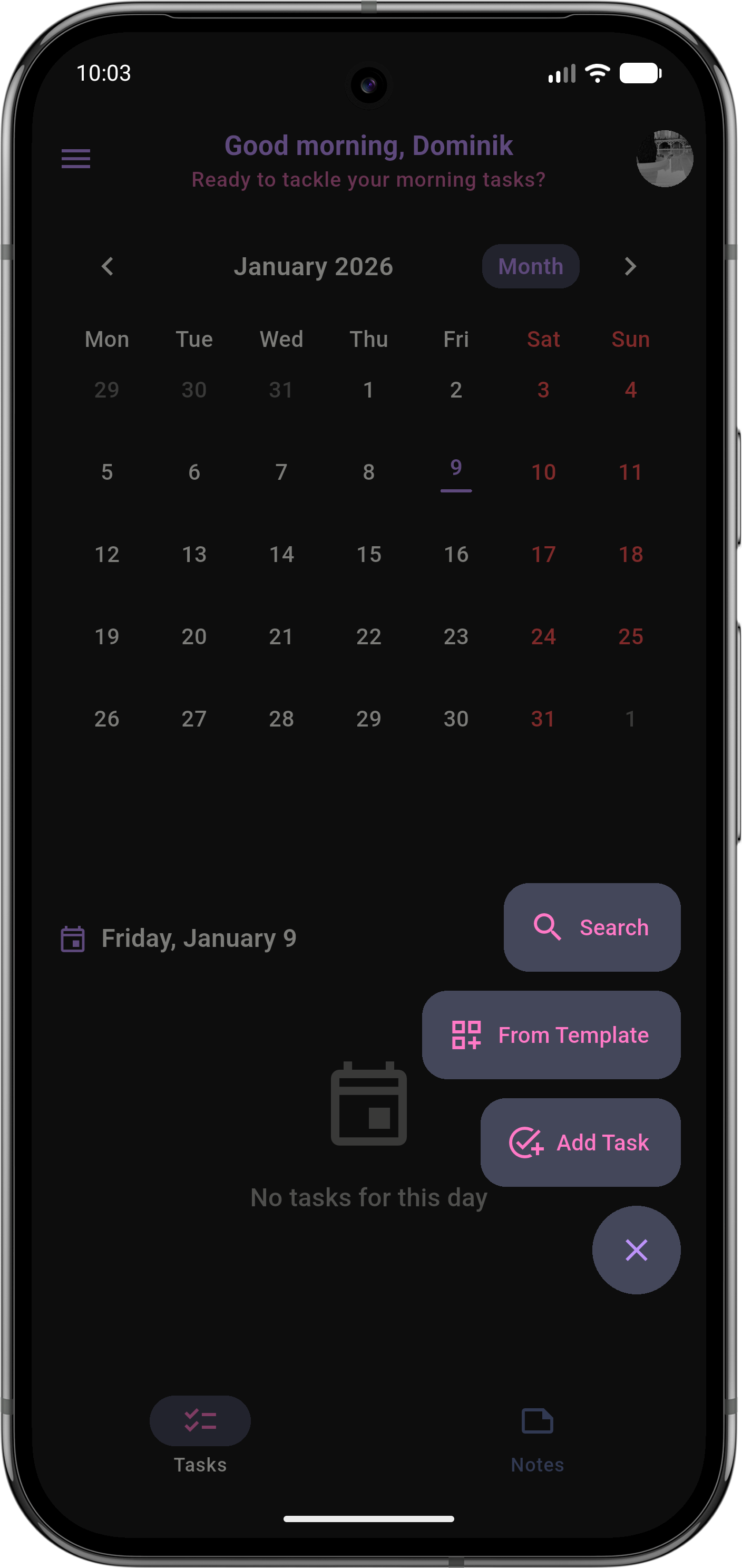
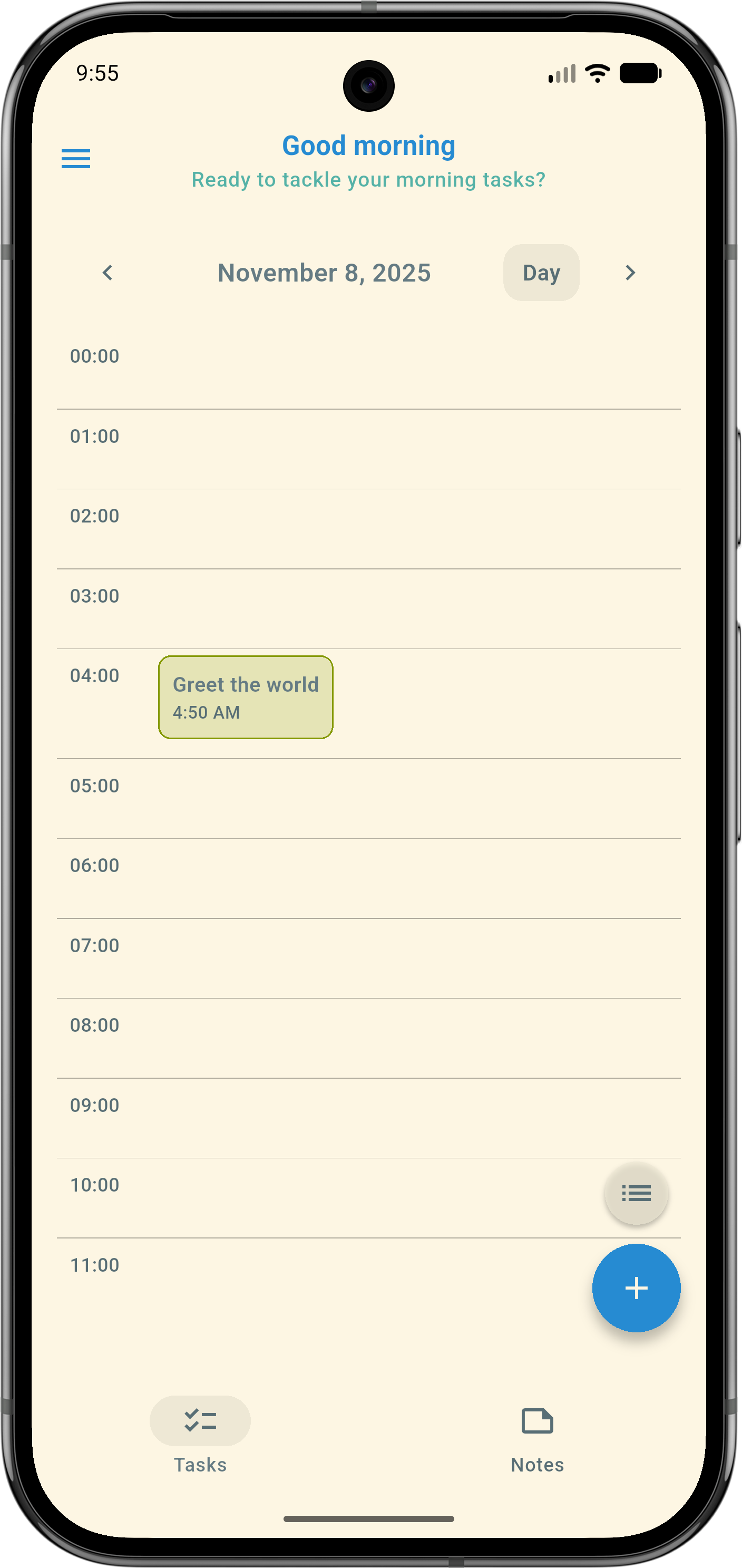
- Multiple views: list + calendar (month / 2 weeks / week / day)
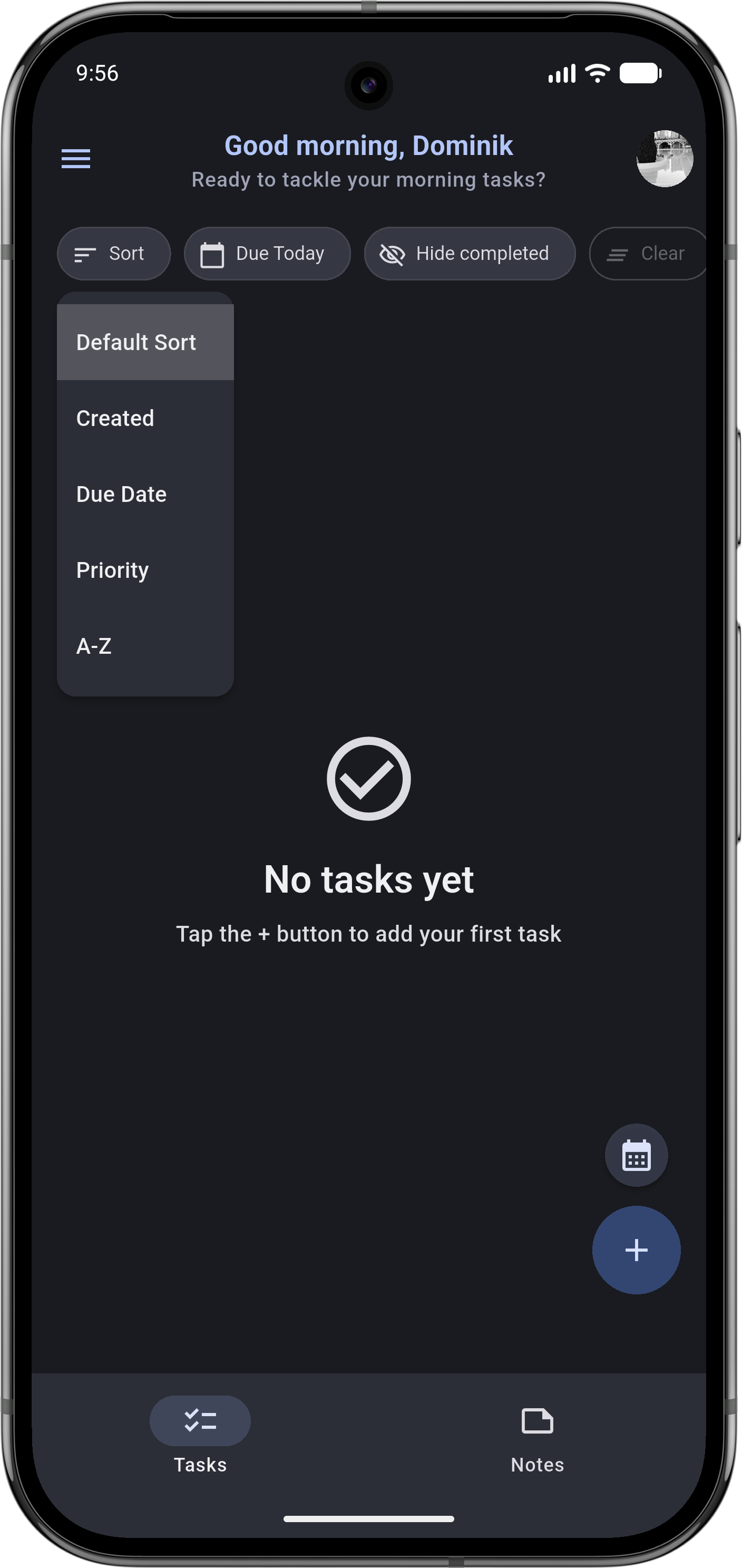
- Advanced filtering, sorting, and search
- Quick actions: swipe actions, multi-select, and batch operations
- Progress insights: completion stats + streak tracking
📝 Notes
- Markdown notes with live preview + formatting helpers
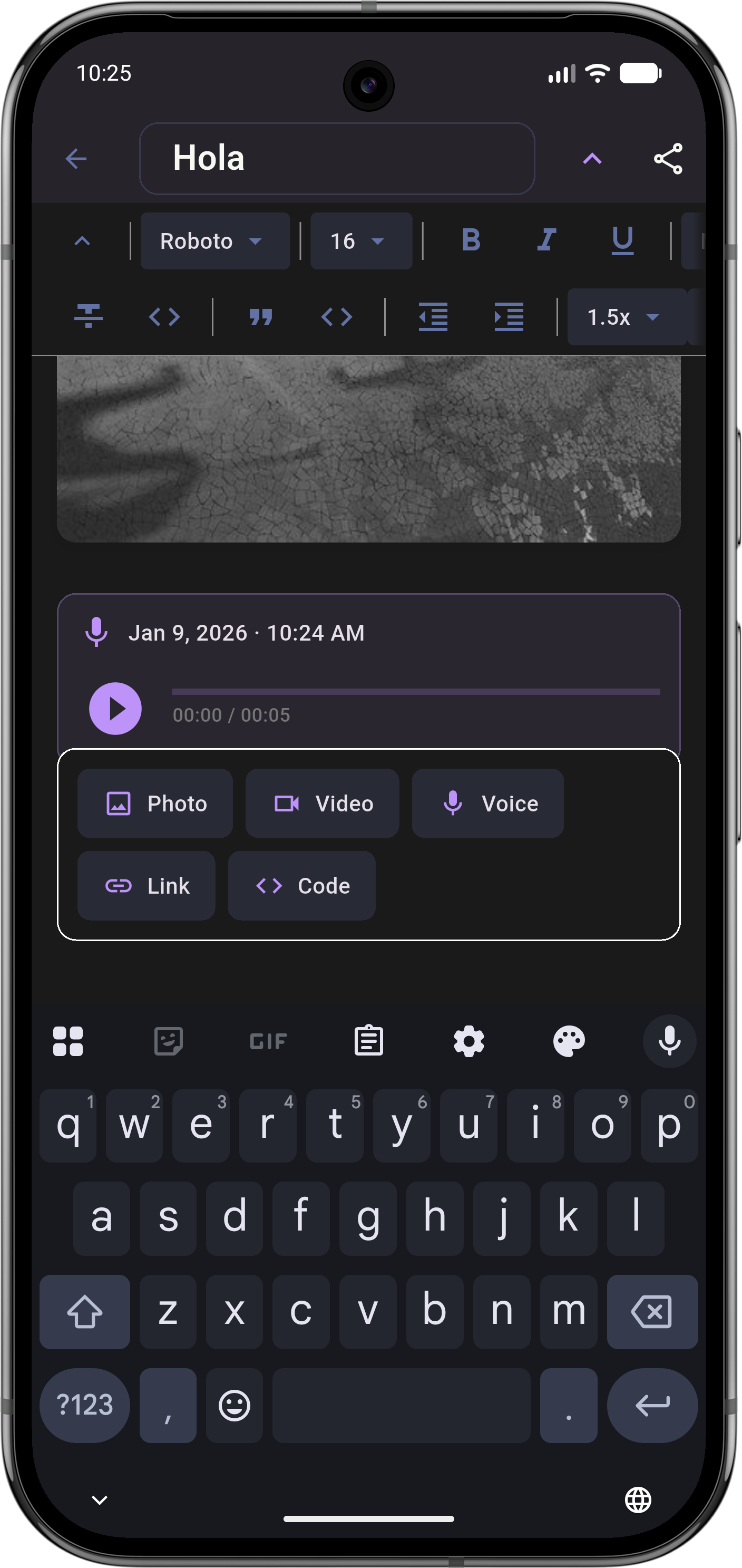
- Rich-text editor (WYSIWYG) with support for media (images / audio / video)
- Pin important notes, move notes between folders, and manage note collections
- Export notes (e.g. PDF / Markdown)
🔐 Vault (Encrypted Notes)
- Lock note folders as an AES-256 encrypted Vault
- Secure access with password/PIN and optional biometric unlock
- Vault content stays local and encrypted on-device
🗂️ Folder Templates
- Built-in templates to instantly create task folders with pre-filled workflows
- Create your own templates (or generate one from an existing folder)
- Template suggestions when creating a new folder
💾 Backup & Data Ownership
- Export/import full app data (JSON)
- Export everything to a single PDF (tasks + notes)
- Import/export notes as Markdown
- Automatic backups on a schedule (Android) + restore from auto backups
📅 Calendar Sync
- Optional sync with your device calendars (import and/or export)
- Calendar diagnostics and per-calendar selection
🎨 Design & Customization
- Material 3 interface
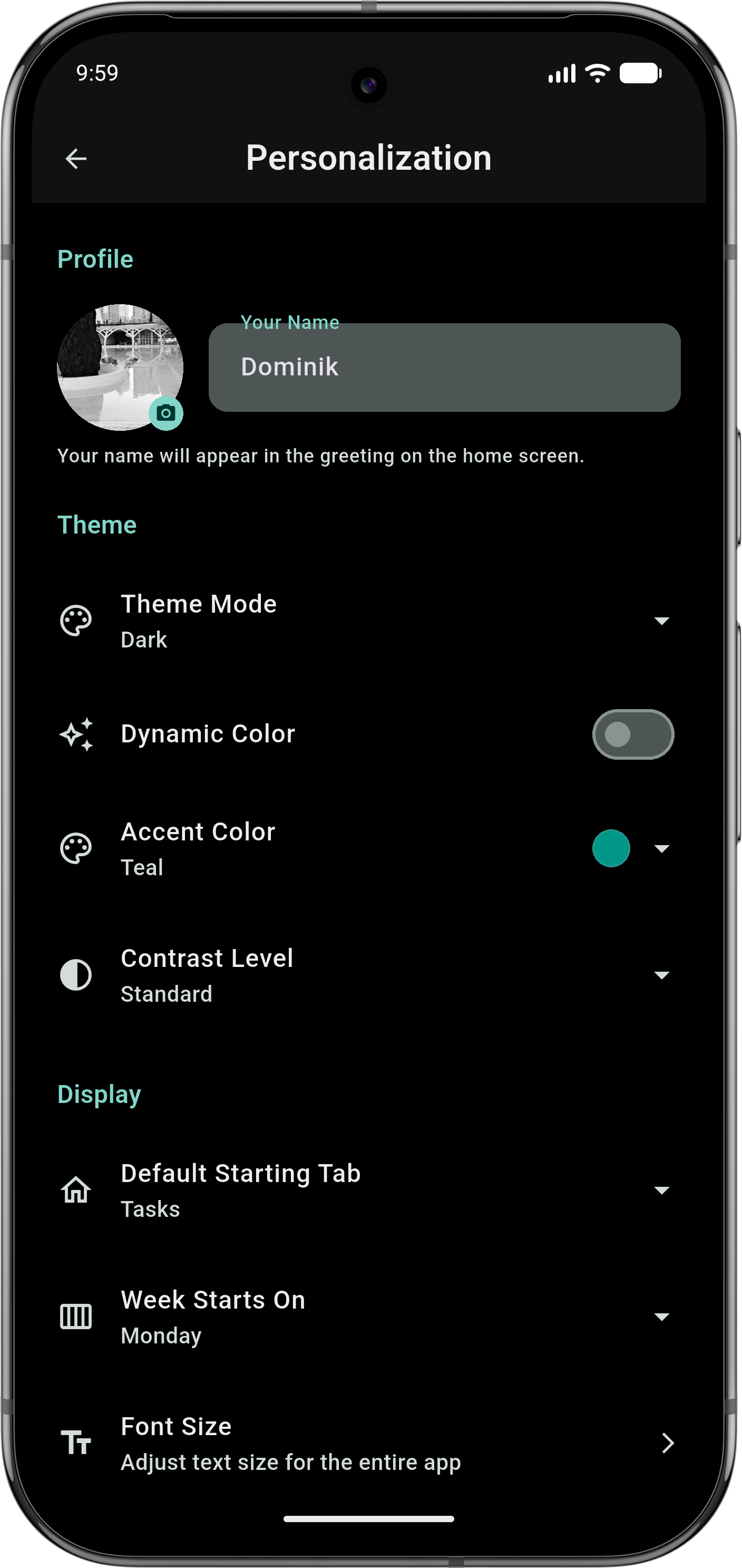
- Dynamic color (Material You, Android 12+)
- Light/Dark modes + custom accent themes
- Compact density + high-contrast option
- UI preferences like swipe behavior, FAB position, and layout tweaks
🔒 Privacy
- 100% offline by default — your data stays on your device
- No tracking, ads, or analytics
- Full control over your data with import/export and backups
- Lock the whole app with PIN and optional biometric unlock
Your tasks and notes stay with you.
📸 Screenshots
🧩 License
Licensed under the GNU General Public License v3.0 (GPL-3.0).
You are free to use, modify, and distribute this software under the same license.
See the LICENSE file for details.
💬 Contributing
Pull requests are welcome.
For major changes, please open an issue first to discuss what you’d like to modify.