
TRUST
TRUST is a retro TUI IDE for Rust projects inspired by classic blue-screen DOS development environments.
Status: experimental nostalgia project. It edits files, browses Rust projects, and runs Cargo commands.
New IDE Features
rust-analyzerpowered autocomplete for Rust files, with a built-in fallback completion list if the language server is unavailable.- Clickable top-bar
Run,Debug, andBPcontrols. - Source-level breakpoints in the editor gutter and a basic LLDB-backed debug loop with continue and stepping commands.
Screenshots
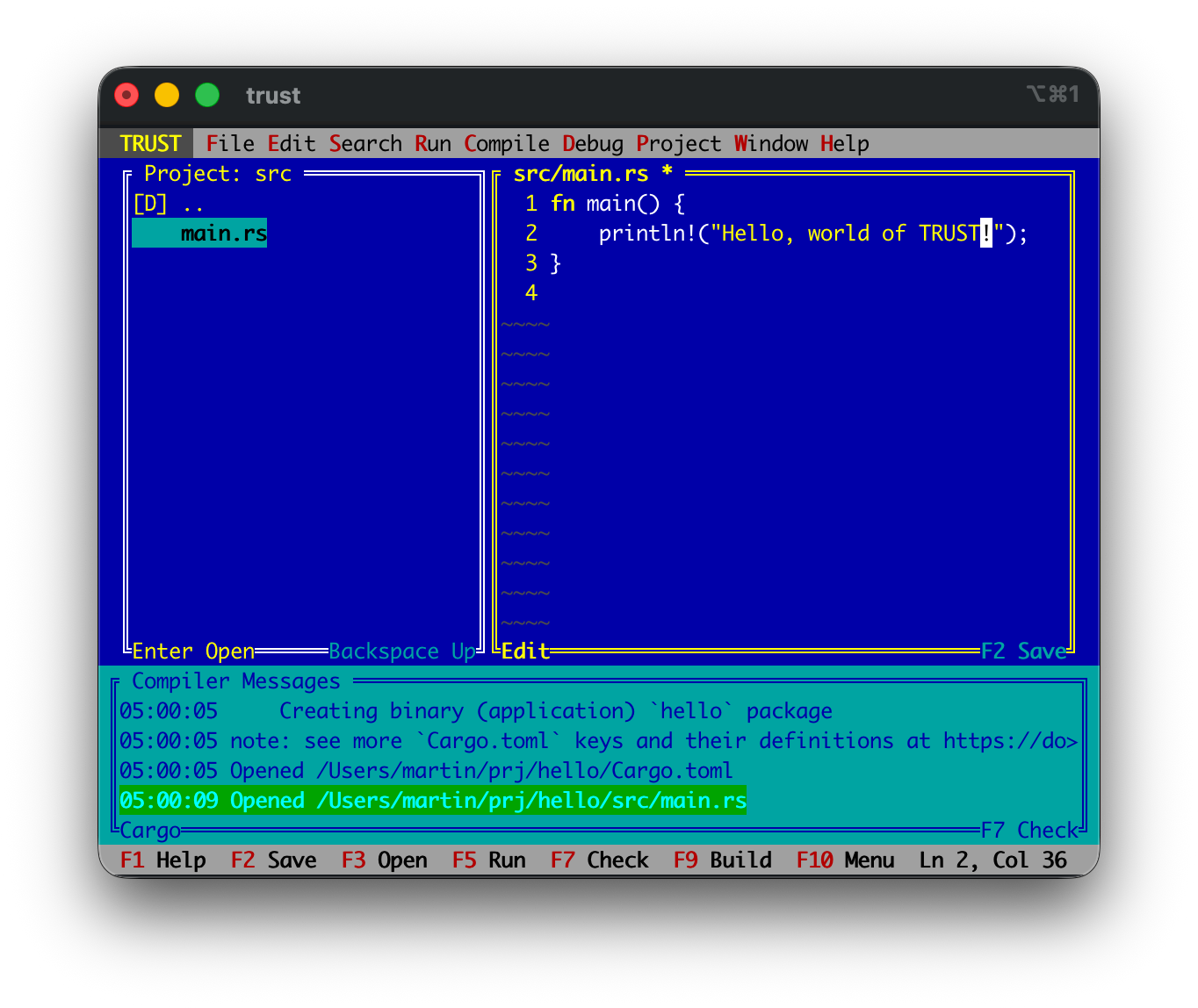
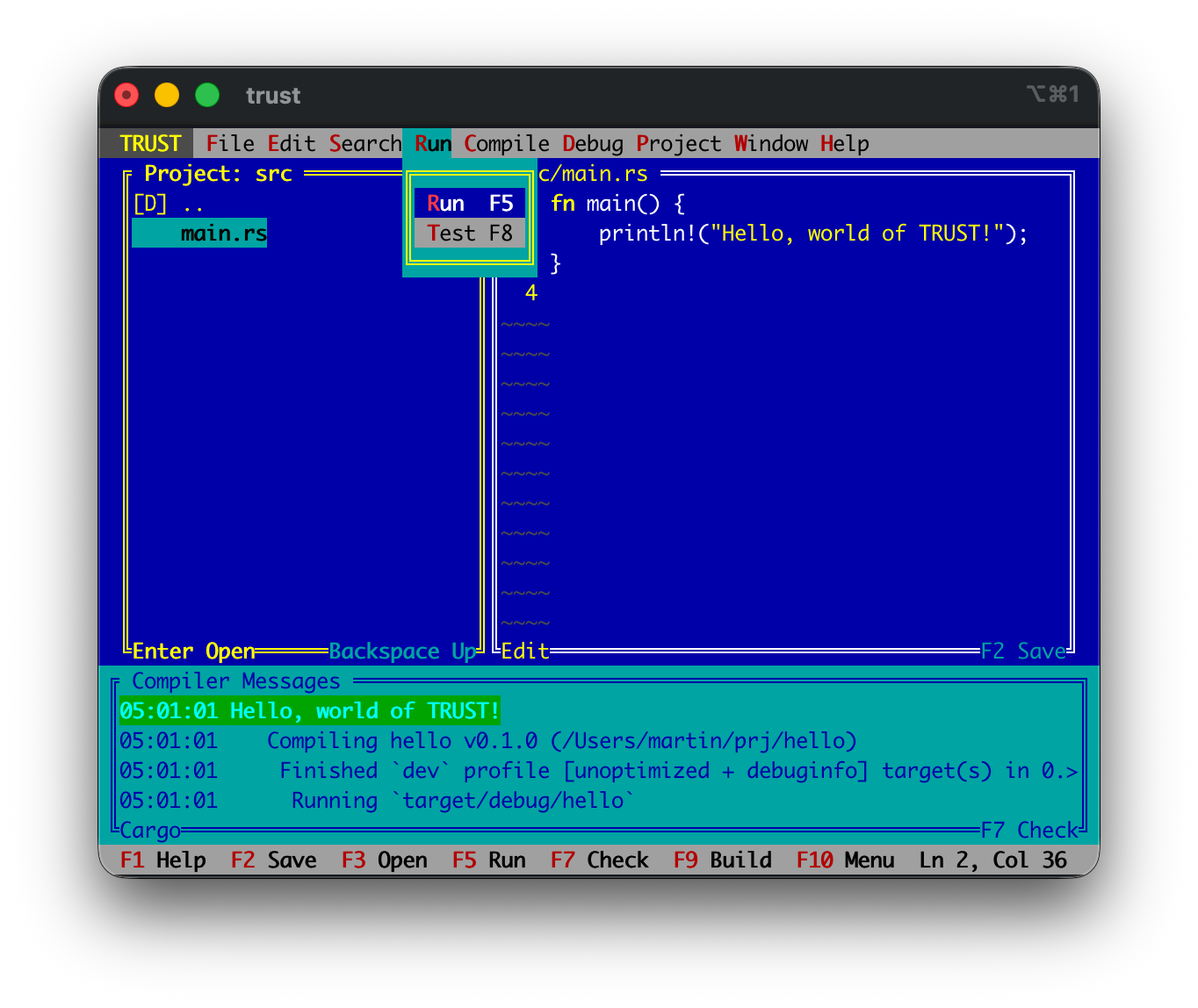
Building and running "Hello World" in TRUST.
| Starting a project | Running a console program |
|---|---|
 |
 |
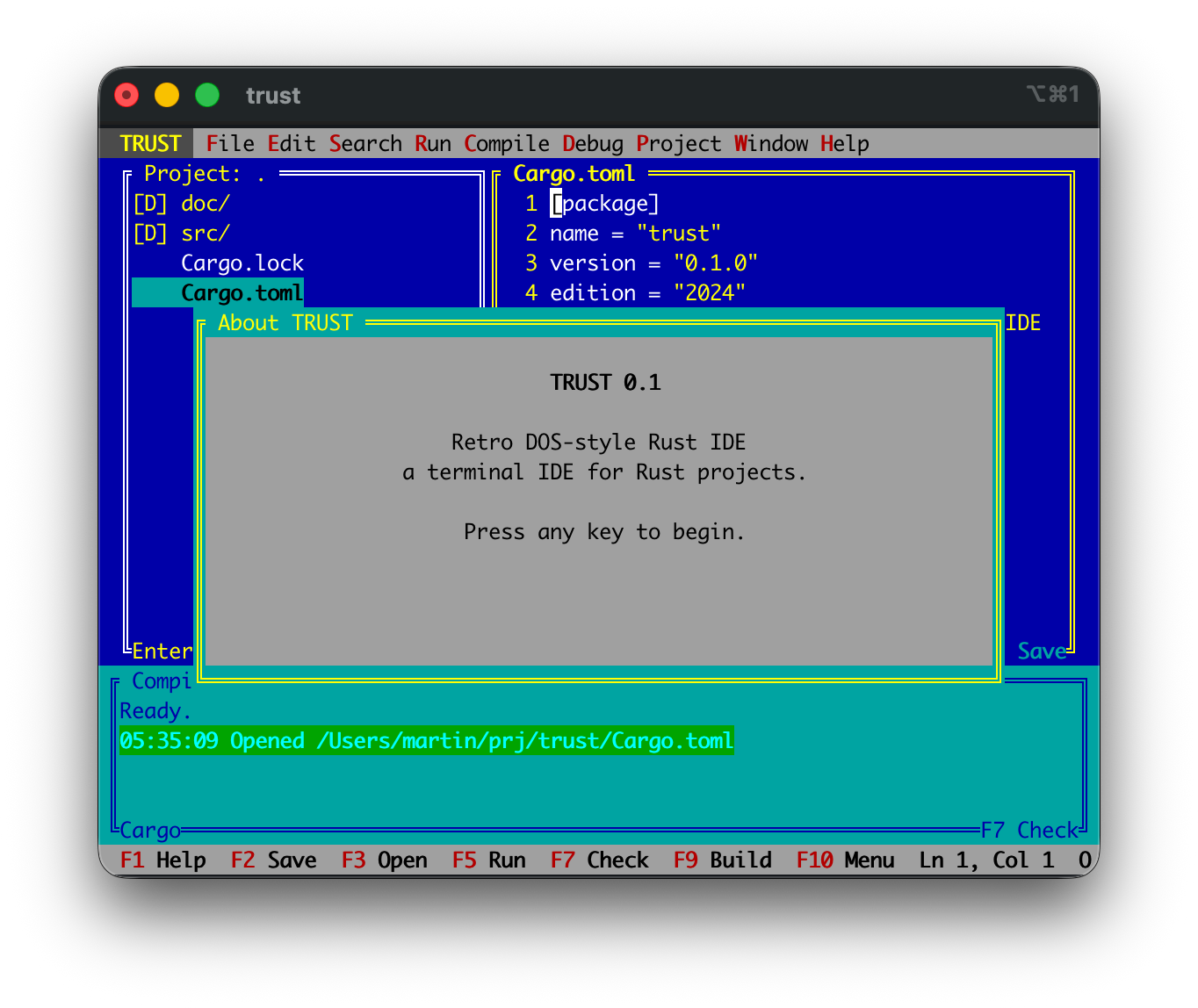
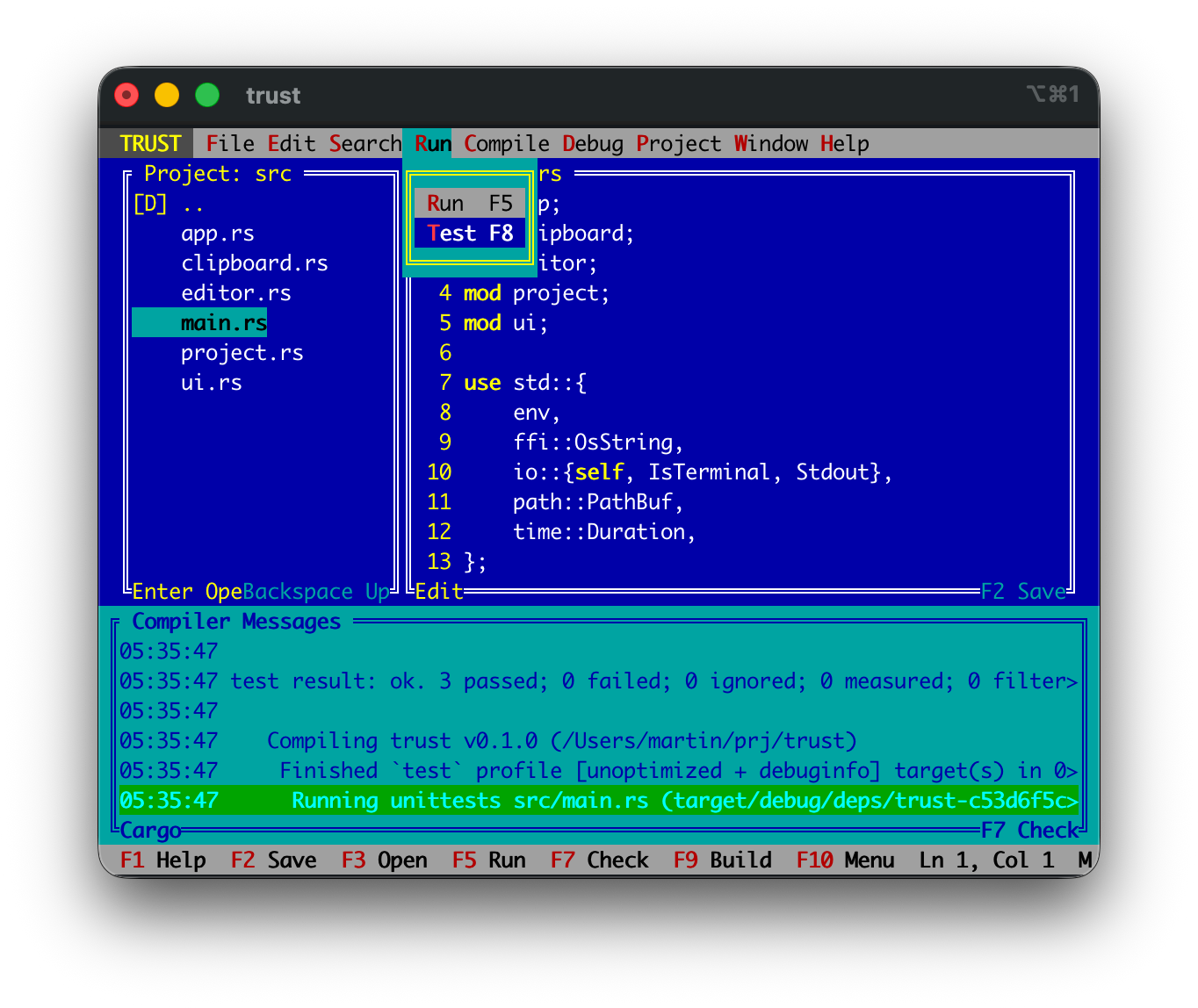
TRUST can build TRUST.
| TRUST Editor | Running Tests |
|---|---|
 |
 |
FAQ
Why?
Because Rust deserves a blue-screen IDE from the olden days and someone had to do this.
Does it save my files?
Yes. Use F2 or Ctrl+S. TRUST marks dirty buffers with * in the editor title. Still, this is more of a fun project so use at your own risk.
Is this affiliated with any classic DOS IDE vendor?
No. TRUST is an independent nostalgia project inspired by classic DOS development environments.
Run
cargo run -- /path/to/rust/project
If no path is supplied, TRUST opens the current directory.
Keys
F1: helpF2/Ctrl+S: saveF3/Ctrl+O: open selected fileBackspace: go to the parent directory in the project paneF4: cycle focusF5/Ctrl+R:cargo runF6: toggle breakpoint on the current lineF7:cargo checkF8/Ctrl+T:cargo testF9/Ctrl+B:cargo buildF10: open the menu barCtrl+F: find in the current fileCtrl+G: jump to the next search matchCtrl+Z: undoCtrl+Y/Ctrl+Shift+Z: redoF11: debugger step intoF12: debugger step overShift+F11: debugger step outShift+F5: stop the active debug sessionCtrl+C: copy selected textCtrl+D: start or continue the debuggerCtrl+Space: request autocomplete suggestionsCtrl+V: paste clipboard textCtrl+X: cut selected textEsc/Ctrl+Q: quitAlt+X: delete lineAlt+U: duplicate lineTab: indentShift+Tab: unindentShift+Navigation: select text- In the editor,
Enterinserts an auto-indented new line.
Menus
F10opens the menu bar.- Left/right arrows switch menus.
- Up/down arrows move through a dropdown.
Enteractivates the highlighted menu item.Esccloses the menu.- Mouse clicks on the menu bar and dropdown items work too.
Editnow includesUndoandRedo.Searchnow includesFindandFind nextfor the current file.Debugcontains start/continue, breakpoint, step, and stop commands.File > Newasks for a filename and creates it in the current project pane directory.Project > New projectopens the Cargo project dialog with parent directory, project name, andbin/libselector.Windowswitches between panes and contains the former focus option.
Mouse
- Click inside the editor to move the cursor.
- Click inside the left editor gutter, or use
F6, to toggle a breakpoint. - Drag inside the editor to select text.
- Click the top bar
Run,Debug, orBPbuttons to trigger those actions. - Click inside the project pane to open editable files or navigate directories.
- Click inside any pane to focus it.
- Drag the vertical divider between project and editor panes to resize them.
- Drag the top border of the compiler/message pane to resize it.
- Scroll inside the project, editor, or message pane to move through content.
The project pane lists directories plus editable Rust and Cargo-related files
such as .rs, .toml, and .lock, while skipping .git, target, and common
editor/build directories. Compiler output is captured in the bottom pane.