
The Open Source no code database / BaaS

UNDB is a no-code platform that can also serve as a Backend as a Service (BaaS). It is based on SQLite and can be packaged into a binary file using Bun for backend service. Additionally, it can be deployed as a service via Docker, offering a UI for table management.
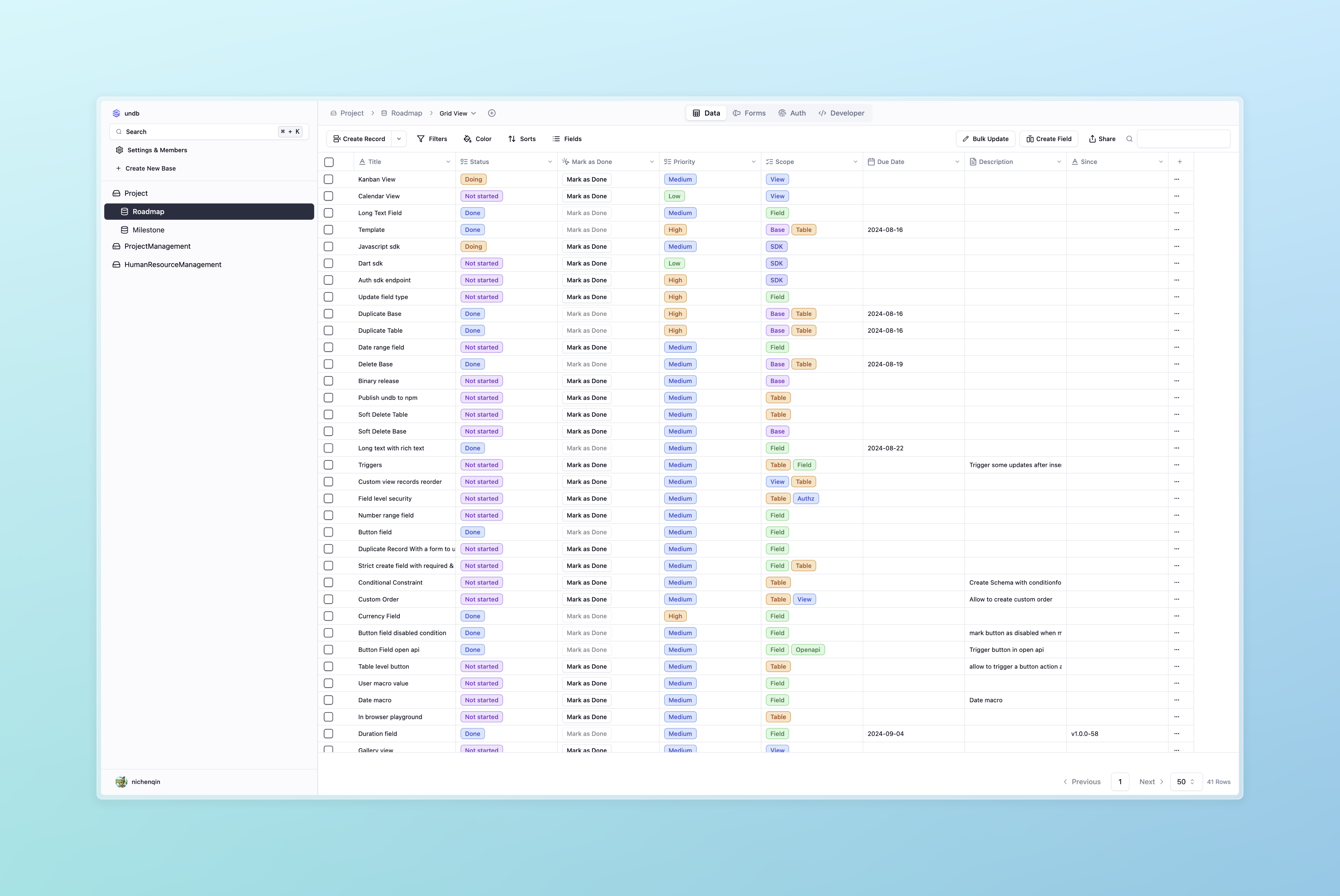


Features
- ⚡ No-code platform, easy to use
- 🗄️ Based on SQLite, a lightweight database
- 🥁 Built-in playground mode, try it out without any setup
- 🔐 Private and local first
- 📦 Can be packaged into a binary file using Bun
- 📊 Support formula field like Excel/Airtable
- 🌐 OpenAPI RESTful API support
- 🪜 Progressive deployment, from local in single file to cloud complicated stacks.
- 🐳 Supports Docker deployment
- 🛠️ Provides a UI for table management
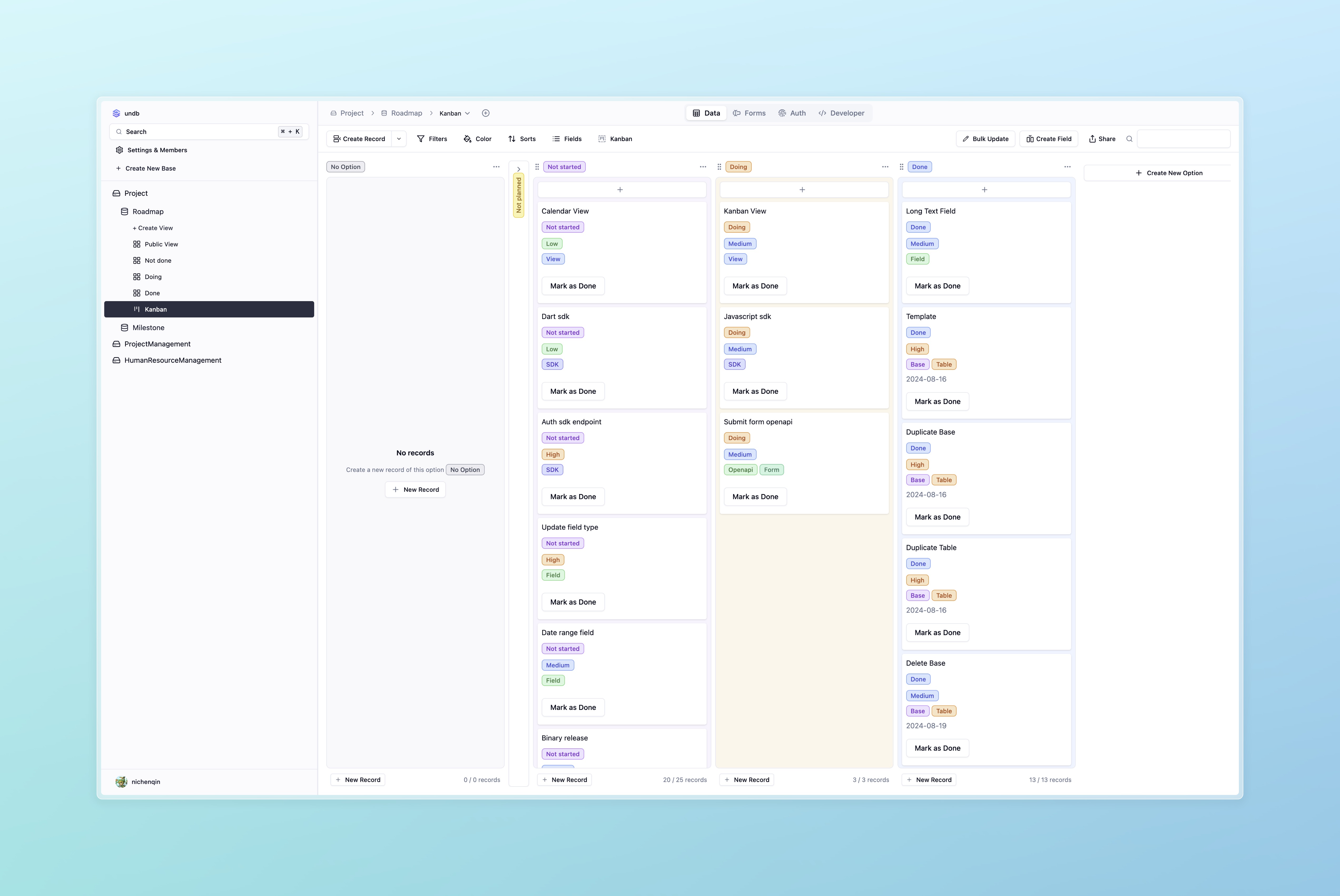
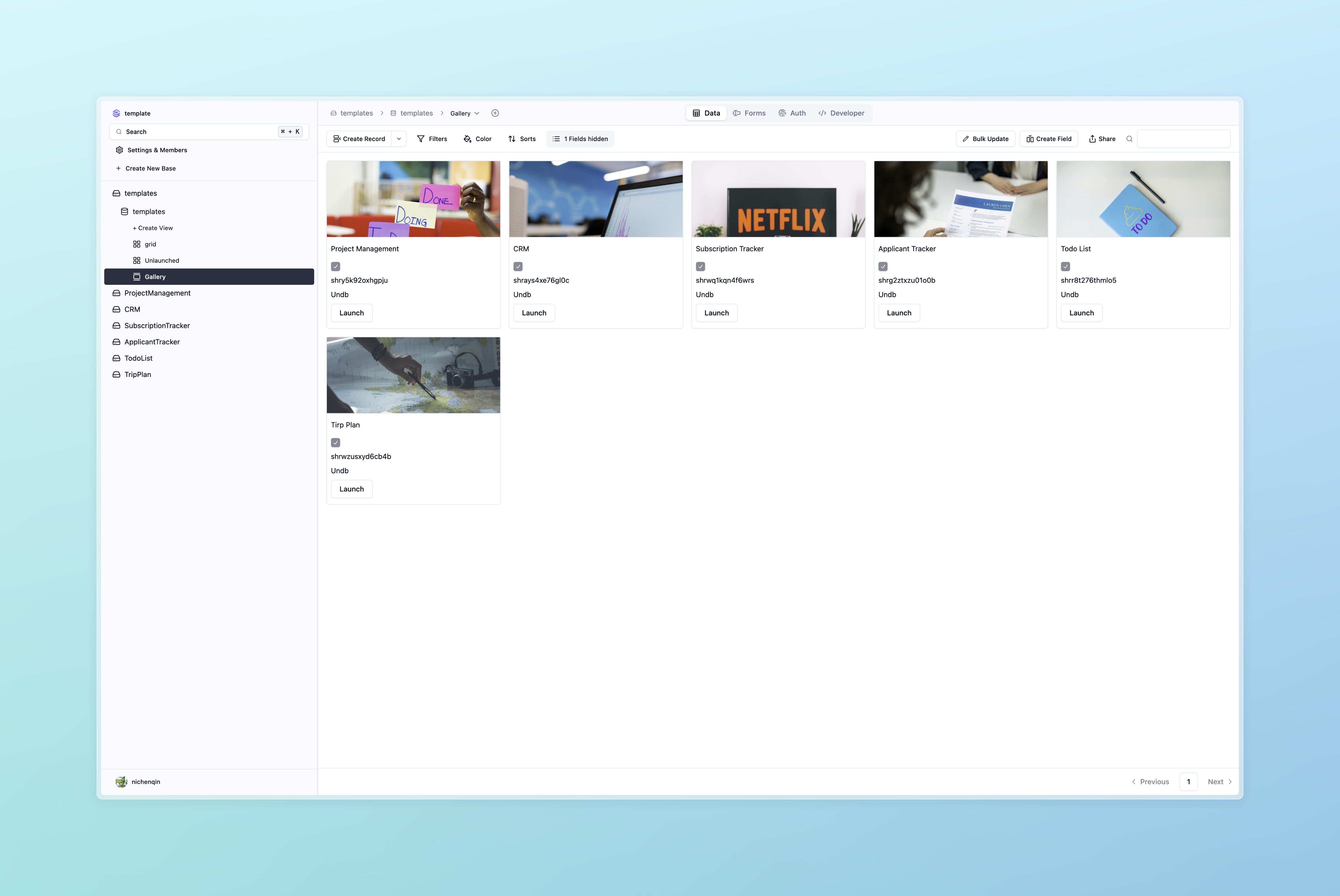
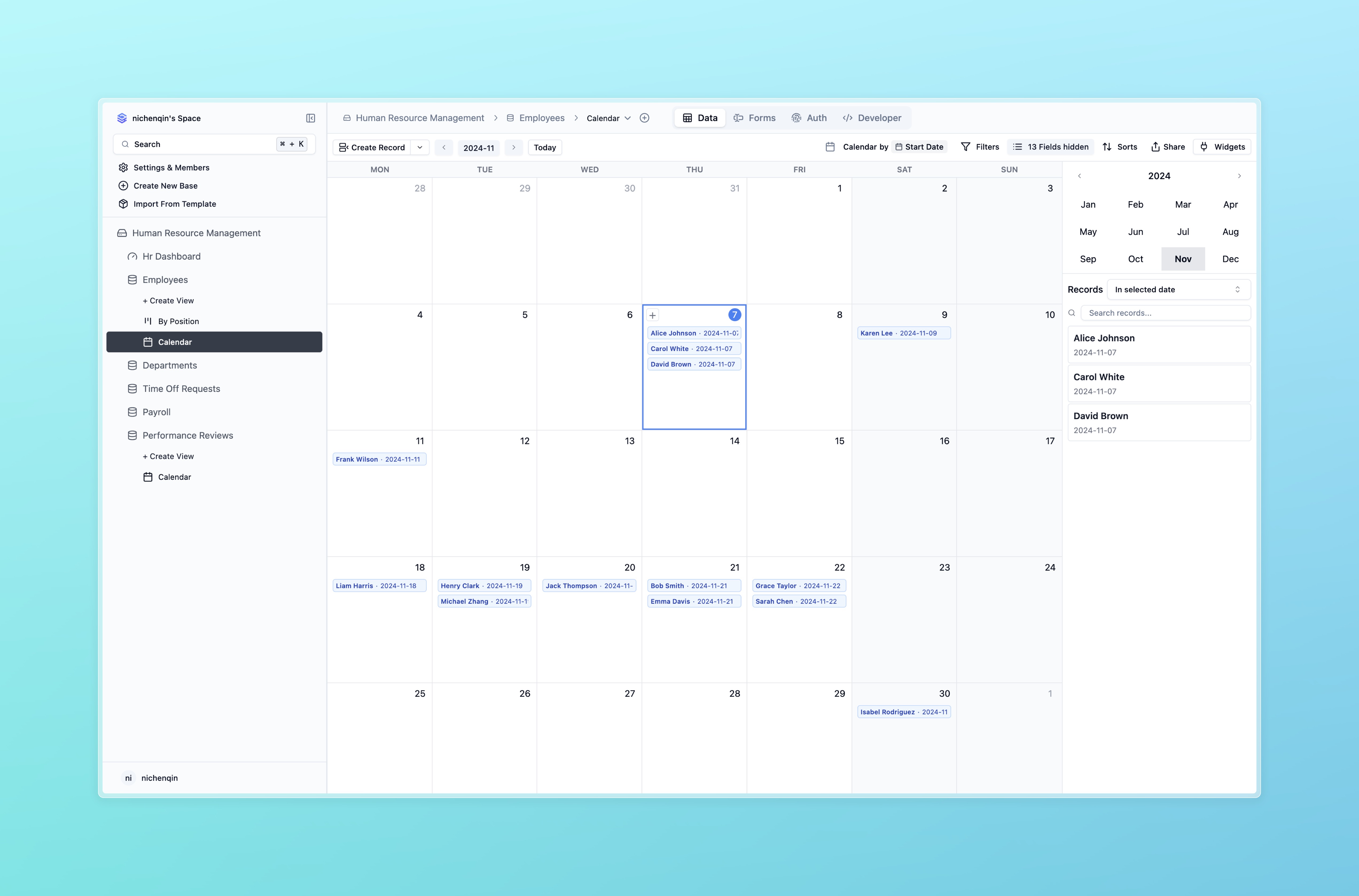
Screenshot
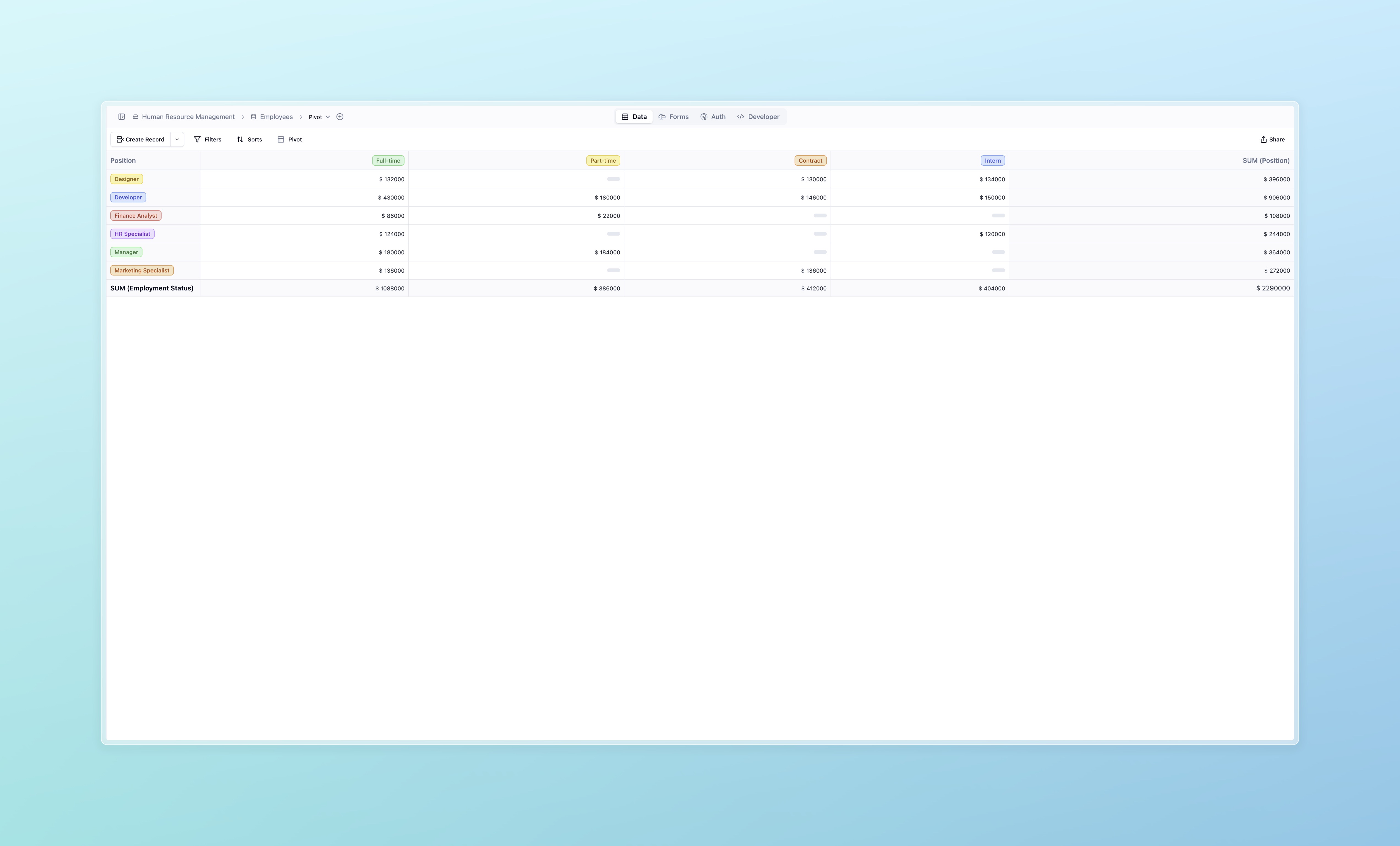
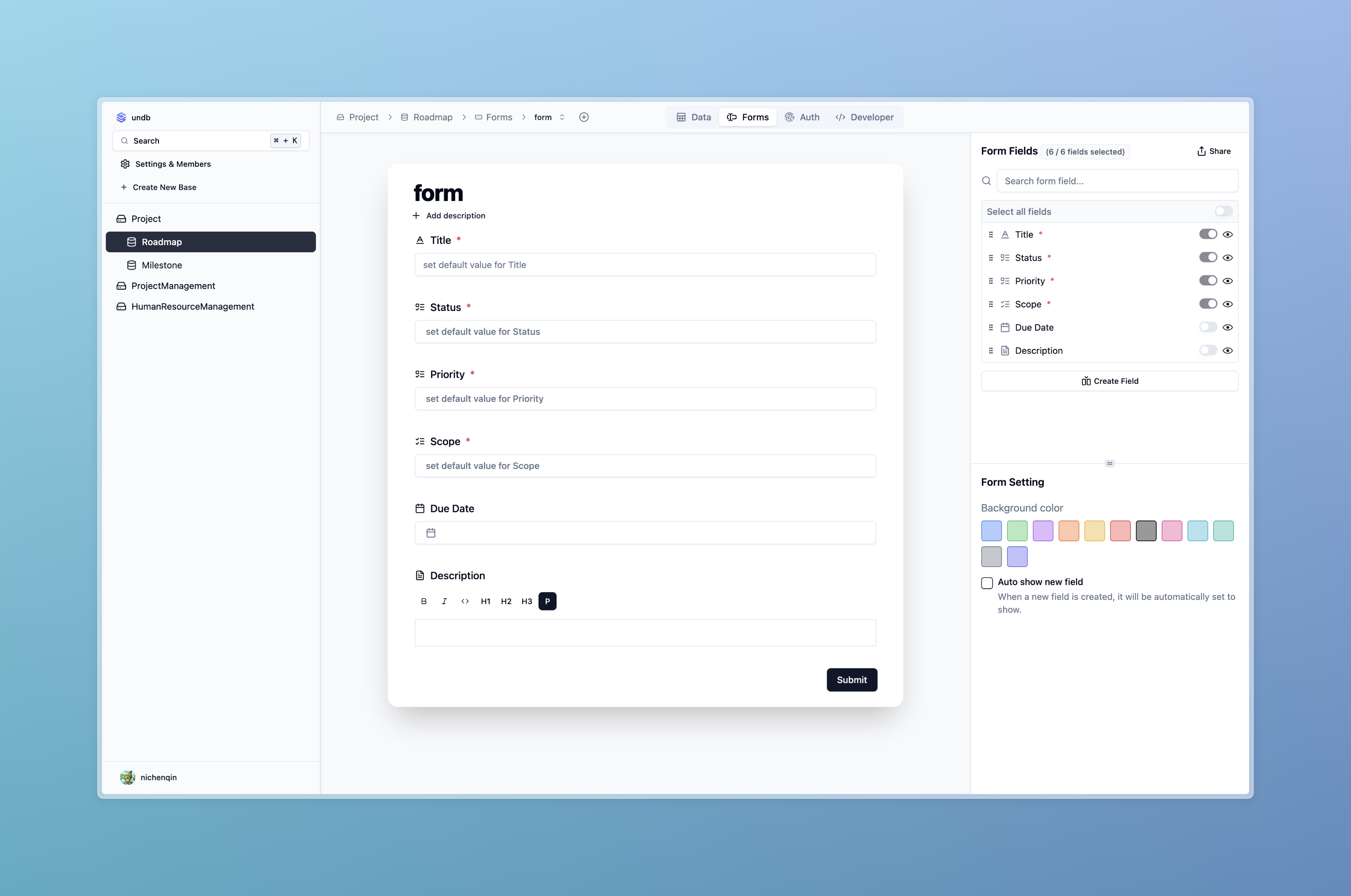
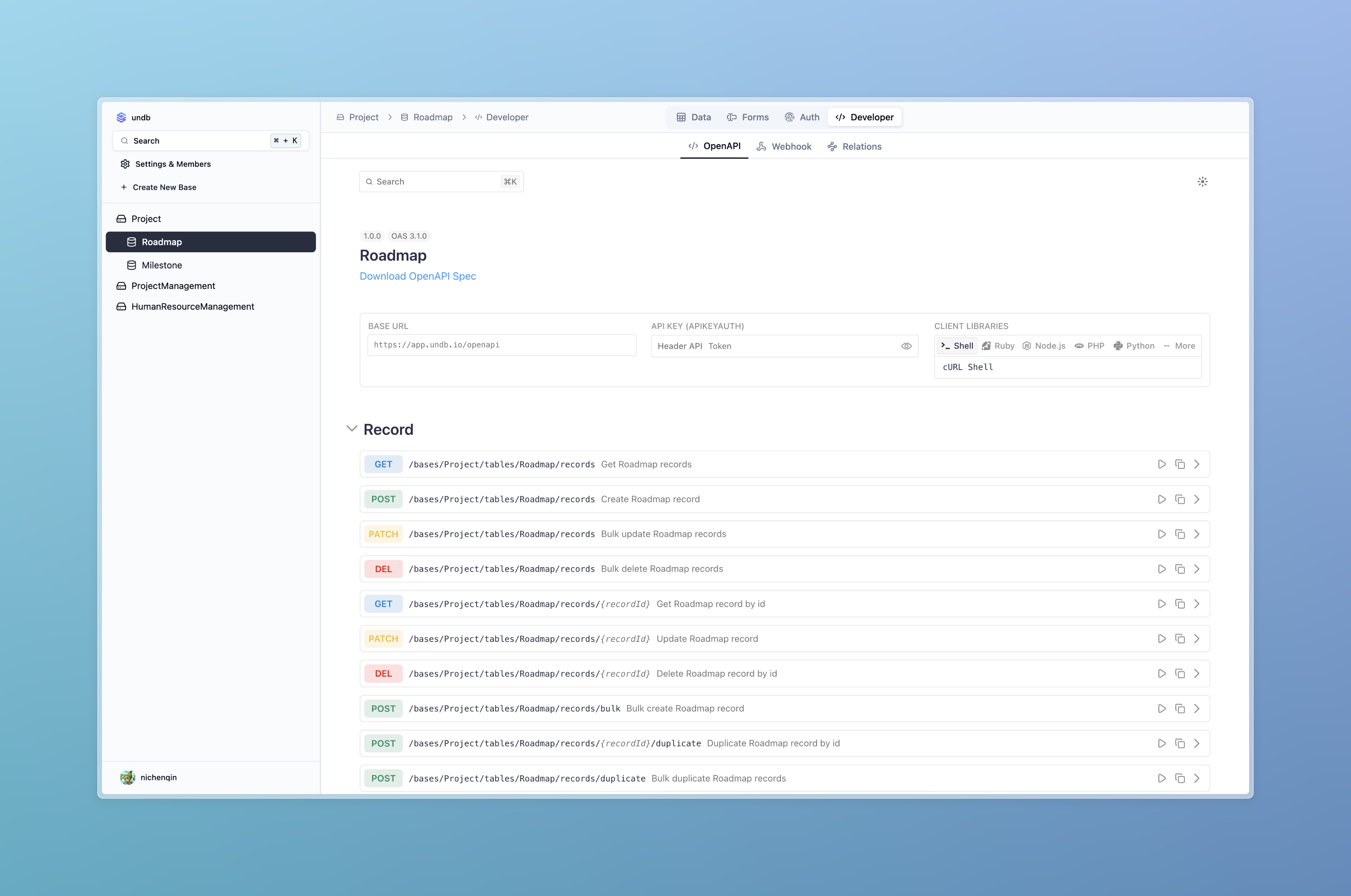
Quick start
-
Try undb cloud
-
Run with docker
docker run -p 3721:3721 ghcr.io/undb-io/undb:latest
- Run with docker with volume
docker run -d \
  -p 3721:3721 \
  -v $(pwd)/undb:/usr/src/app/.undb \
  --name undb \
  ghcr.io/undb-io/undb:latest
Deploy on Render.com

Development
Local Development (Recommended)
-
Install Bun
Refer to Bun's official documentation for installation instructions.
-
Clone the repository
git clone https://github.com/undb-io/undb.git cd undb -
Install dependencies
bun install -
Start the development server
bun run dev
Docker compose development
docker compose up -d
then visit http://localhost:3721
Build
Packaging into a Binary File
- Build
bun run build
Docker Deployment
-
Build the Docker image
docker build -t undb . -
Run the Docker container
docker run -d -p 3721:3721 undb