
Elastic Stack in a Box
This repository will install the Elastic Stack (Elasticsearch, Logstash, Kibana, and Beats) and optionally start a trial of commercial features. You can either start from scratch and configure everything with Vagrant and Ansible or you can download the final OVA image.
Features
- Filebeat
system,auditd,logstash,mongodb,nginx,osquery, andredismodules - Filebeat collecting Kibana JSON logs from
/var/log/kibana/kibana.log - Auditbeat
file_integritymodule on/home/vagrant/directory andauditdmodule - Heartbeat pinging nginx every 10s
- Metricbeat
system,docker,elasticsearch,kibana,logstash,mongodb,nginxandredismodules - Packetbeat sending its data via Redis + Logstash, monitoring flows, ICMP, DNS, HTTP (nginx and Kibana), Redis, and MongoDB (generate traffic with
$ mongo /elastic-stack/mongodb.js) - The pattern for nginx is already prepared in /opt/logstash/patterns/ and you can collect /var/log/nginx/access.log with Filebeat and add a filter in Logstash with the pattern as an exercise
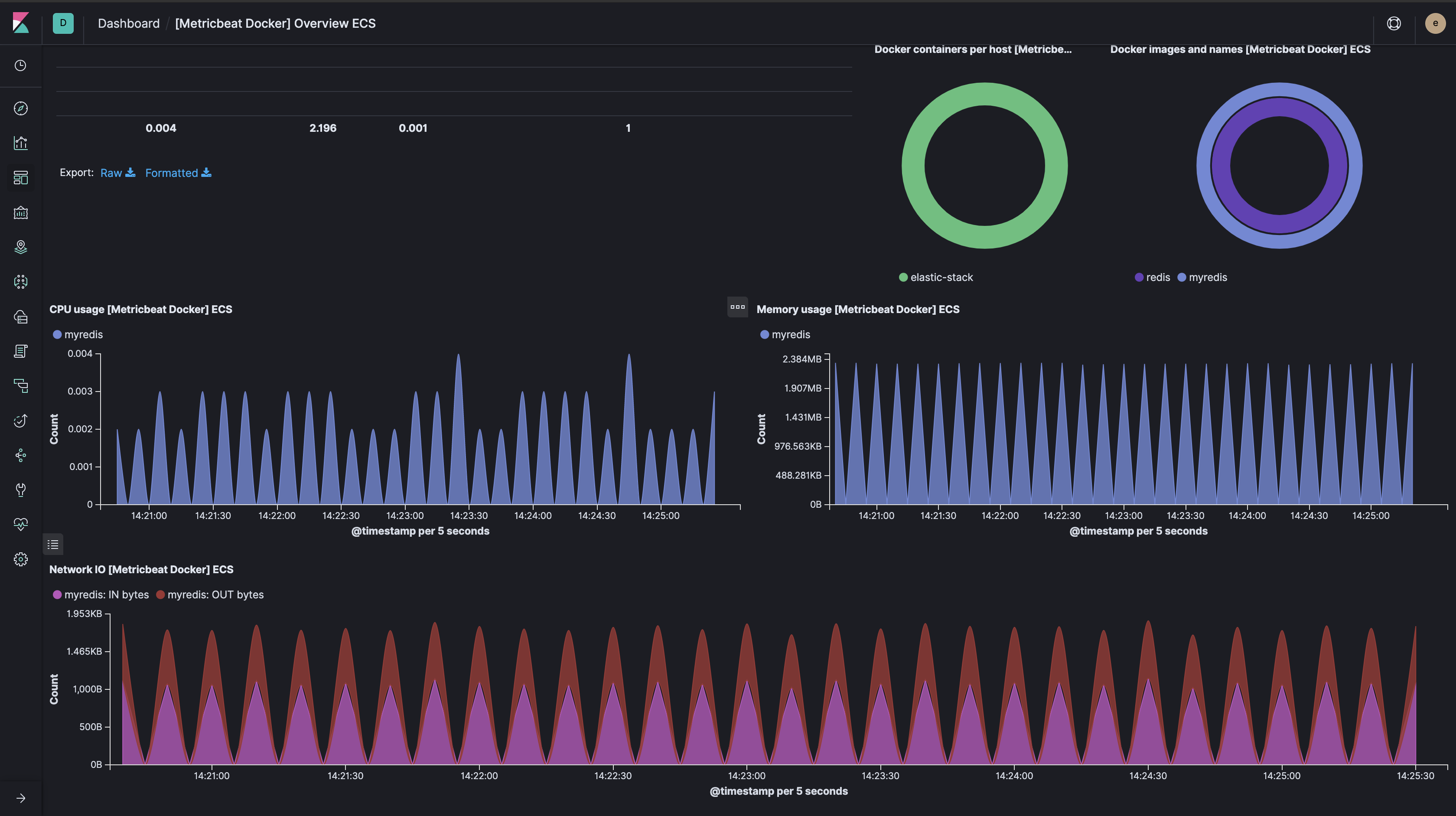
Vagrant and Ansible
Do a simple vagrant up by using Vagrant's Ansible provisioner. All you need is a working Vagrant installation (2.2.4+ but the latest version is always recommended), a provider (tested with the latest VirtualBox version), and 3GB of RAM.
With the Ansible playbooks in the /elastic-stack/ folder you can configure the whole system step by step. Just run them in the given order inside the Vagrant box:
> vagrant ssh
$ cd /elastic-stack/
$ ansible-playbook 1_configure-elasticsearch.yml
$ ansible-playbook 2_configure-kibana.yml
$ ansible-playbook 3_configure-logstash.yml
$ ansible-playbook 4_configure-auditbeat.yml
$ ansible-playbook 4_configure-filebeat.yml
$ ansible-playbook 4_configure-heartbeat.yml
$ ansible-playbook 4_configure-metricbeat.yml
$ ansible-playbook 4_configure-packetbeat.yml
$ ansible-playbook 5_configure-dashboards.yml
Or if you are in a hurry, run all playbooks with $ /elastic-stack/all.sh at once.
OVA Image
If Vagrant and Ansible sound too complicated, there is also the final result: An OVA image, which you can import directly into VirtualBox:
- Download the image from https://s3.eu-central-1.amazonaws.com/xeraa/public/elastic-stack.ova.
- Load the OVA file into VirtualBox and make sure you have 3GB of RAM available for it: File -> Import Appliance... -> Select the file and start it
- Connect to the instance with the credentials
vagrantandvagrantin the VirtualBox window. - Or use SSH with the same credentials:
- Windows: Use http://www.putty.org and connect to
[email protected]on port 2222. - Mac and Linux:
$ ssh [email protected] -p 2222 -o PreferredAuthentications=password
- Windows: Use http://www.putty.org and connect to
Kibana
Access Kibana at https://127.0.0.1:5601.
Test Data
You can use /opt/injector.jar to generate test data in the person index. To generate 100,000 documents in batches of 1,000 run the following command:
$ java -jar /opt/injector.jar 100000 1000
Logstash Demo
You can play around with a Logstash example by calling $ sudo /usr/share/logstash/bin/logstash --path.settings /etc/logstash -f /elastic-stack/raffle/raffle.conf (it can take some time) and you will find the result in the raffle index.