
vedrr
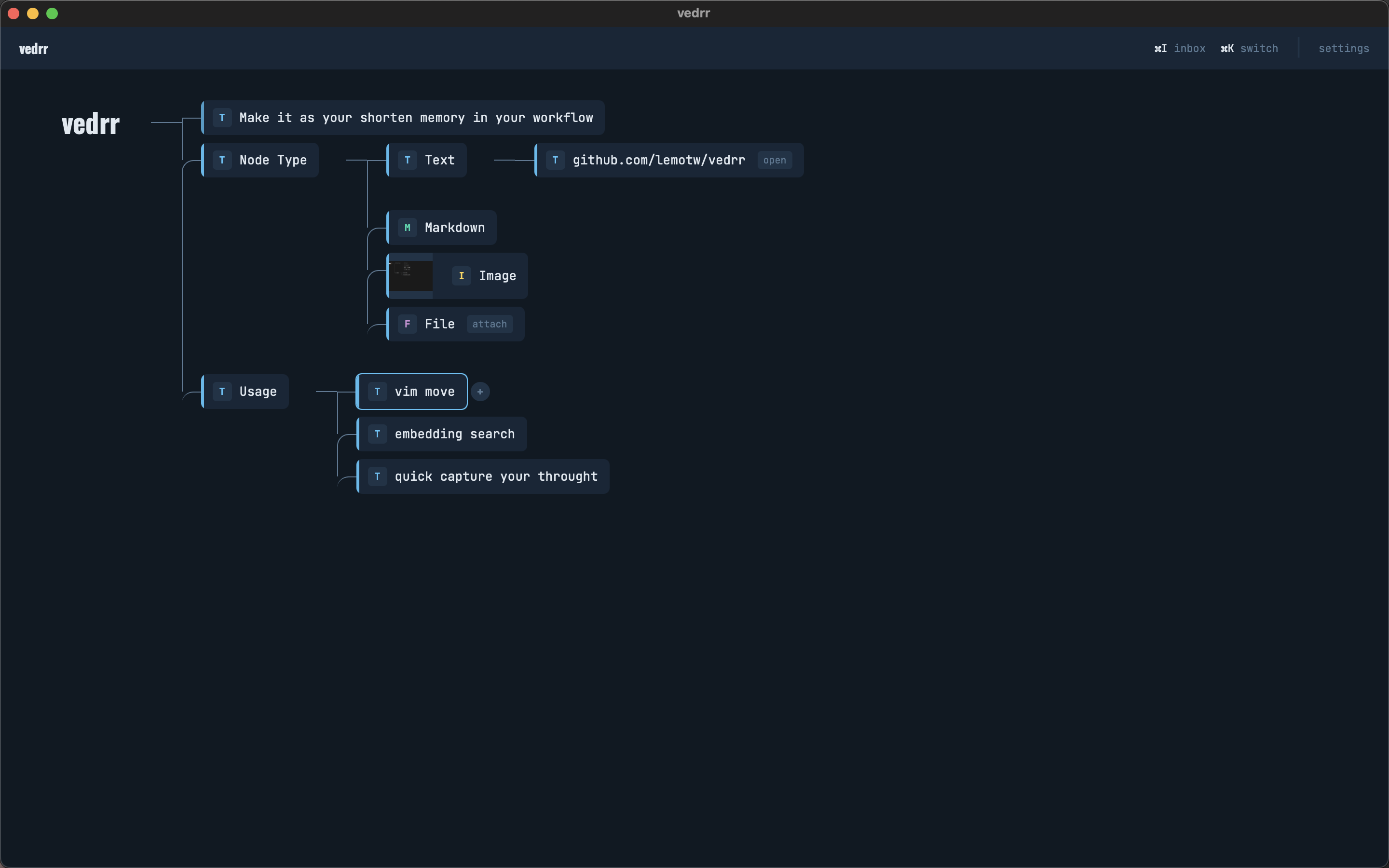
Keyboard-first desktop knowledge manager with horizontal tree maps and vim-style navigation.





macOS (Apple Silicon) · macOS (Intel) · Linux (.deb) · Windows
Each topic lives in its own context, and every context is a horizontal tree you navigate with h/j/k/l. Create nodes, rearrange branches, attach images or files, and switch between contexts instantly.
Why vedrr
- Tree-native -- ideas are structured as horizontal trees, not flat documents or graphs. No plugins needed.
- Keyboard-first -- vim-style
h/j/k/lnavigation,Tabto create,Enterto edit. Your hands stay on the keyboard. - Local-only -- all data stays in a local SQLite database. No cloud, no account, no telemetry, no network requests (unless you configure AI features).
Features
Node Editing
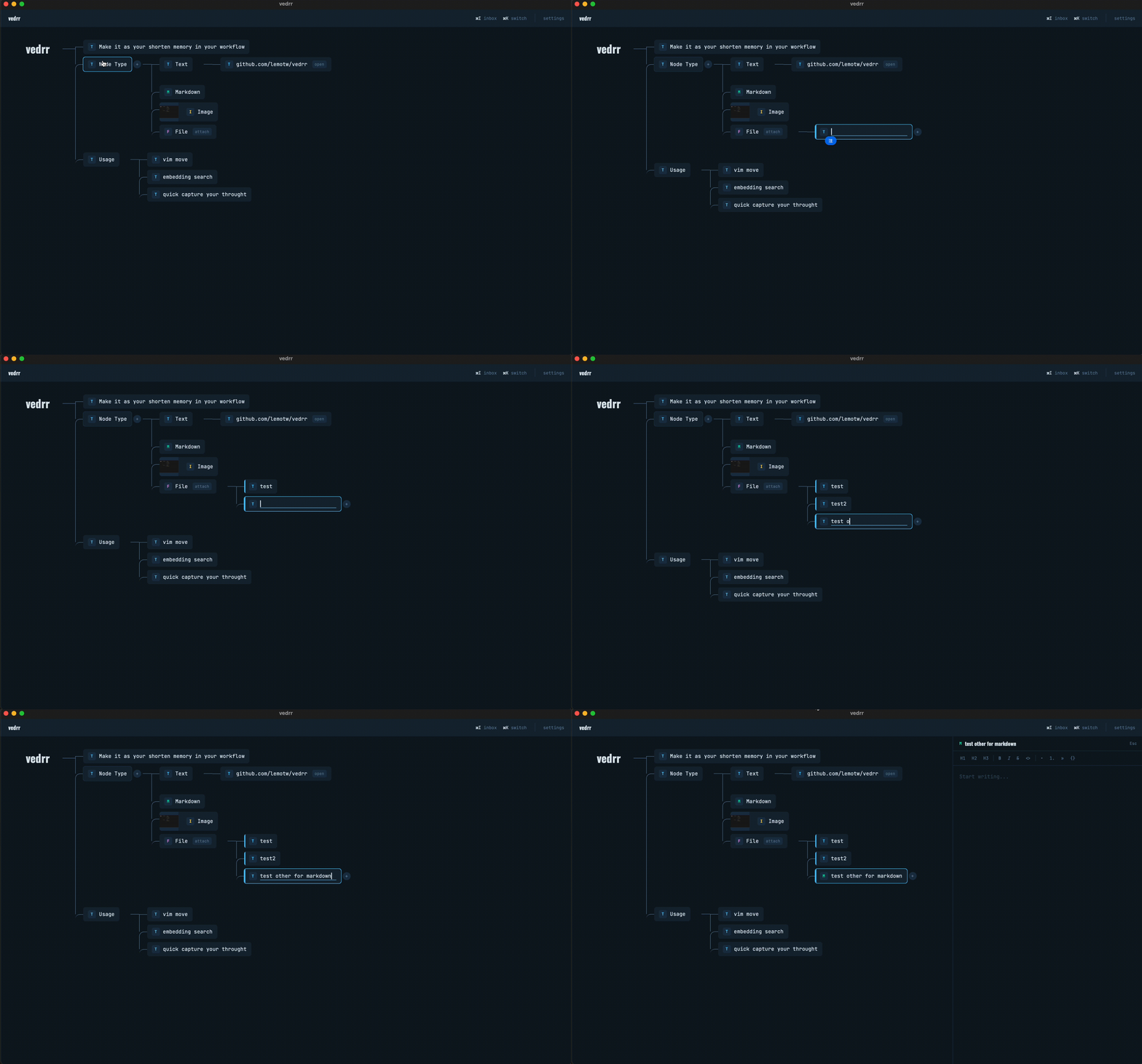
Create and edit nodes without leaving the keyboard — Tab to add, Enter to edit, type and done.
Node Movement
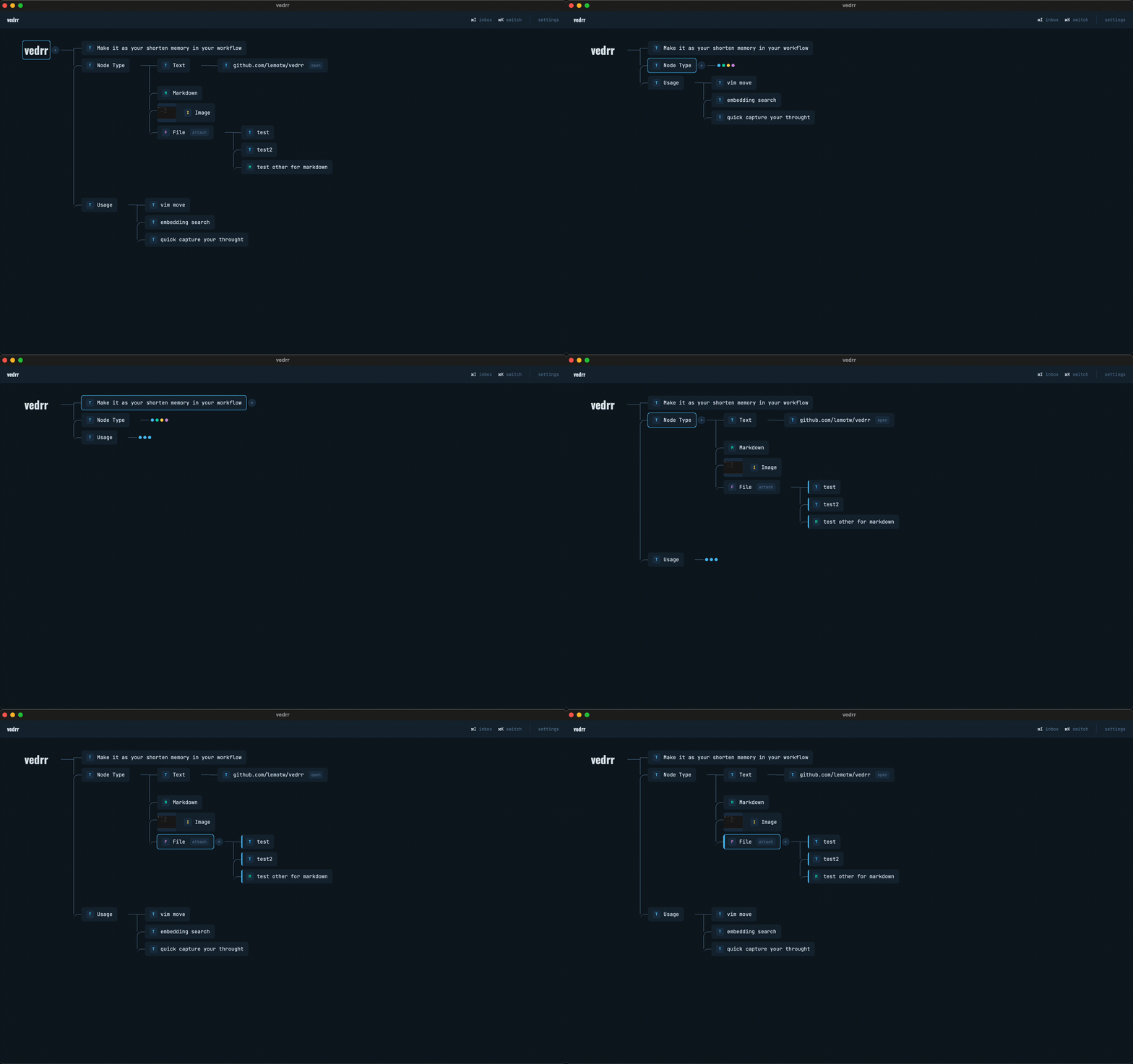
Rearrange your tree with Alt+h/j/k/l — reparent, reorder, restructure ideas fluidly.
Quick Capture & Search
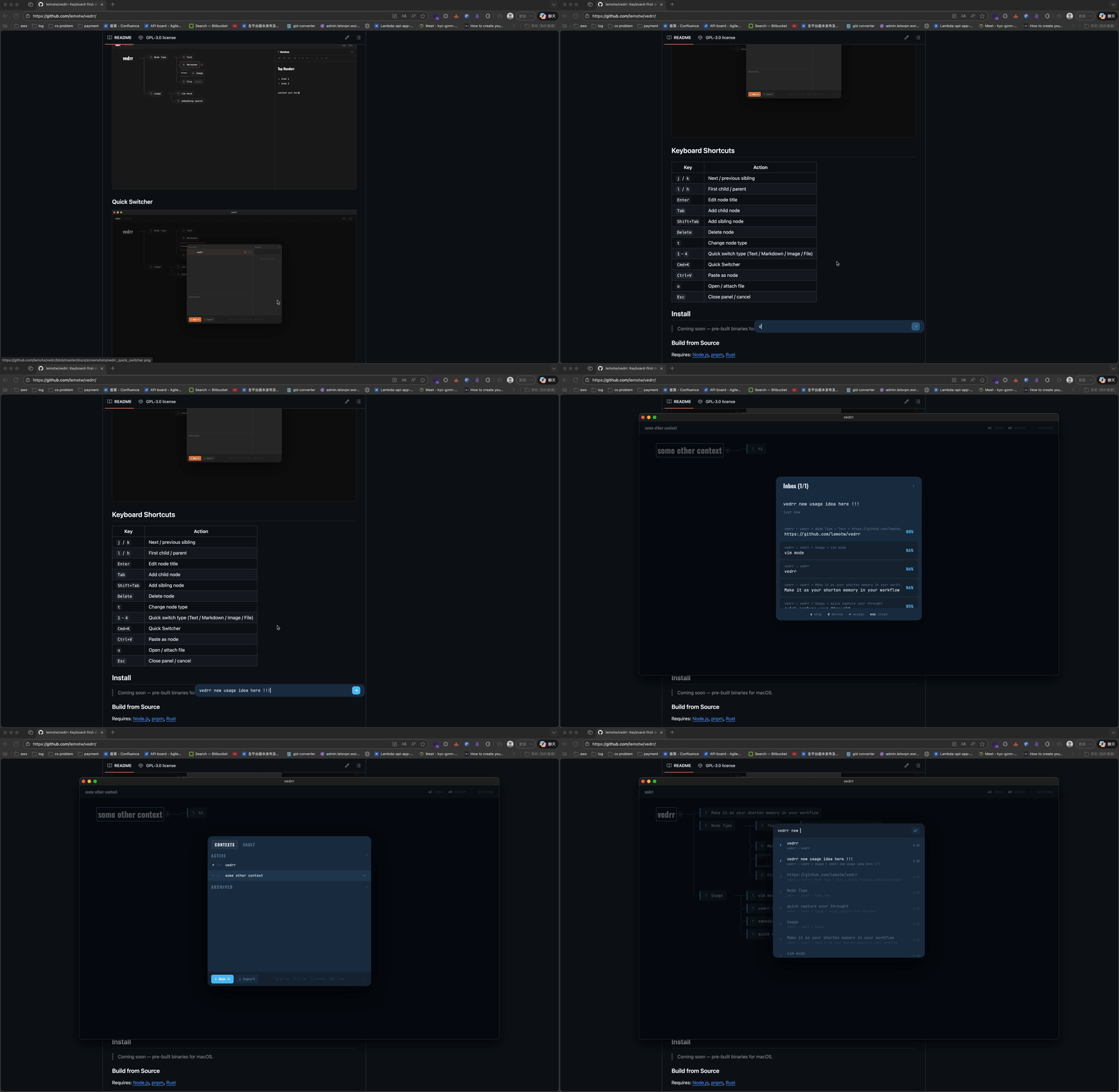
Capture thoughts from anywhere with a global shortcut (default Cmd+Shift+Space, customizable), find any node instantly with Cmd+F.
More
- Multiple node types -- Text, Markdown, Image, File
- Markdown editor -- rich side-panel editor (TipTap-based)
- Quick Switcher (
Cmd+K) -- search, create, switch contexts instantly - Node Search (
Cmd+F) -- semantic search (local embedding model) or full-text search - Quick Capture (
Cmd+Shift+Space) -- global shortcut to capture thoughts from anywhere - AI Compact -- right-click a subtree to reorganize it with AI
- Export / Import --
.zipor.pngexport, drag & drop import - Themes -- 8 built-in themes + fully custom theme
- i18n -- Traditional Chinese and English
Keyboard Shortcuts
| Key | Action |
|---|---|
j / k |
Next / previous sibling |
l / h |
First child / parent |
Alt+j/k |
Reorder among siblings |
Alt+l/h |
Reparent node |
Tab / Shift+Tab |
Add child / sibling |
Enter |
Edit node |
Delete |
Delete node |
z |
Collapse / expand subtree |
Cmd+K |
Quick Switcher |
Cmd+F |
Node Search |
Cmd+Shift+Space |
Quick Capture (global) |
Install
Download the latest release for your platform:
| Platform | Format |
|---|---|
| macOS (Apple Silicon) | .dmg |
| macOS (Intel) | .dmg |
| Linux | .deb |
| Windows | .exe (NSIS installer) |
Build from Source
git clone https://github.com/lemotw/vedrr.git
cd vedrr
pnpm install
pnpm tauri build
The built app will be in src-tauri/target/release/bundle/.
Development
pnpm tauri dev     # dev mode with hot reload
pnpm build         # frontend only
pnpm lint          # eslint
Tech Stack
| Layer | Tech |
|---|---|
| Desktop | Tauri 2 |
| Frontend | React 19, TypeScript, Vite 7, Zustand 5, Tailwind CSS v4, TipTap |
| Backend | Rust, SQLite (rusqlite, WAL mode) |
| Search | Local embedding model (multilingual-e5-small) for semantic search, full-text search |
| AI | Configurable LLM profiles (API key + model) for subtree compaction |
| Drag & Drop | dnd-kit |
Data Storage
All data is stored locally:
- Database:
~/vedrr/data/vedrr.db - Files & images:
~/vedrr/files/
No cloud. No account. No telemetry. Your data never leaves your machine.