
Vernet
Vernet - Network Analyzer and Monitoring Tool






Features
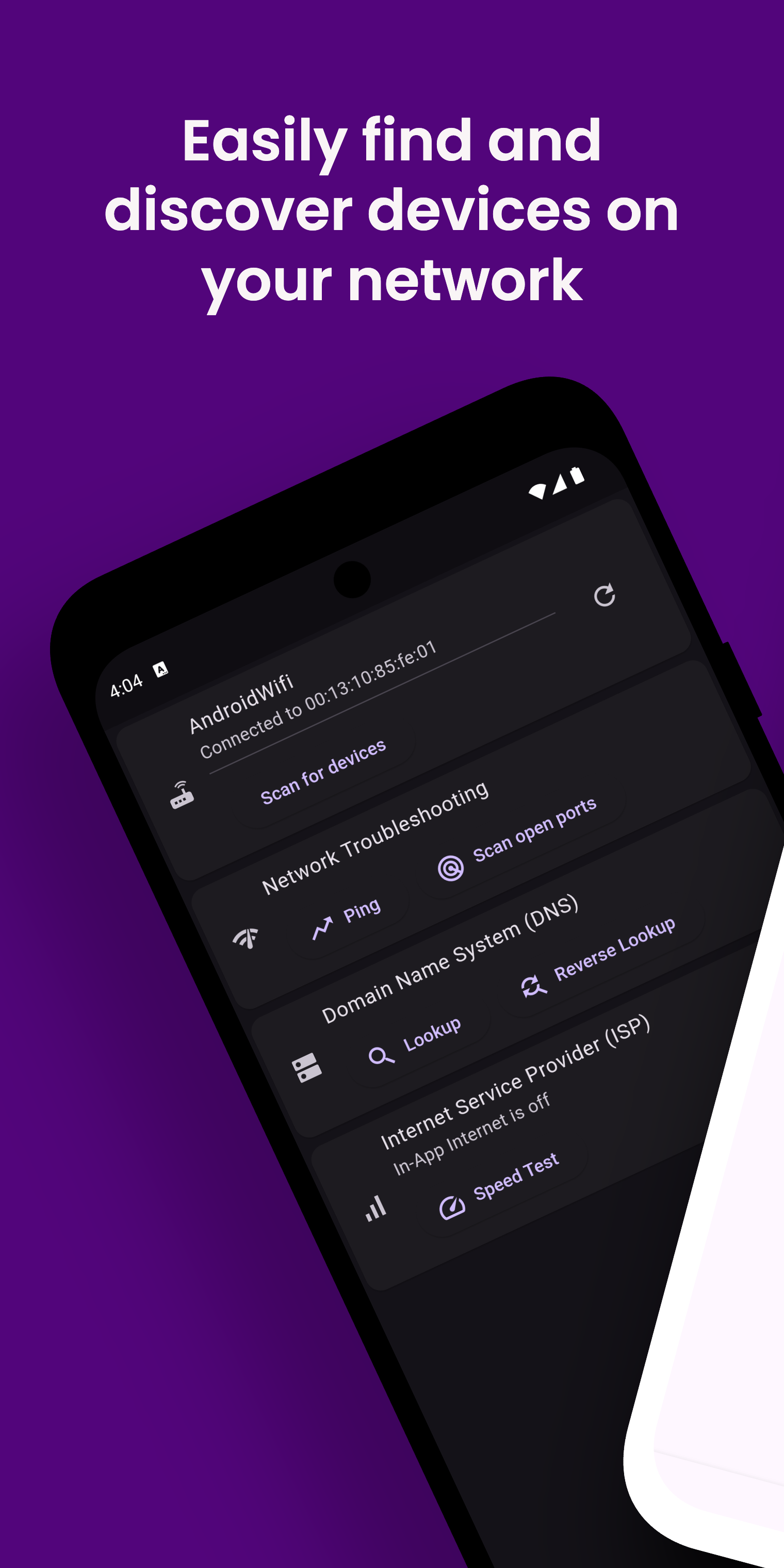
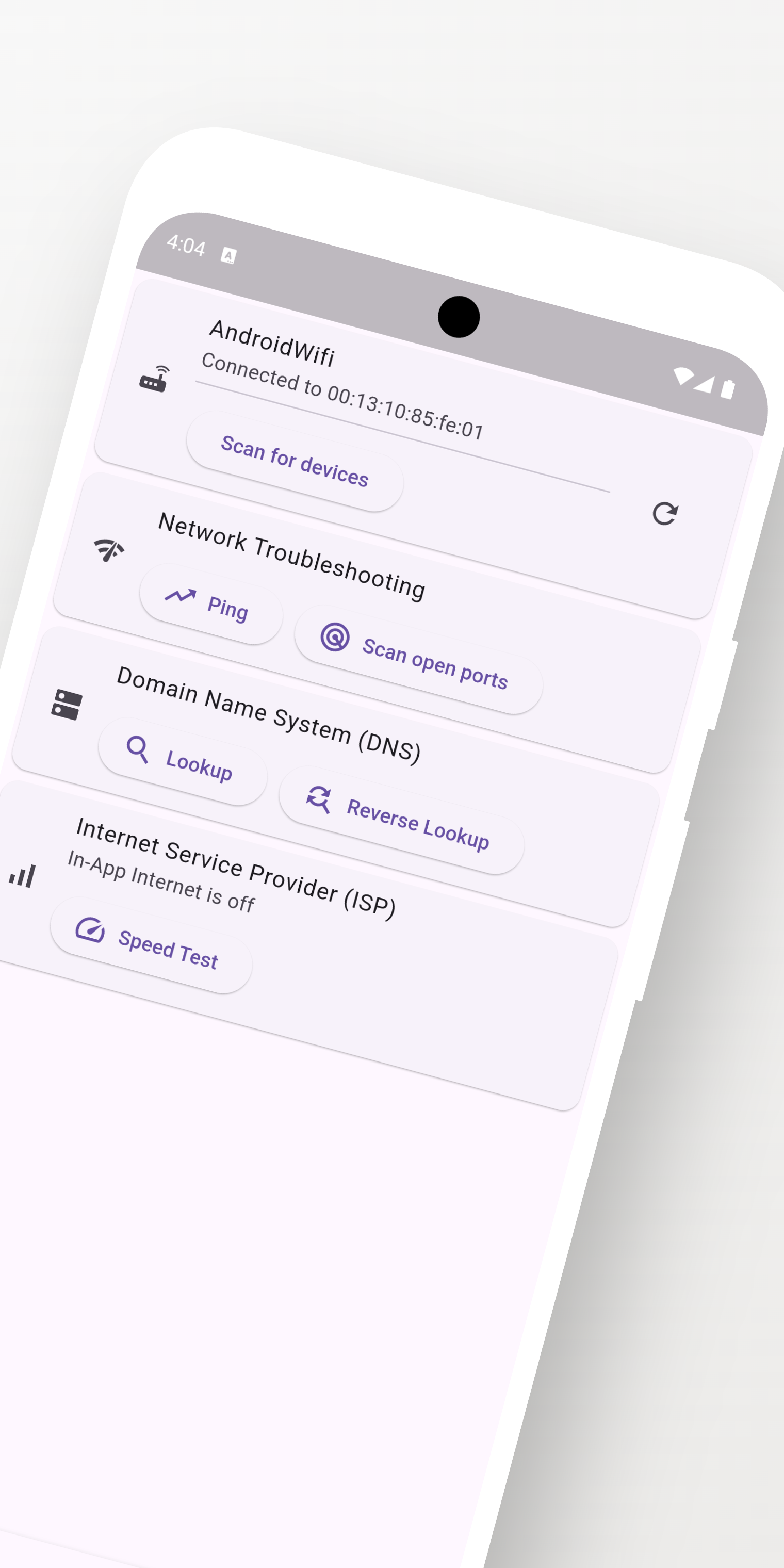
- Shows Wi-Fi details such as BSSID and MAC Address.
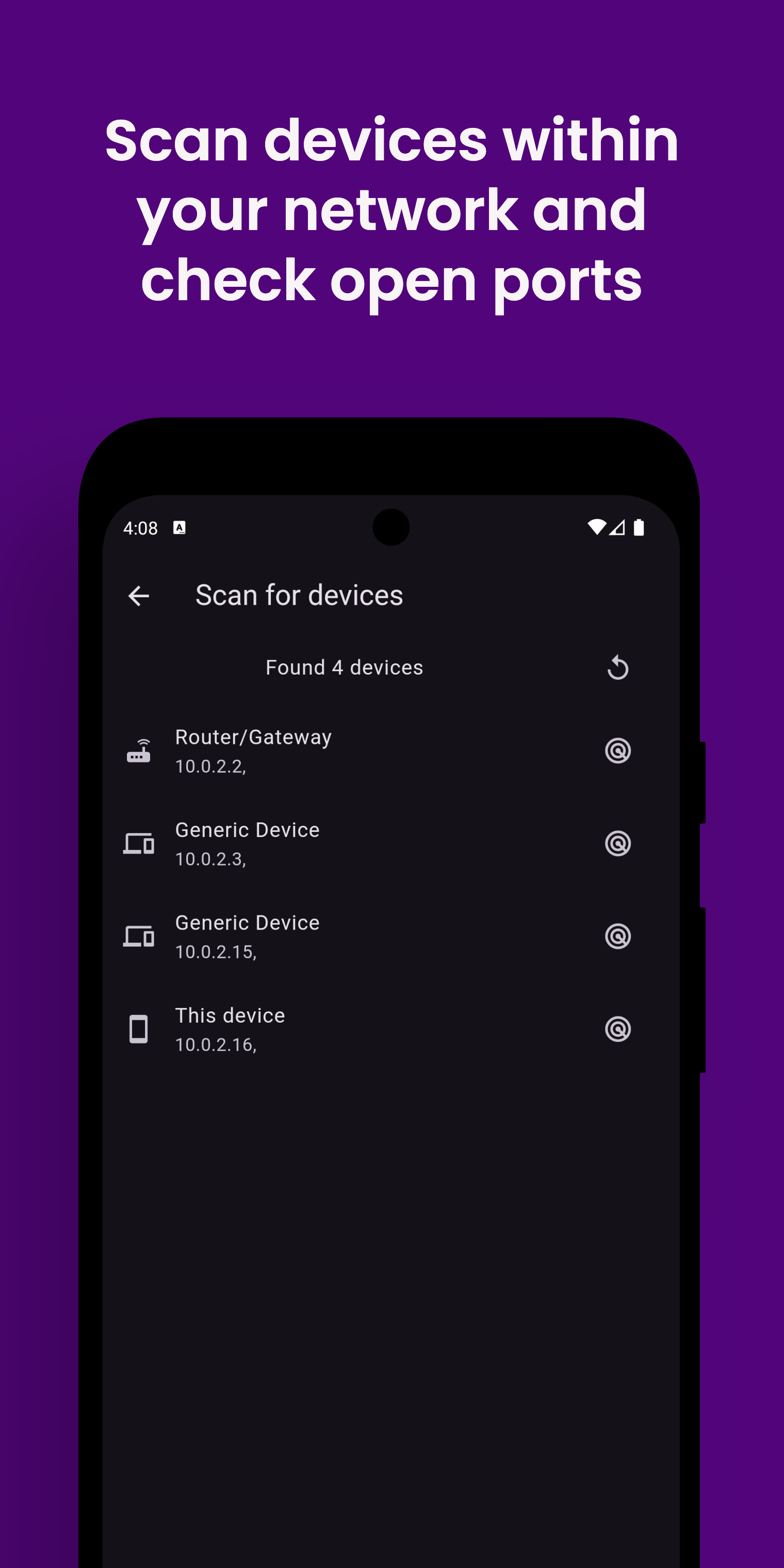
- Scans for devices(or hosts) on network
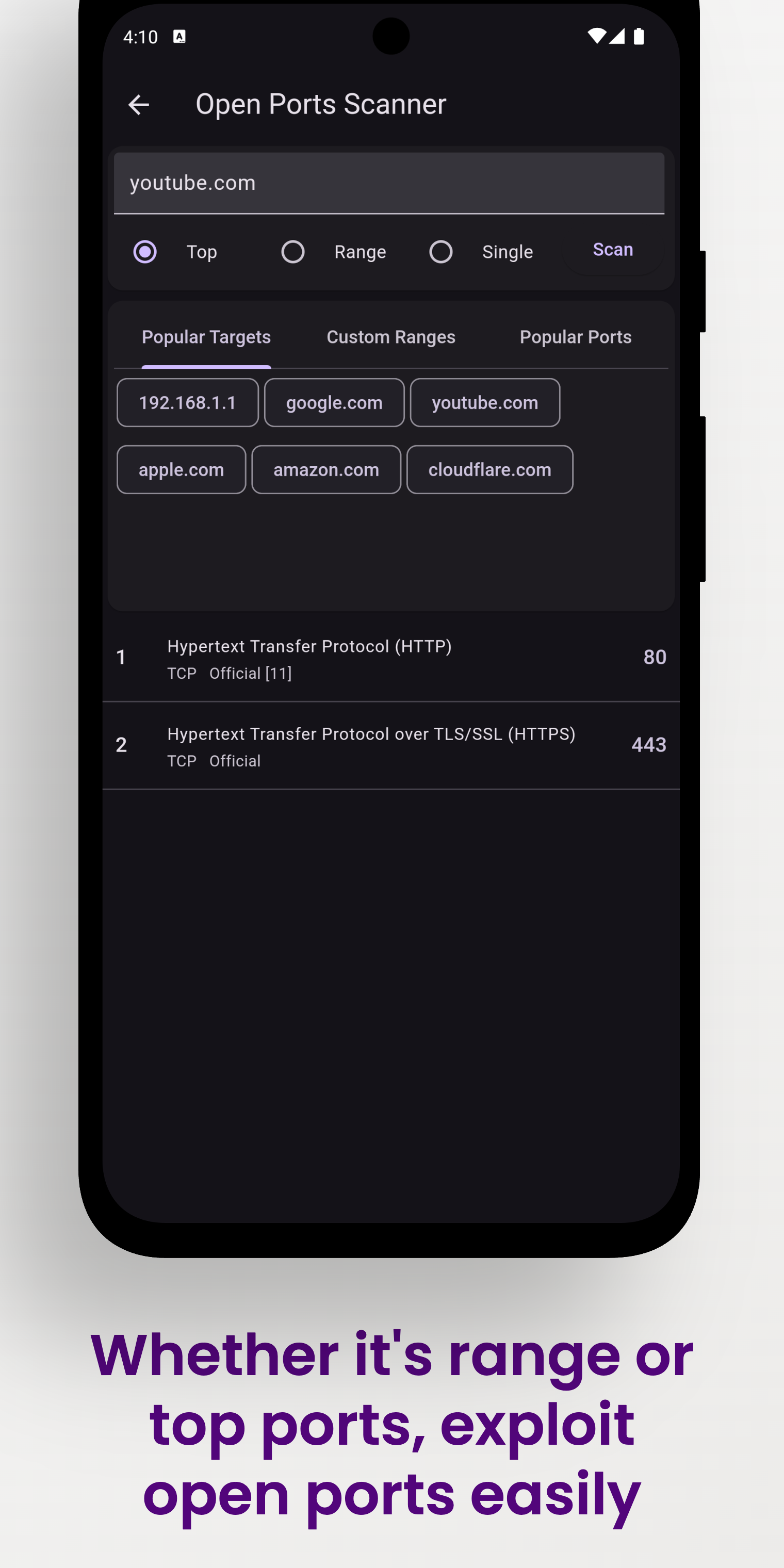
- Scans for open ports of target IP
- Shows ISP details
- Internet Speed Test using speedtest.net
Screenshots
| Vernet | Home | Devices | Open Ports |
|---|---|---|---|
 |
 |
 |
 |
| Ping | DNS | Speed test | Settings |
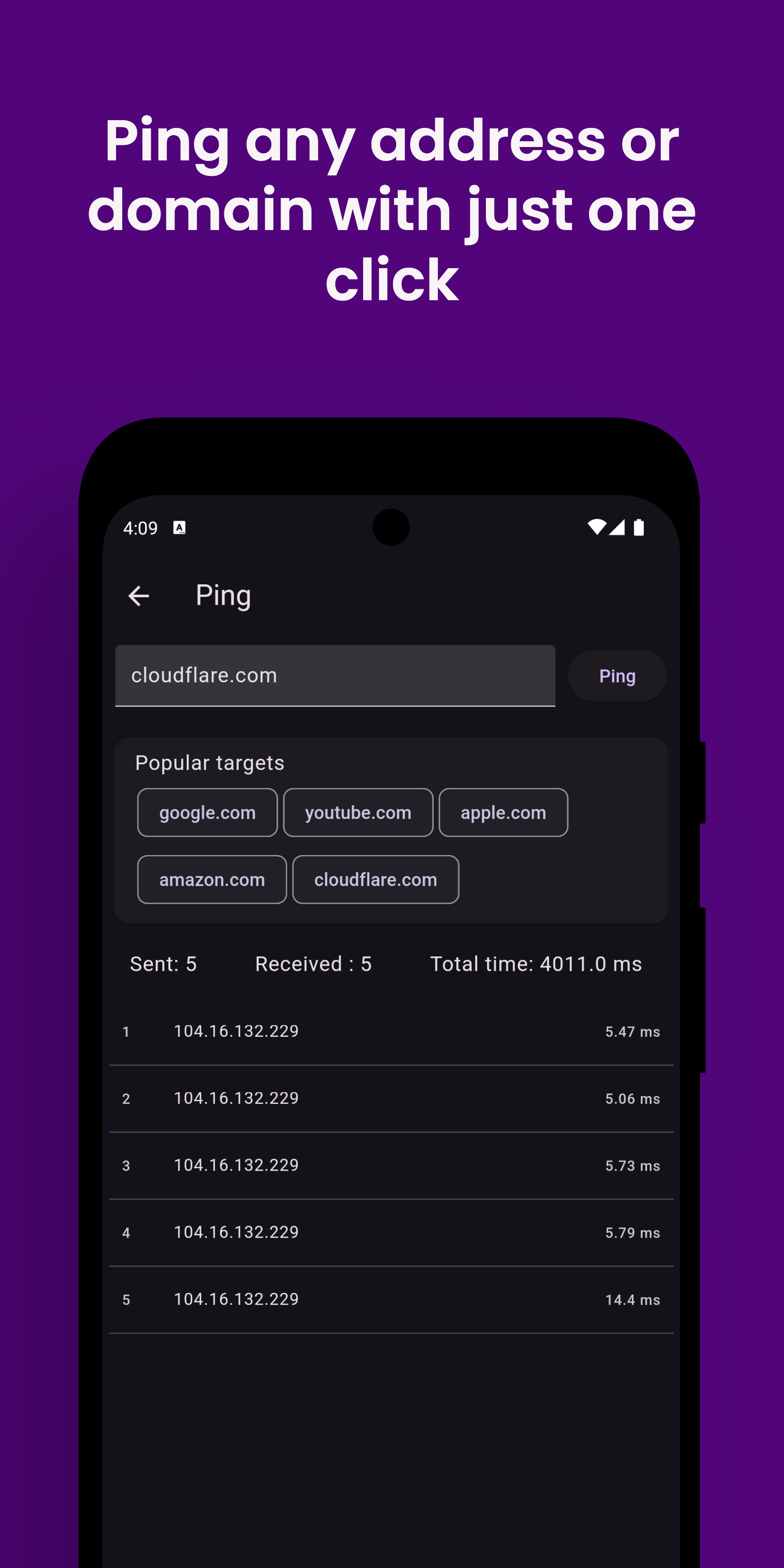 |
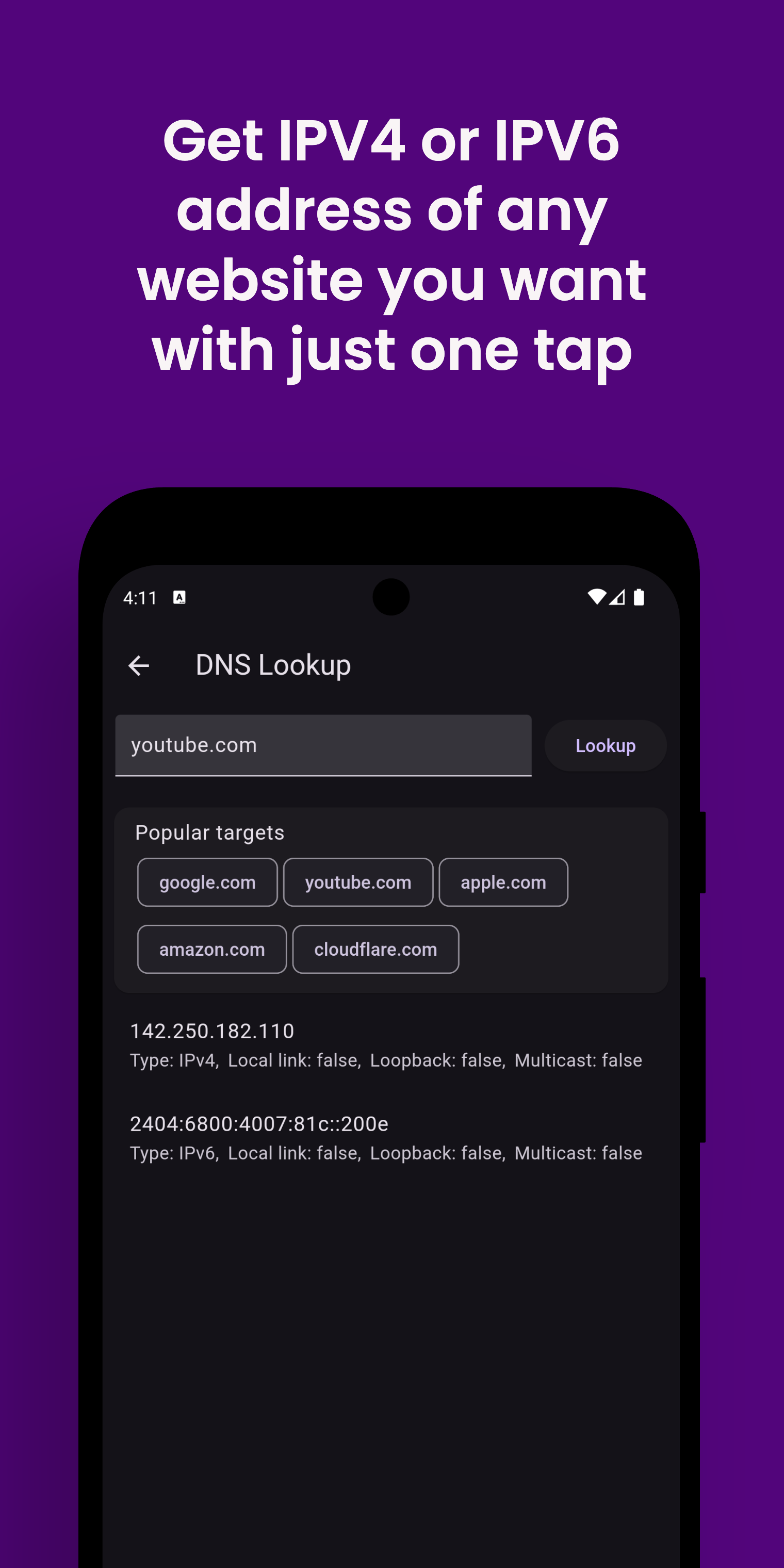 |
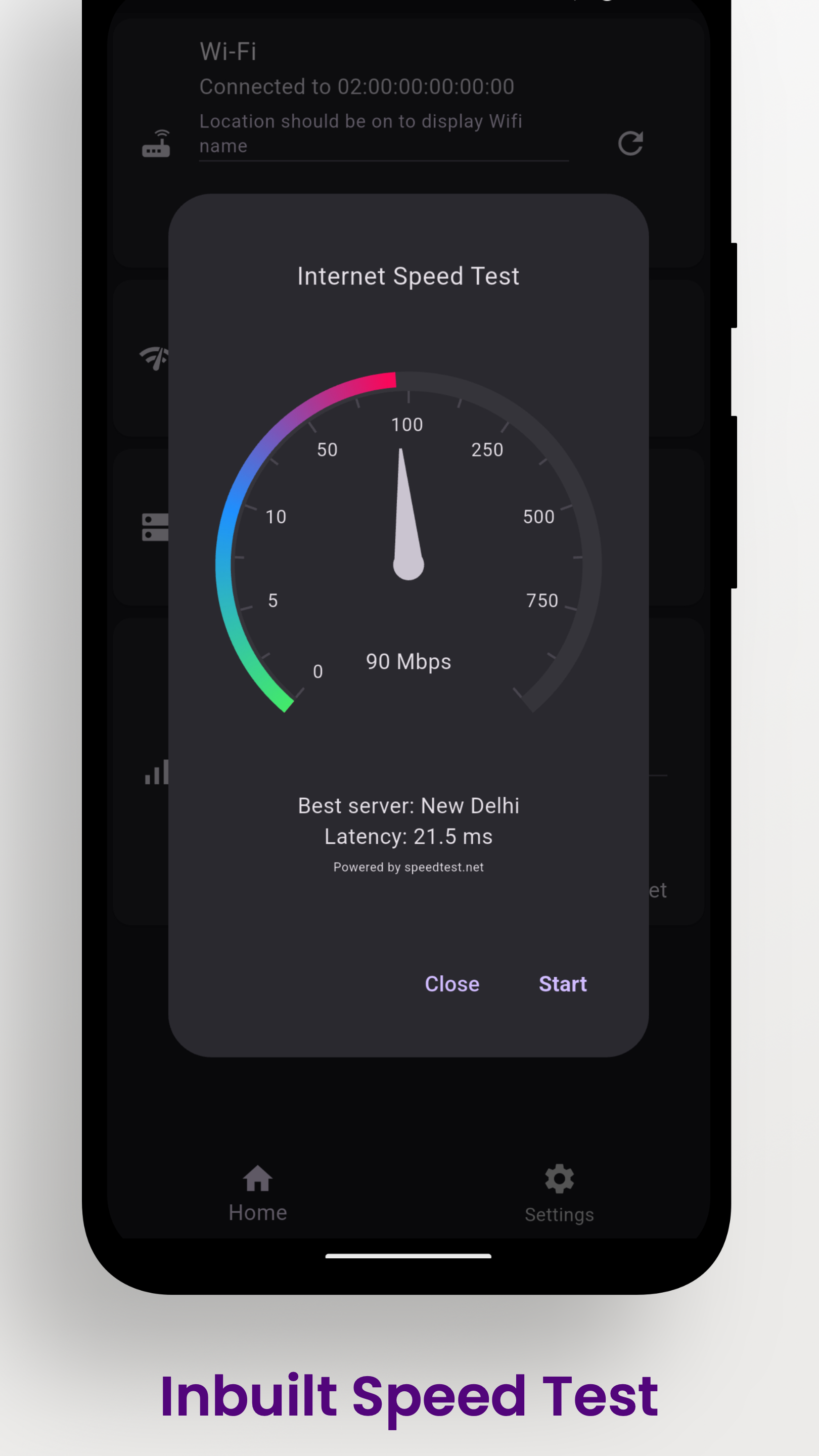 |
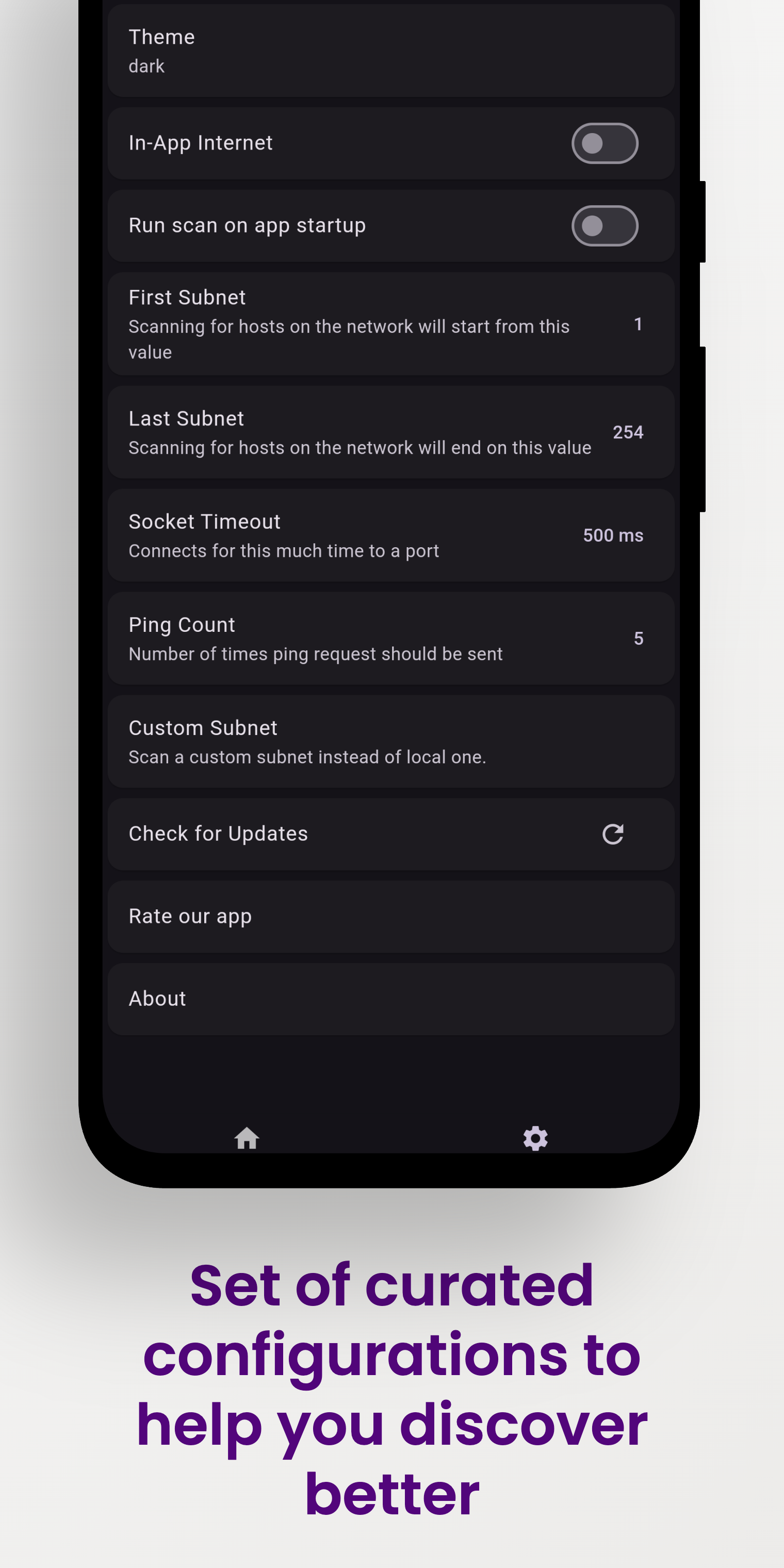 |
Download
| Android | iOS | macOS | Linux | Windows |
|---|---|---|---|---|
  |
Works on emulator |  |
|
|
How to install
Instructions for macOS
Note: macOS build hasn't been notarized yet.
- Star this repository.
- Download vernet-macos.zip from releases
- Extract downloaded zip file.
- Copy app file to the Applications folder.
- Go to Applications folder.
- Press down cmd + left click on vernet.
- In context menu, click on open.
Instructions for Linux
- Star this repository.
- Install
net-toolspackage forarpcommand, otherwise app will not run. - Download vernet-linux.zip from releases
- Extract downloaded zip file.
- Go to bundle folder and double click vernet file.
Instruction for Windows
- Star this repository.
- Download vernet-windows.zip from releases
- Extract downloaded zip file.
- Run vernet.exe
- Click on more info, tap on 'Run anyway'.
- Give permission if asked.
Contributors Required
- Technical writer
Write us at [email protected]
Publishing to F-droid
You can follow this guide to publish your app to f-droid - https://op3nsoc13ty.blogspot.com/2021/06/publish-your-first-flutter-app-to-fdroid.html
How to Contribute
- Found bug? Open an issue
- Do you know Flutter? Fix bugs and open a Pull Request
Support and Donate
-
Support this project by becoming stargazer of this project.
-
Rate our app on Playstore
-
Buy me a coffee.
Librepay 
-
Support me on Ko-Fi
