
Video Editor with Wasm and React
Introduction
This project demonstrates how to build a simple video editor using WebAssembly (Wasm) and React. The editor leverages the ffmpeg.wasm library to perform video processing directly in the browser, allowing users to upload a video, trim it, convert it to a GIF, and download the resulting file.
Getting Started
Prerequisites
Ensure you have the following installed on your system:
- Node.js and npm (8+)
- React (18.2+)
Project Setup
- Clone the Repository
git clone https://github.com/Tonel/video-editor-wasm-react
cd video-editor-wasm-react
- Install Dependencies
npm install
- Run the Application
npm start
Open http://localhost:3000 to view the app in your browser
What We Are Building
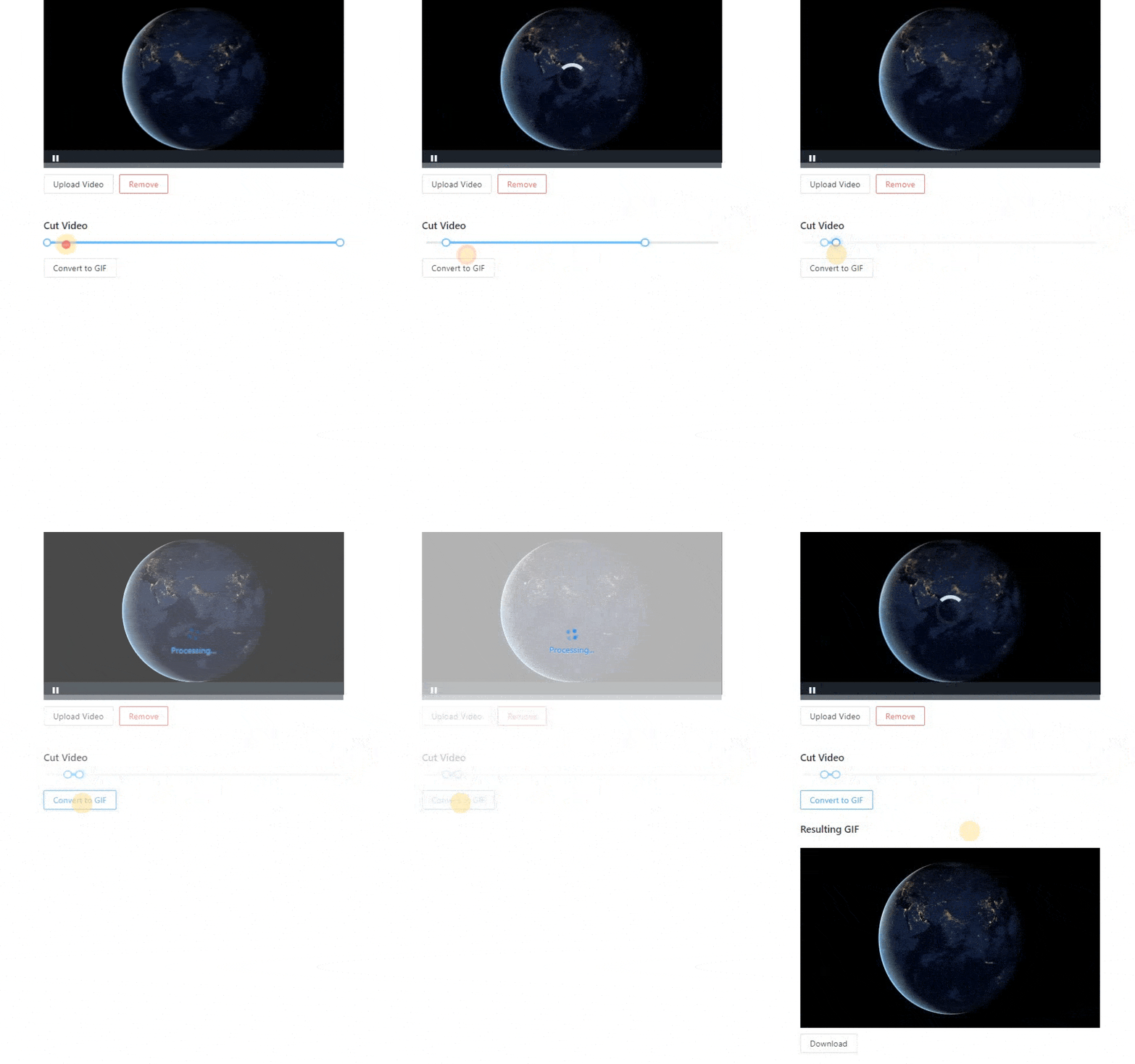
This project showcases a web-based video editor built with React and WebAssembly. Users can:
- Upload a video
- Trim the video using a slider
- Convert the trimmed portion to a GIF
- Download the resulting GIF
Technologies Used
-
React: A popular JavaScript library for building user interfaces, making it easy to create interactive UIs.
-
WebAssembly (Wasm): A binary instruction format that enables high-performance applications in the browser, allowing us to run ffmpeg in the browser.
-
ffmpeg.wasm: A WebAssembly port of FFmpeg, enabling video and audio processing directly in web applications.
-
Ant Design: A popular React UI framework used for the upload button and slider components.
-
Video-React**:** A React component for playing videos, providing a simple way to include video playback in our editor.
These technologies were chosen to create a responsive and efficient video editor that runs entirely in the browser without the need for a backend server.
Learn More
For a detailed step-by-step tutorial on how this video editor was built, please refer to the blog post.
Commercial Alternative
If you are looking for a fully-featured commercial video editor, check out our Video Editor SDK for the Web. It is based on WASM and WebCodecs and runs entirely in the browser, providing powerful video editing features, including cropping, trimming, filters, brightness, color adjustments, and more.
Enjoy building your video editor!