
vue-wordpress-pwa
An offline-first SPA using Vue.js, the WordPress REST API and Progressive Web Apps
Live version: https://www.fullstackweekly.com/






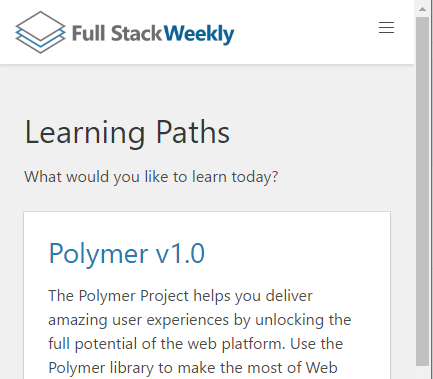
Description
This is the code for the FullStackWeekly website. You can use it as a starter pack for your WordPress site as well.
Since WordPress can expose a REST API, this project uses Vue.js, Vue-router, Vuex, Vue-resource & Progressive Web App techniques to create an offline-first web client.
You can also fork the project and host it on Azure App Services with continuous integration using the deploy.cmd file (included)
Live version: https://www.fullstackweekly.com/
Getting Started
Prerequisites
Make sure that Node v11 is installed.
Features
- Modern JavaScript syntax with ES6 via babel.
- Module bundler via webpack.
- Components-based architecture via Vue.js.
- State management via Vuex.
- Cache busting via file-loader
- Progressive Web App enabled with service workers
- Offline capable with service workers, app cache
- CSS with Sass
Instructions
First, install the WordPress plugins to enhance its REST API
- Better REST API Featured Images
- REST API Enabler
- WP REST API - filter fields
- WP REST API - Pure Taxonomies
Then, clone the repo or create a fork
$ git clone https://github.com/bstavroulakis/vue-wordpress-pwa.git
Then, edit the config:
src/app.config.js
Then, edit the theme, routes and assets:
src/theme/
src/components/routerTypes.js
src/components/router.js
src/assets
Finally, to run the project for development with hot reload:
$ npm install
$ npm run dev
Or, build the project for production:
$ npm run build
Deployment
Setup a new site on Azure App Services https://[fullstackweekly].azurewebsites.net and as the path select your forked Github project.
Your site should be running on the path you created (https://[fullstackweekly].azurewebsites.net)!
It should work offline as well and with every commit it will deploy the changes to Azure.
Once the user refreshes the site he will receive the new cached version immediately.
License
MIT