
VueDisk File Manager
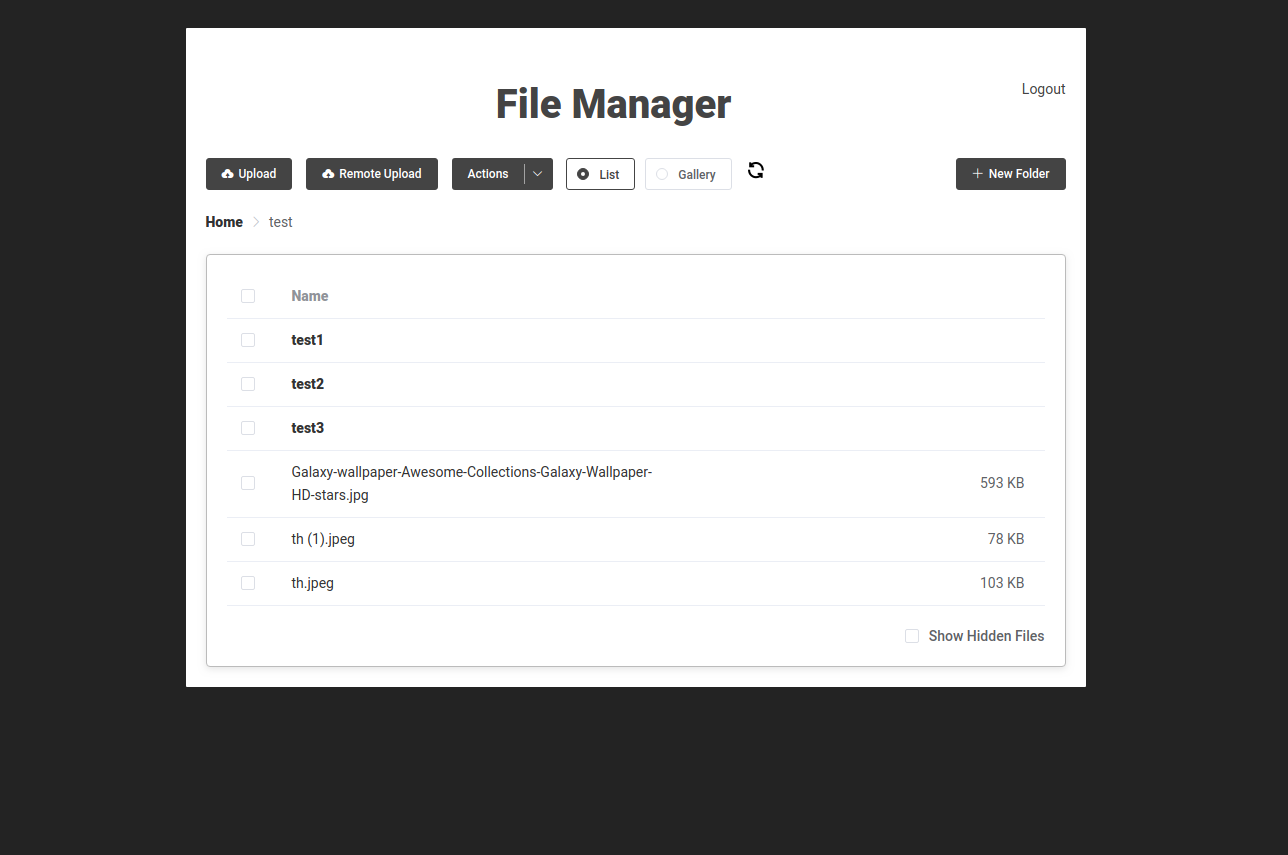
File Manager using vuejs, element ui as frontend and php as backend.
Inspired from Filegator, Aws S3 explorer and Google Drive UI.
It is faster than OwnCloud & Next Cloud and is very simple to setup.
Features
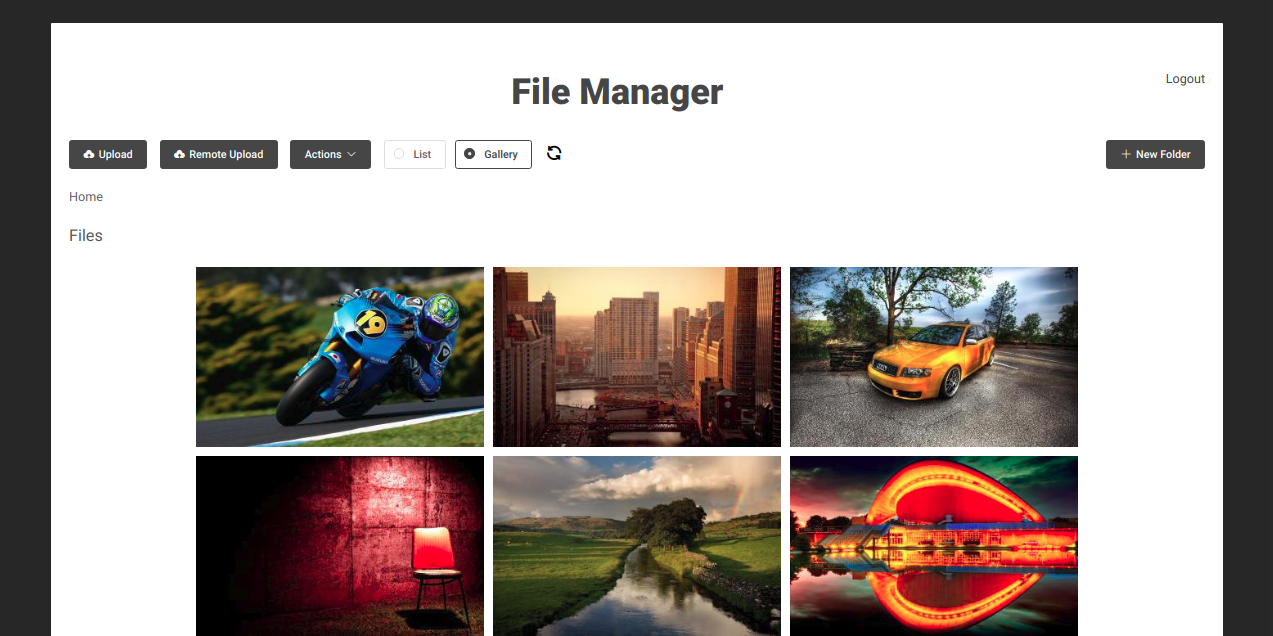
- Generate thumbnails dynamically
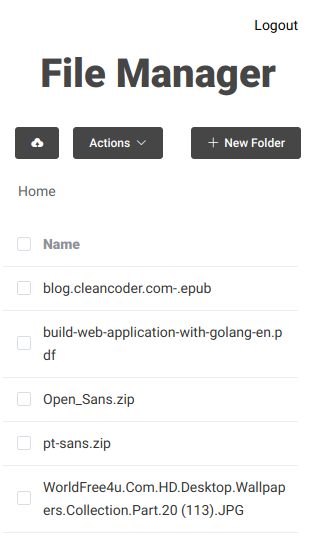
- Fast & smooth navigation
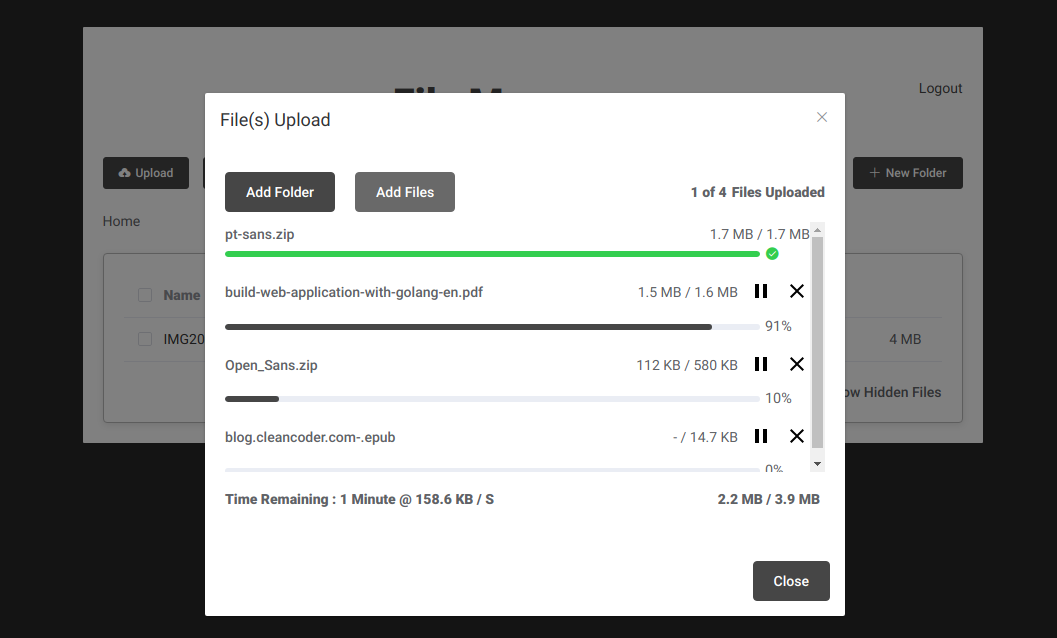
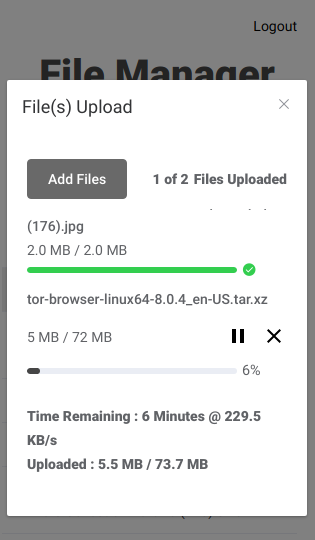
- Fast Uploading (parallel uploading feature)
- Upload any size of file even when there is file size limitation in server
- Folder upload
- Remote file upload
How to setup?
- Change or add username, password and home directory in the file apis/base-dir.php and you are good to go. It doesn't use any type of database.
- Copy script to your php server or cloud.
FAQ
Que. Gallery images are not displaying ?
Ans. Increase memory limit and execution time limit (maximum the better). Vuedisk generates thumbnails when you open that directory. Therefore it could be slow ( or may be very slow). When you click on any image thumbnail, then it generates another image thumbnail.
This is because lets say I have an Image whose size is 10 MB. So at first it generates image of height 320px (~ 150 KB). When you click on that image, it generates image of height 720px (~ 2MB). And when you click download button, it downloads original image (10 MB).
Also it would be better if you use SSD storage.