
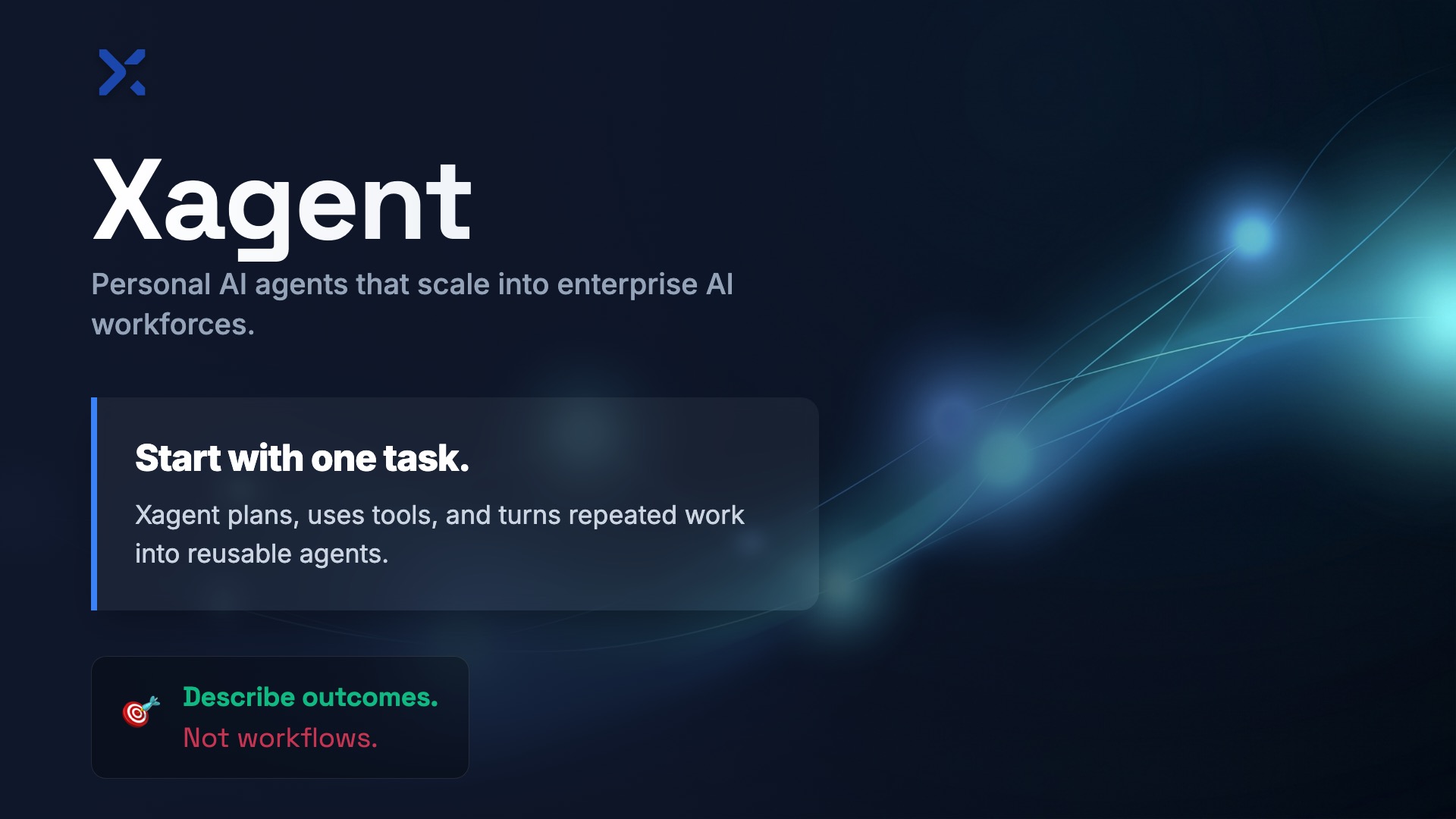






Xagent
Start with a personal agent. Scale into an AI workforce.
Xagent helps individuals complete real tasks, teams publish reusable agents, and enterprises run agent systems with their own tools, models, knowledge, and infrastructure — without brittle workflows.
Describe the outcome. Not the workflow.
One task
  ↓
Personal Agent
  ↓
Reusable Agent
  ↓
Team Workforce
  ↓
Enterprise Agent Platform
For personal work, team automation, and enterprise AI systems.
❤️ Like Xagent? Give it a star to support the development!
Quick Start
Get started in 3 minutes
1️⃣ Clone and configure
git clone https://github.com/xorbitsai/xagent.git
cd xagent
cp example.env .env
# Edit .env to configure at least one LLM API key.
2️⃣ Start with Docker
docker compose up -d
3️⃣ Open in browser
http://localhost:80
On first startup, Xagent redirects to /setup.
Create the first administrator account to complete initialization.
If the admin password is forgotten, reset it via CLI:
docker compose exec backend python -m xagent.web.reset_admin_password --username <admin_username>
That's it. Xagent is now running.
One platform, three ways to use it
| Use Xagent as... | For... | What you get |
|---|---|---|
| A personal agent | One-off tasks, research, writing, files, and data exploration | Chat-style execution with tools, files, models, and real-time progress |
| A team workforce | Reusable agents, shared knowledge, repeated operations, and handoffs | Agents with roles, tools, models, knowledge bases, templates, live preview, and publishing |
| An enterprise agent platform | Private data, production use cases, and internal systems | Self-hosting, private cloud and on-prem deployment, Xinference integration, monitoring, and multi-user control |
What is Xagent?
Xagent is an agent platform for personal work, reusable team agents, and enterprise AI systems.
For individuals, it works like a powerful personal agent: describe a task, attach files, use tools, and get results.
For teams, it turns repeated work into reusable agents: define roles, connect tools and knowledge, test with live preview, then save and publish.
For enterprises, it provides the control needed to run agents with your own models, data, infrastructure, and internal systems.
Xagent is not a chatbot wrapper. Xagent is not a static workflow builder. Xagent is a runtime for agentic work.
Why not workflow builders?
Workflow builders are useful when the process is fixed.
But real knowledge work is messy:
- Requirements change
- Inputs are incomplete
- The next step depends on what the agent discovers
- Tools need to be selected at runtime
- The output may be a report, a file, a decision, or an action
Traditional workflow builders ask you to design every branch before the work begins.
Xagent plans while the work happens.
Real work does not look like a perfect flowchart. Real work looks like a team.
How Xagent works
Give Xagent a goal:
Analyze three competitors, summarize their positioning, and draft a launch plan.
Xagent can turn it into coordinated work:
Planner Agent
  ├─ Research Agent: gathers market and product signals
  ├─ Data Agent: structures competitors and trends
  ├─ Analyst Agent: identifies strategic opportunities
  ├─ Writer Agent: drafts the narrative
  └─ Operator Agent: prepares the final deliverables
During execution, Xagent can:
- Plan the task dynamically
- Break work into executable steps
- Select tools and models
- Use files, APIs, knowledge bases, and internal systems
- Track progress in real time
- Evaluate and iterate
- Deliver final artifacts
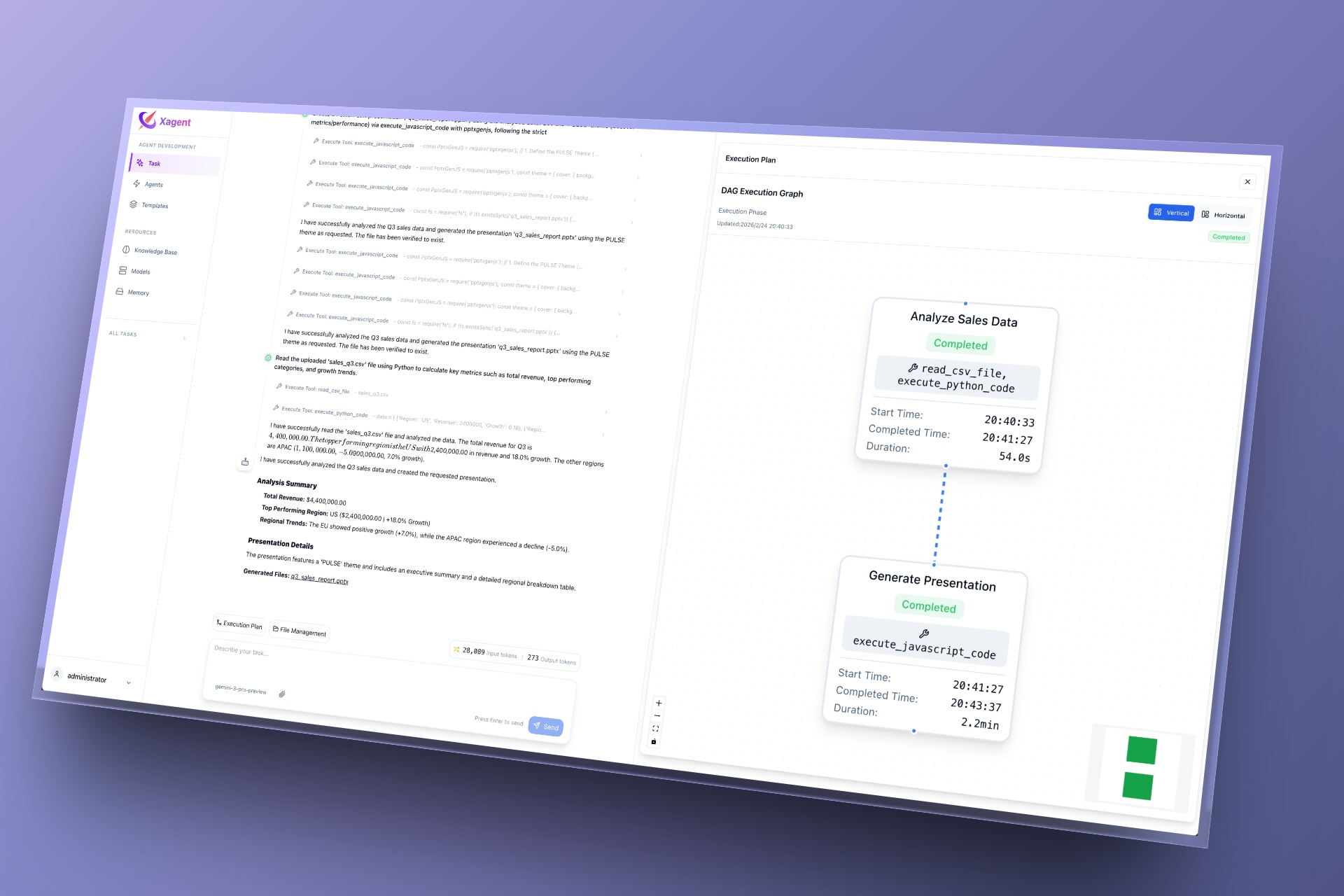
See Xagent work
Give it a goal. Watch it plan, call tools, execute steps, and deliver results.
What you can build
Personal agents
For your own daily work:
| Agent | Examples |
|---|---|
| Research Agent | Research a market, summarize papers, compare products |
| Writing Agent | Draft posts, emails, memos, launch copy |
| Document Agent | Summarize files, extract structured data, translate documents |
| Data Agent | Analyze CSVs, explain trends, generate reports |
| Creative Agent | Generate PPTs, posters, campaign ideas, design briefs |
Team workforces
For repeated work across a team:
| Workforce | What it does |
|---|---|
| Support Workforce | Answers customer questions from knowledge bases and docs |
| Marketing Workforce | Creates launch plans, landing copy, and campaign assets |
| Data Workforce | Runs analysis, explains metrics, investigates anomalies |
| Ops Workforce | Handles invoices, receipts, internal requests, and policy FAQs |
| Security Workforce | Analyzes suspicious emails and phishing attempts |
Enterprise agent systems
For production environments:
| System | What it connects |
|---|---|
| Internal Knowledge Assistant | Company docs, policies, FAQs, and internal knowledge bases |
| BI / Analytics Agent | Databases, reports, dashboards, and SQL tools |
| Customer Support Agent | Product docs, tickets, and troubleshooting workflows |
| Private Agent Platform | Self-hosted models, private cloud, and on-prem infrastructure |
Core capabilities
1. Instant personal execution
Start with a task. No workflow setup required.
- One-off tasks
- File-based work
- Chat-style assistants
- Tool-enabled execution
- Real-time progress tracking
2. Dynamic planning
Xagent plans at runtime instead of following static graphs.
- Automatic task decomposition
- Plan → Execute → Reflect loops
- Conditional execution
- Multi-step reasoning
3. Reusable agents
Turn repeated work into agents your team can reuse.
- Role definition
- Tool access
- Knowledge integration
- Model configuration
- Live preview
- Save and publish
4. AI workforce patterns
Compose specialized agents for complex outcomes.
- Planner agents
- Research agents
- Data agents
- Writing agents
- Domain agents
- Operator agents
5. Tools, models, and knowledge
Connect agents to the systems they need.
- OpenAI, Claude, Zhipu, DeepSeek, and other model providers
- Self-hosted models via Xinference
- Knowledge bases and RAG
- Files and documents
- APIs and internal systems
- MCP tools and integrations
6. Observability and control
Operate agents like real systems.
- Task lifecycle tracking
- Execution state management
- Real-time step details
- Tool call visibility
- Token usage monitoring
- Multi-user support
Enterprise-ready by design
Xagent can start as a personal agent, but it is built to grow into production environments.
| Enterprise need | Xagent capability |
|---|---|
| Private deployment | Local, private cloud, and on-prem deployment |
| Model control | API-based models and self-hosted models via Xinference |
| Data grounding | Knowledge bases, RAG, files, and internal systems |
| Operational visibility | Task lifecycle, execution state, token usage, and progress tracking |
| Team usage | Multi-user support and published agents |
| Safer execution | Optional sandboxed execution when enabled |
| Integration | APIs, MCP tools, internal services, and external systems |
You control your models, data, and infrastructure.
Xagent vs workflow builders
| Workflow builders | Xagent |
|---|---|
| You draw the flow | You describe the outcome |
| Static branches | Runtime planning |
| Manual tool wiring | Tool and model selection during execution |
| Breaks when requirements change | Adapts as the task evolves |
| Good for fixed processes | Better for ambiguous, knowledge-heavy work |
| Automation as diagrams | Automation as agentic execution |
Workflow builders automate known processes.
Xagent handles work where the path is discovered during execution.
Xagent in action
Watch Xagent move from goal to plan to execution to deliverable in real time.
Architecture overview
Xagent separates agent work into layers:
| Layer | Responsibility |
|---|---|
| User layer | Tasks, agents, templates, and widgets |
| Agent definition | Roles, instructions, constraints, tools, models, and knowledge |
| Planning engine | Runtime decomposition, planning, reflection, and iteration |
| Execution runtime | Task state, tool calls, progress tracking, and artifacts |
| Tool layer | Files, APIs, MCP tools, knowledge bases, and internal systems |
| Model layer | API-based models and self-hosted models via Xinference |
| Control layer | Users, monitoring, token usage, deployment, and sandboxing |
This architecture lets Xagent support both personal usage and enterprise-grade agent systems.
FAQ
Is Xagent a personal AI assistant?
Yes. You can use Xagent for one-off personal tasks like research, writing, file analysis, summaries, and data exploration.
But Xagent does not stop there. You can turn repeated work into reusable agents and publish them for your team.
How is Xagent different from a workflow builder?
Workflow builders require you to predefine the path.
Xagent plans dynamically at runtime. You describe the outcome, and Xagent decides the steps, tools, and execution path.
Can Xagent be used in enterprise environments?
Yes. Xagent supports self-hosted deployment, private cloud, on-prem infrastructure, multi-user usage, observability, knowledge bases, internal systems, and self-hosted models via Xinference.
Can I use my own models?
Yes. Xagent supports API-based model providers and self-hosted models via Xinference.
What license does Xagent use?
Xagent is released under the Xagent Source License. See the LICENSE file for details.
Stay Ahead
Xagent is actively developed and rapidly evolving.
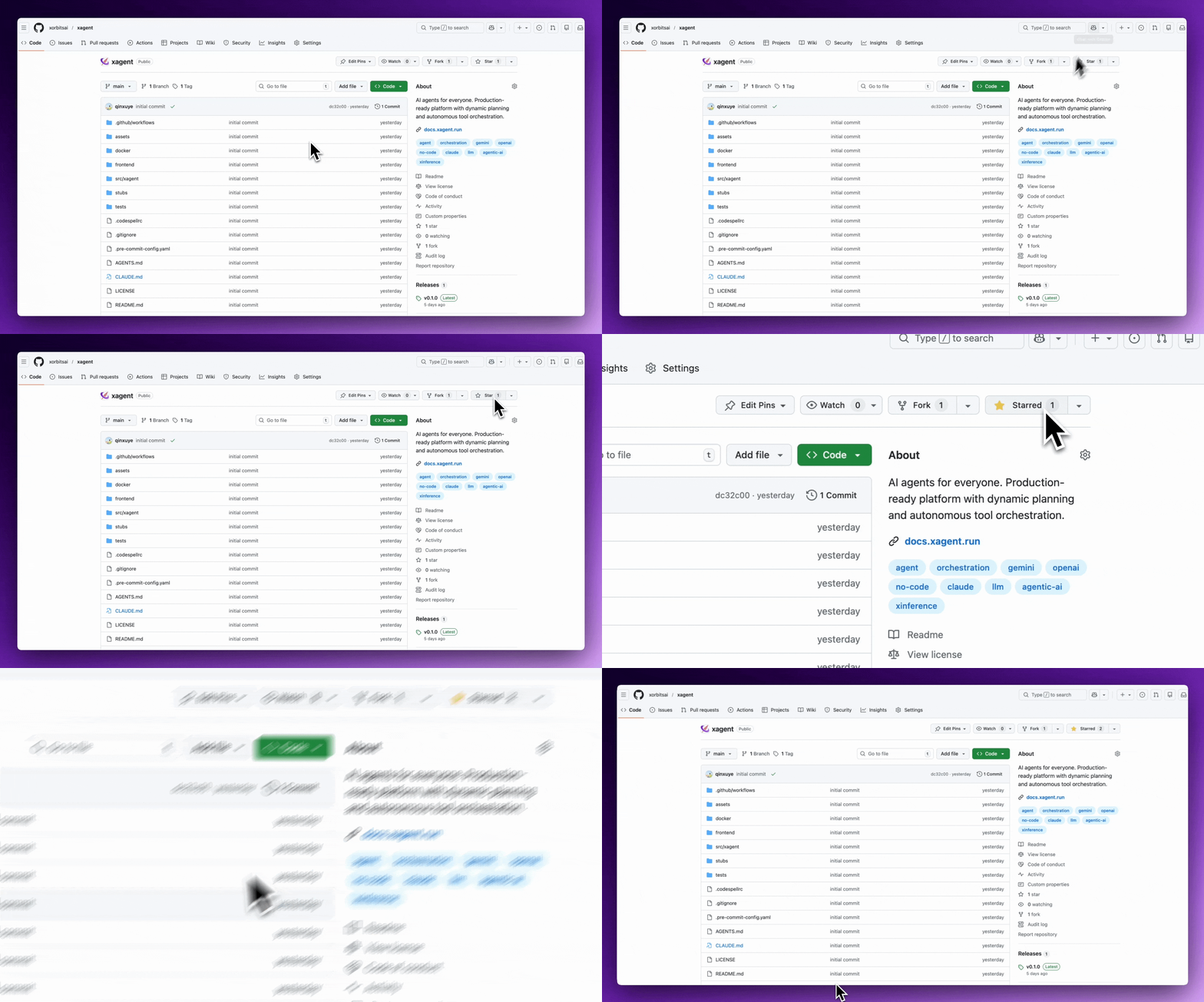
Follow our progress:
- ⭐ Star us on GitHub to stay updated
- 🐛 Report issues and request features
- 💬 Join our community discussions
Community & Contact
Documentation - Full documentation and guides
GitHub Issues - Report bugs or propose features
Discord - Share your tasks or agents and connect with the community
Telegram - Join our Telegram group for discussions
X (Twitter) - Follow for updates and share your work
License
This project is licensed under the Xagent Source License - see the LICENSE file for details.