Yak Chat
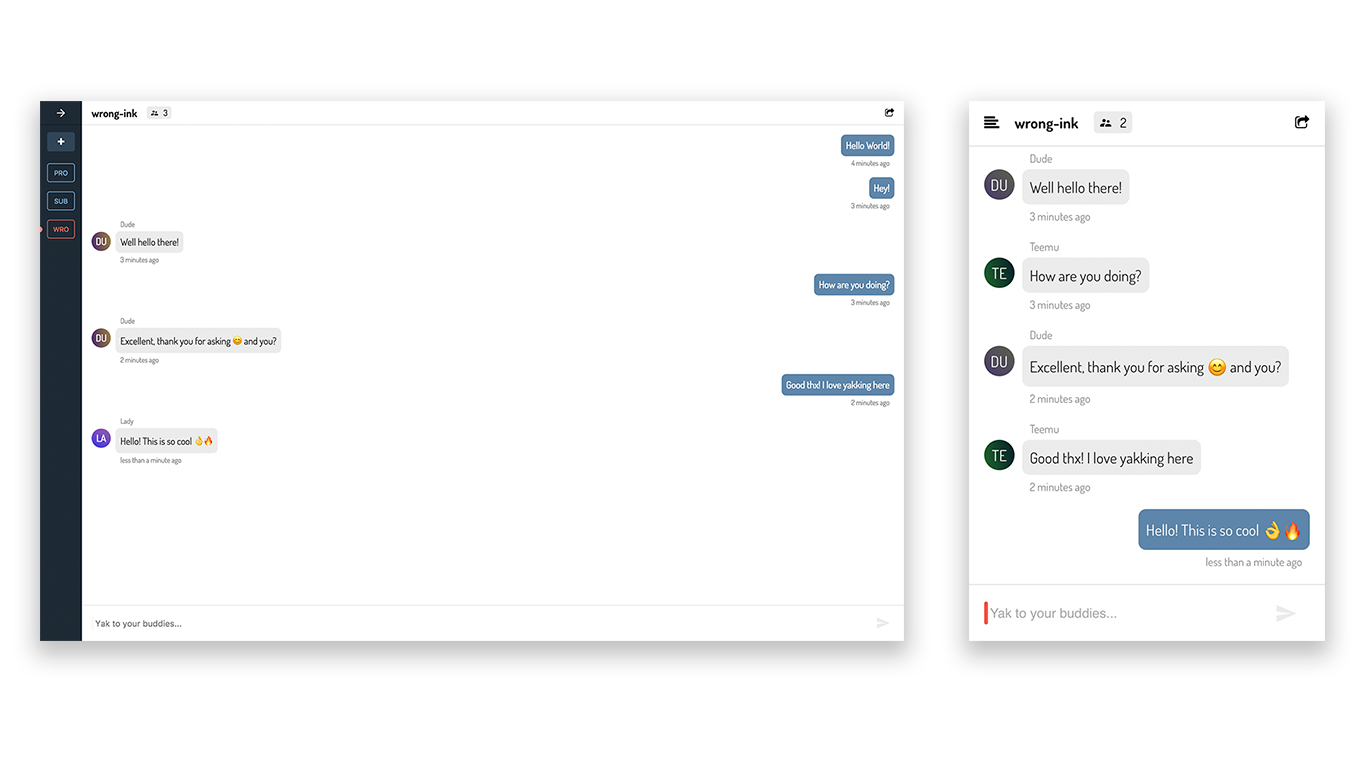
Yak Chat is a school project to research modern technologies such as WebSockets, Service Worker and offline storages to create an efficient and easy-to-use chat application.
The frontend is implemented with React, styled-components and mobx-state-tree, and the light-weight backend is built with Koa and MongoDB. Real-time communication is dealt with socket.io on both sides, and data is persisted with localStorage and the application caching is provided by create-react-app out of the box via a Service Worker.
Current features:
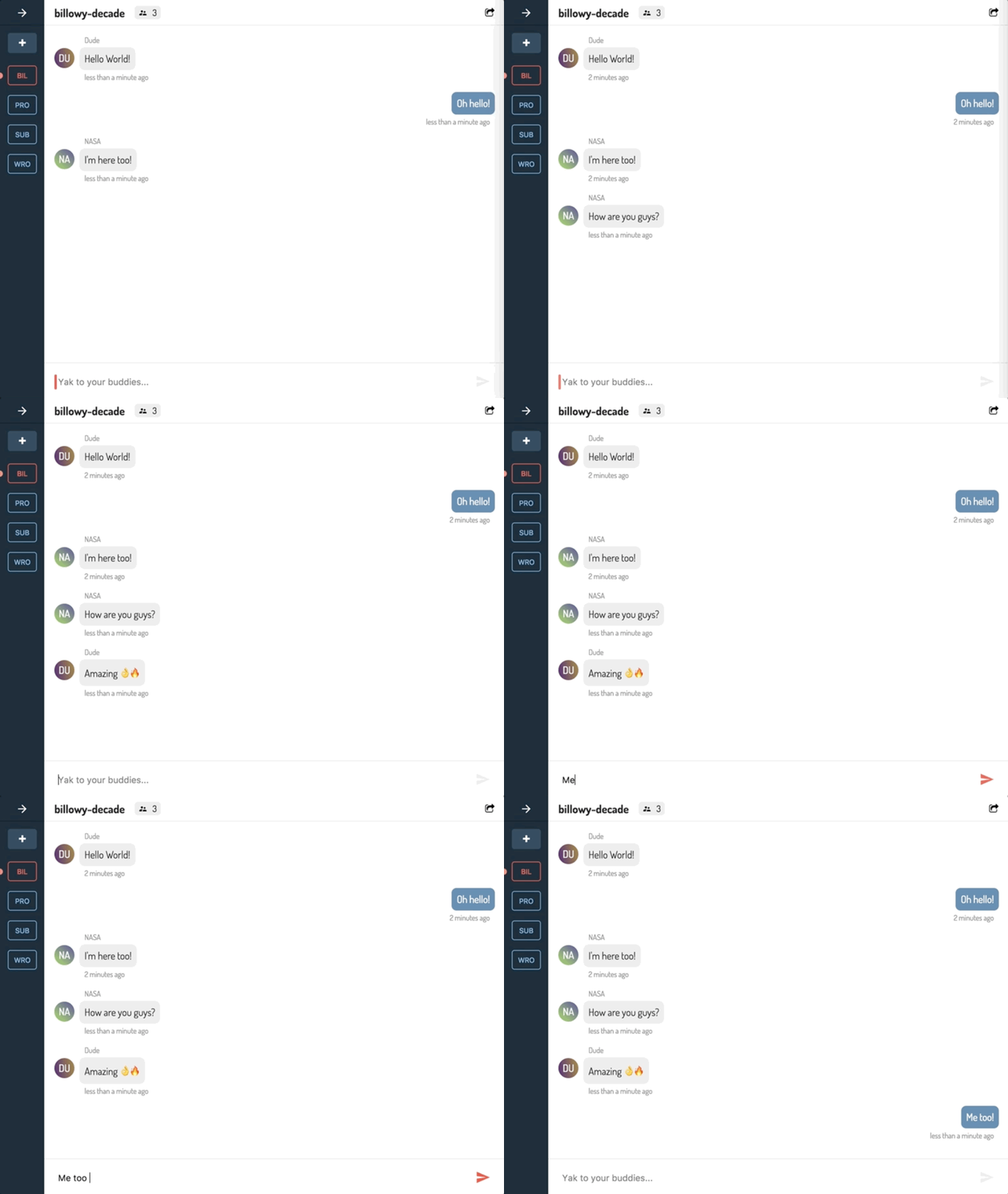
- Send and receive messages in real-time
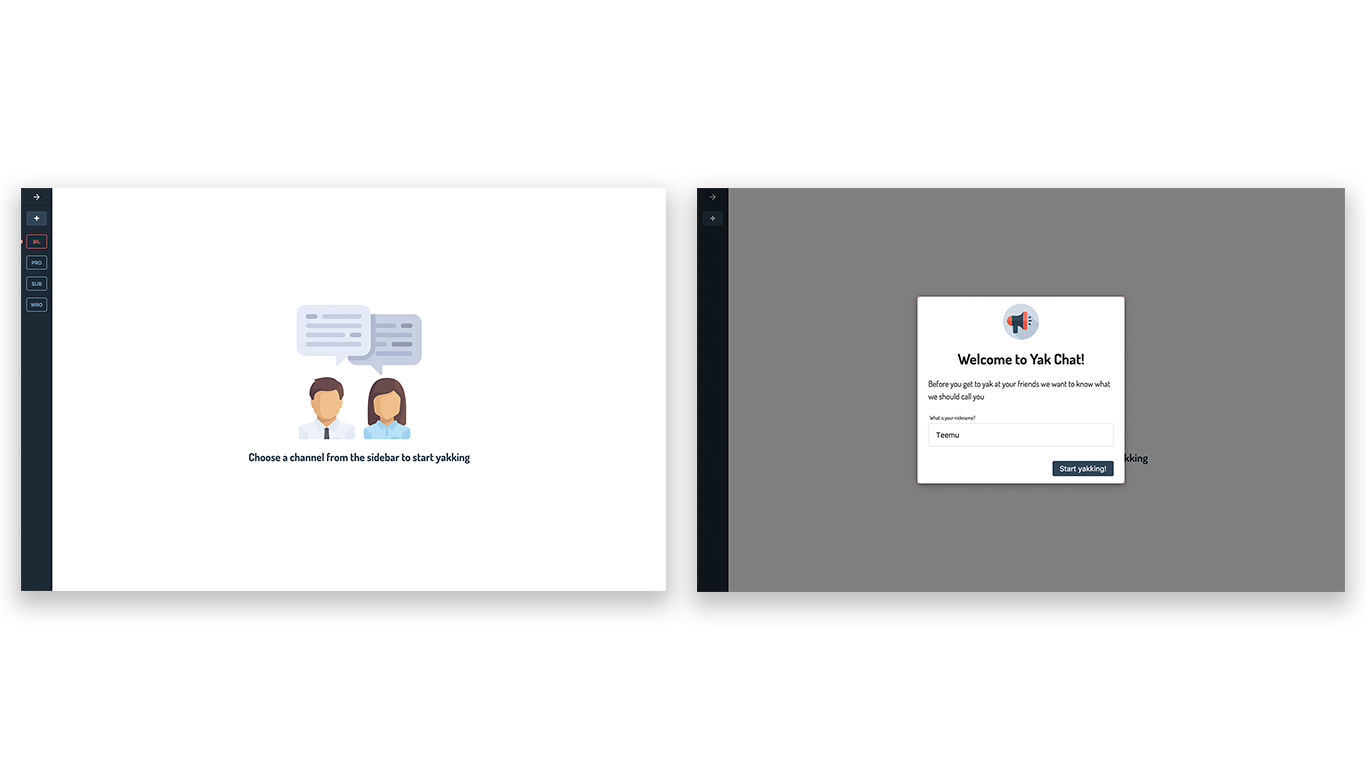
- Create multiple channels
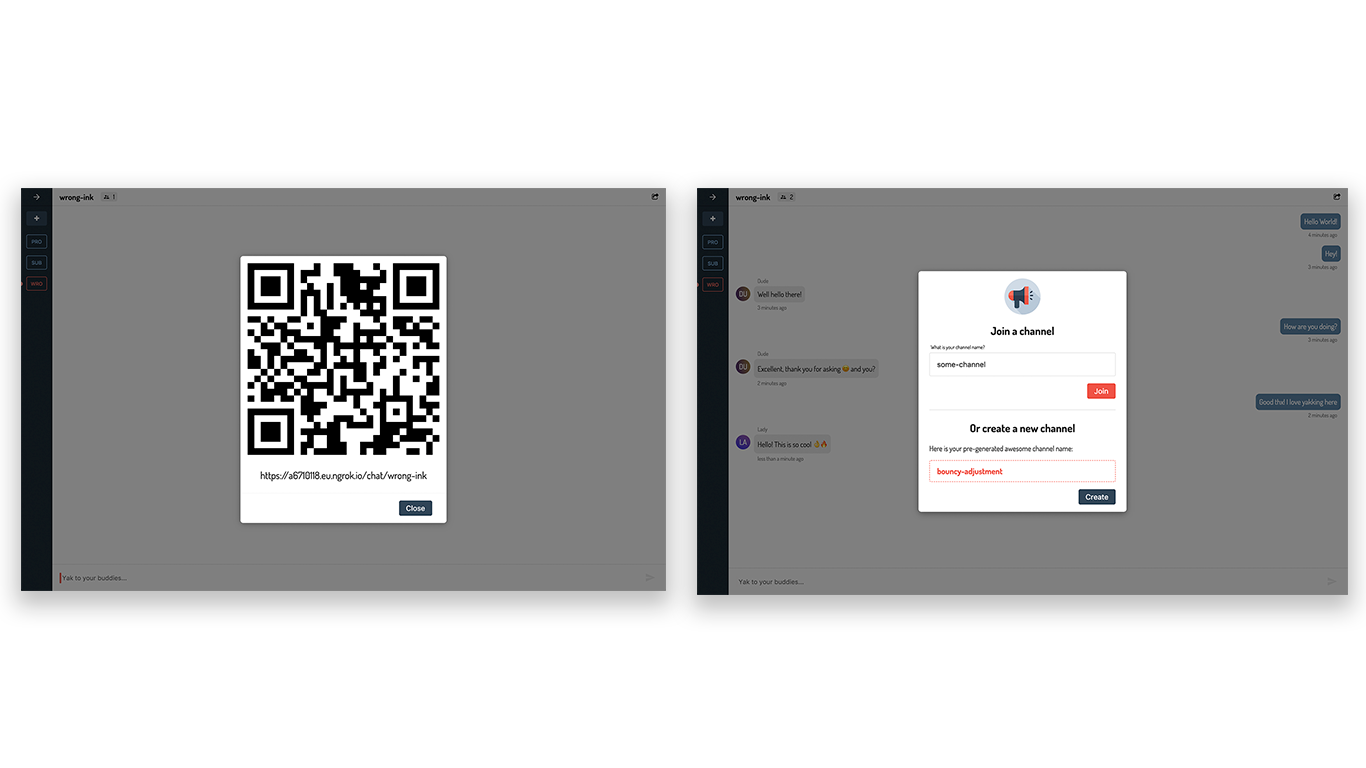
- Invite people to channels with a QR-code
- Directly join channel by it's name
- See how many people are currently in the channel
- Automatically generate funny channel name suggestions
Requirements
Development
First install linters:
$ npm install
Then start the app:
$ npm run up
Then open localhost:3000 in the browser.
Production demo
Build the production demo version with ngrok:
First start ngrok:
$ ./ngrok http -region eu 3000
Then change the API_URL in /client/src/config.js to be the https url that ngrok outputs.
Then build the demo:
$ npm run demo
If you have made changes after last build re-build from scratch:
$ npm run demo:clean
Handy commands
Remove current containers:
$ npm run down
Remove current containers and rebuild them:
$ npm run clean:build
Remove node_modules and install packages:
$ npm run clean:install
When you add a new npm package you need to reinstall packages inside the Docker container:
$ npm run reinstall:client
$ npm run reinstall:server
Screenshots